Sophistec Dev House
Sophistec Dev House

Plaid

We eliminate manual banking data entry by synchronizing real-time transactions directly into your ERP with secure, automated financial integration.

agriculture-management-system

Plaid

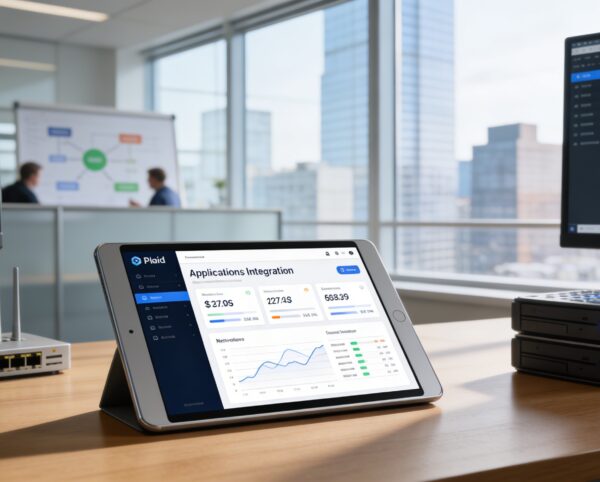
The Plaid Add-On is purpose-built to simplify and automate financial transaction management by enabling direct communication between your ERP and your bank. With this integration, every transaction, whether deposits, withdrawals, or transfers, flows securely into your system in real time, ensuring accuracy and saving countless hours of manual input.

Its main purpose is to:

Real-Time Banking Integration for Accurate Financial Control

Organizations often struggle with manual bank data entry, reconciliation delays, and inconsistent financial records that limit real-time visibility. The Plaid Add-On solves these challenges by securely synchronizing live bank transactions directly into the ERP, eliminating errors and repetitive work. This enables finance teams to maintain accurate books, strengthen cash flow oversight, and focus on strategic analysis instead of administrative tasks.

Key Features

🔗 Real-Time Bank Sync
🧾 Auto Transaction Categorization
⚙️ Secure API Configuration
📅 Scheduled Data Updates
📊 Match & Reconcile Transactions
🔒 Encrypted Credential Management
📁 Multi-Account Connection Support
🔍 Quick Transaction Search & Filters 
Module Breakdown

Plaid

Each functional component of the system is modular and scalable for easy customization.

Plaid Configuration

Manage credentials, client IDs, and regional settings

Plaid Configuration

Manage credentials, client IDs, and regional settings

Bank Account Linking

Connect multiple accounts for live data synchronization

Bank Account Linking

Connect multiple accounts for live data synchronization

Transaction Syncing

Fetch and display up-to-date transaction data

Transaction Syncing

Fetch and display up-to-date transaction data

Match & Reconciliation

Auto-match or manually verify unmatched records

Match & Reconciliation

Auto-match or manually verify unmatched records

Audit Logs

Track all sync activities and configuration changes for transparency

Audit Logs

Track all sync activities and configuration changes for transparency
Features Highlights

Automated Bank Data Sync

Seamlessly connect your ERP to banks for real-time transaction syncing, reconciliation, and accurate financial visibility.

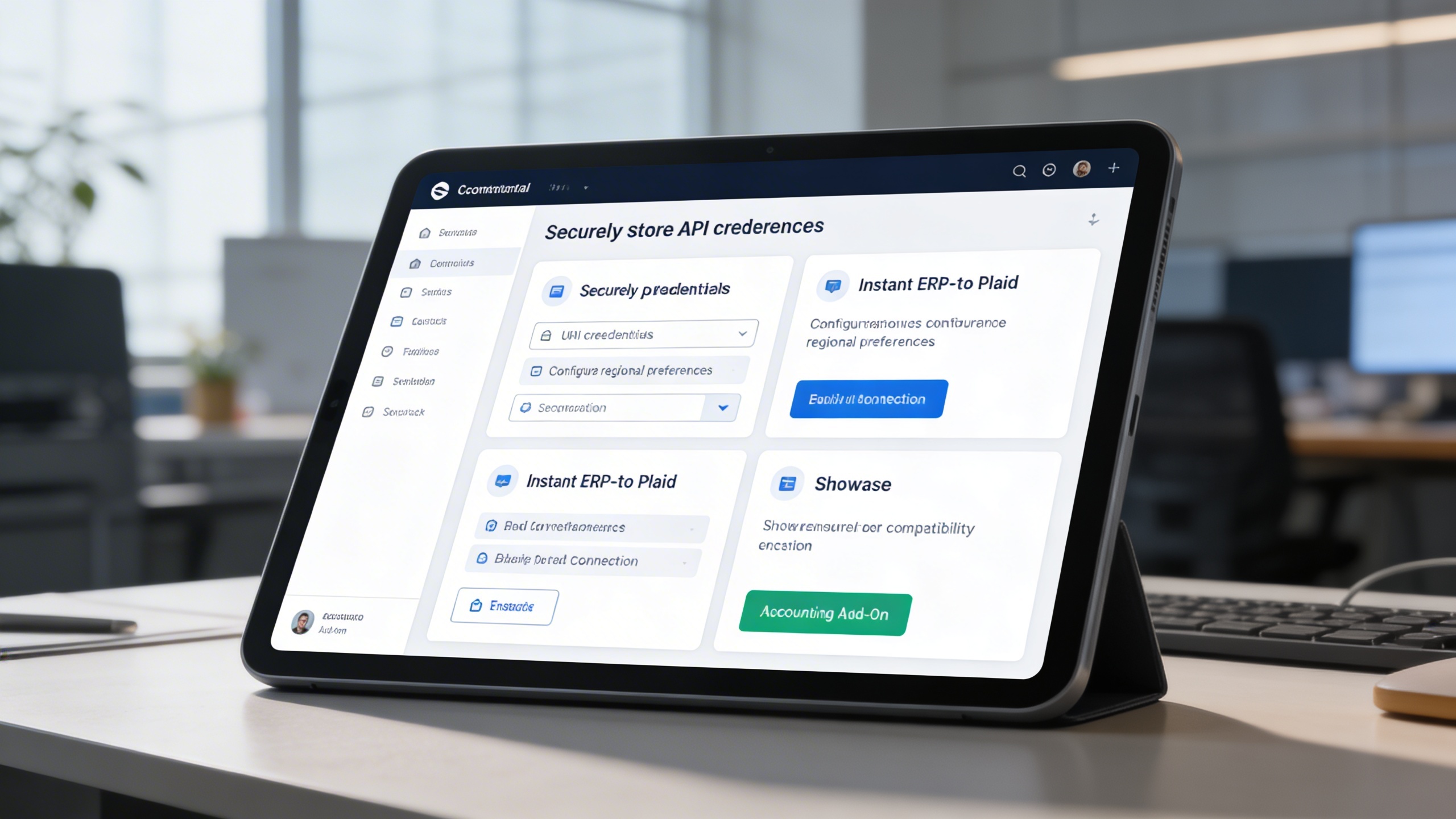
⚙️ 1. Quick Setup with Secure Configuration

Users can connect Plaid quickly by configuring credentials, regional preferences, and system settings in just a few steps. All sensitive information is encrypted, ensuring compliance, security, and reliable ERP-to-bank communication.

Key Capabilities:

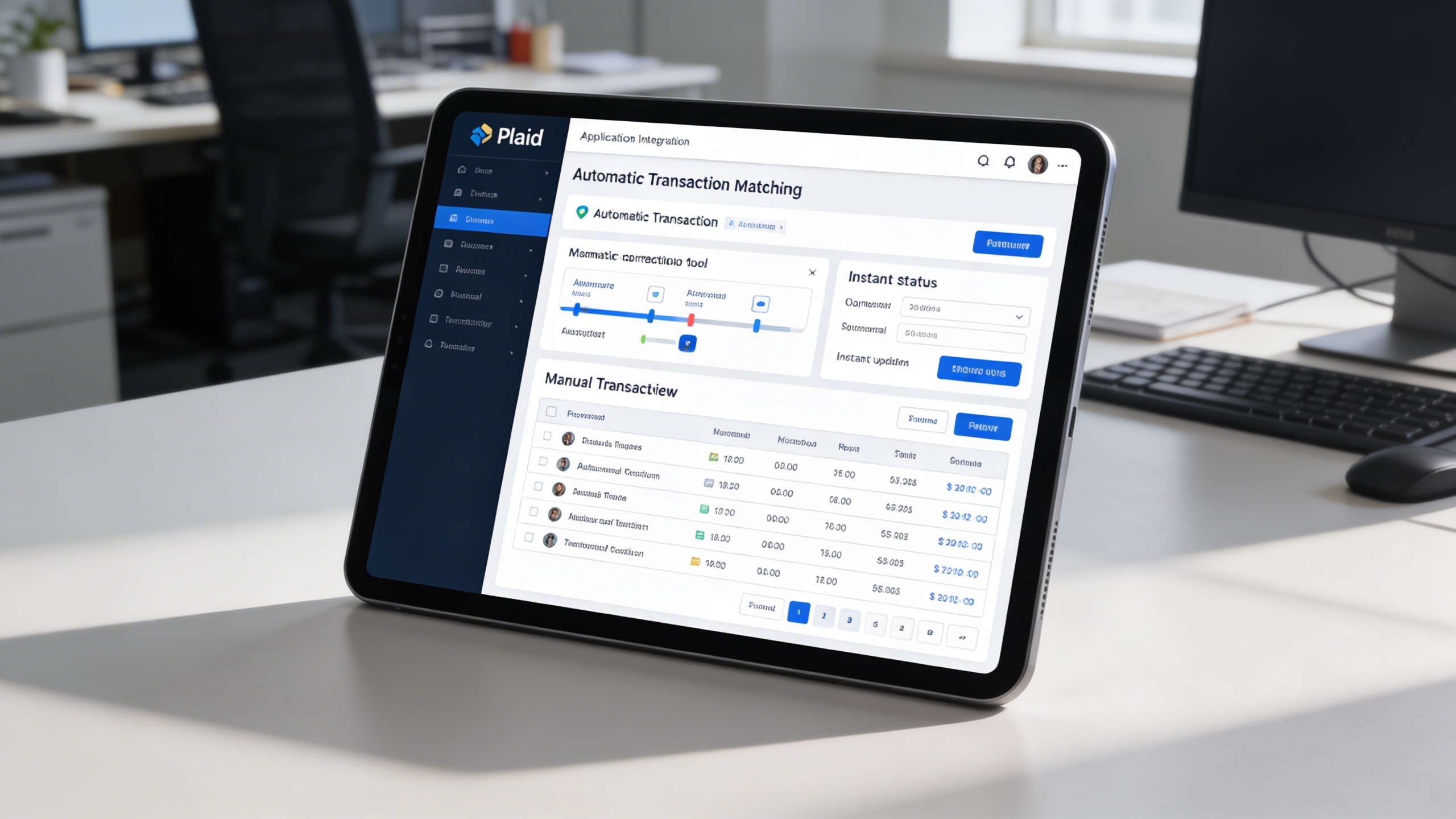
🔍 2. Smart Matching and Easy Correction

Imported transactions are automatically matched with existing records for clean and accurate books. Unmatched entries can be corrected instantly, ensuring continuous reconciliation without disruption.

Key Capabilities:

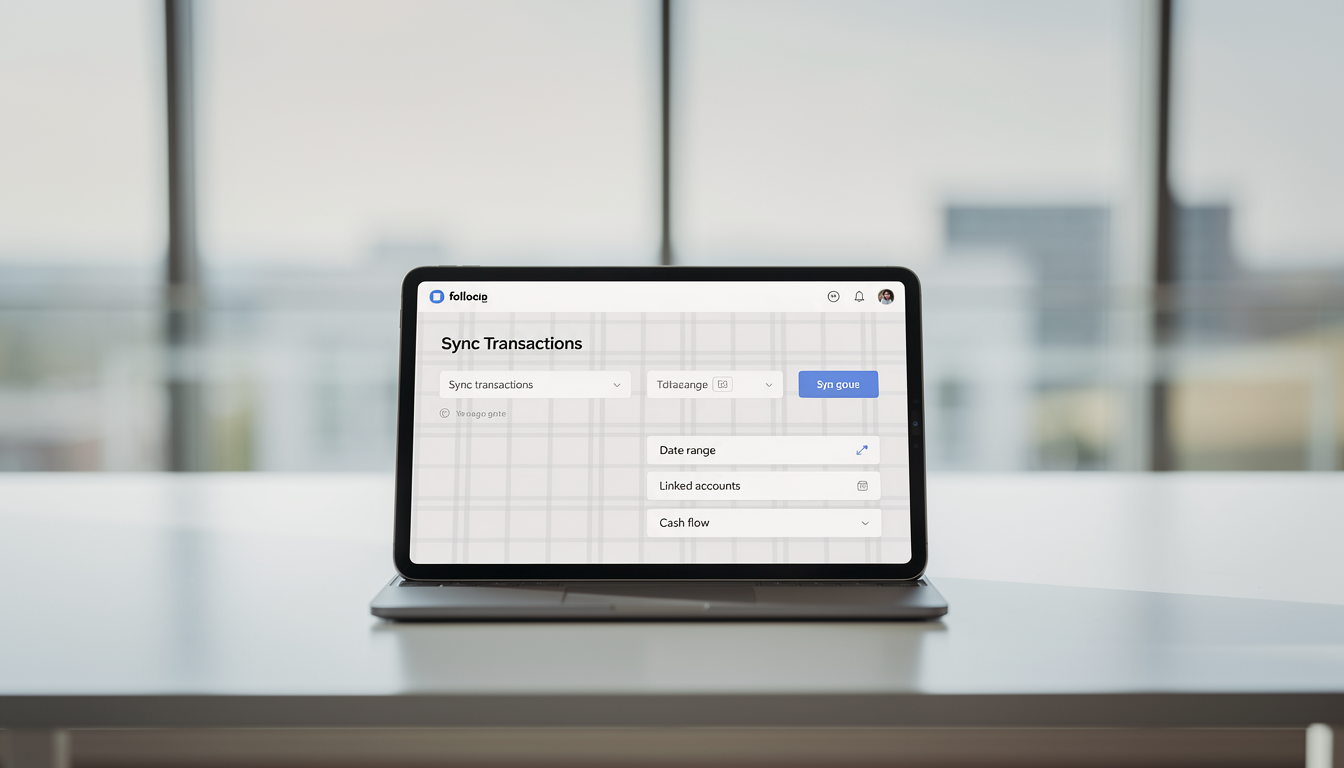
🔄 3. Effortless Transaction Syncing

Bank transactions are synchronized on demand or by selected date ranges with a single click. This keeps financial records continuously updated and strengthens real-time cash flow monitoring.

Key Capabilities:

One Platform, Multiple Industry Roles

Who Can Benefit from the System?

Organizations that require real-time bank synchronization, automated reconciliation, and accurate financial visibility across accounts and teams.

🏢 Financial Teams & Accountants
Overview:

Ensure your financial data is always synchronized and accurate without the hassle of manual entries.

Key Benefits:


📘 Automated Bank Reconciliation: Instantly match transactions with internal records for consistent books.


🧮 Error-Free Reporting: Eliminate duplicate or missing entries through automatic data syncing.


💼 Streamlined Accounting Workflow: Save hours of manual processing time each week.

🏦 Small & Medium Enterprises (SMEs)
Overview:

Empower your business with modern banking automation that simplifies bookkeeping and supports real-time cash flow monitoring.

Key Benefits:


💳 Live Transaction Feeds: Always stay updated with the latest inflows and outflows.


📊 Enhanced Cash Flow Insights: Access real-time transaction data for better financial decisions.


📈 Reduced Administrative Overhead: Free your team from repetitive data entry tasks.

💼 Corporate Finance Departments
Overview:

Support multi-account management and compliance through a unified, automated financial integration system.

Key Benefits:


🧭 Multi-Account Integration: Link and track multiple bank accounts within one ERP.


📑 Secure Data Governance: Ensure encrypted credential management and access logs.


📈 Real-Time Financial Monitoring: Gain continuous visibility into company liquidity and transactions.

💻 SaaS & Technology Companies
Overview:

Integrate seamless financial synchronization for automated subscription tracking, billing, and expense monitoring.

Key Benefits:


🧩 Integration-Ready Architecture: Easily connect with your existing digital accounting stack.


🧾 Automated Billing Validation: Match payments with invoices instantly.


⚙️ Transparent Financial Operations: Ensure every transaction is logged and verified for audit readiness.

🏢 Financial Institutions & Consultants
Overview:

Enable clients to synchronize, review, and reconcile financial data effortlessly within a secure environment.

Key Benefits:


🧠 Smarter Financial Insights: Leverage synchronized data for accurate forecasting and analytics.


📋 Simplified Audits: Maintain clean, real-time transaction trails for compliance checks.


🤝 Enhanced Client Experience: Deliver transparency and trust through automated data accuracy.

Our Customers

TRUSTED BY 100+ HAPPY CUSTOMERS

Ready To Transform Your Business?
Book a Free Consultation

Leave your email below to start a new project journey with us.
Let’s shape the future of your business together.
Cart (0 items)
Select the fields to be shown. Others will be hidden. Drag and drop to rearrange the order.
  • Image
  • SKU
  • Rating
  • Price
  • Stock
  • Availability
  • Add to cart
  • Description
  • Content
  • Weight
  • Dimensions
  • Additional information
Click outside to hide the comparison bar
Compare