SMTP Configuration
Connect ERP with company email servers securely

The Email Box module is purpose-built to centralize, streamline, and elevate your email communication within the ERP system. By syncing directly with your SMTP server, it transforms routine email access into an efficient and highly interactive experience.
Its main purpose is to:
Organizations struggle with disconnected inboxes, lost conversations, and limited visibility across departments when email lives outside core systems. The Email Box module resolves these issues by bringing full email folder access, real-time interaction, and ERP-linked communication directly into one unified workspace. This enables faster responses, stronger accountability, and complete traceability across sales, support, projects, and administration.
Each functional component of the system is modular and scalable for easy customization.
Centralize all email folders, conversations, and ERP-linked communication into one secure, real-time, role-based workspace.
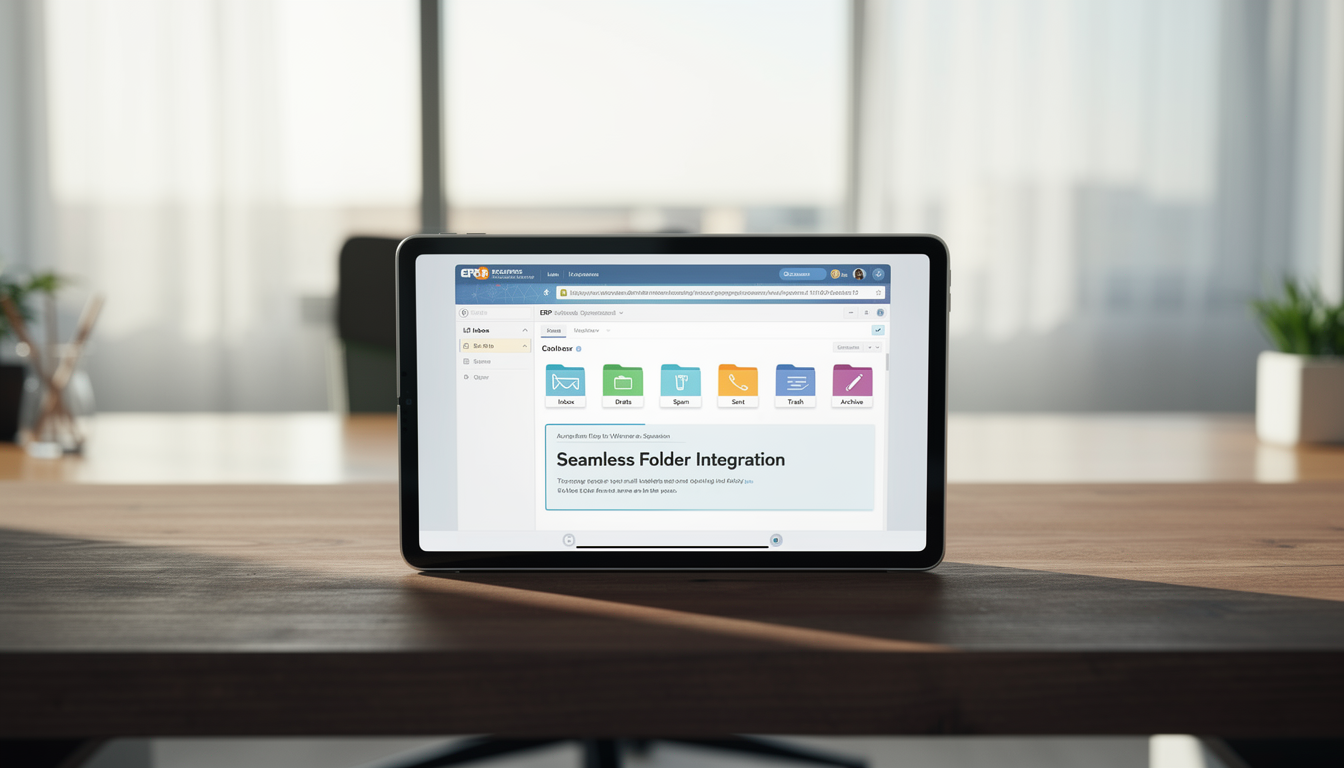
All standard email folders are synchronized directly inside the ERP interface. This eliminates inbox switching while ensuring real-time access and full message control.
Key Capabilities:
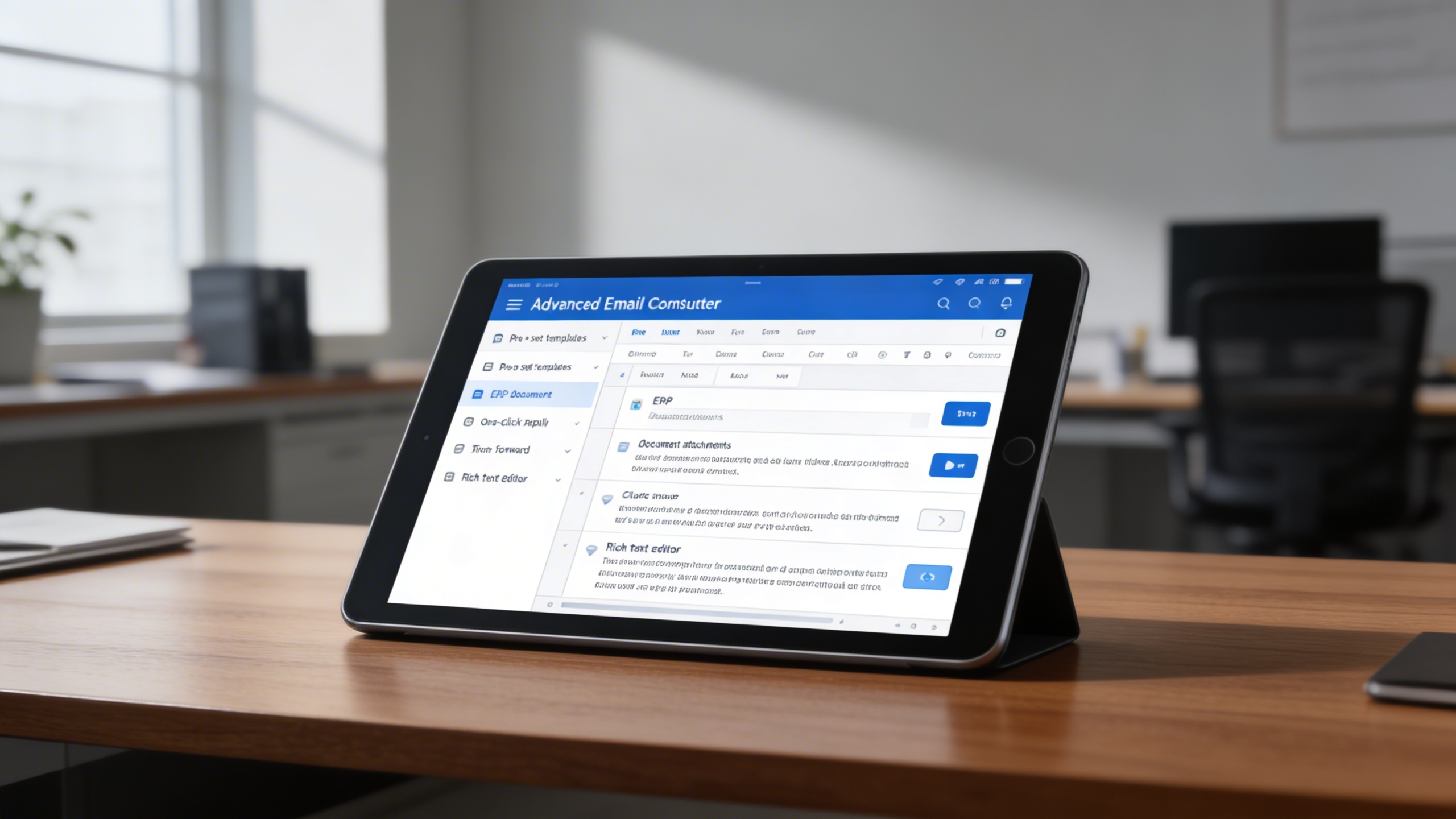
Users can compose, reply, and forward emails without leaving the ERP. Messages can be enriched with ERP documents and formatted professionally for consistent communication.
Key Capabilities:
Emails become actionable business records when linked to projects, sales, or support cases. This creates full communication visibility within operational workflows.
Key Capabilities:
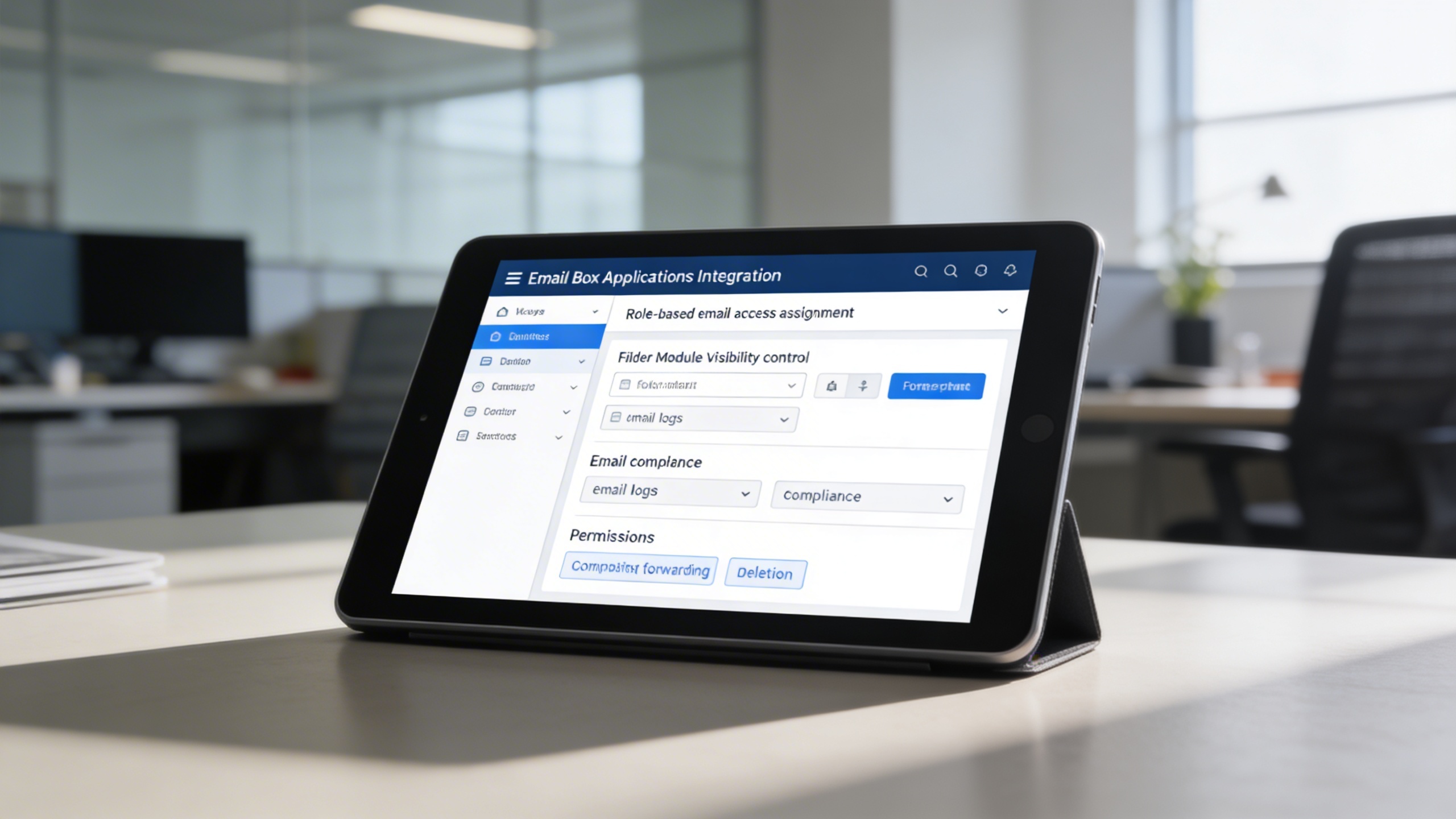
Email access is protected through granular role and folder permissions. This ensures compliance, confidentiality, and controlled communication handling.
Key Capabilities:
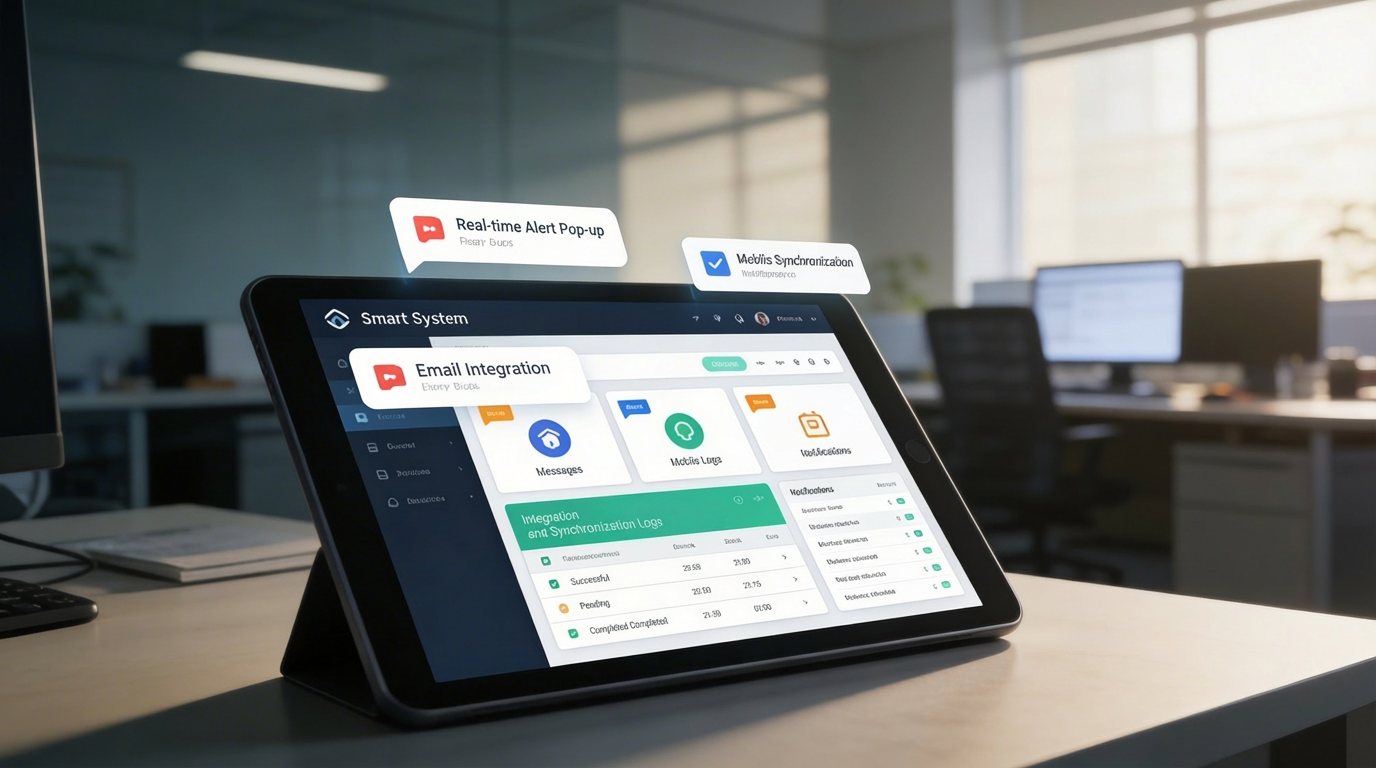
Real-time alerts ensure no critical message is missed. Notifications, reminders, and flags keep teams responsive and aligned with priorities.
Key Capabilities:
Teams that rely on high-volume email communication and need centralized visibility, security, and ERP-linked correspondence management.