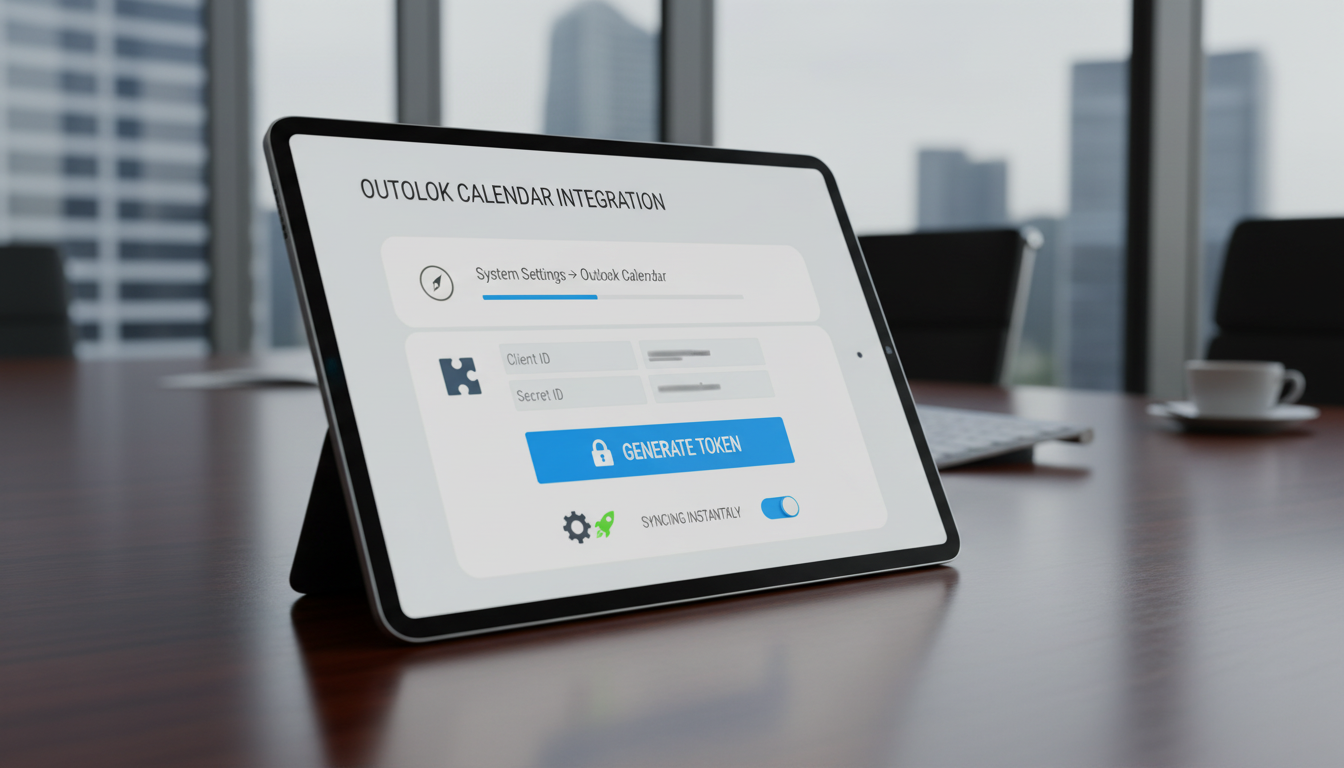
Integration Settings
Enter and verify Outlook Client ID and Secret ID, and generate secure authentication tokens.

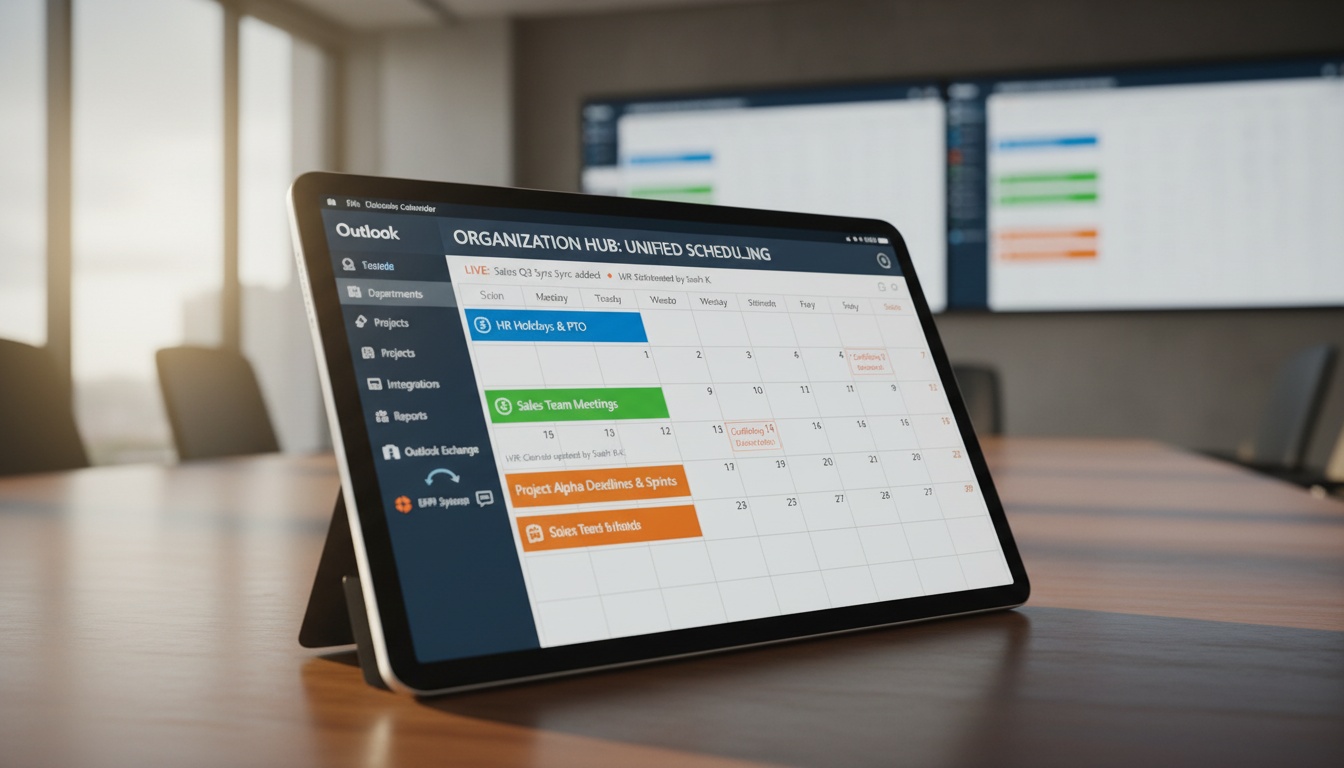
The Outlook Calendar Add-On is built to unify scheduling across your organization by integrating Outlook’s powerful calendar system with your ERP modules. It provides a central hub for managing all events, eliminating confusion caused by scattered schedules or overlapping meetings.
Its main purpose is to:
Organizations struggle with disconnected calendars, missed updates, and scheduling conflicts caused by siloed tools and manual coordination. The Outlook Calendar Add-On resolves these challenges by synchronizing ERP events with Outlook in real time, ensuring every meeting, deadline, and appointment stays aligned. This creates a single source of truth for scheduling that improves productivity, collaboration, and operational clarity.
Each functional component of the system is modular and scalable for easy customization.
Enter and verify Outlook Client ID and Secret ID, and generate secure authentication tokens.
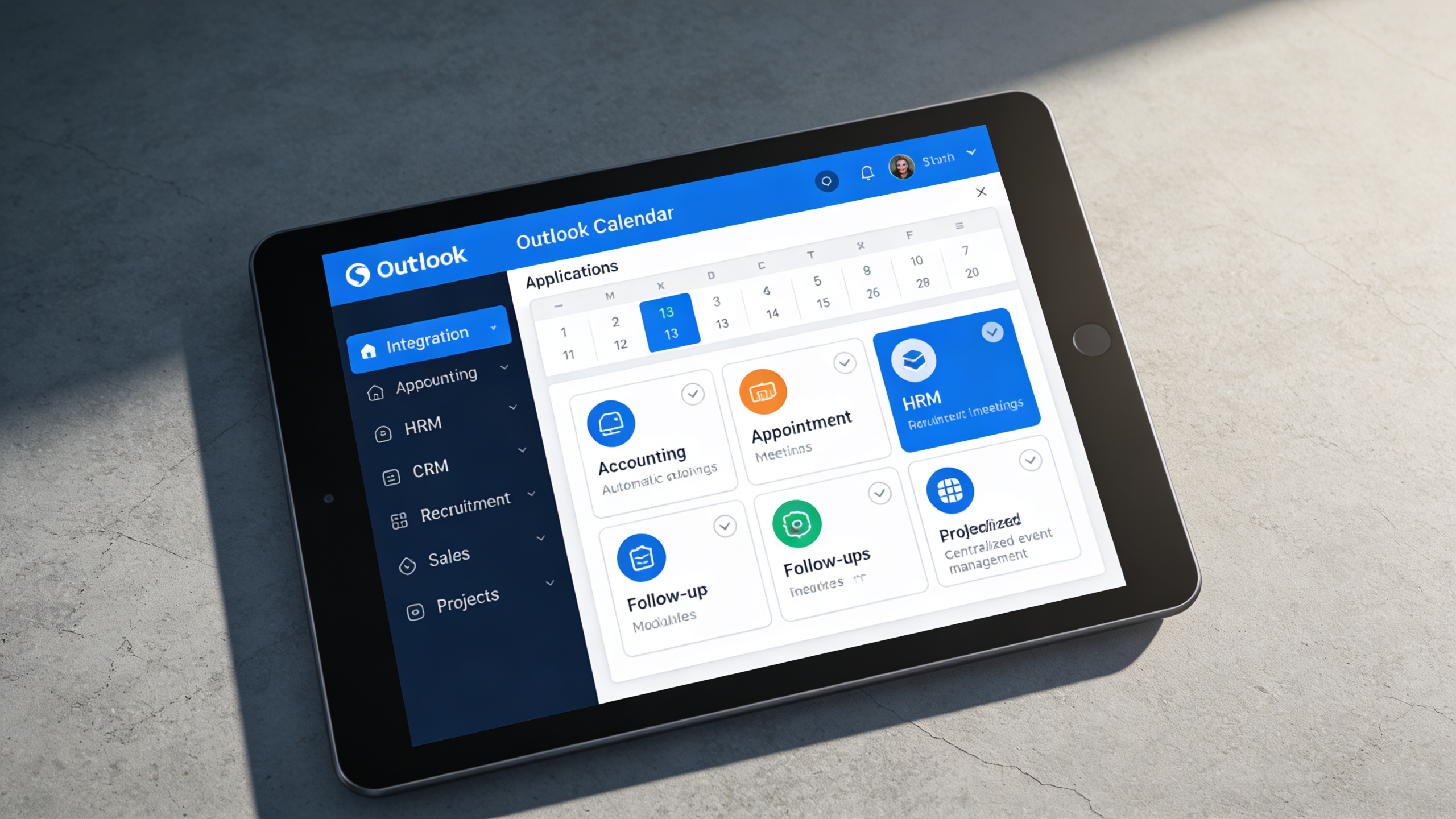
A centralized, bi-directional calendar system that synchronizes ERP events with Outlook for seamless scheduling and organization-wide visibility.
All critical ERP events flow directly into Outlook, creating a complete scheduling ecosystem across departments. This ensures no meetings, deadlines, or follow-ups are missed or duplicated.
Key Capabilities:
The integration is designed for fast deployment without technical complexity. Secure authentication and guided setup allow teams to start syncing instantly.
Key Capabilities:
Shared calendar visibility keeps departments aligned and prevents scheduling conflicts. Real-time updates ensure everyone works with the latest event information.
Key Capabilities:
Organizations that rely on Outlook and ERP workflows to manage meetings, deadlines, appointments, and cross-team scheduling with accuracy and visibility.