Integration Settings
Manage the connection to Google Calendar by entering the calendar ID and uploading the required JSON credentials securely. Enable or disable syncing per user or department.

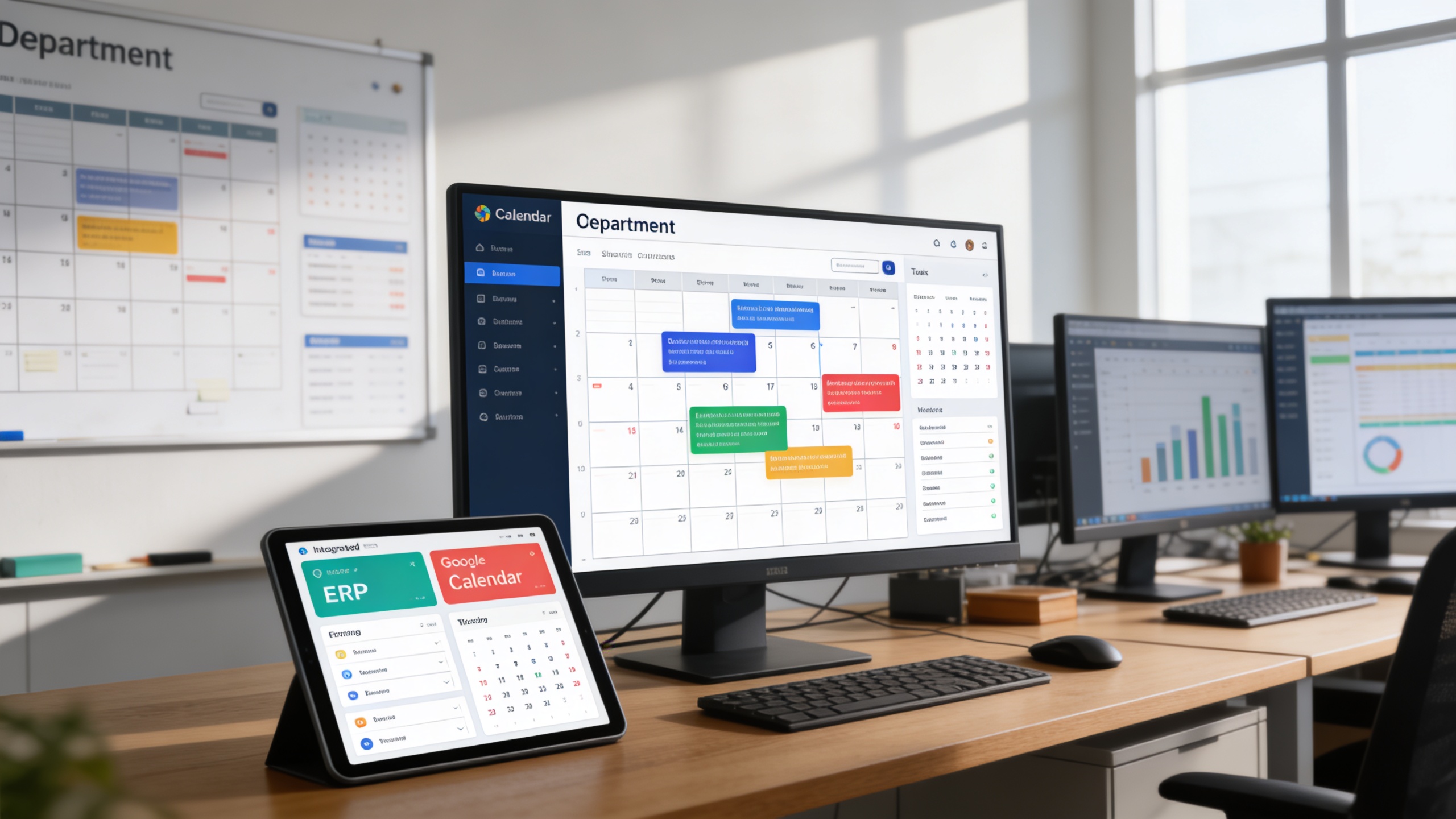
We eliminate fragmented schedules by centralizing ERP events and synchronizing them seamlessly with Google Calendar in real time.

 Monthly Calendar Dashboard
  Google Calendar Integration
  Simple Setup with JSON Credential Upload
  Real-Time Event Synchronization
  Multi-Module Compatibility
  Team-Wide Calendar Sharing
  Sync on Event Create/Approve
  Role-Based Calendar Access
 Manage the connection to Google Calendar by entering the calendar ID and uploading the required JSON credentials securely. Enable or disable syncing per user or department.
Automatically syncs ERP-generated events (e.g., appointments, tasks, invoices) to Google Calendar during creation or approval. Supports event updates and deletion for real-time accuracy.
A monthly or weekly visual interface displaying all synced and platform-generated events. Offers filters by department, module, or event type.
Aggregates events from compatible modules such as CRM, Appointments, HRM, Projects, Accounting, and Sales, preparing them for calendar visualization and sync.
Defines calendar visibility and interaction rules based on user roles or departments. Ensuring the right people see the right events.
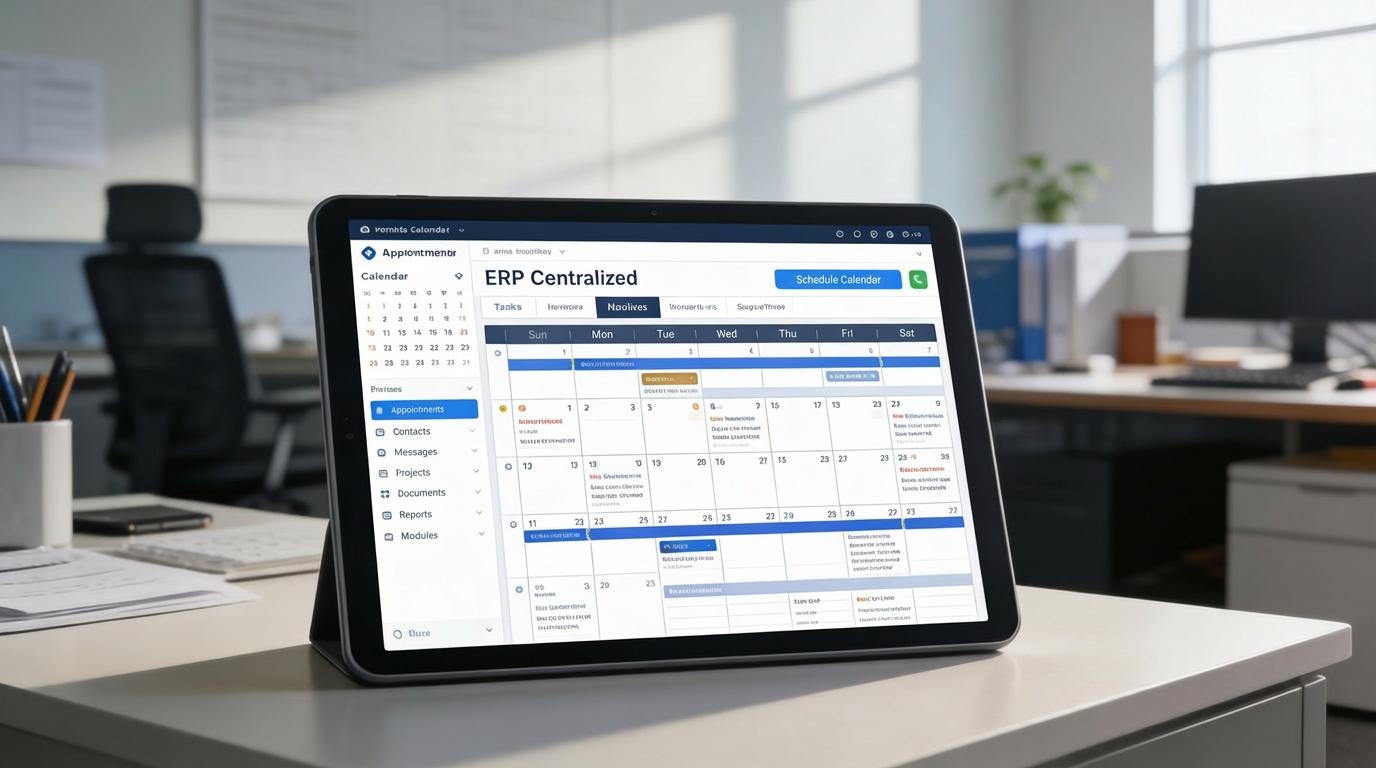
 1. Centralized Calendar for All Platform Events
 Small to Medium Enterprises
One-Stop Scheduling: View all activities, tasks, sales calls, and admin events Google Sync: Sync business meetings and internal deadlines seamlessly Cross-Team Planning: Keep everyone on the same page
Small to Medium Enterprises
One-Stop Scheduling: View all activities, tasks, sales calls, and admin events Google Sync: Sync business meetings and internal deadlines seamlessly Cross-Team Planning: Keep everyone on the same page Real-Time Visibility: Auto-sync patient appointments and staff calendars Calendar Notifications: Remind staff and patients via Google alerts
 Educational Institutions
Faculty Management: Assign calendar access based on departments
Educational Institutions
Faculty Management: Assign calendar access based on departments Transparent Visibility: Use shared calendars for planning academic weeks
HR & Admin Departments
Transparent Visibility: Use shared calendars for planning academic weeks
HR & Admin Departments
 HR Event Sync: Keep track of leaves, birthdays, and interviews
 Broadcast Events: Announce internal training and holiday notices Admin Reminders: Automate scheduling for tasks like payroll or reviews
 Freelancers & Solo Entrepreneurs
Google Calendar View: Access everything from mobile or desktop
Freelancers & Solo Entrepreneurs
Google Calendar View: Access everything from mobile or desktop





 Upload Google JSON credentials securely in system settings
 Enter your Google Calendar ID for direct mapping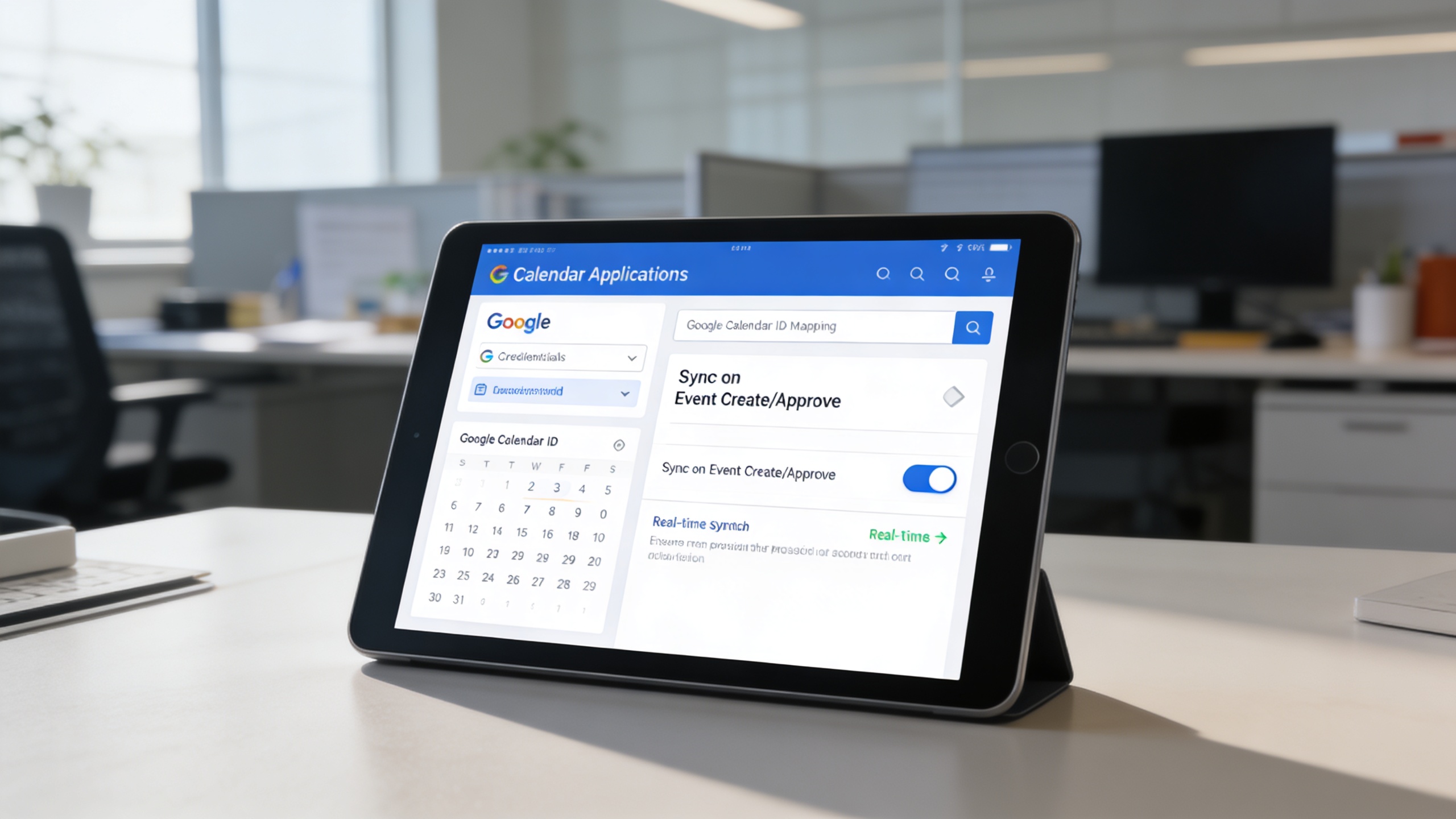
 3. Keep Teams and Schedules on Track
 Coordinate events across teams with greater clarity