Drive Connectivity
Connect Sophistec Optima Solutions directly to Google Drive using JSON credentials.

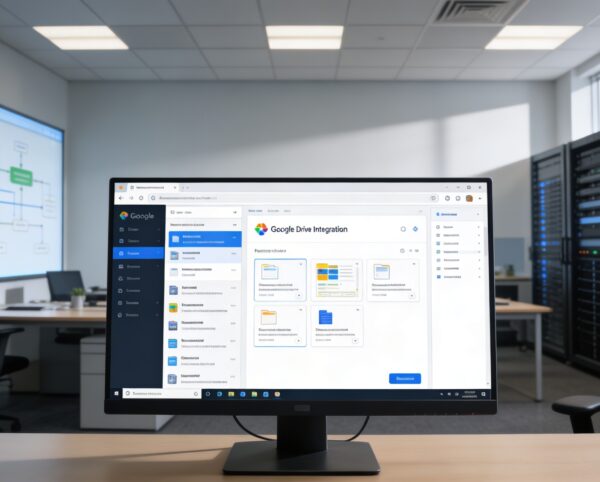
The Google Drive Integration is designed to unify your digital workspace by connecting your Google Drive storage directly to Sophistec Optima Solutions. It empowers users to manage, edit, and collaborate on files without leaving the platform, fostering a more streamlined, connected, and productive environment.
Its main purpose is to:
Organizations struggle with scattered files, inconsistent document versions, and constant switching between cloud storage and internal systems. This integration resolves those gaps by connecting Google Drive directly to your ERP so teams can browse folders, edit documents, attach files to operational modules, and manage access inside one unified workspace. The result is faster collaboration, controlled file governance, and synchronized information across every department.
Each functional component of the system is modular and scalable for easy customization.
Connect Sophistec Optima Solutions directly to Google Drive using JSON credentials.
Browse and organize files and folders through an intuitive visual grid or list interface.
Attach Drive folders or documents to other modules such as Tasks, Assets, or Notes.
Manage which submodules have Google Drive access and configure sharing controls.
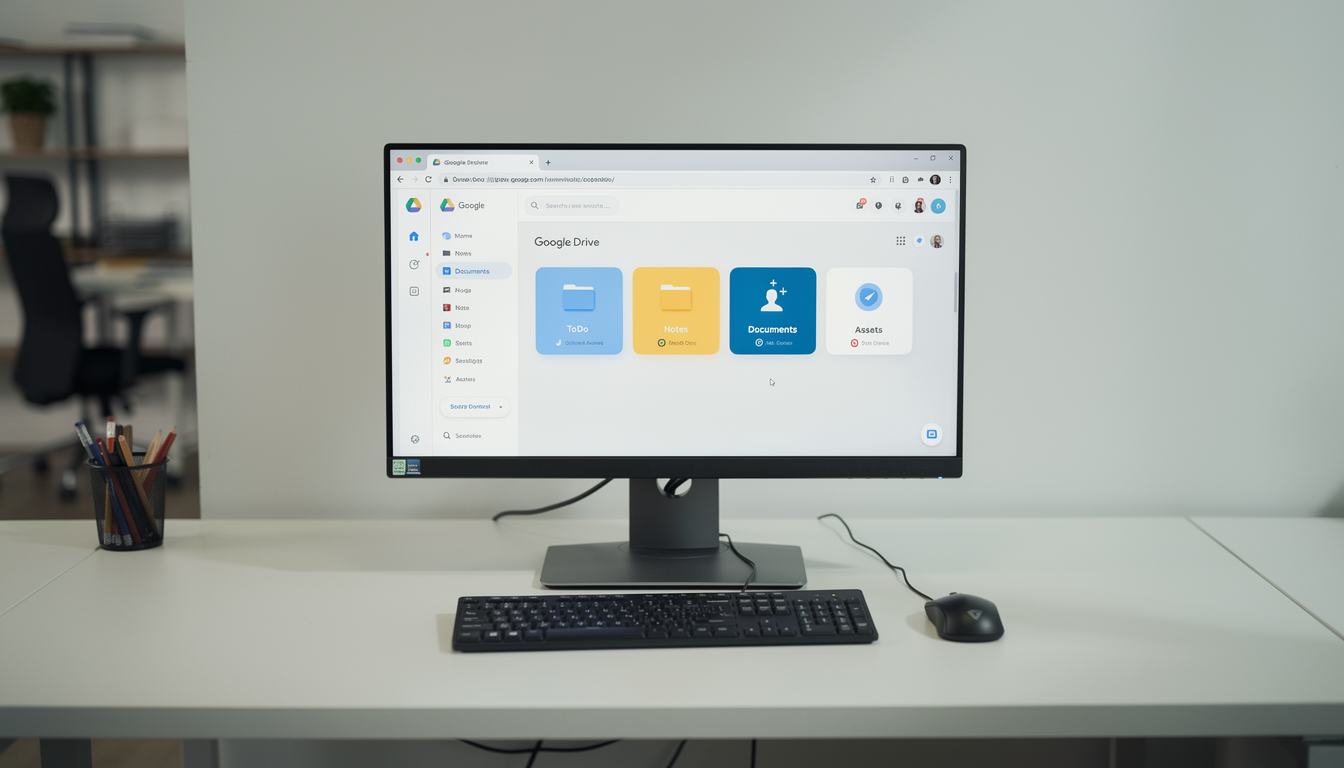
Access, sync, edit, and collaborate on Drive files directly inside ERP to eliminate switching and unify document control.
The Google Drive module transforms how teams share and collaborate on files within Sophistec Optima Solutions. It enables synchronization across multiple Add-Ons such as ToDo, Notes, Documents, and Assets, making it easy for users to manage files from one unified space.
Key Capabilities:
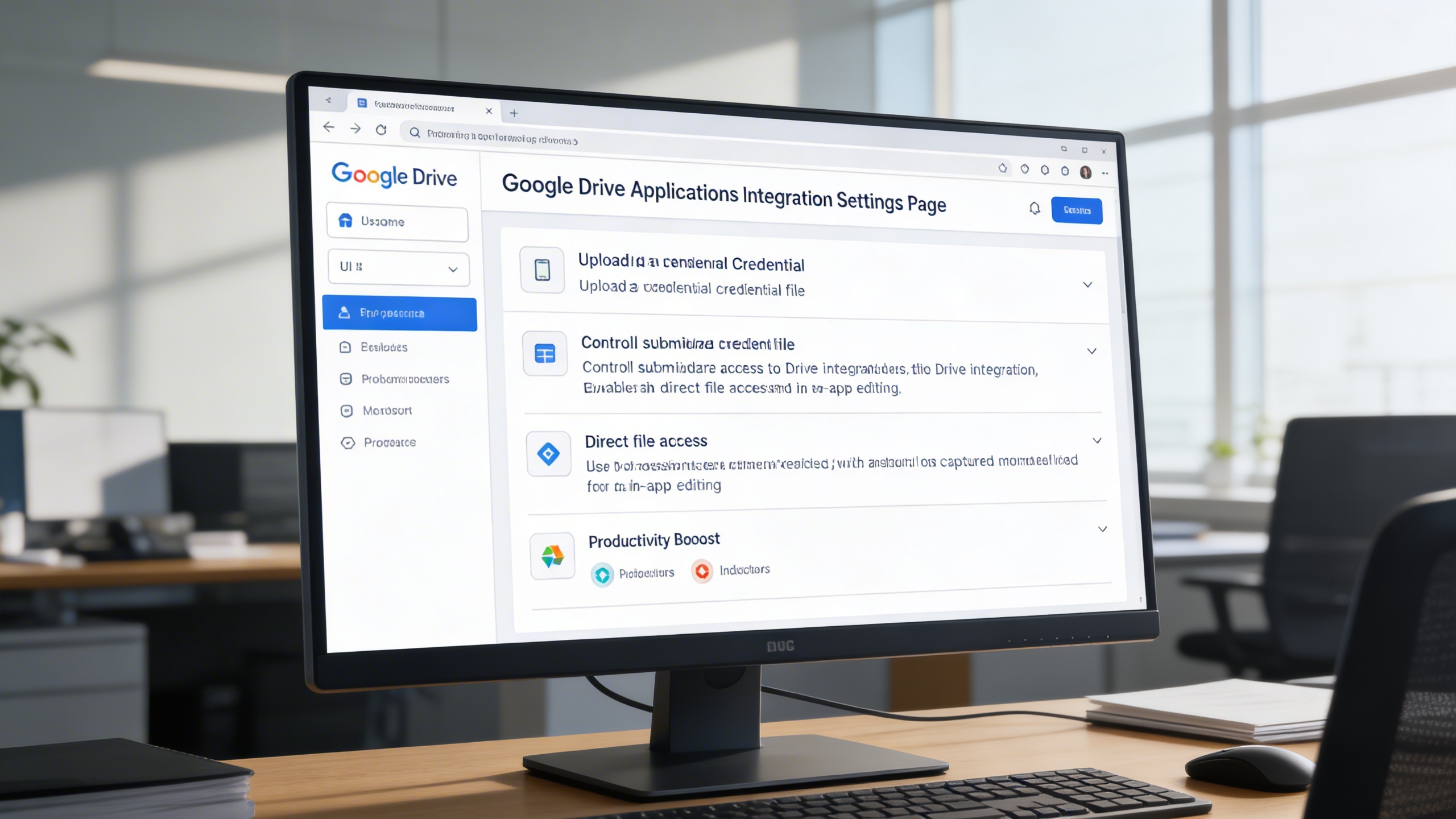
Simplify setup and configuration through an intuitive Settings Page that allows users to integrate their Drive credentials quickly.
Key Capabilities:
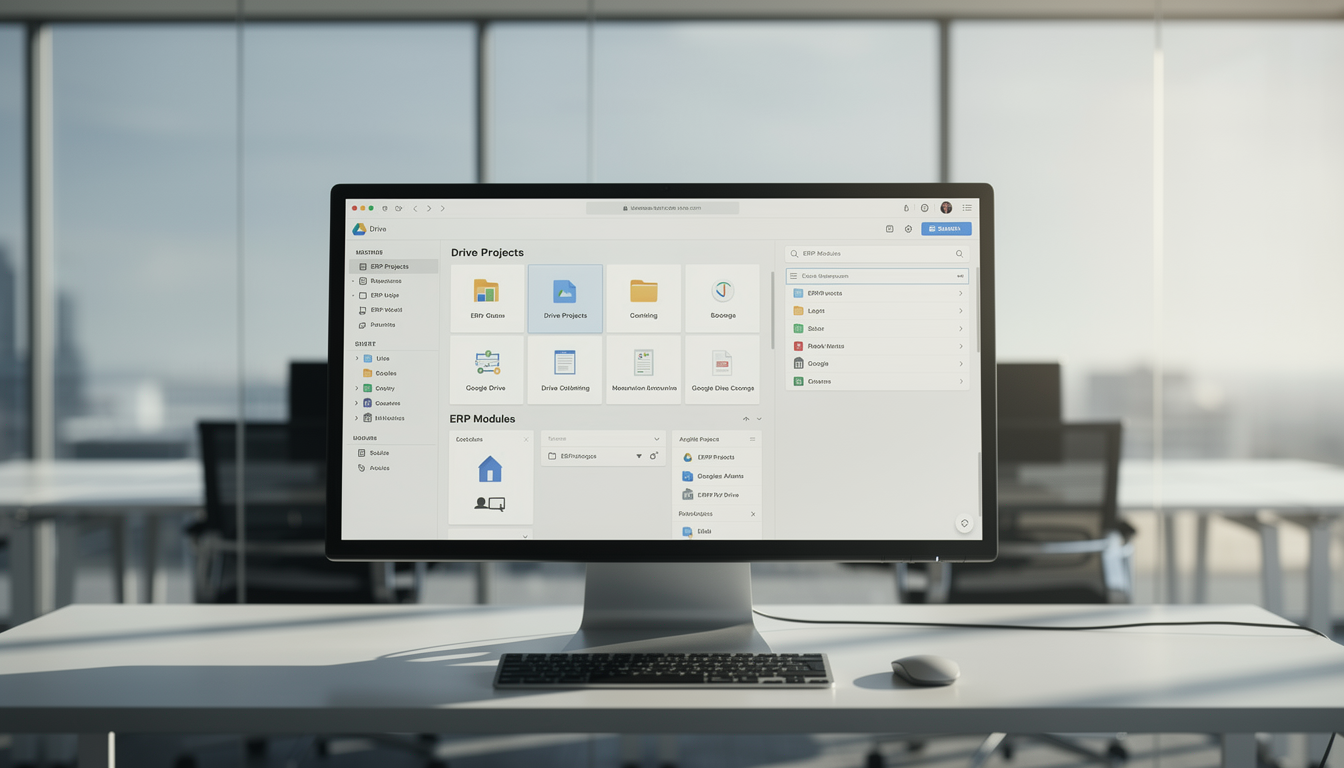
Enhance your document workflow with an intuitive and visually rich file management interface. Navigate Drive content through organized grids or lists, and link folders directly to specific modules for structured collaboration.
Key Capabilities:
Ideal for organizations managing shared documents across teams who require centralized file access, version control, and real-time collaboration.