Integration Configuration
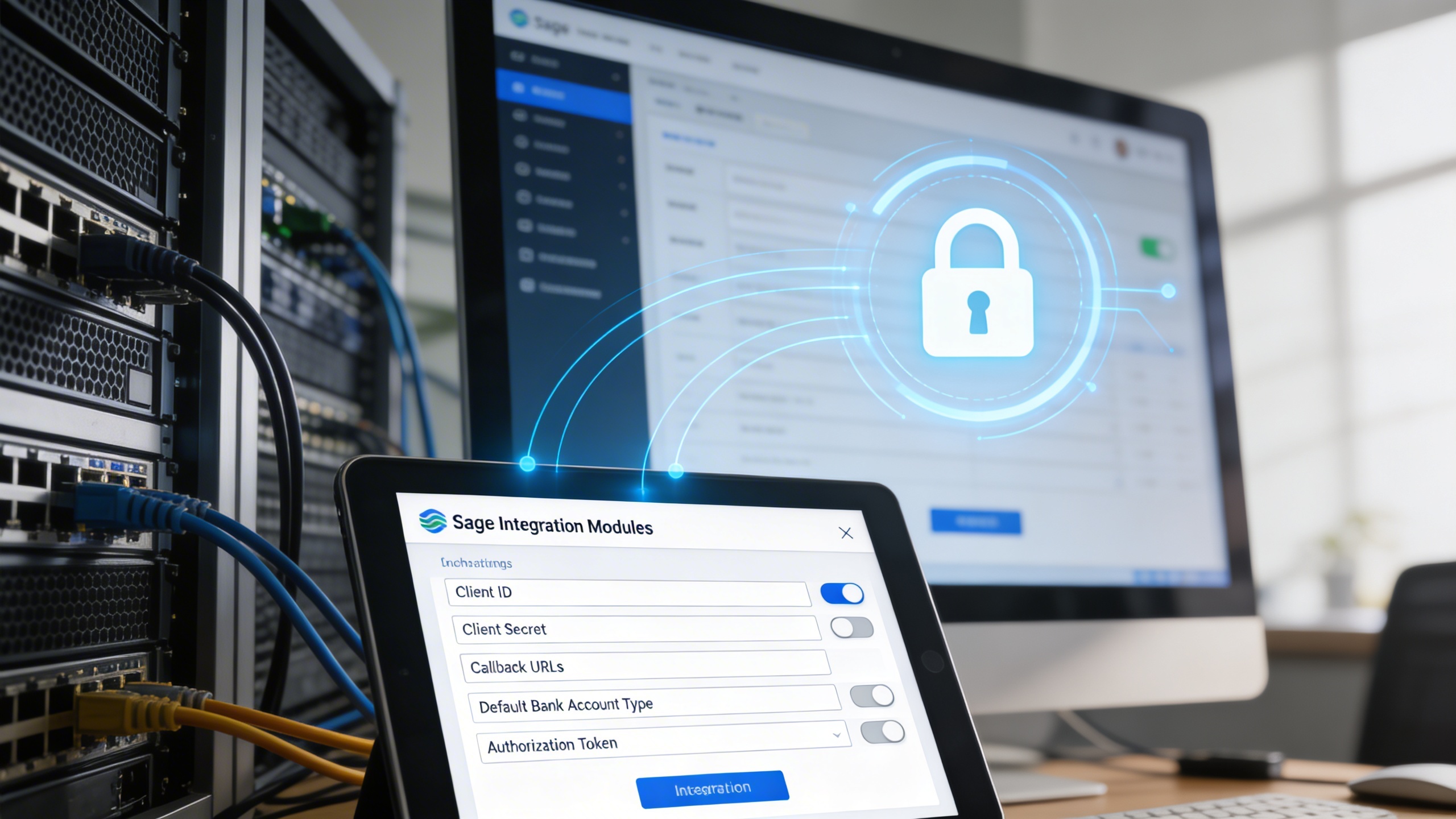
Add Client ID, Secret, Callback URLs, Bank Account Type, and Authorization Token to connect securely.
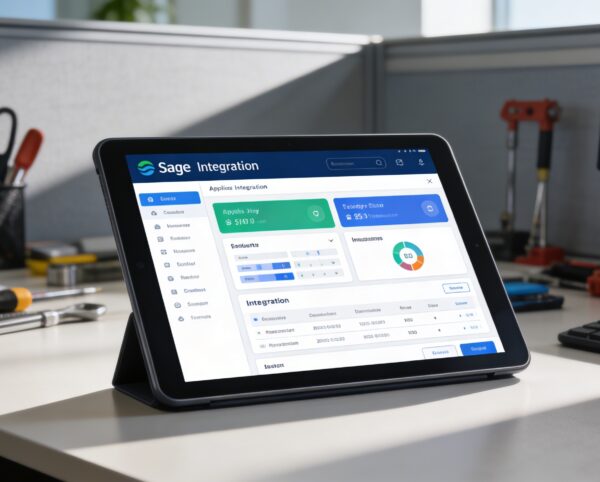
The Sage Integration Module is designed to unify financial management between your ERP and Sage. It automates data flow, optimizes invoicing, and provides complete visibility over accounting operations without the need for manual updates. This creates a smarter, faster, and more reliable business workflow.
Its main purpose is to:
Businesses often face fragmented financial systems, manual data entry, and delayed visibility when ERP and accounting platforms operate separately. These gaps lead to duplicated records, reconciliation errors, and slower decision-making across finance and operations teams. Our solution bridges ERP and Sage with real-time synchronization, automated invoicing, and accurate ledger management to deliver reliable, streamlined financial control.
Each functional component of the system is modular and scalable for easy customization.
Add Client ID, Secret, Callback URLs, Bank Account Type, and Authorization Token to connect securely.
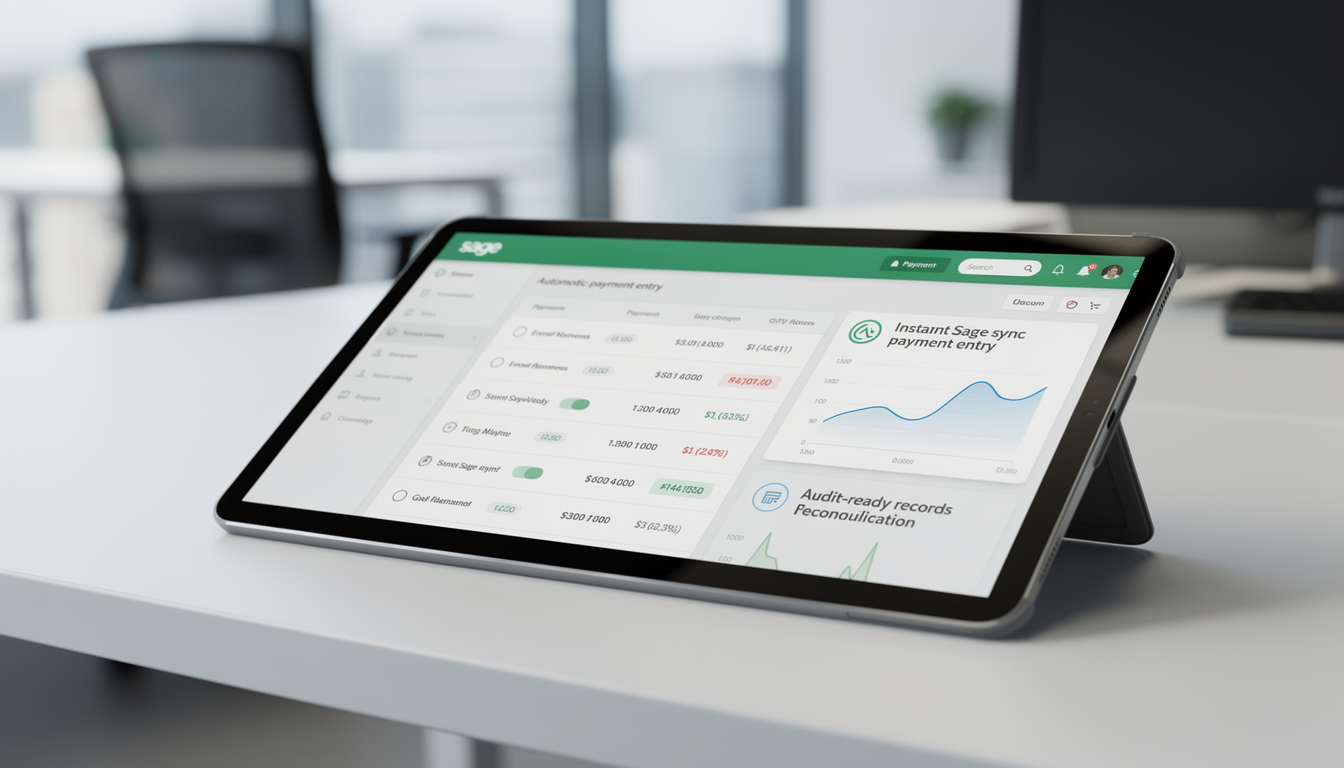
Automatically record completed payments in Sage to keep records accurate.
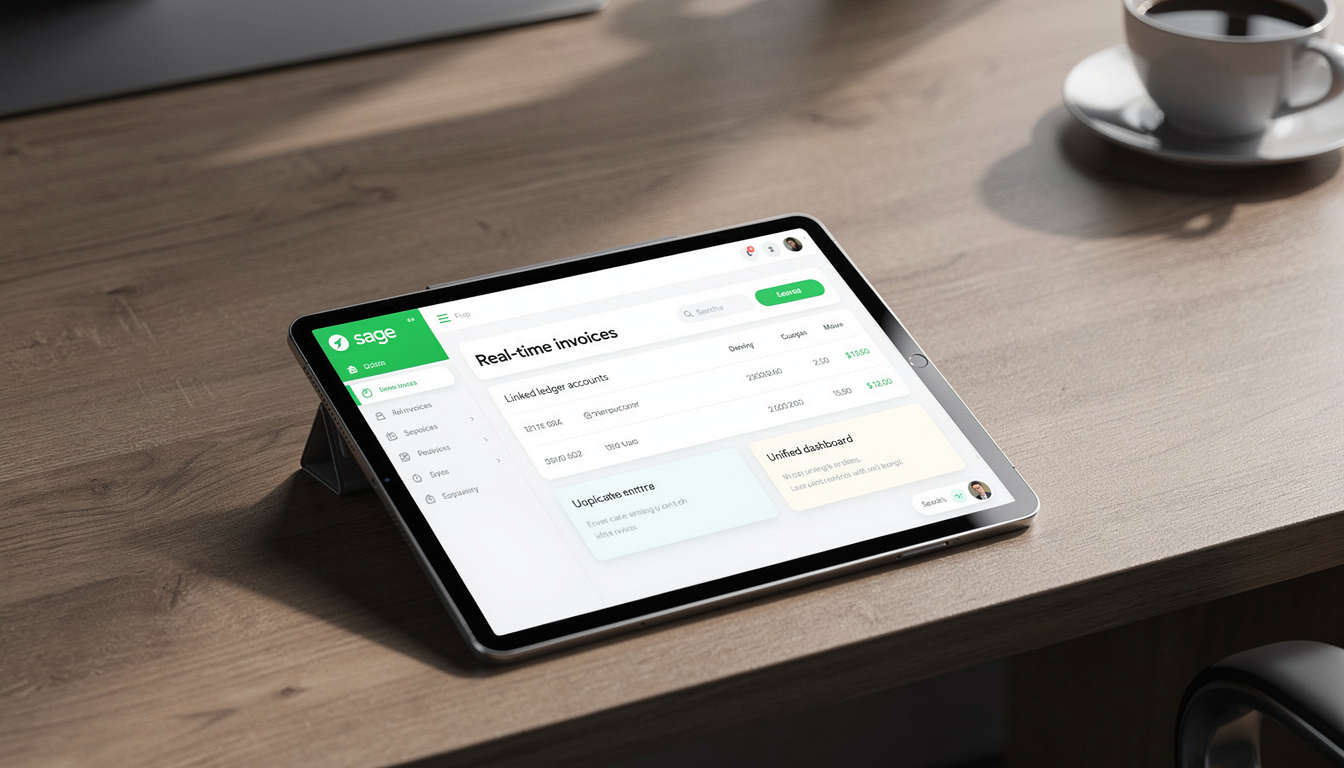
Synchronize invoices, payments, and ledgers automatically between ERP and Sage for faster, more accurate, and transparent financial management.
Simplify your invoicing workflow with Sage Integration. Once synced, invoices created in your ERP are instantly reflected in Sage, ensuring both systems remain consistent. You can generate ledger accounts, issue invoices, and have them automatically mirrored in Sage, removing the need for double entry.
Key Capabilities:
Setting up Sage Integration is straightforward. In your ERP settings, add your Client ID, Client Secret, Callback URLs, Default Bank Account Type, and Authorization Token. These details establish a secure connection with Sage, allowing data to flow safely between both systems.
Key Capabilities:
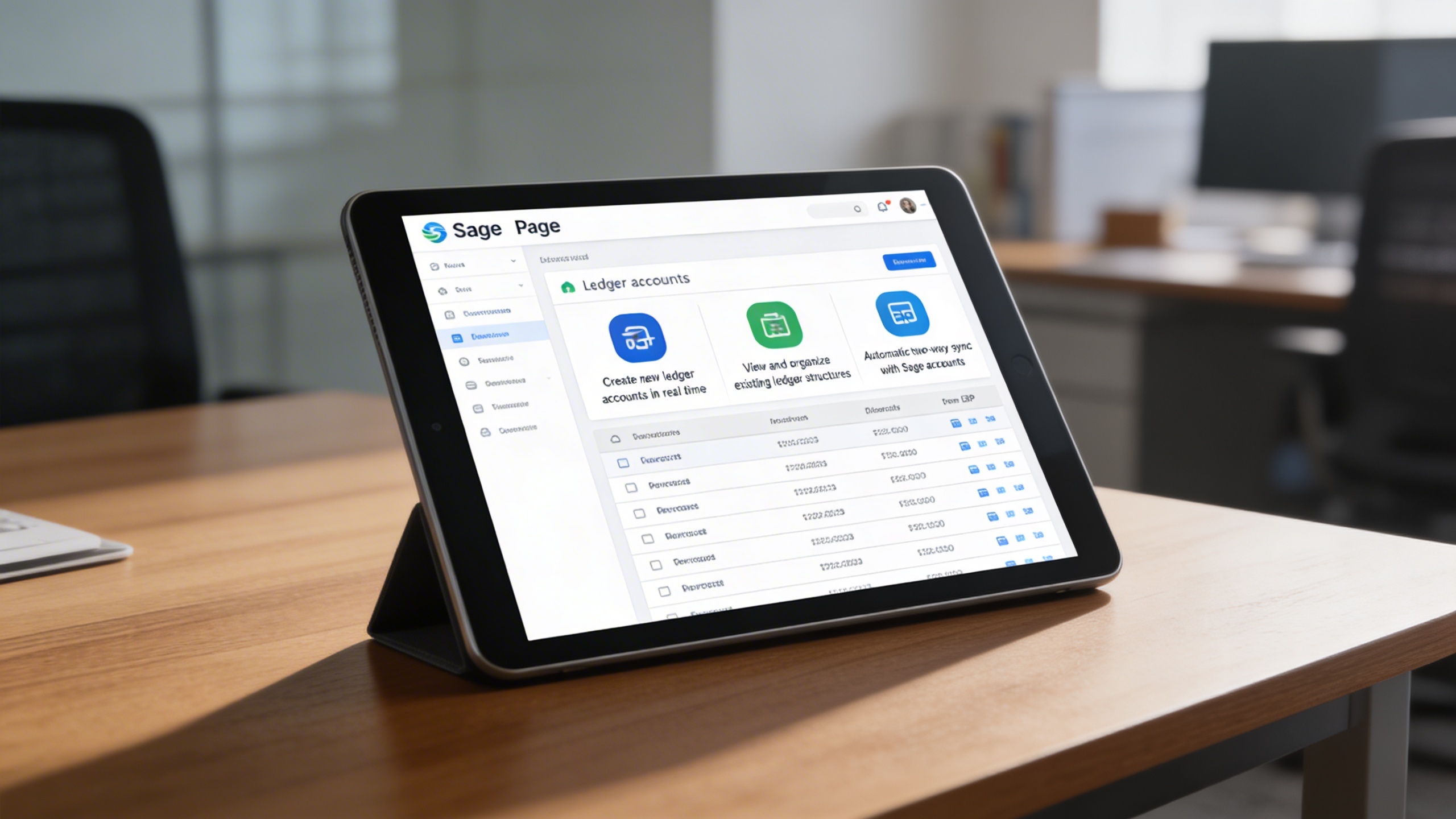
Once connected, the Sage Page within your ERP displays a complete list of all ledger accounts from Sage. You can view, manage, or even create new accounts directly from your ERP. Any updates sync instantly with Sage.
Key Capabilities:
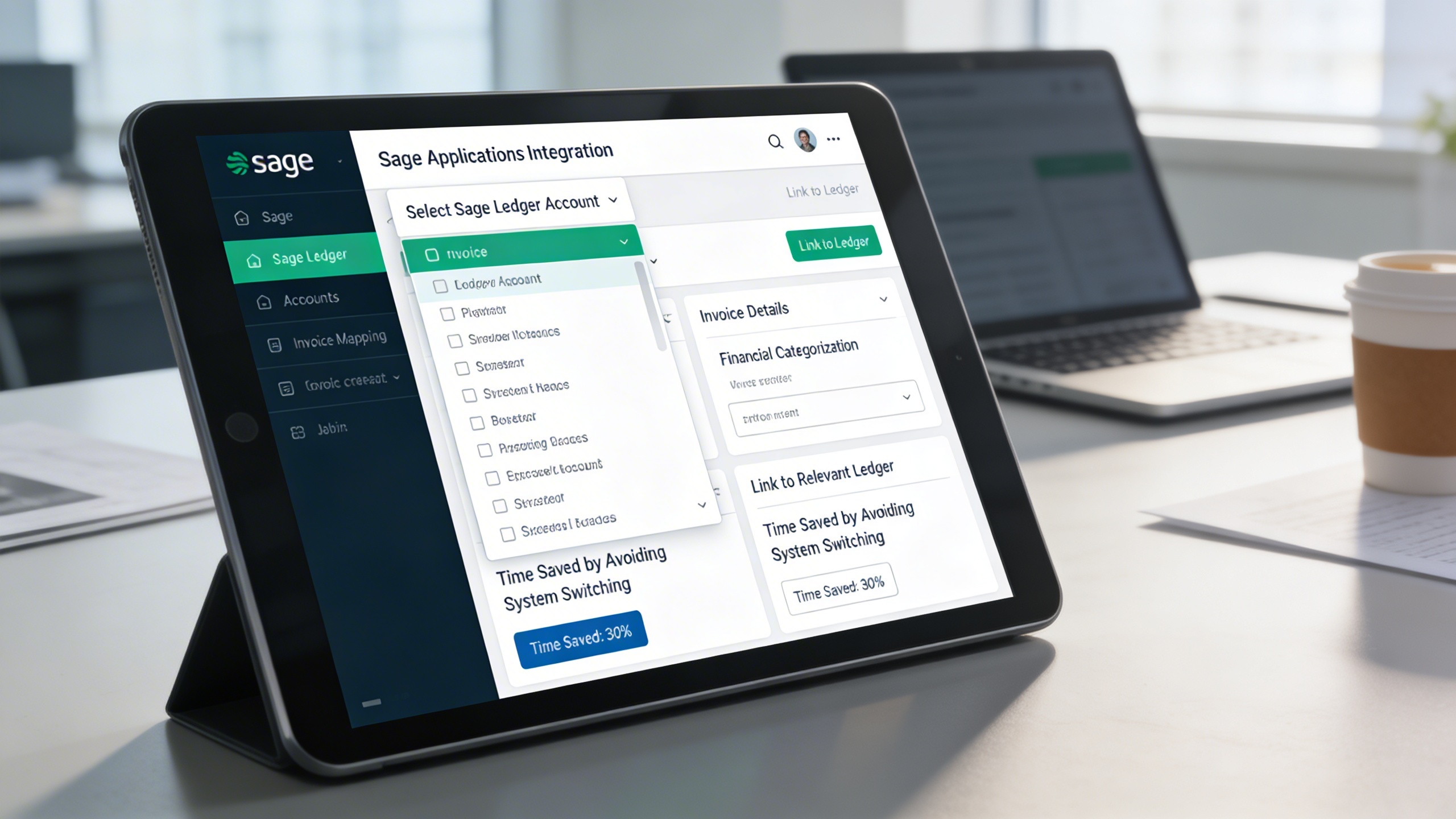
While creating invoices, users can select from a dropdown list of Sage ledger accounts. This ensures invoices are correctly mapped to their corresponding ledgers right from the start, saving time and maintaining accounting accuracy.
Key Capabilities:
Once an invoice payment is completed, it’s automatically recorded in Sage. This prevents errors caused by duplicate or missing entries and keeps both systems perfectly aligned.
Key Capabilities:
Organizations seeking automated, accurate, and real-time financial synchronization between ERP operations and Sage accounting systems.