Dropbox Configuration
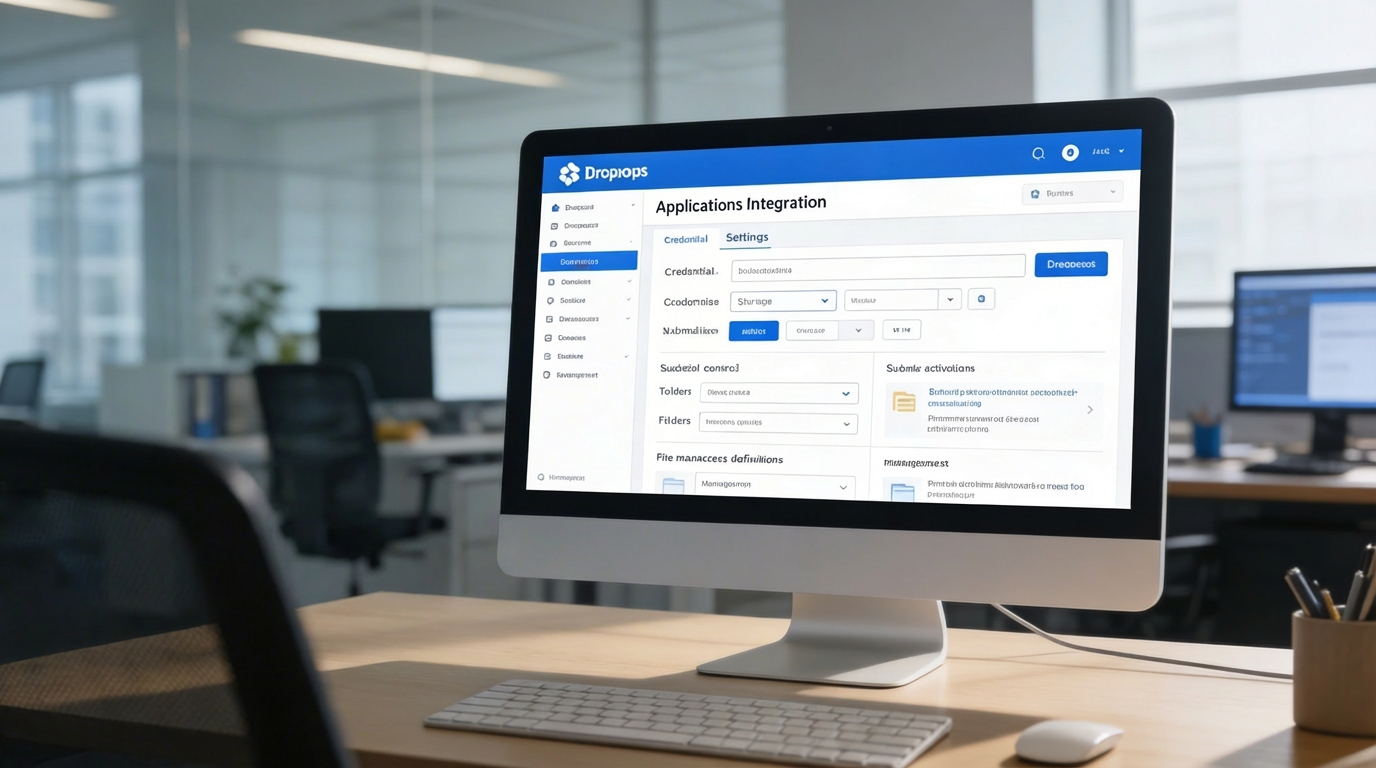
Save credentials, enable or disable integration per submodule

The purpose of the Dropbox Integration Module is to enhance productivity and streamline digital collaboration by embedding Dropbox functionality directly into your ERP system.
Its main purpose is to:
Organizations waste time switching between applications, downloading files, sending attachments, and reconciling version conflicts across teams. The Dropbox Integration Module solves these challenges by embedding Dropbox directly in the ERP, enabling instant file access, editing, submodule linking, shared credential control, and synchronized version management. This empowers teams to accelerate workflows, eliminate storage fragmentation, and operate from a single source of truth.
Each functional component of the system is modular and scalable for easy customization.
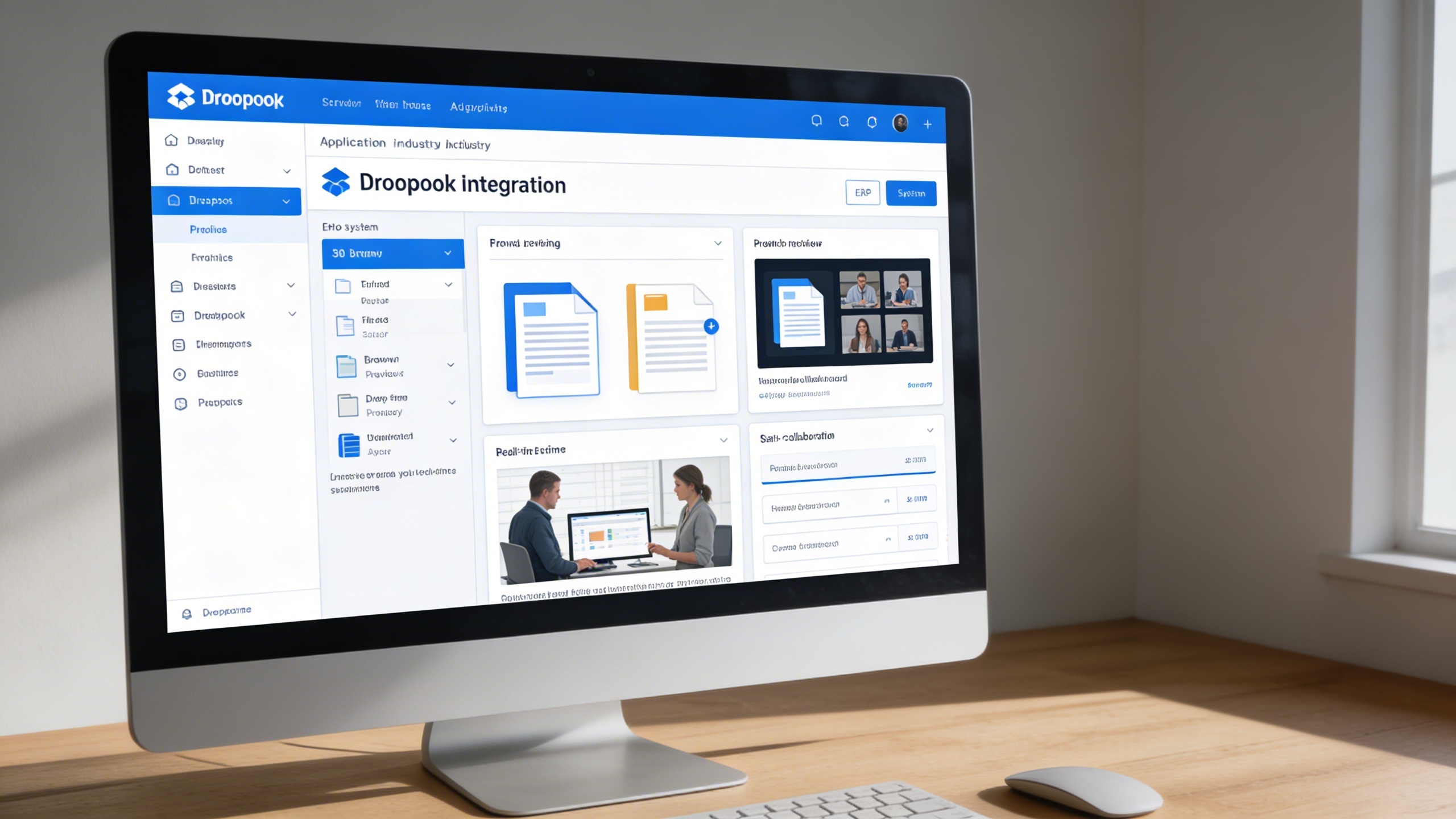
Embed Dropbox into ERP workflows for centralized access, synchronized files, and collaborative editing across projects and departments.
This feature connects Dropbox as a native resource inside the ERP, eliminating external switching and manual uploads. Users can browse, preview, edit, and collaborate on files from a centralized interface.
Key Capabilities:
A centralized configuration panel stores credentials, controls permissions, and enables submodule activation by department or workflow. Administrators can govern folder access and enforce storage policies across teams.
Key Capabilities:
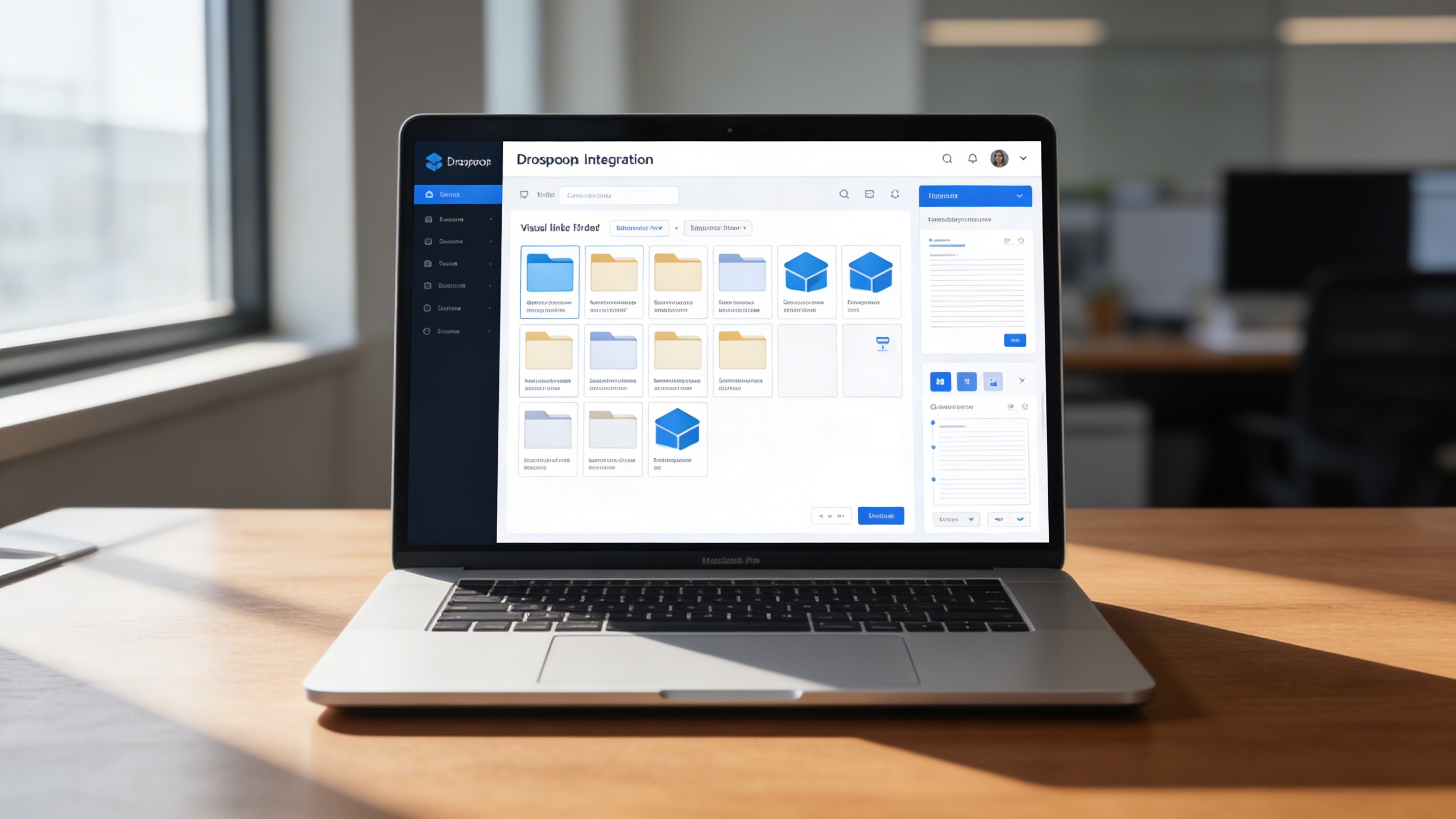
This optimization layer enhances Dropbox usability with structured navigation, linking, and editing capabilities tied to ERP records. Project stakeholders gain immediate access to synchronized files, keeping execution fast and coordinated.
Key Capabilities:
Organizations needing centralized Dropbox access, synchronized project files, and multi-team collaboration inside a unified ERP workspace.