File Sharing
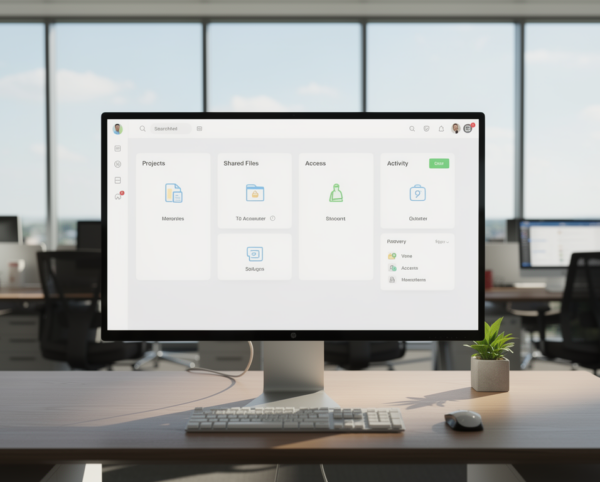
The File Sharing module is purpose-built to streamline digital file distribution while maintaining strict control over access, visibility, and tracking. It enables users to exchange documents across teams or departments without relying on third-party storage tools, reducing risks and simplifying collaboration.
Its main purpose is to:
- Enable seamless digital content exchange (images, PDFs, text, etc.)
- Allow flexible file-sharing methods via email or direct link
- Protect sensitive files through password-protection and access limits
- Track file access data including device, location, and download history
- Improve compliance and governance with company-level file verification
Securing Digital Content Exchange for Modern Organizations
Organizations struggle with fragmented file-sharing tools, uncontrolled access, and the inability to audit who downloads sensitive documents. Our platform removes these risks by centralizing distribution, enforcing secure permissions, enabling password gates, and tracking device-level access logs. The result is a controlled, compliant, and auditable digital exchange environment built for enterprise-grade collaboration.
File Sharing
Each functional component of the system is modular and scalable for easy customization.
Verification & Access Control
Enable identity checks, OTP, or admin verification for sensitive content.
Verification & Access Control
Controlled File Distribution
Centralize file uploads, enforce secure sharing rules, and track access activity with compliance-ready audit intelligence.
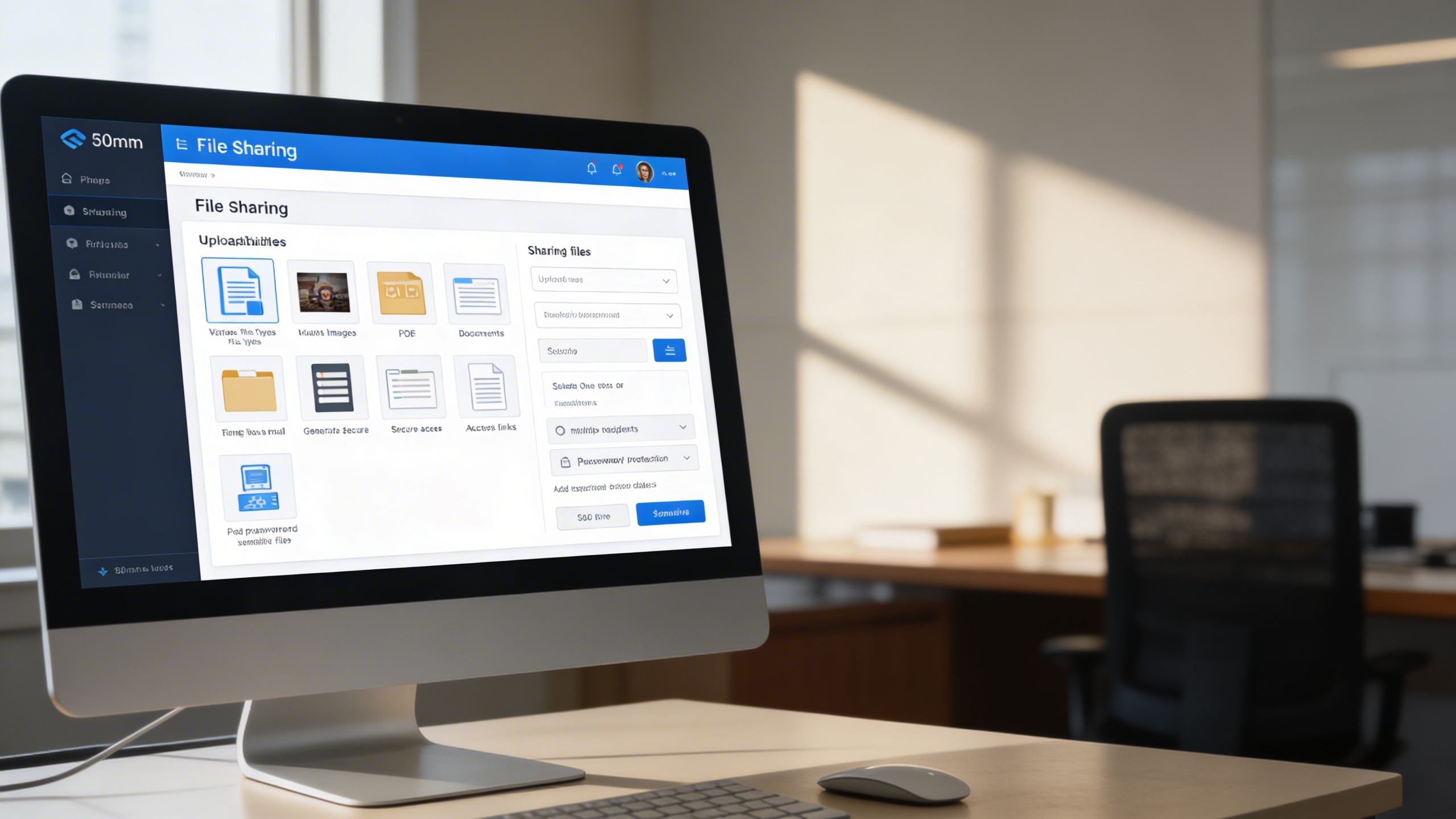
📤 1. Seamless File Distribution
The system centralizes document uploads, applies structured permissions, and eliminates uncontrolled public sharing. Teams gain full oversight with password locks, recipient rules, expiration settings, and traceable delivery.
Key Capabilities:
🧠 2. Detailed Download Monitoring
The module records IP, device, location, and timestamps for every download, ensuring full visibility into file activity. Compliance teams can immediately flag abnormal behavior and revoke access before misuse escalates.
Key Capabilities:
🛡️ 3. Enhanced Security through Verification
Identity validation, OTP enforcement, and admin approval ensure sensitive files are accessible only to authorized roles. Verification logs provide assurance for legal, compliance, and audit workflows.
Key Capabilities:
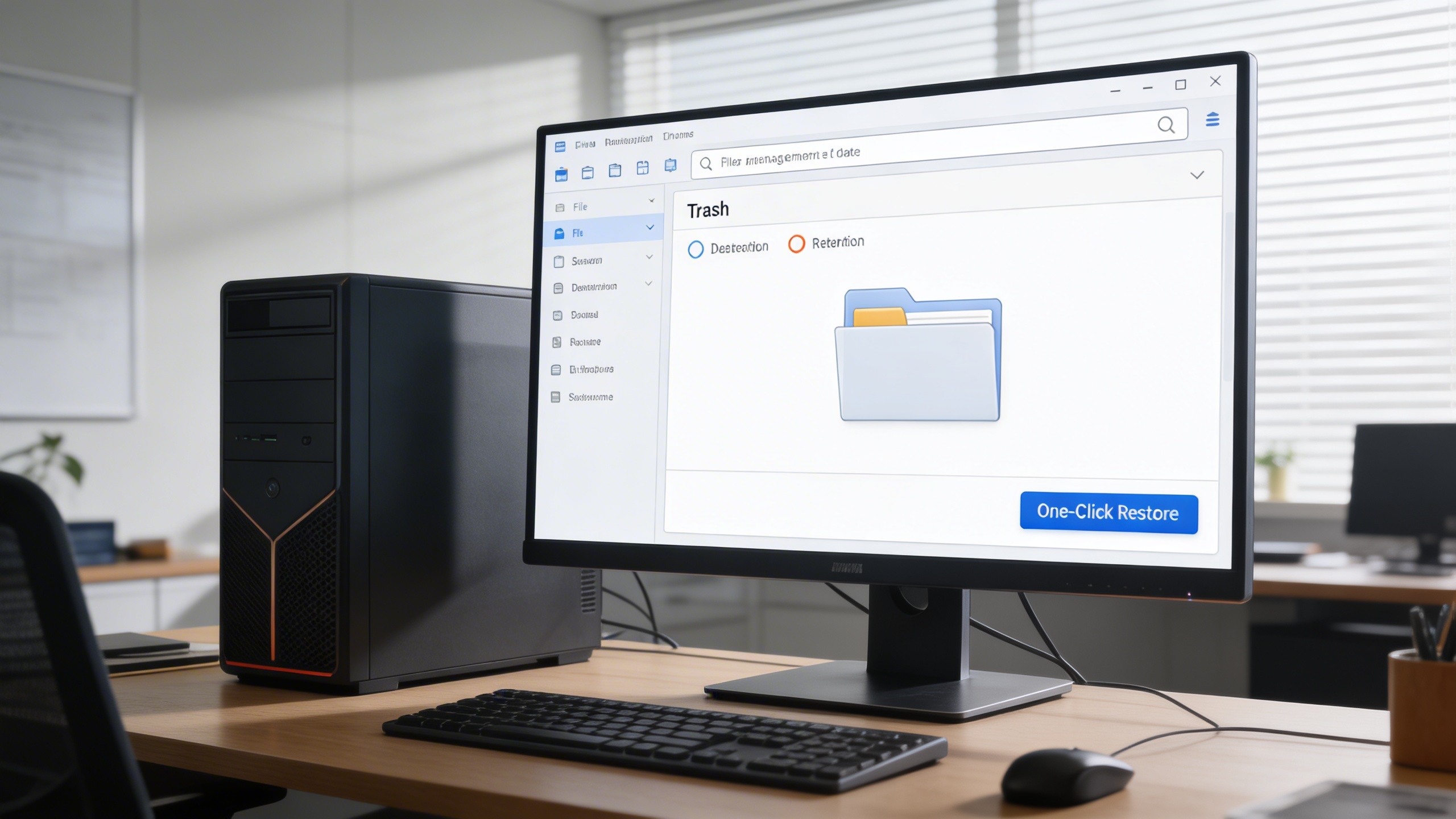
🗑️ 4. Smart Trash and Recovery
All removed files move into a recovery space with retention timers to prevent accidental data loss. One-click restoration allows teams to recover mission-critical content without workflow disruption.
Key Capabilities:
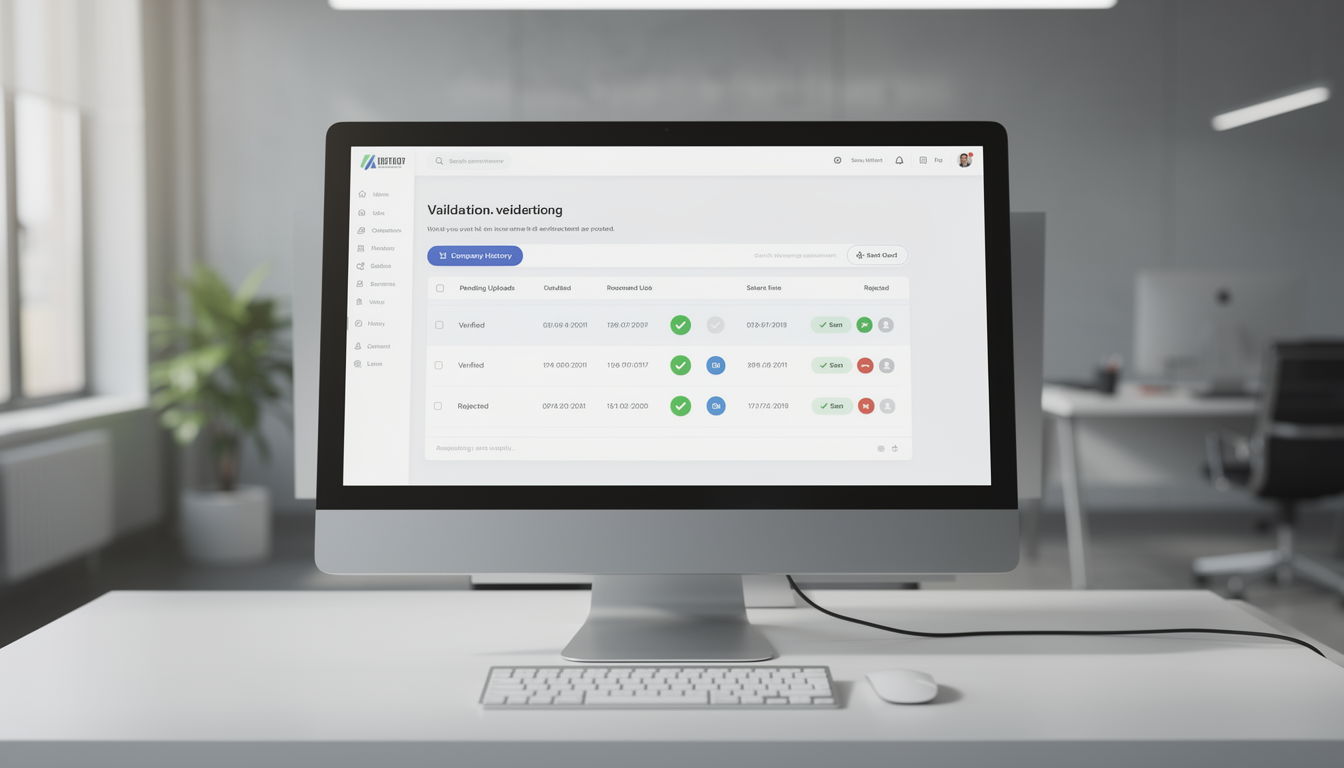
🧭 5. Company-Wise File Validation
Uploads are routed to designated approvers who validate accuracy, compliance, relevance, and document quality. Only vetted assets are cleared for broader distribution, supporting governance and brand integrity.
Key Capabilities:
Who Can Benefit from the System?
Enable secure distribution, controlled access, and audit-ready file governance across corporate, compliance, education, IT, and creative ecosystems.
🏢 Corporate Teams & Enterprises
Overview:
Enable secure internal collaboration with centralized content oversight.
Key Benefits:
🗂️ Document Sharing Hub: Share policies, manuals, and work files internally
📋 Audit Logs: Maintain a paper trail of access and verification activities
🔐 Role-Based Access: Control who sees what through fine-grained permissions
💼 Legal & Compliance Teams
Overview:
Ensure regulatory compliance and prevent sensitive document leaks.
Key Benefits:
📑 Verification Workflow: Only verified, compliant files can be shared
📈 Access Tracking: Monitor which users accessed files and when
🛡️ Encrypted Links: Share files externally with expiration and access restrictions
🎓 Educational Institutions
Overview:
Distribute study materials, research files, and exam resources securely.
Key Benefits:
📘 Resource Sharing: Professors and students can exchange class notes or eBooks
📬 Controlled Access: Passwords and email access limit unauthorized sharing
🗃️ File Recovery: Prevent accidental loss of course materials or research content
👨💻 IT & Software Development Teams
Overview:
Facilitate versioned file delivery, log sharing, and documentation exchange.
Key Benefits:
📄 Version Control: Track and manage multiple versions of shared files
📦 Dev File Delivery: Send install files, builds, or debug logs securely
📜 Logs & Reports: Store crash logs or system reports with access monitoring
🌐 Agencies & Creative Teams
Overview:
Share design assets, media kits, and documents with clients or teams.
Key Benefits:
🎨 Asset Distribution: Send editable files or previews via controlled access
📅 Time-Limited Links: Share files for review with auto-expiration
🔎 Filtering: Locate large design sets with metadata filters
Latest insights and updates on technology trends and innovations
Cloud vs. On-Premise: Which Is Right for Your Business?
The Ultimate Guide to Cybersecurity for Small Businesses
How Automation is Revolutionizing Workplace Productivity
Optimizing Business Operations with Cloud Computing
Adopting Cloud Strategies for Scalable Growth
Harnessing Cloud Solutions to Drive Innovation
Ready To Transform Your Business? Book a Free Consultation
Let’s shape the future of your business together.