Sophistec Dev House
Sophistec Dev House

Meeting Hub

We eliminate unstructured meetings by centralizing scheduling, documentation, and accountability into one intelligent ERP-based meeting platform.

agriculture-management-system

Meeting Hub

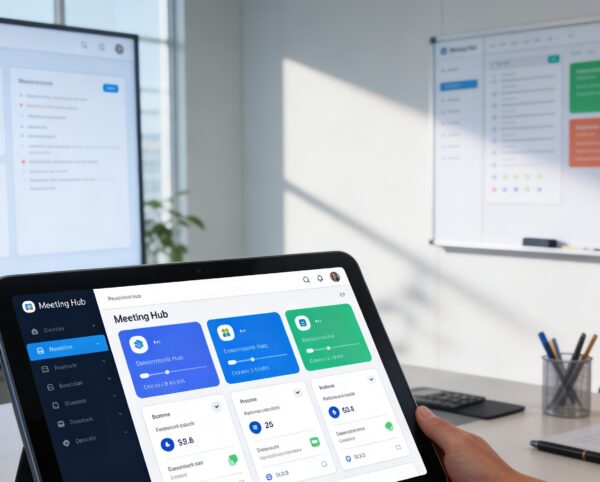
The Meeting Hub module aims to transform the way organizations plan, document, and review meetings by providing an all-in-one solution for meeting management. By digitizing and automating meeting processes, it ensures that every discussion, decision, and action item is captured and accessible. Promoting transparency and follow-through.

Its main purpose is to:

Transforming Meetings into Structured Decisions

Organizations struggle with fragmented meeting notes, lost decisions, and poor follow-through caused by manual documentation and scattered tools. The Meeting Hub addresses these challenges by digitizing scheduling, minutes, reporting, and action tracking within a single ERP-integrated system. This ensures every discussion is documented, every decision is traceable, and every action item is accountable.

Key Features

🗂️ Centralized Meeting Lists Repository
📝 Efficient Meeting Minutes Management
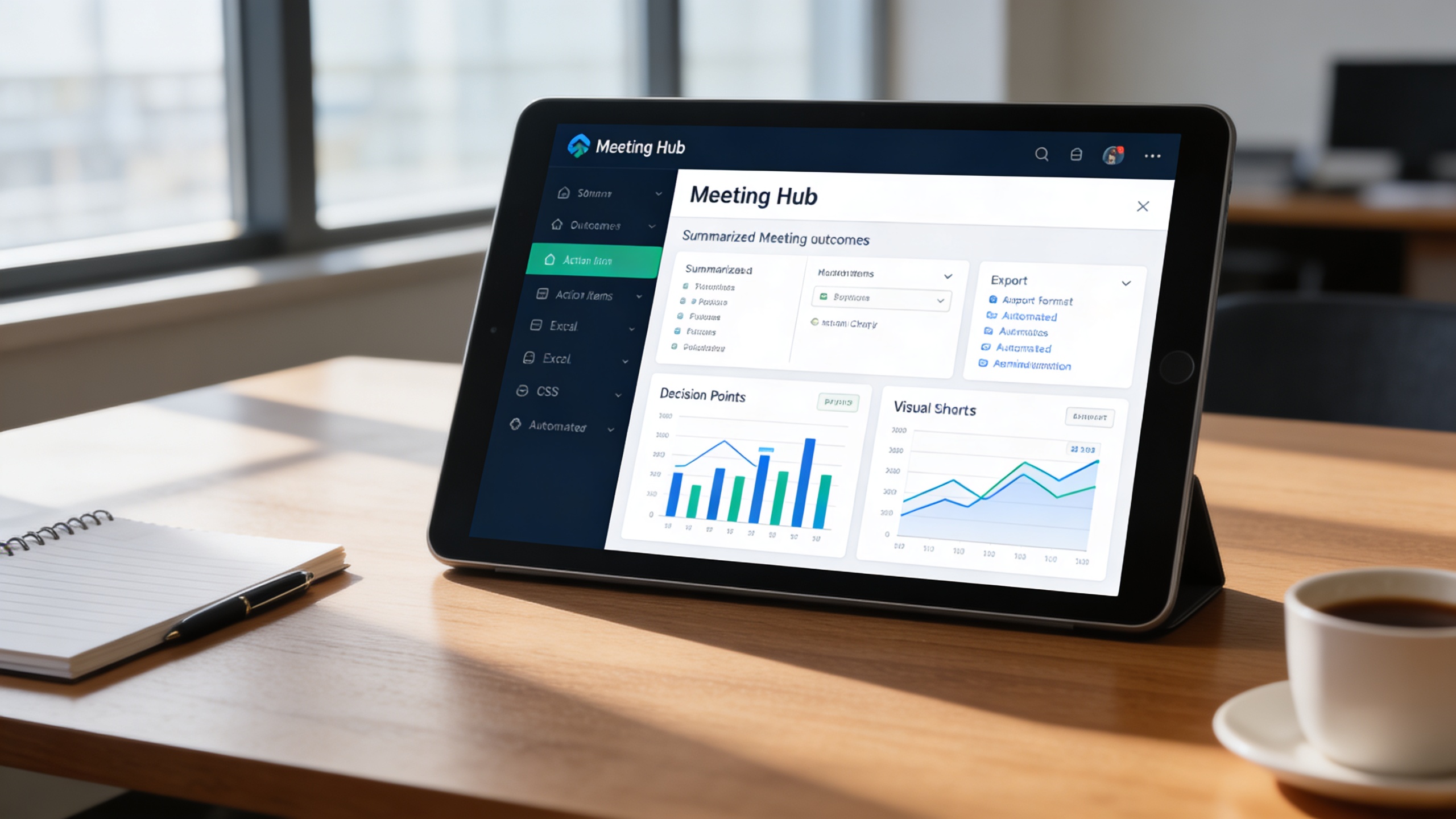
📊 Insightful Meeting Reports Generation
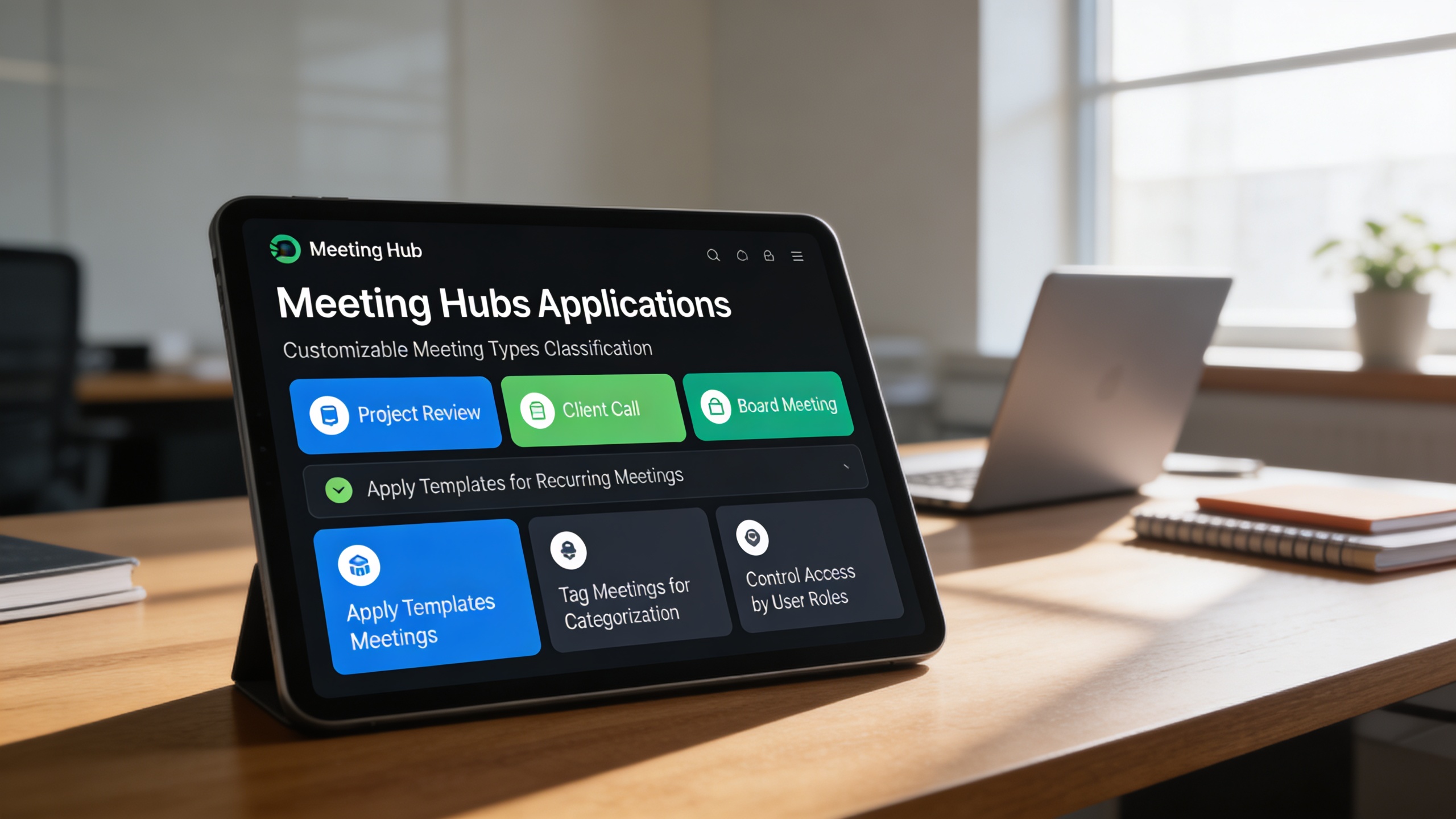
⚙️ Customizable Meeting Types Classification
Module Breakdown

Meeting Hub

Each functional component of the system is modular and scalable for easy customization.

Meeting Scheduling & Lists

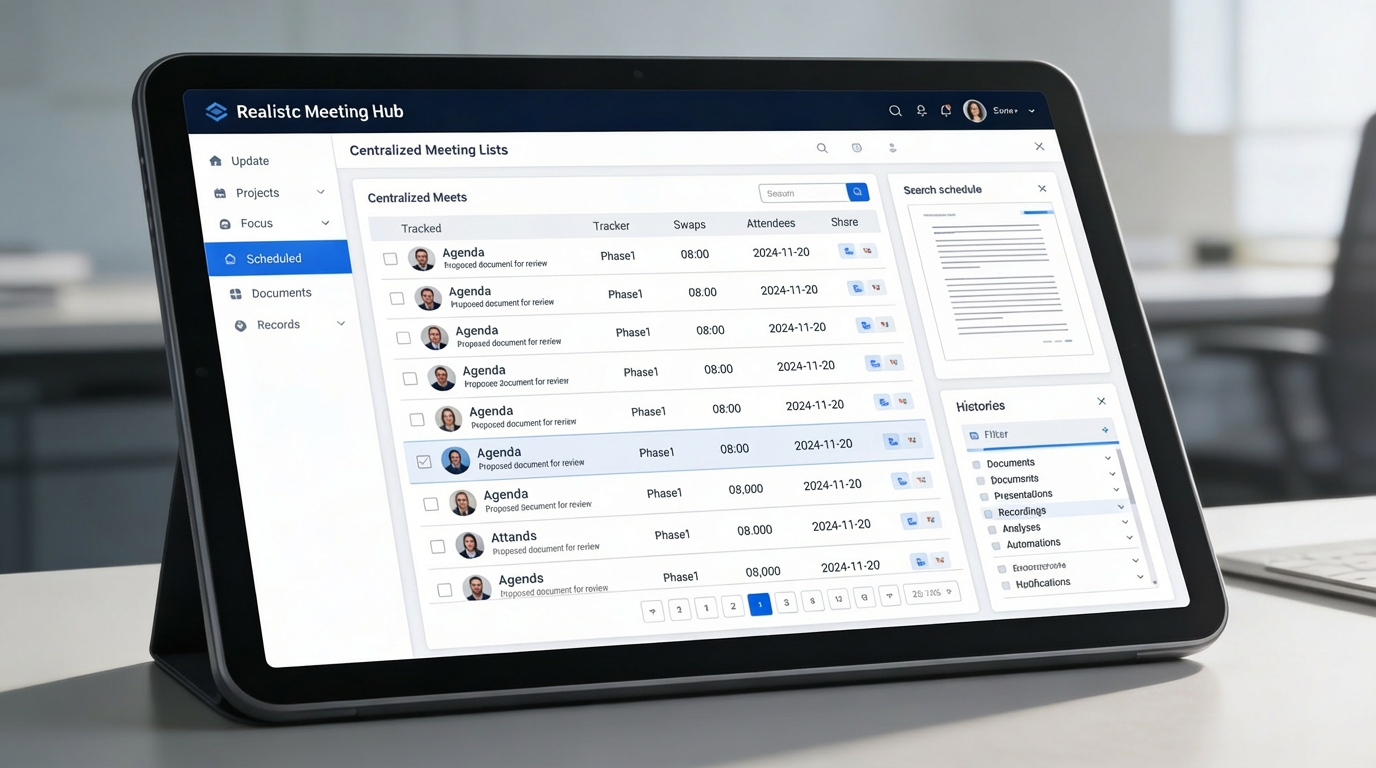
Centralized record of meeting schedules, attendees, and agenda items.

Meeting Scheduling & Lists

Centralized record of meeting schedules, attendees, and agenda items.

Minutes Management

Accurate and structured documentation of discussions, decisions, and action items.

Minutes Management

Accurate and structured documentation of discussions, decisions, and action items.

Reports Generator

Automated generation of meeting summaries and insights for stakeholders.

Reports Generator

Automated generation of meeting summaries and insights for stakeholders.

Meeting Type Configuration

Define, categorize, and manage meeting types based on organizational needs.
Meeting Type Configuration

Define, categorize, and manage meeting types based on organizational needs.
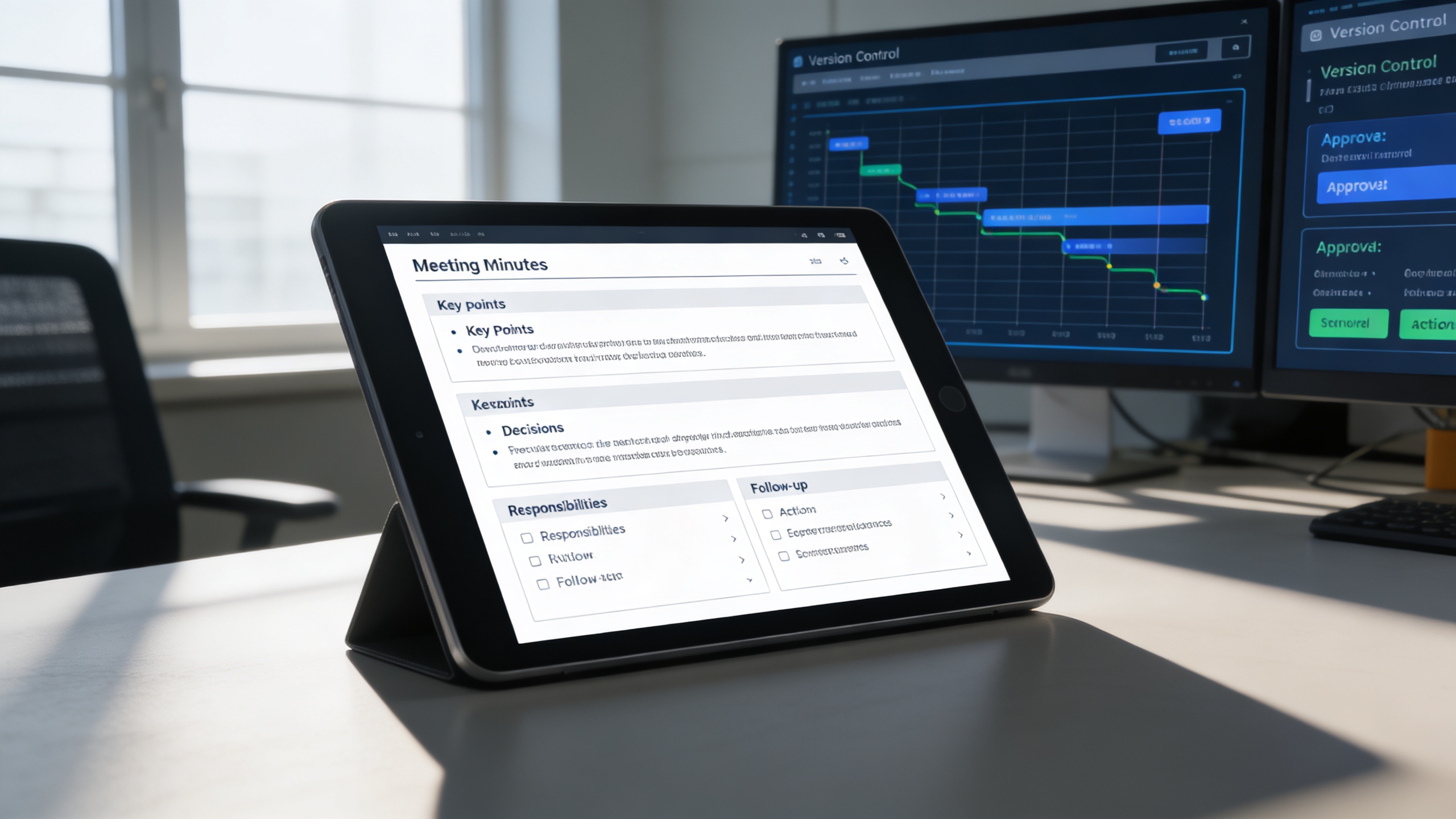
Features Highlights

Centralized Meeting Intelligence Platform

A unified system that captures, documents, tracks, and reports every meeting outcome with full visibility and accountability.

🗂️ 1. Centralized Meeting Lists Repository

All meetings are organized in a single repository, providing full visibility into schedules, agendas, and participants. This creates a reliable historical record that supports transparency and compliance.

Key Capabilities:

📝 2. Efficient Meeting Minutes Management

Meeting discussions, decisions, and responsibilities are captured in a structured and editable format. This ensures clarity, ownership, and seamless follow-up after every meeting.

Key Capabilities:

📊 3. Insightful Meeting Reports Generation

Automatically convert meeting data into actionable summaries and management-ready reports. Stakeholders gain clear insights without manual consolidation or interpretation.

Key Capabilities:

⚙️ 4. Customizable Meeting Types Classification

Meetings are classified by purpose, structure, and access level to maintain organizational clarity. This enables consistency across recurring meetings while supporting diverse workflows.

Key Capabilities:

One Platform, Multiple Industry Roles

Who Can Benefit from the System?

Organizations that require structured meetings, clear documentation, and accountable follow-ups to support governance, projects, and collaborative decision-making.

🏛️ Corporate Offices & Enterprises
Overview:

Enhance governance and communication with structured meeting documentation.

Key Benefits:


📘 Centralized Scheduling: Manage executive, departmental, and cross-team meetings in one unified platform.


🧮 Transparent Record-Keeping: Maintain a detailed archive of minutes, decisions, and resolutions.


🔔 Task Accountability: Assign, track, and follow up on action items directly from meeting records.

🎓 Educational Institutions
Overview:

Coordinate academic and administrative meetings with clarity and precision.

Key Benefits:


🎓 Academic Governance Support: Document faculty, departmental, and committee meetings effectively.


🗂️ Meeting Archive: Maintain historical records for audits and accreditation reviews.


📈 Action Item Monitoring: Track academic initiatives and follow-ups from meeting outcomes.

🏢 Project-Based Organizations
Overview:

Keep project teams aligned and informed through structured meeting workflows.

Key Benefits:


🧭 Project Progress Tracking: Capture updates, blockers, and milestones during project reviews.


📑 Standardized Templates: Use predefined meeting templates for consistency across teams.


📊 Insightful Reporting: Generate periodic summaries for stakeholders and clients.

💼 Government & Public Sector Institutions
Overview:

Promote transparency and accountability in public meetings and inter-departmental sessions.

Key Benefits:


📄 Structured Documentation: Record official meetings, hearings, and committee discussions.


🔍 Public Transparency: Provide accessible reports and meeting summaries when required.


📚 Archival Integrity: Store and retrieve meeting records for audits or compliance checks.

🏘️ Non-Profit & NGO Organizations
Overview:

Streamline internal coordination and stakeholder reporting with centralized meeting tools.

Key Benefits:


🤝 Collaborative Planning: Align team efforts for events, campaigns, and initiatives.


📑 Simplified Reporting: Generate reports to share outcomes with donors or partners.


🧾 Accountability Tracking: Follow up on commitments made during board or project meetings.

Our Customers

TRUSTED BY 100+ HAPPY CUSTOMERS

Ready To Transform Your Business?
Book a Free Consultation

Leave your email below to start a new project journey with us.
Let’s shape the future of your business together.
Cart (0 items)
Select the fields to be shown. Others will be hidden. Drag and drop to rearrange the order.
  • Image
  • SKU
  • Rating
  • Price
  • Stock
  • Availability
  • Add to cart
  • Description
  • Content
  • Weight
  • Dimensions
  • Additional information
Click outside to hide the comparison bar
Compare