Video Hub
The Video Hub Add-On aims to revolutionize the way organizations share knowledge and visual content internally and externally. By centralizing all video assets, it ensures every team member has access to relevant visual materials that support their workflows and objectives.
Its main purpose is to:
- Simplify uploading, linking, and categorizing video resources
- Enhance organizational learning through structured video access
- Foster engagement with interactive comment threads and attachments
- Enable cross-module video assignments for contextual relevance
- Improve efficiency in media management and employee training
Transforming Video Assets Into Organizational Intelligence
Organizations often rely on fragmented video links, scattered repositories, and manual distribution, resulting in low engagement and inconsistent knowledge transfer. The Video Hub Add-On resolves these inefficiencies by centralizing upload, categorization, interactive commenting, and module-level assignment, ensuring that visual learning always appears where operational work occurs. The result is a scalable multimedia ecosystem that accelerates onboarding, supports collaboration, enriches customer enablement, and embeds video intelligence across the enterprise.
Video Hub
Each functional component of the system is modular and scalable for easy customization.
Interactive Video Knowledge
Centralize video assets, boost learning engagement, and assign visual guides directly into operational modules.
🎥 1. Complete Video Management Solution
This feature provides a structured repository for uploading or linking videos, assigning Add-On context, and embedding visual instructions into workflows. It ensures every user can access learning material with metadata, descriptions, thumbnails, and guided support.
Key Capabilities:
- 📤 Upload or link videos directly within the platform
- 🧭 Assign content to Add-Ons (e.g., Items, Projects) for relevance
- 🧠 Provide visual learning materials for onboarding and support
- 📑 Include video descriptions and metadata for easy reference
- 👁️ Enhance user understanding through step-by-step visual guidance
🖥️ 2. Dual View Interface
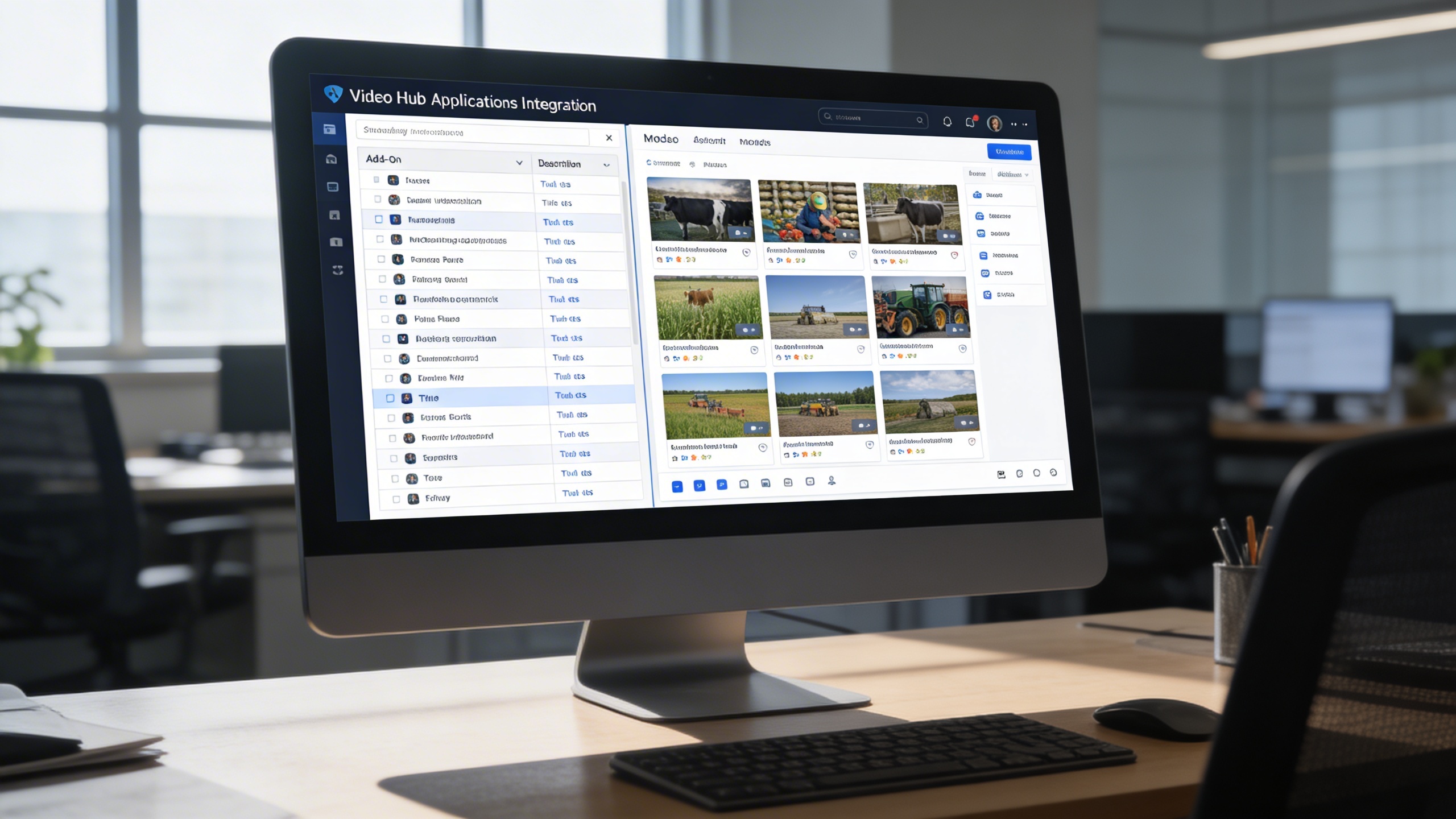
Users can switch between structured list management for sorting, filtering, and exporting assets, or grid mode for visual previews and attachments. The interface offers fast navigation, instant previews, and a clear view into comment counts and categorization.
Key Capabilities:
- 📋 View videos in structured tables with Add-On, description, and title
- 🔍 Sort, filter, and export lists for quick video management
- 🖼️ Display video thumbnails, comment count, and attachments in grid mode
- ⚡ Switch instantly between views for personalized navigation
- 🎯 Access detailed video previews directly via title or thumbnail click
💬 3. Dynamic Actions & Interaction
Video assets become collaboration hubs through threaded comments, attachments, and contextual discussions that eliminate confusion and clarify execution. Administrators maintain governance by editing or removing videos while consolidating all engagement around a single knowledge source.
Key Capabilities:
- 💭 Comment and reply threads for ongoing discussions
- 📎 Attach images to comments for clearer collaboration
- 🎞️ Access full video details, including thumbnail previews and descriptions
- ✏️ Edit or delete videos directly with administrative permissions
- 🔗 Maintain centralized discussions around each video for context continuity
Who Can Benefit from the System?
Enable training, sales, project, and support teams to deliver visual knowledge efficiently, collaboratively, and in operational context.
🏢 Corporate Training & Onboarding Teams
Overview:
Streamline employee learning through structured visual guides.
Key Benefits:
🎬 Centralized Training Content: Maintain a library of tutorials and onboarding videos.
📚 Visual Learning Tools: Replace lengthy manuals with short, targeted videos.
🧭 Progress Tracking: Monitor engagement through comment activity and view counts.
🧑💼 Sales & Marketing Departments
Overview:
Empower teams with product demos and promotional media linked directly to modules.
Key Benefits:
🧾 Product Demonstration Hub: Showcase features or campaigns through embedded videos.
📈 Customer Engagement: Share relevant visuals during sales presentations.
🎯 Centralized Content: Manage promotional assets efficiently under one roof.
🏗️ Project Management Offices (PMOs)
Overview:
Document and share visual project updates seamlessly within the ERP environment.
Key Benefits:
📹 Progress Video Uploads: Capture milestone updates for transparency.
🧩 Contextual Linking: Assign videos to project Add-Ons for accurate documentation.
🗂️ Visual Recordkeeping: Maintain a video archive for audits and retrospectives.
🧑🔧 Customer Support & Technical Teams
Overview:
Accelerate problem-solving through step-by-step visual tutorials.
Key Benefits:
🔧 Troubleshooting Visuals: Provide instructional videos for frequent support cases.
💬 Comment-Based Clarifications: Let users discuss and resolve issues in real time.
⚙️ Knowledge Retention: Build an accessible visual database for recurring processes.
🎓 Educational & Training Institutions
Overview:
Deliver interactive e-learning experiences within institutional management systems.
Key Benefits:
🎓 Course-Based Video Libraries: Upload lectures, tutorials, or skill-based sessions.
📂 Categorized Access: Assign videos to modules or subjects for clarity.
🧠 Collaborative Learning: Encourage discussions through the built-in commenting system.
Latest insights and updates on technology trends and innovations
Cloud vs. On-Premise: Which Is Right for Your Business?
The Ultimate Guide to Cybersecurity for Small Businesses
How Automation is Revolutionizing Workplace Productivity
Optimizing Business Operations with Cloud Computing
Adopting Cloud Strategies for Scalable Growth
Harnessing Cloud Solutions to Drive Innovation
Ready To Transform Your Business? Book a Free Consultation
Let’s shape the future of your business together.