To Do
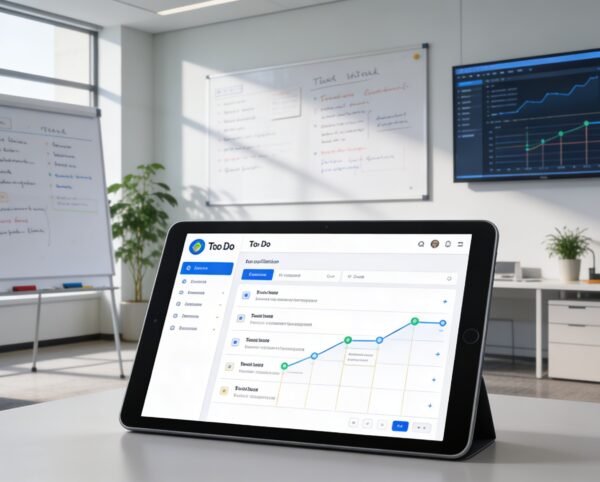
The To Do Add-On was built to optimize task tracking, coordination, and accountability throughout your organization. It provides teams with the structure and tools they need to prioritize, execute, and monitor tasks efficiently.
Its main purpose is to:
- Centralize all task management operations across modules and teams
- Improve time management through calendar-based scheduling
- Enhance team collaboration and performance tracking
- Provide real-time visibility into workload and task progress
- Enable workflow customization through task stages and priorities
Centralized Task Management for High-Performance Teams
Organizations struggle with fragmented task tracking, unclear ownership, and missed deadlines across departments and projects. The To Do Add-On centralizes all activities into a structured system with calendar and board views, real-time updates, and ERP-wide integration. This enables teams to prioritize effectively, collaborate seamlessly, and execute work with clarity and accountability.
To Do
Each functional component of the system is modular and scalable for easy customization.
Unified Task Execution Platform
Plan, assign, track, and execute tasks across teams with real-time visibility and seamless ERP integration.
🗂️ 1. Seamless To Do Integration
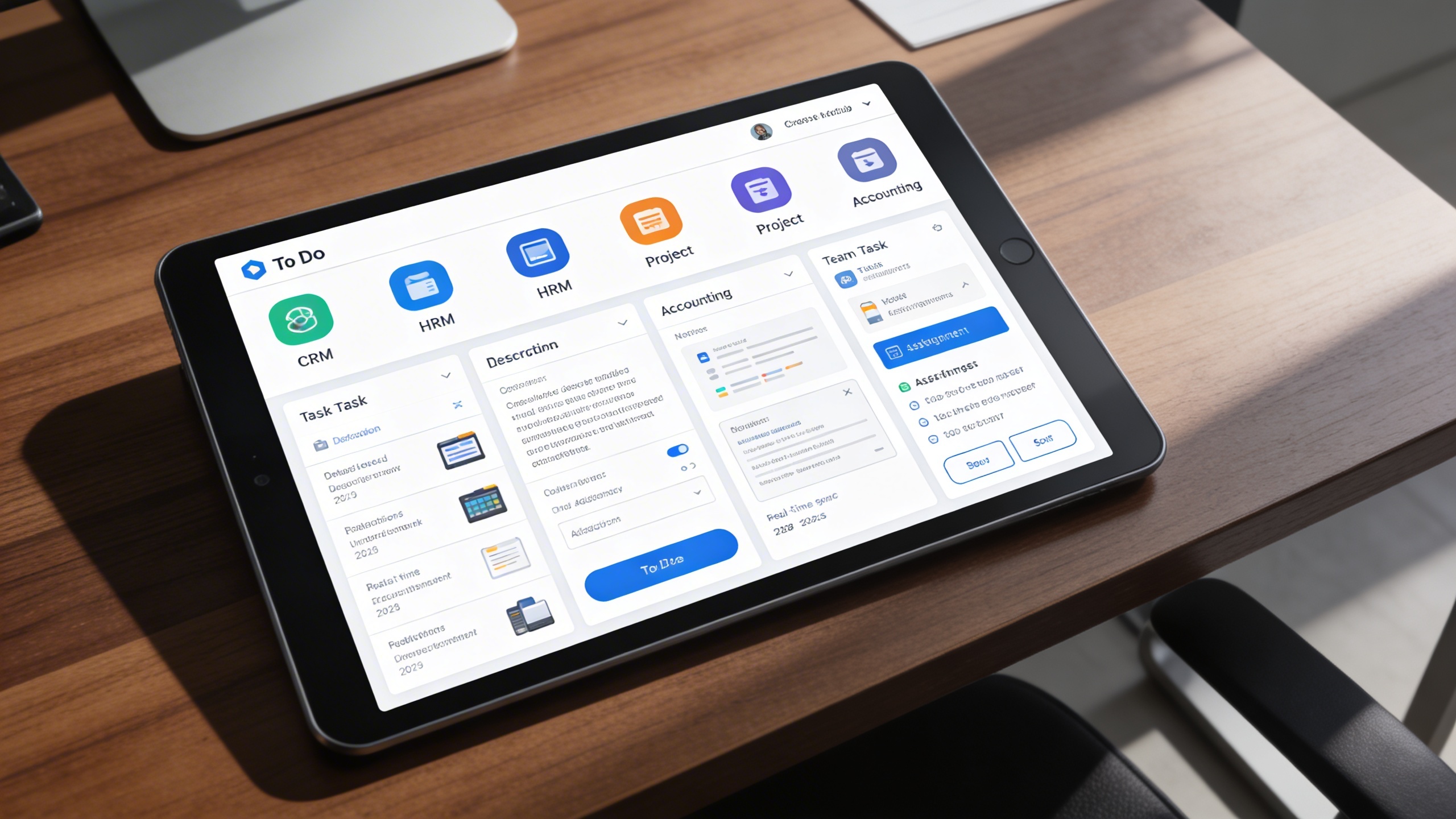
Tasks are created, assigned, and tracked across multiple ERP modules from one centralized system. This ensures alignment between daily activities and organizational objectives.
Key Capabilities:
- 🧭 Cross-Module Integration: Link tasks to CRM, HRM, Project, or Accounting modules effortlessly.
- 👥 Team Collaboration: Assign multiple users to tasks and track accountability.
- 📌 Priority Management: Categorize tasks based on urgency and importance.
- 🗒️ Detailed Descriptions: Add notes, attachments, and contextual information.
- 🔄 Real-Time Sync: Reflect status updates instantly across the ERP system.
🧾 2. Board View Functionality
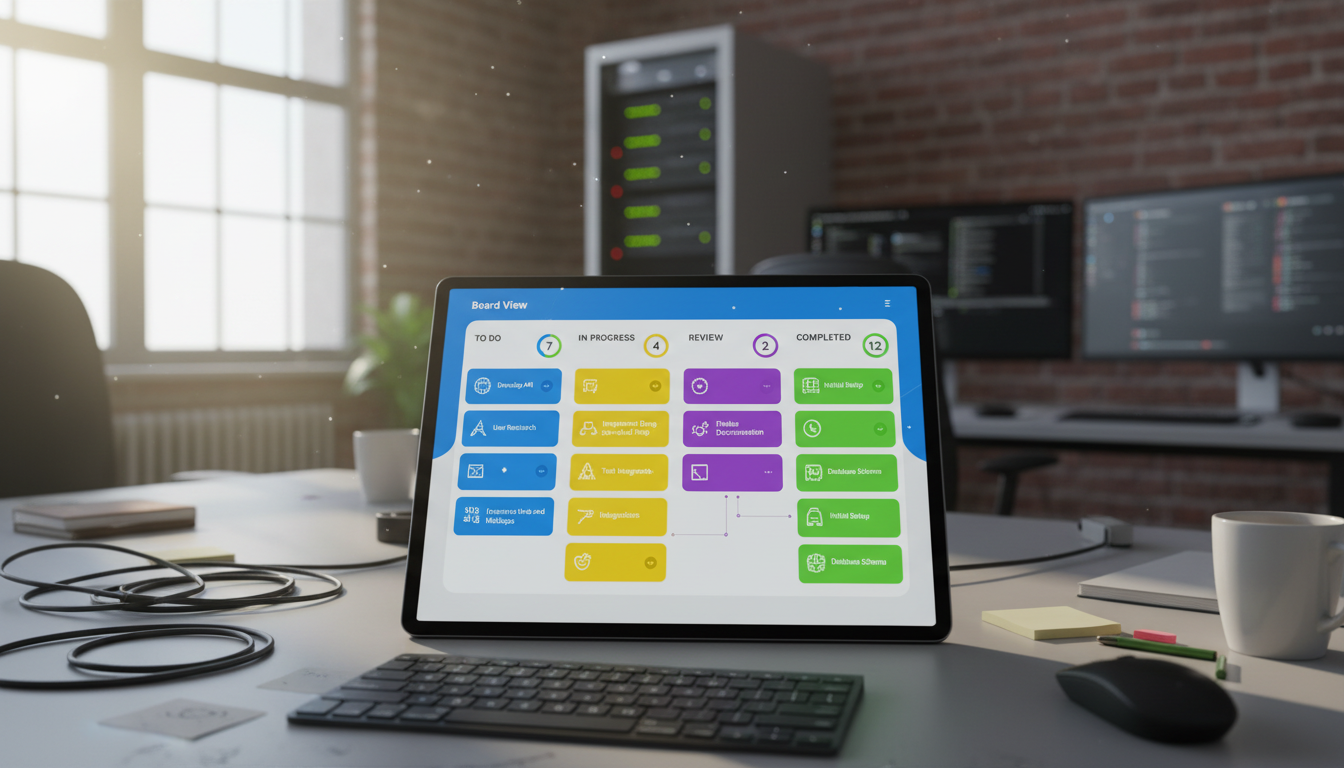
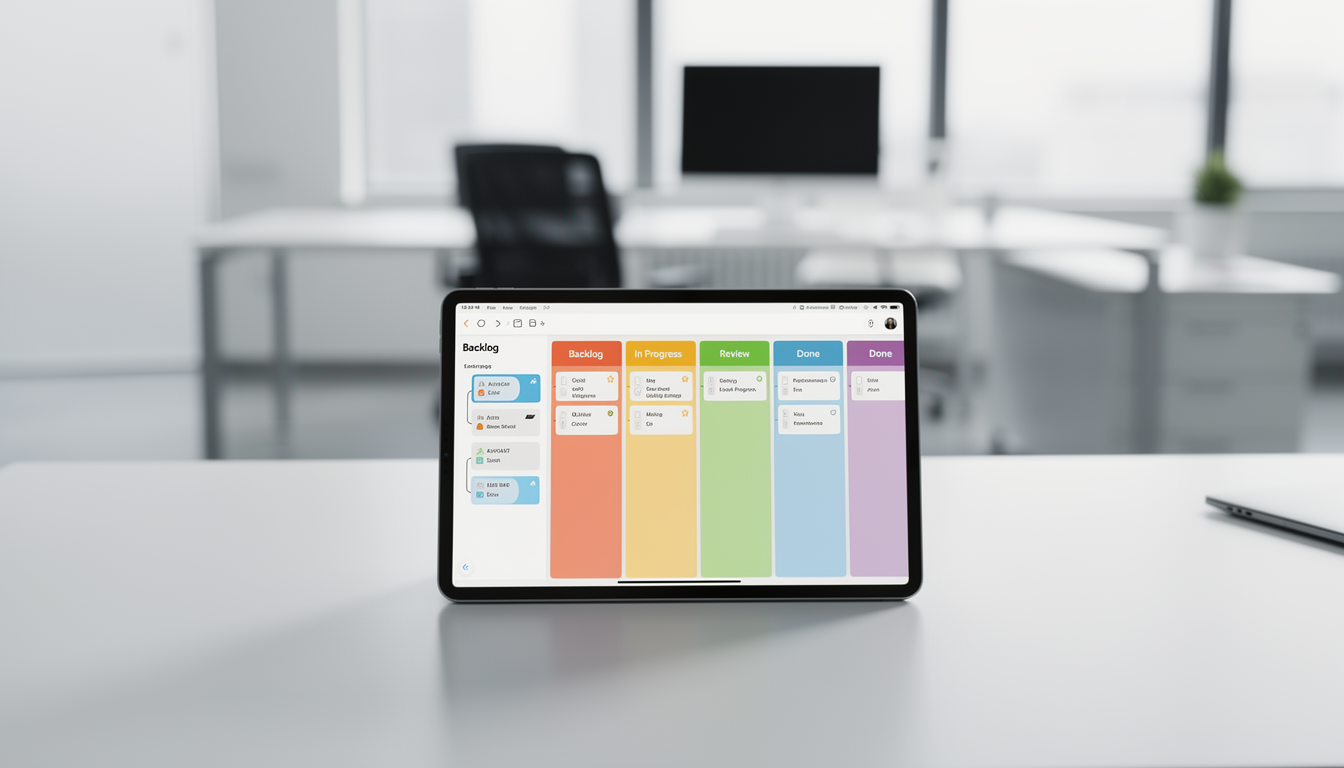
Tasks are visualized through intuitive, stage-based boards with drag-and-drop control. Teams can instantly update progress and stay aligned on execution status.
Key Capabilities:
- 📊 Visual Task Organization: View tasks grouped by status with color-coded labels.
- 🖱️ Drag & Drop Flexibility: Instantly move tasks between stages to update progress.
- ✅ Quick Actions: Mark as complete, view details, edit, or delete with one click.
- 🔢 Stage Counters: Display the total number of tasks in each stage.
- 🤝 Enhanced Collaboration: Keep teams synchronized on project milestones.
📅 3. Calendar View Functionality
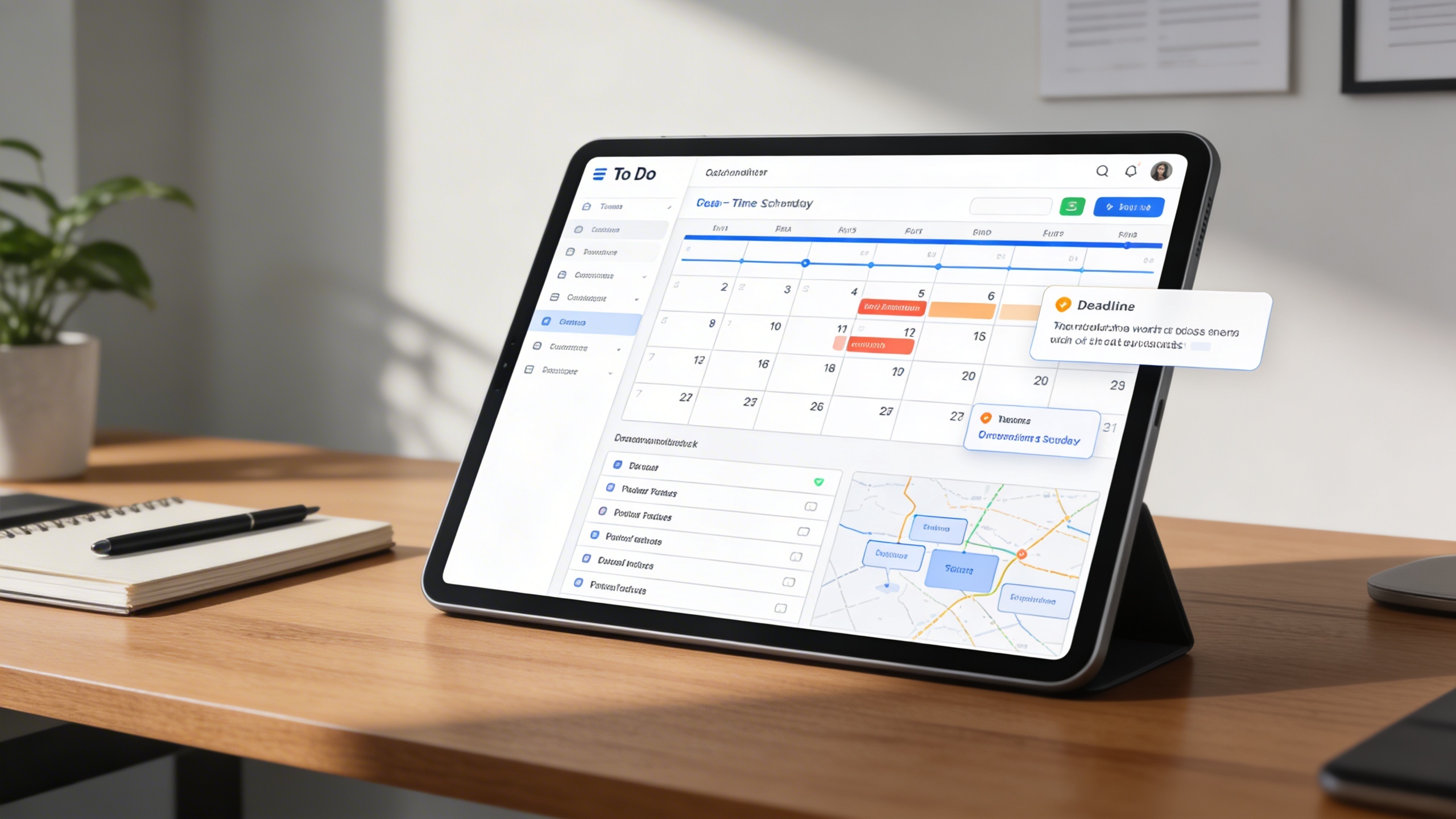
All scheduled tasks are displayed across timelines to provide workload visibility. This helps teams plan efficiently and prevent deadline conflicts.
Key Capabilities:
- 🗓️ Real-Time Scheduling: Display tasks by start and end date-time.
- 📍 Workload Indicators: Highlight busy days with task counts for better planning.
- 📋 Date-Organized Task List: Show detailed information beneath the calendar.
- 🔔 Deadline Alerts: Prevent missed tasks with automatic reminders.
- 📆 Smooth Planning: Avoid overlapping schedules through visual mapping.
⚙️ 4. Task Stage Setup
Workflows are fully customizable to match organizational processes. Task stages can be configured, reordered, and optimized for consistency across departments.
Key Capabilities:
- 🎨 Custom Stage Creation: Define task stages with unique names and color codes.
- 🖱️ Drag-and-Drop Sequencing: Arrange stages according to your preferred workflow.
- 🧹 Stage Optimization: Delete unused or redundant stages to maintain clarity.
- 🔁 Instant Updates: Reflect configuration changes across all team views.
- 📈 Process Alignment: Ensure every department follows consistent task structures.
Who Can Benefit from the System?
Teams and organizations that require clear task ownership, real-time visibility, and structured execution across departments and projects.
🏢 Corporate Teams & Departments
Overview:
Coordinate interdepartmental workflows seamlessly and boost productivity.
Key Benefits:
📊 Unified Task Visibility: See what every team is working on in one place.
📅 Deadline Management: Stay on top of important dates and priorities.
🤝 Improved Collaboration: Assign, comment, and share updates across teams.
🧑💼 Project Management Offices (PMOs)
Overview:
Ensure all project milestones are achieved on schedule with complete task control.
Key Benefits:
📋 Project Alignment: Assign tasks linked directly to project phases.
📈 Progress Tracking: Monitor each milestone’s real-time status.
💡 Resource Allocation: Balance workloads and manage dependencies effectively.
🏫 Educational Institutions
Overview:
Organize administrative, teaching, and student-related tasks in one platform.
Key Benefits:
📚 Course & Event Planning: Schedule assignments, meetings, and deadlines.
👥 Staff Collaboration: Coordinate between faculty and departments.
🗂️ Academic Monitoring: Track tasks related to student progress or research projects.
🏢 Service-Based Companies
Overview:
Maintain client satisfaction and operational efficiency through task visibility.
Key Benefits:
📞 Client Task Assignment: Manage client-related deliverables with accountability.
💼 Sales & CRM Integration: Link tasks directly to leads or customer projects.
🔔 Automated Reminders: Ensure timely follow-ups and service delivery.
🏘️ Construction & Engineering Firms
Overview:
Track complex, multi-stage tasks with accuracy and clarity.
Key Benefits:
🏗️ Workflow Structuring: Organize field and office activities effectively.
📋 Material & Vendor Coordination: Manage procurement and delivery schedules.
📊 Status Dashboards: Monitor all project activities and deadlines visually.
Latest insights and updates on technology trends and innovations
Cloud vs. On-Premise: Which Is Right for Your Business?
The Ultimate Guide to Cybersecurity for Small Businesses
How Automation is Revolutionizing Workplace Productivity
Optimizing Business Operations with Cloud Computing
Adopting Cloud Strategies for Scalable Growth
Harnessing Cloud Solutions to Drive Innovation
Ready To Transform Your Business? Book a Free Consultation
Let’s shape the future of your business together.