Sophistec Dev House
Sophistec Dev House

Support Ticket

We centralize customer and internal support requests into a structured ticketing system that accelerates resolution and improves service transparency.

agriculture-management-system

Support Ticket

The Support Ticket system is designed to centralize and simplify customer support and internal helpdesk operations. By digitizing the full lifecycle of ticket handling, it improves communication, enhances responsiveness, and ensures transparency for both customers and support agents.

Its main purpose is to:

Powering Fast, Transparent, and Scalable Support Experiences

Organizations often struggle with scattered support requests, unclear communication, and slow response times that frustrate users and overload support teams. Without structured workflows, tracking issues, prioritizing requests, and maintaining accountability becomes inefficient and error-prone. The Support Ticket system resolves these challenges by centralizing requests, enabling threaded communication, organizing issues by category and priority, and delivering full visibility into support performance.

Key Features

🧾 Ticket Submission Form
🔁 Interactive Threaded Replies
🗂️ Category-Based Ticket Organization
🧱 Dynamic Form Builder
❓ FAQ Creation & Management
📊 Support Dashboard for Admins
👥 Multi-Admin Collaboration
🔐 Status Tracking (Open, Closed, Resolved) 
Module Breakdown

Support Ticket

Each functional component of the system is modular and scalable for easy customization.

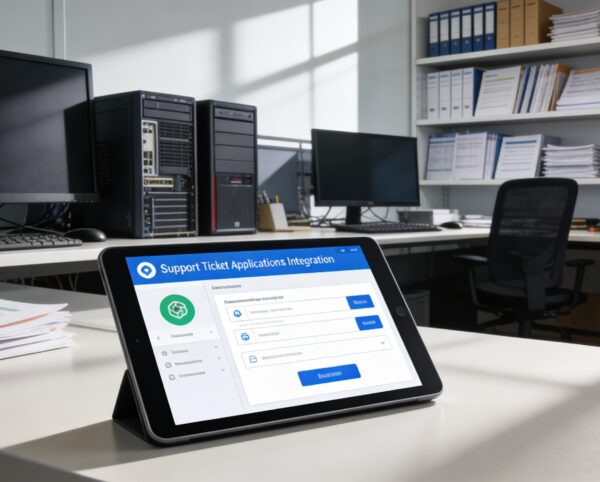
Ticket Submission

Generate tickets with user details, descriptions, and file uploads

Ticket Submission

Generate tickets with user details, descriptions, and file uploads

Reply Threads

Real-time conversation tracking between users and support teams

Reply Threads

Real-time conversation tracking between users and support teams

Ticket Categorization

Group issues by type, assign colors and filters

Ticket Categorization

Group issues by type, assign colors and filters

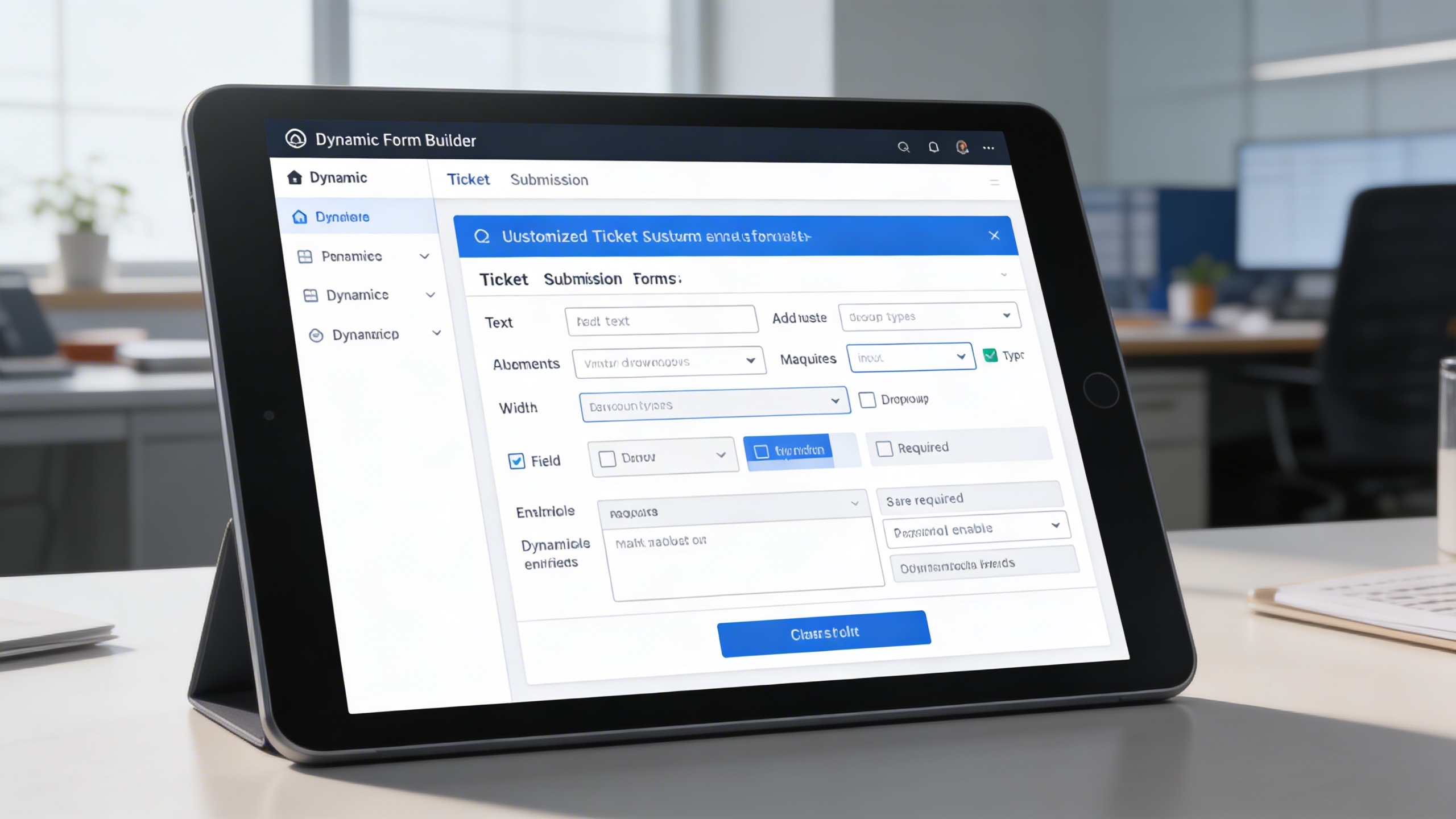
Form Builder

Customize fields and logic of ticket submission forms

Form Builder

Customize fields and logic of ticket submission forms

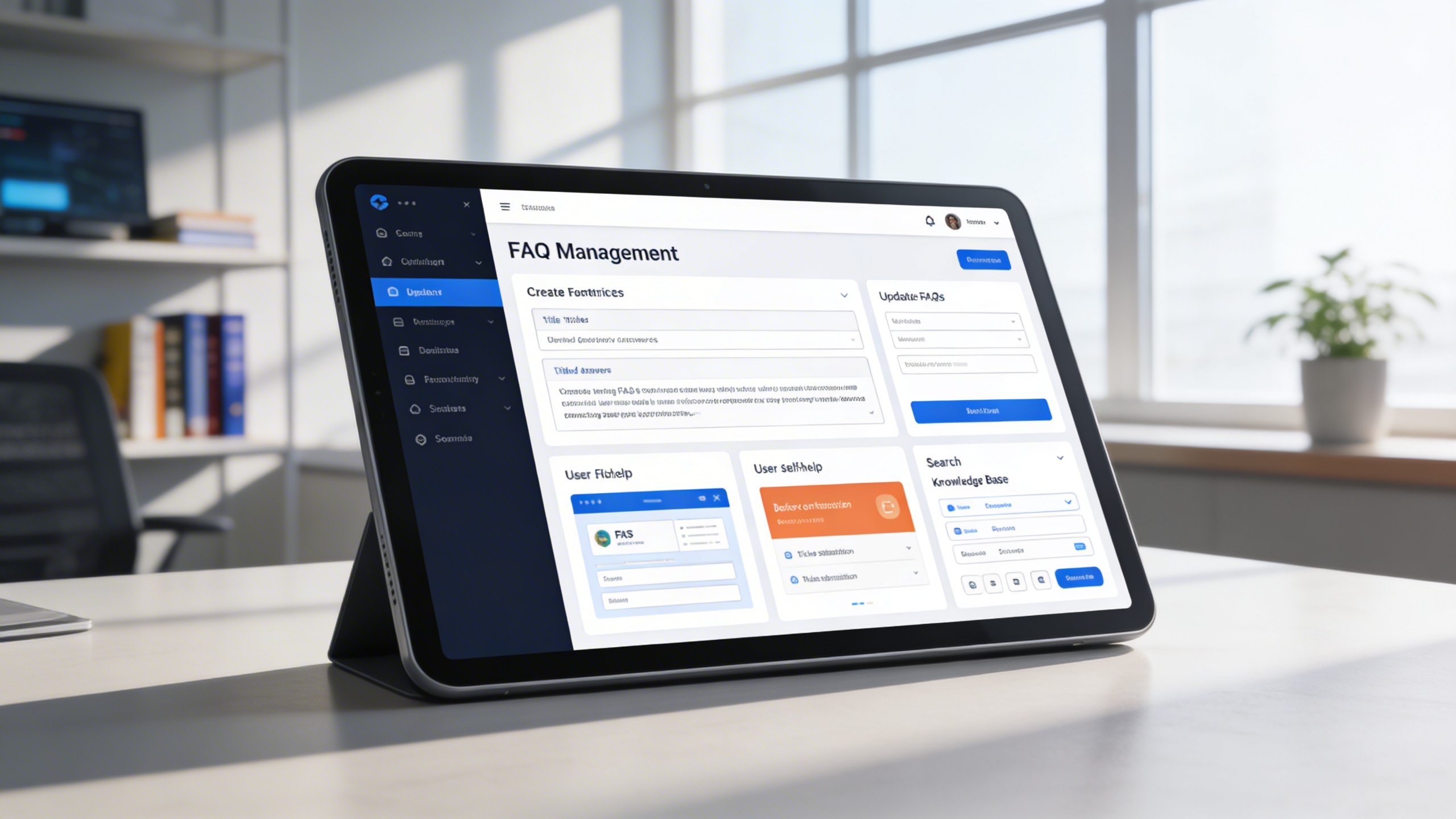
FAQ Management

Host a library of common questions and answers

FAQ Management

Host a library of common questions and answers

Admin Dashboard

Monitor tickets, reply rates, and team activity 

Admin Dashboard

Monitor tickets, reply rates, and team activity 
Features Highlights

Unified Support Ticket Platform

Centralize support requests, conversations, categorization, and tracking to deliver faster resolutions and consistent support experiences.

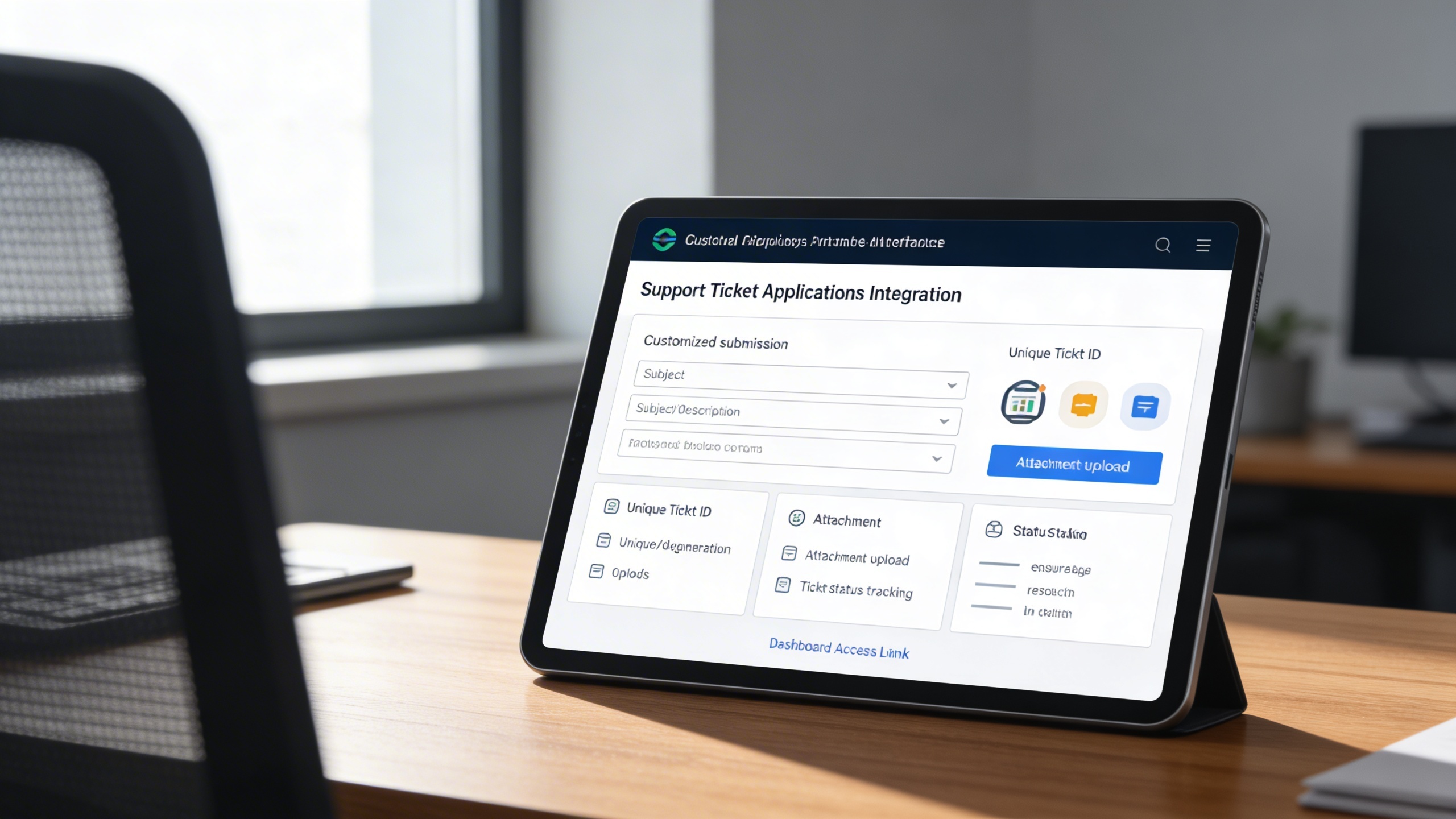
🧾 1. Ticket Submission System

Enable users to submit clear, structured support requests using customizable forms with attachments. Each ticket is assigned a unique ID for accurate tracking and accountability.

Key Capabilities:

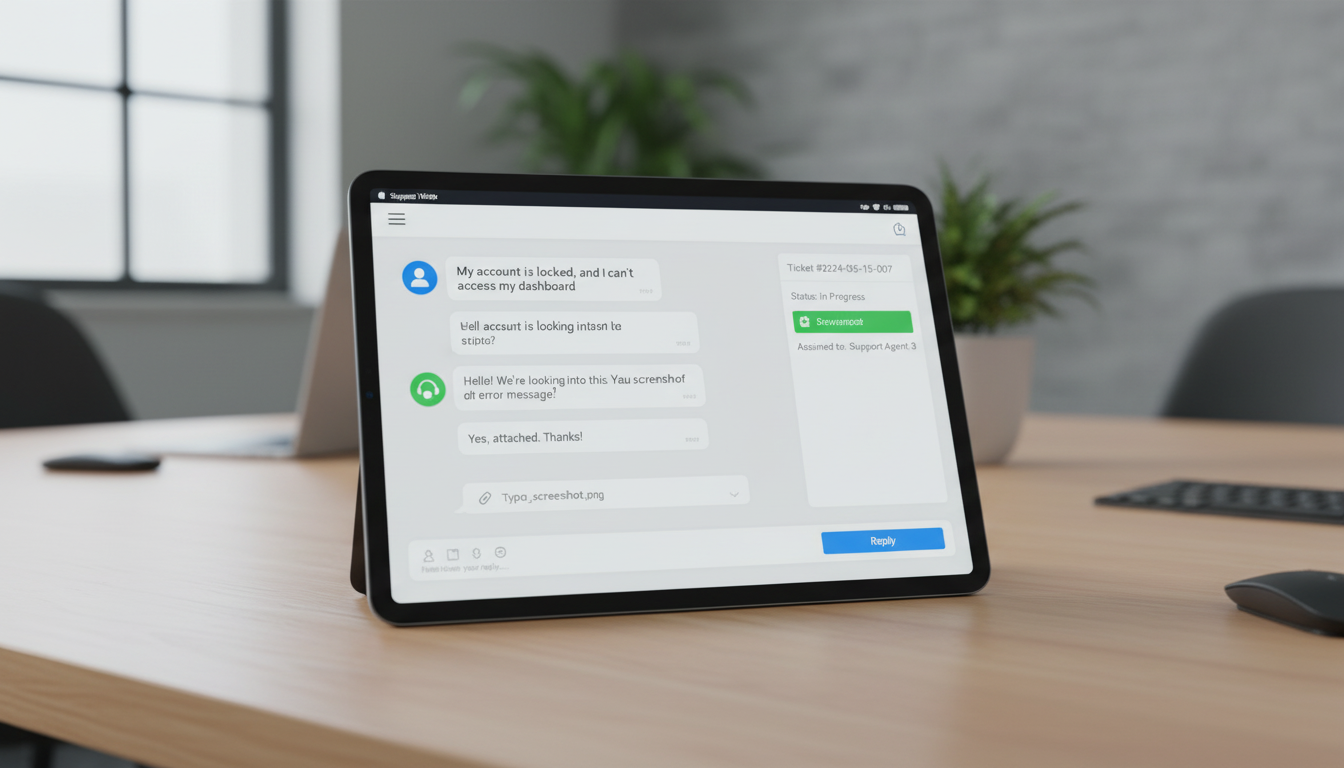
🔁 2. Interactive Ticket Replies

Maintain transparent communication through threaded conversations between users and support teams. Full reply history ensures context is preserved until resolution.

Key Capabilities:

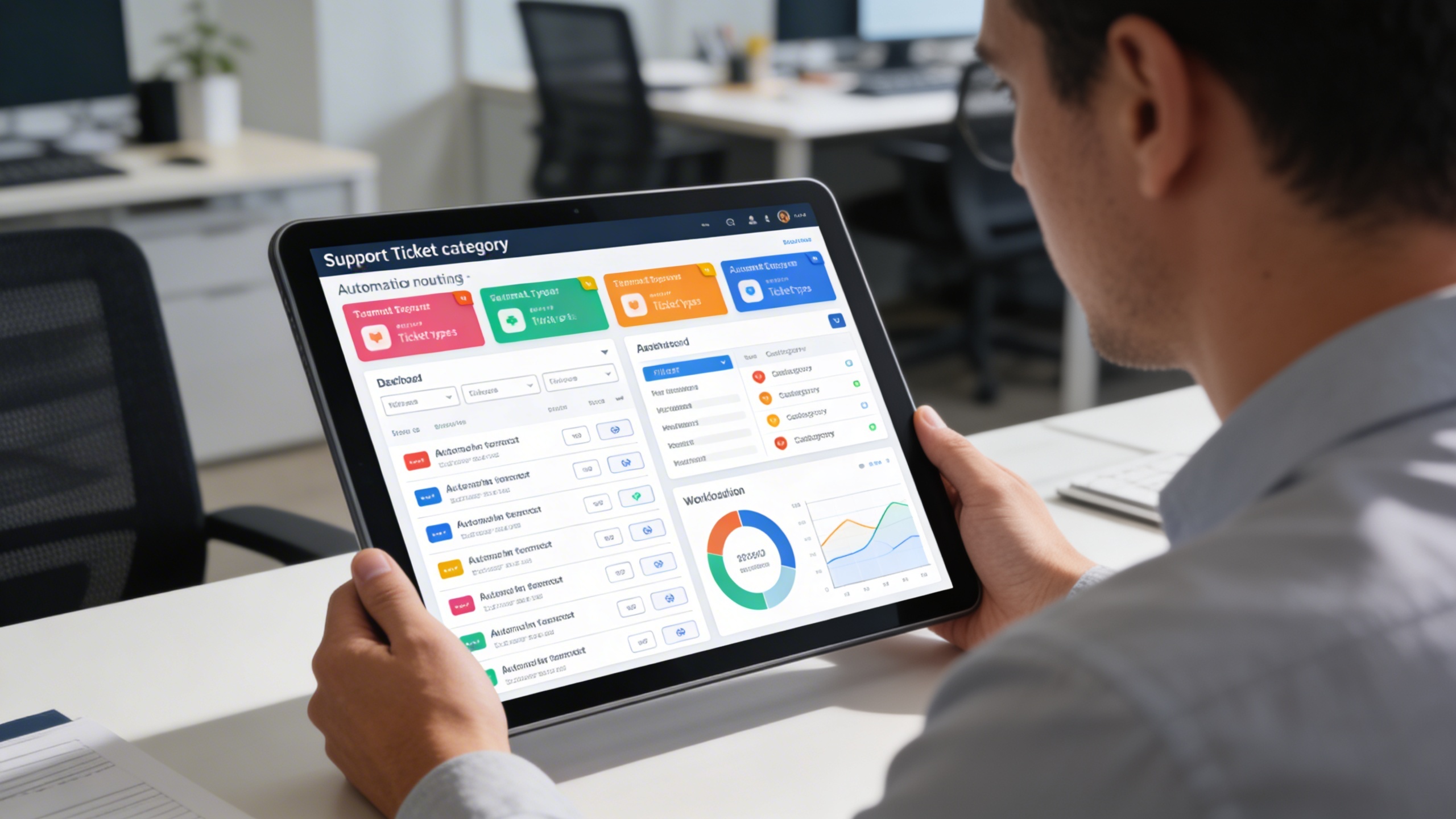
🗂️ 3. Category-Based Management

Organize and prioritize tickets efficiently using configurable categories and visual tags. This improves routing accuracy and balances support team workloads.

Key Capabilities:

🧱 4. Dynamic Form Builder

Customize ticket submission forms to match specific support workflows and requirements. Easily adjust fields, validation rules, and layouts without technical complexity.

Key Capabilities:

❓ 5. FAQ Management

Reduce incoming tickets by offering users instant answers through a searchable FAQ library. Keep knowledge content updated to reflect common issues and solutions.

Key Capabilities:

One Platform, Multiple Industry Roles

Who Can Benefit from the System?

Organizations managing customer inquiries or internal support requests that require structured workflows, transparency, and faster issue resolution.

🏢 SaaS Providers & Tech Companies
Overview:

Deliver responsive customer support and reduce support load.

Key Benefits:


🧾 Structured Issue Intake: Users submit complete details with attachments.


🔁 Transparent Communication: View entire ticket history with threaded replies.


📊 Efficient Triage: Route tickets automatically by category and urgency.

🏛️ Government & Public Services
Overview:

Handle inquiries, complaints, and service issues with accountability.

Key Benefits:


🗂️ Public Inquiry Categorization: Use categories to route issues to the right department.


📄 Form Flexibility: Tailor ticket forms for various citizen request types.


🧾 Document Tracking: Collect and verify attachments directly in replies.

🏫 Educational Institutions
Overview:

Manage student, parent, and staff concerns across departments.

Key Benefits:


🧱 Customizable Forms: Adapt for student services, technical issues, or admin support.


📎 Attachments & ID Uploads: Collect necessary documents with ease.


📊 Dashboard Oversight: Track issue resolution across academic and support teams.

🏢 Internal IT Support Teams
Overview:

Support employees efficiently with an internal helpdesk workflow.

Key Benefits:


💬 Threaded Tech Support: Keep context in conversation logs with users.


🛠️ Dynamic Field Mapping: Tailor forms for different request types (hardware, software, access).


📁 Ticket History: Keep a searchable log of past support cases for audits.

🏘️ Service-Based Businesses
Overview:

Provide quality post-sale support to clients and maintain brand trust.

Key Benefits:


📞 Fast Ticketing Interface: Quick form access for customers with auto-generated ticket IDs.


❓ Self-Help First: Reduce incoming tickets with a solid FAQ system.


📌 Status Updates: Keep customers informed about their ticket progress.

Our Customers

TRUSTED BY 100+ HAPPY CUSTOMERS

Ready To Transform Your Business?
Book a Free Consultation

Leave your email below to start a new project journey with us.
Let’s shape the future of your business together.
Cart (0 items)
Select the fields to be shown. Others will be hidden. Drag and drop to rearrange the order.
  • Image
  • SKU
  • Rating
  • Price
  • Stock
  • Availability
  • Add to cart
  • Description
  • Content
  • Weight
  • Dimensions
  • Additional information
Click outside to hide the comparison bar
Compare