Spreadsheets
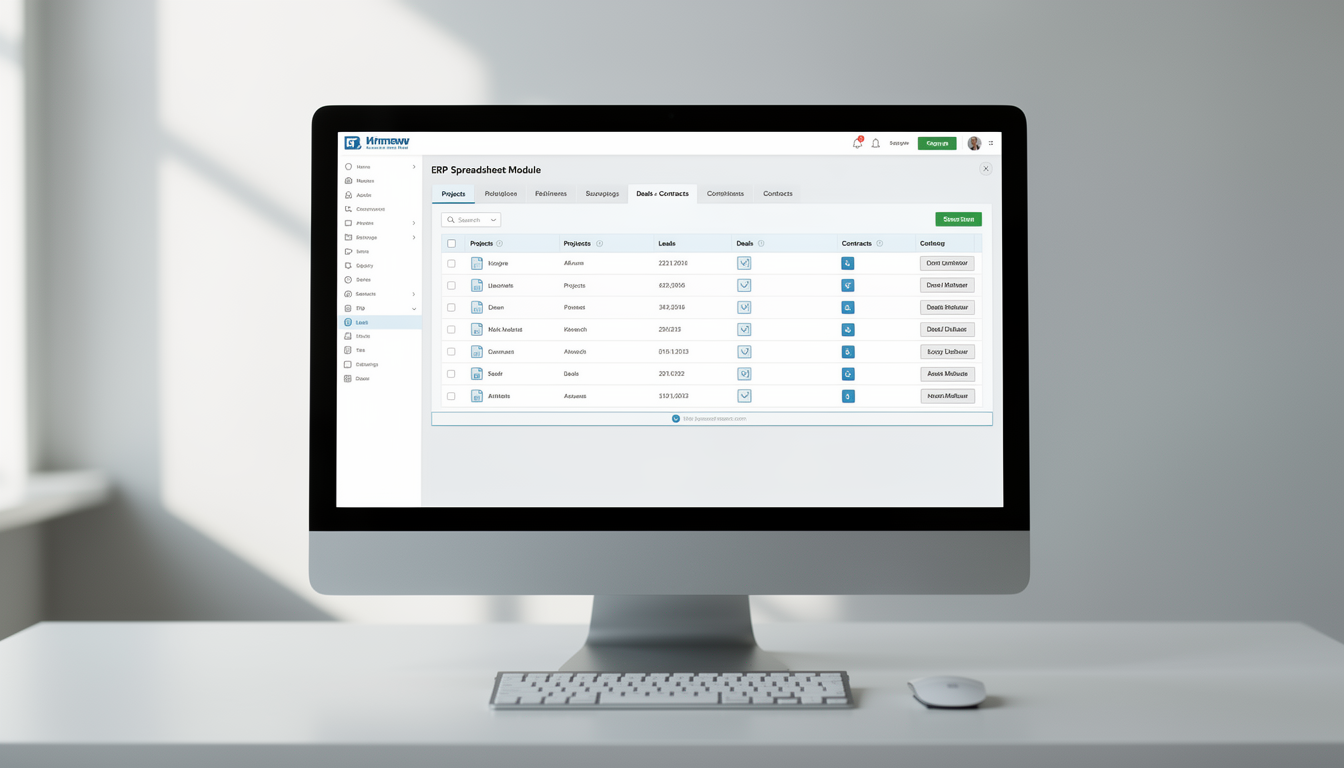
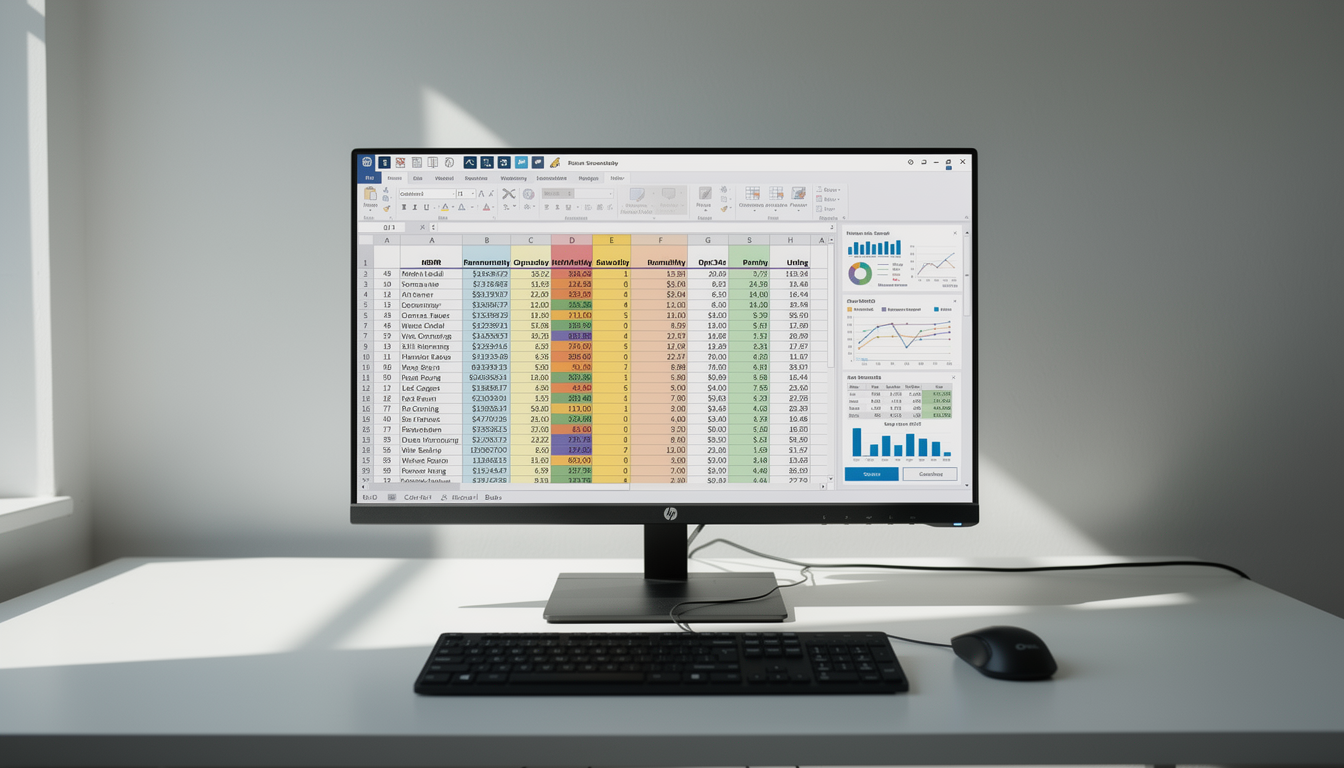
The Spreadsheets Module is built to empower users with a structured yet flexible platform for managing and analyzing organizational data. It bridges the gap between manual data handling and dynamic analytics, enabling informed decision-making and smoother operations.
Its main purpose is to:
- Simplify data entry, storage, and manipulation in a single platform
- Support complex calculations, summaries, and trend analysis
- Enable seamless linking with other ERP modules for contextual insights
- Enhance collaboration through shared spreadsheets and folders
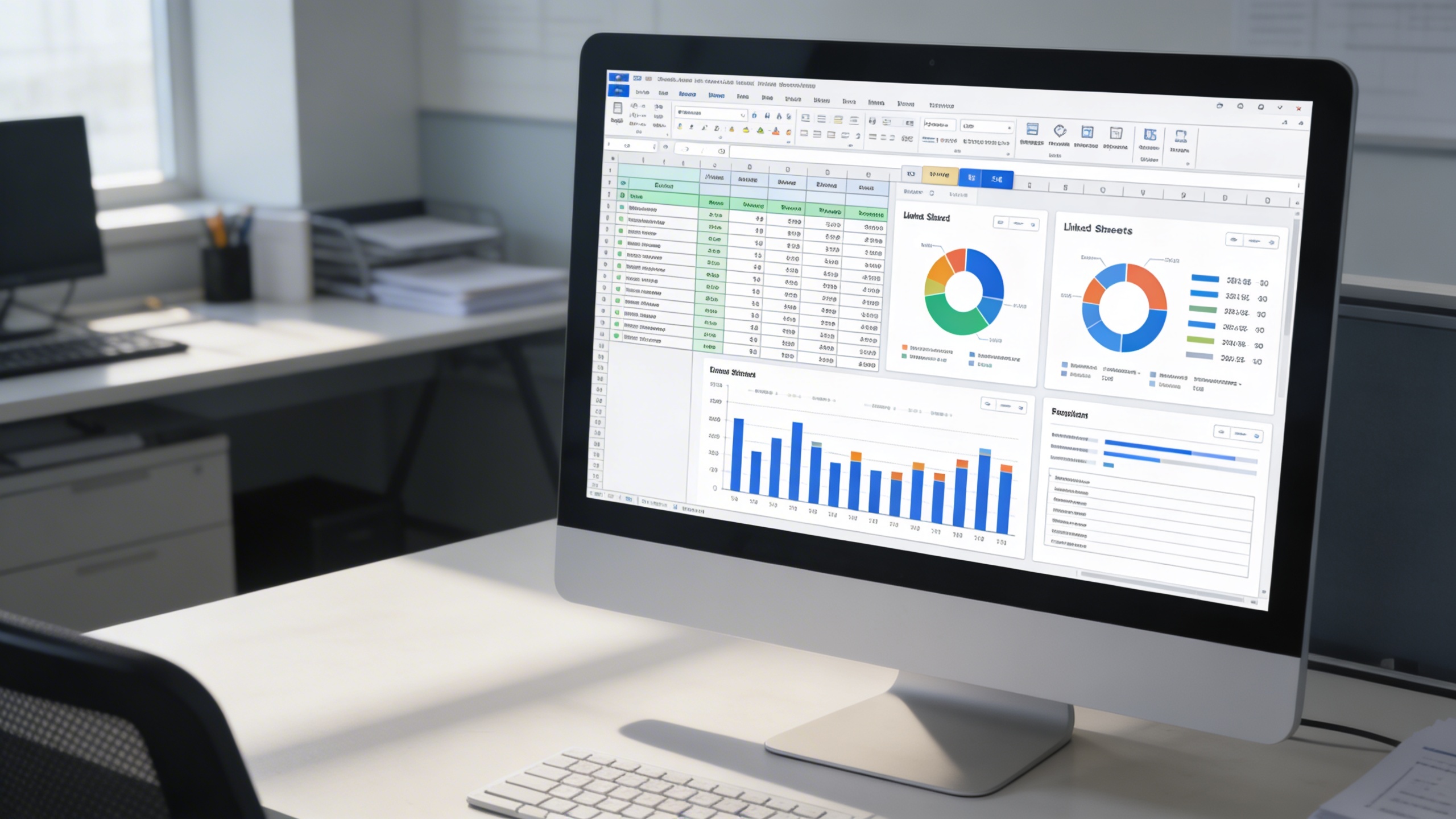
- Facilitate real-time data visualization and reporting for quick decision-making
Unifying Business Data for Real-Time Intelligence
Many businesses struggle with fragmented data, manual reporting, and isolated spreadsheets that slow decision-making. The Spreadsheets Module resolves these limitations by centralizing structured information, enabling collaborative editing, integrating with Projects, CRM, and Finance, and supporting formula-driven analysis. The result is a unified, data-driven environment where organizations visualize performance, track progress, and execute decisions with confidence.
Spreadsheets
Each functional component of the system is modular and scalable for easy customization.
Collaborative Data Intelligence
Unify data, collaborate instantly, visualize performance, and link business records for faster, smarter decision-making.
📁 1. Organized Data Management
Experience effortless control over your business data with a centralized and structured folder system. The Spreadsheets Module allows users to create subfolders, manage categories, and link files directly to relevant ERP modules.
Key Capabilities:
📊 2. How Spreadsheets Are Useful
The Spreadsheets Module acts as a flexible workspace for financial, operational, and analytical data management. Ideal for teams that rely on structured information and precise reporting.
Key Capabilities:
📈 3. Enhanced Collaboration & Integration
Collaboration lies at the core of the Spreadsheets Module. Users can share, co-edit, and discuss data directly within their workspace, ensuring aligned teamwork and timely updates.
Key Capabilities:
🧮 4. Some Benefits of Using Spreadsheets
Harness the power of data-driven operations with the Spreadsheets Module’s analytical capabilities. From financial summaries to performance reports, users can gain valuable insights effortlessly.
Key Capabilities:
Who Can Benefit from the System?
Empower operational, financial, analytical, and academic teams with structured, collaborative data management across every business function.
💼 Finance & Accounting Teams
Overview:
Simplify financial tracking and reporting with structured spreadsheets that ensure accuracy and consistency across accounting operations.
Key Benefits:
📘 Budget Planning & Forecasting: Develop and maintain detailed financial models.
🧮 Transaction Tracking: Record and reconcile financial entries efficiently.
📊 Performance Reporting: Generate income statements, balance sheets, and variance analyses.
🧠 Data Analysts & Business Strategists
Overview:
Enable real-time analytics and strategic decision-making through dynamic spreadsheet tools integrated with your ERP environment.
Key Benefits:
📈 Data Aggregation: Combine and analyze data from multiple modules.
🧾 Visualization Tools: Create dashboards for performance tracking.
📊 Predictive Analysis: Identify trends and project business outcomes.
🧑💼 Project Management Teams
Overview:
Maintain control over project budgets, schedules, and deliverables by linking spreadsheets directly to project records.
Key Benefits:
📁 Linked Data Tracking: Associate budget and resource sheets with project modules.
💬 Collaborative Planning: Update tasks and cost estimates collaboratively.
📅 Progress Visualization: Track project timelines through spreadsheet charts.
🏢 Sales & Operations Departments
Overview:
Boost sales performance and operational efficiency by organizing client data, sales pipelines, and deal metrics within shared spreadsheets.
Key Benefits:
📈 Deal Tracking: Monitor leads, proposals, and closure rates.
📊 Sales Performance Analysis: Measure conversion rates and revenue growth.
📎 Cross-Department Visibility: Share and sync data across CRM and Project modules.
🎓 Educational & Research Institutions
Overview:
Empower academic and administrative teams to manage and analyze institutional data effectively.
Key Benefits:
📘 Academic Data Recording: Manage student grades, attendance, and evaluations.
🧮 Research Data Handling: Track experiments, surveys, and outcomes.
📊 Administrative Reporting: Generate insights on performance and compliance.
🏛️ Corporate Enterprises
Overview:
Enhance enterprise-wide productivity and decision-making by unifying data workflows through spreadsheet integration.
Key Benefits:
📚 Unified Data Management: Centralize performance and compliance data.
🧠 Smart Analysis Tools: Enable leadership teams to make data-backed decisions.
📊 Transparent Insights: Improve visibility into operations, finances, and outcomes.
Latest insights and updates on technology trends and innovations
Cloud vs. On-Premise: Which Is Right for Your Business?
The Ultimate Guide to Cybersecurity for Small Businesses
How Automation is Revolutionizing Workplace Productivity
Optimizing Business Operations with Cloud Computing
Adopting Cloud Strategies for Scalable Growth
Harnessing Cloud Solutions to Drive Innovation
Ready To Transform Your Business? Book a Free Consultation
Let’s shape the future of your business together.