Sage
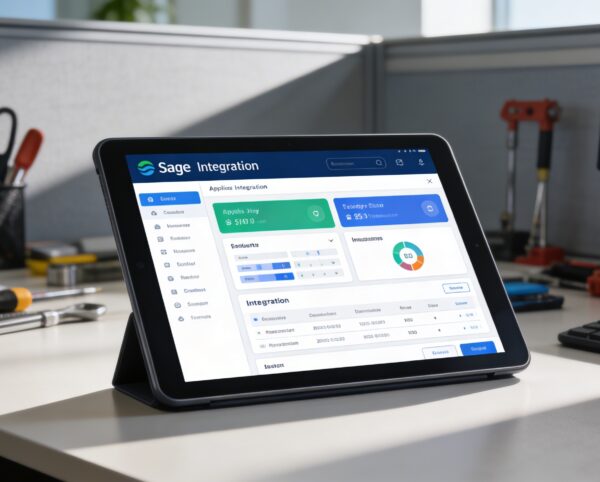
The Sage Integration Module is designed to unify financial management between your ERP and Sage. It automates data flow, optimizes invoicing, and provides complete visibility over accounting operations without the need for manual updates. This creates a smarter, faster, and more reliable business workflow.
Its main purpose is to:
- Automate invoice creation, ledger synchronization, and payment updates
- Reduce manual accounting tasks and minimize data entry errors
- Securely connect your ERP and Sage systems through verified credentials
- Streamline real-time financial operations for better decision-making
- Enhance collaboration between finance and operations teams
Unifying ERP and Sage for Smarter Financial Operations
Businesses often face fragmented financial systems, manual data entry, and delayed visibility when ERP and accounting platforms operate separately. These gaps lead to duplicated records, reconciliation errors, and slower decision-making across finance and operations teams. Our solution bridges ERP and Sage with real-time synchronization, automated invoicing, and accurate ledger management to deliver reliable, streamlined financial control.
Sage
Each functional component of the system is modular and scalable for easy customization.
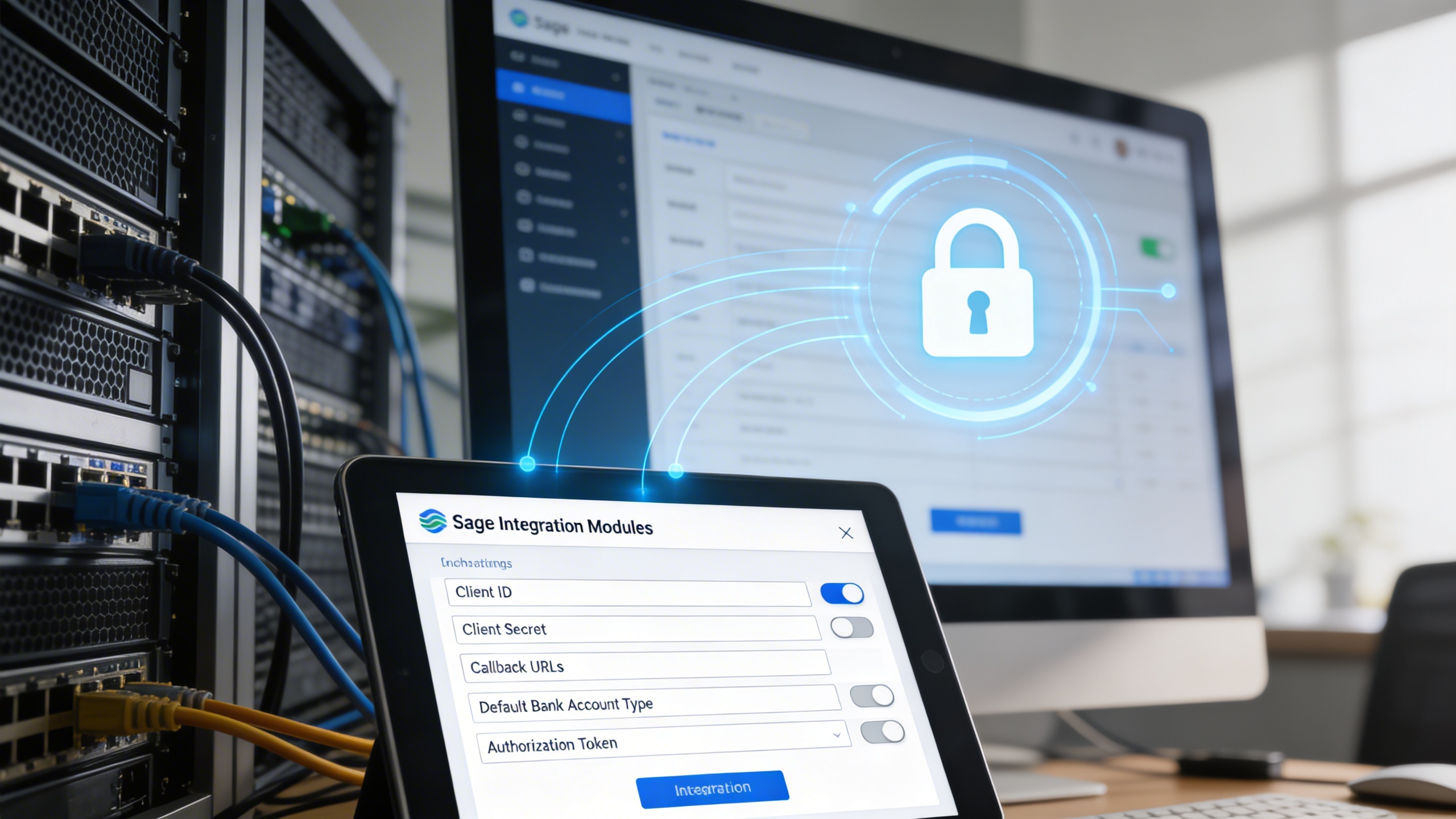
Integration Configuration
Add Client ID, Secret, Callback URLs, Bank Account Type, and Authorization Token to connect securely.
Integration Configuration
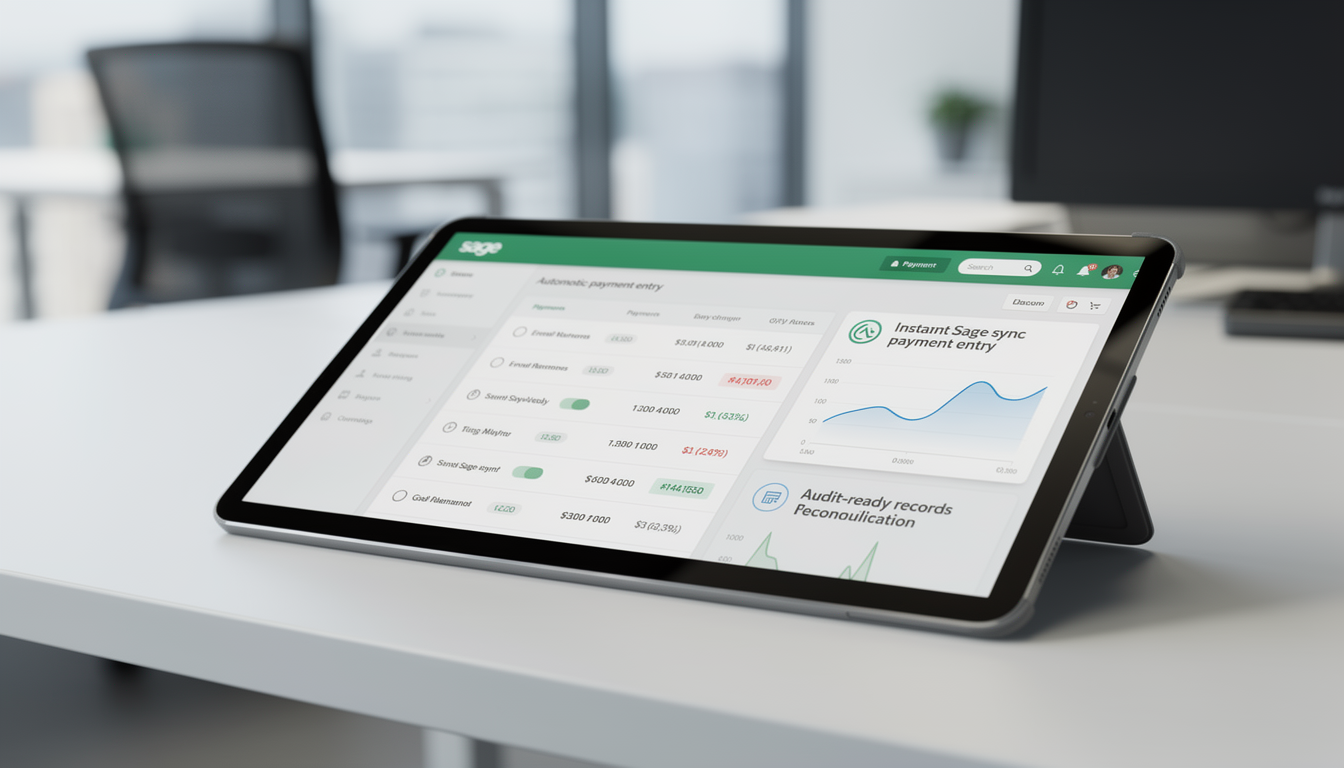
Automatic Payment Recording
Automatically record completed payments in Sage to keep records accurate.
Automatic Payment Recording
Automated ERP Sage Integration Platform
Synchronize invoices, payments, and ledgers automatically between ERP and Sage for faster, more accurate, and transparent financial management.
🧾 1. Effortless Invoicing with Sage Integration
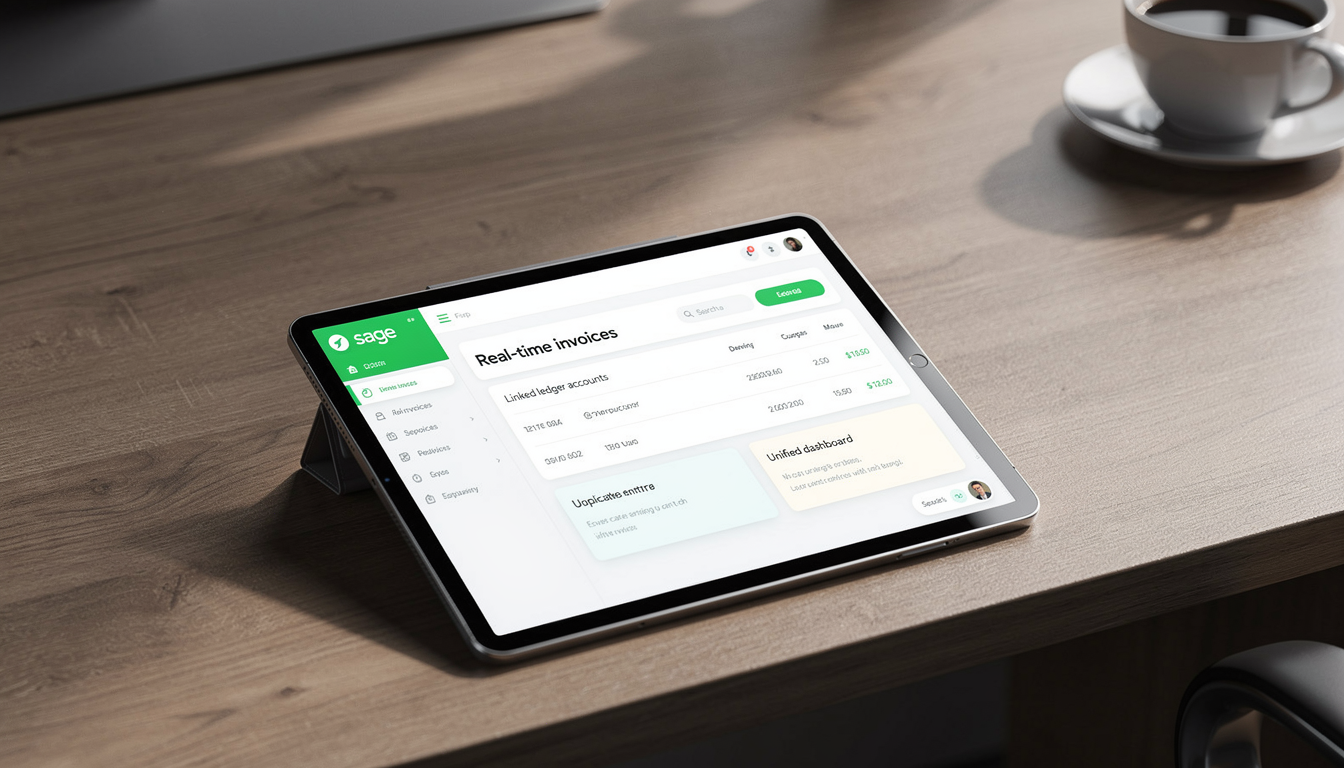
Simplify your invoicing workflow with Sage Integration. Once synced, invoices created in your ERP are instantly reflected in Sage, ensuring both systems remain consistent. You can generate ledger accounts, issue invoices, and have them automatically mirrored in Sage, removing the need for double entry.
Key Capabilities:
⚙️ 2. Configure Sage Integration in Settings
Setting up Sage Integration is straightforward. In your ERP settings, add your Client ID, Client Secret, Callback URLs, Default Bank Account Type, and Authorization Token. These details establish a secure connection with Sage, allowing data to flow safely between both systems.
Key Capabilities:
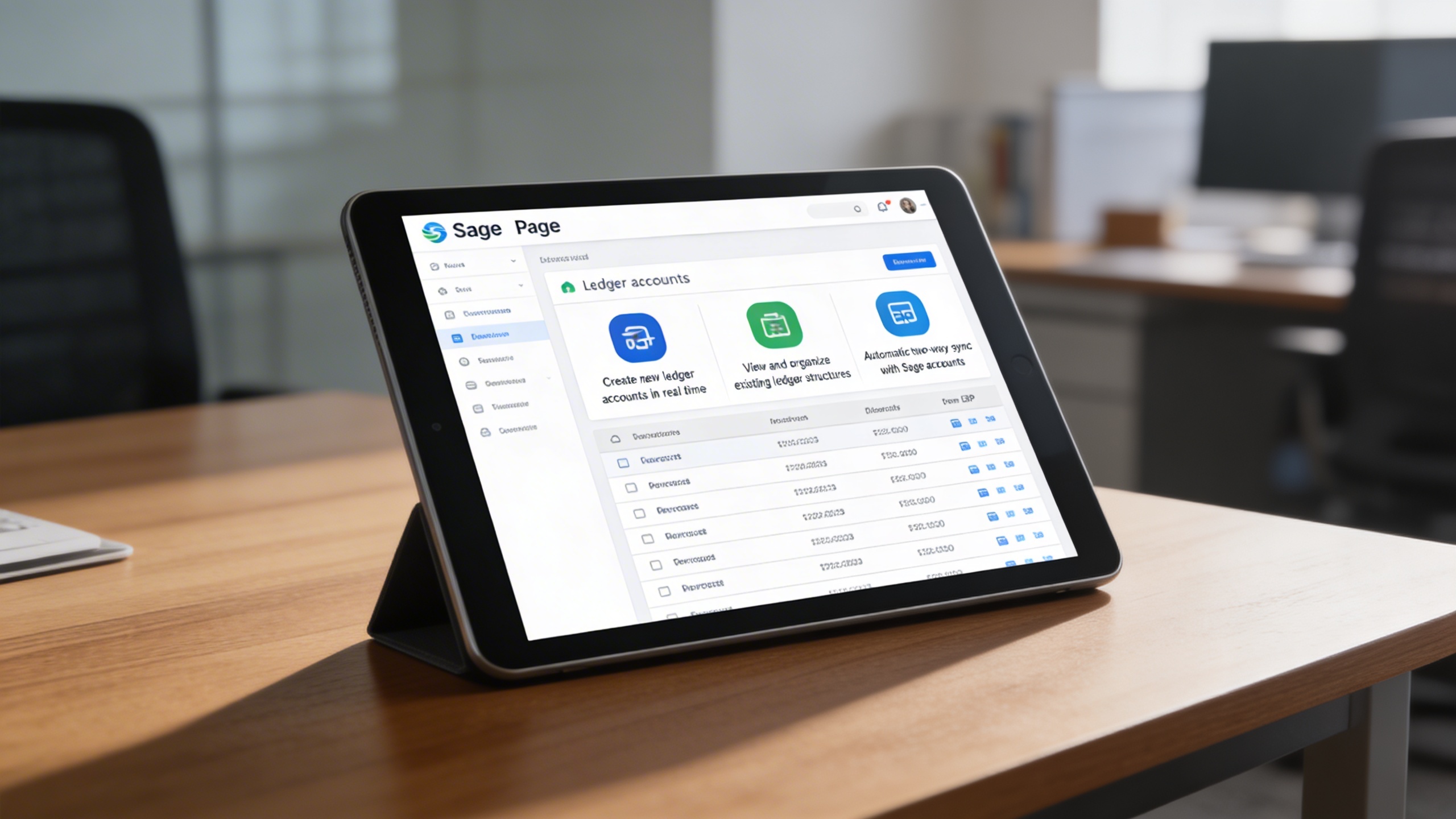
📊 3. Access and Manage Ledger Accounts via the Sage Page
Once connected, the Sage Page within your ERP displays a complete list of all ledger accounts from Sage. You can view, manage, or even create new accounts directly from your ERP. Any updates sync instantly with Sage.
Key Capabilities:
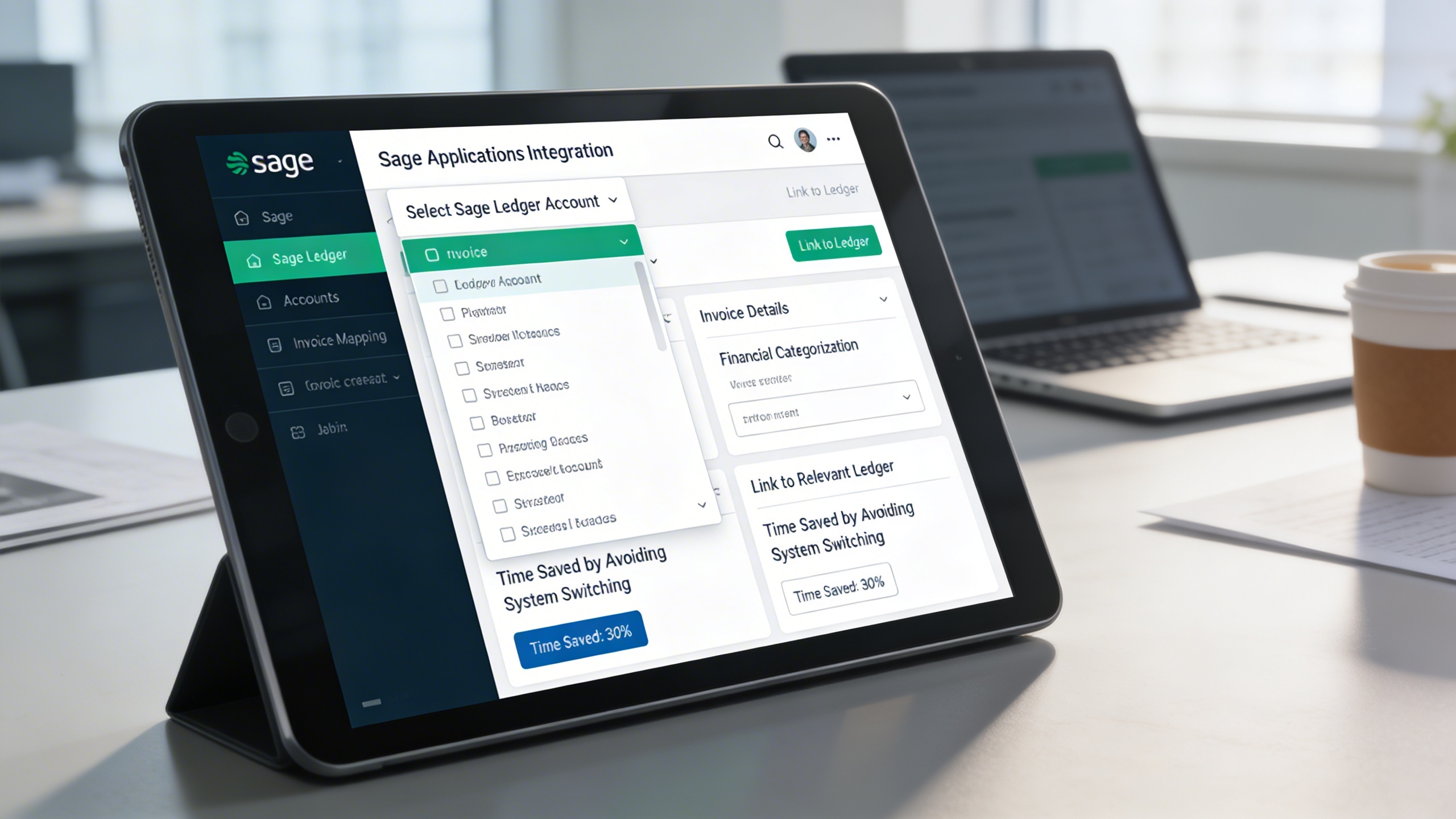
💼 4. Select Sage Ledger While Creating Invoices
While creating invoices, users can select from a dropdown list of Sage ledger accounts. This ensures invoices are correctly mapped to their corresponding ledgers right from the start, saving time and maintaining accounting accuracy.
Key Capabilities:
💰 5. Automatic Payment Entry in Sage
Once an invoice payment is completed, it’s automatically recorded in Sage. This prevents errors caused by duplicate or missing entries and keeps both systems perfectly aligned.
Key Capabilities:
Who Can Benefit from the System?
Organizations seeking automated, accurate, and real-time financial synchronization between ERP operations and Sage accounting systems.
🏢 Accounting & Finance Teams
Overview:
Automate routine accounting processes and ensure consistent data between ERP and Sage.
Key Benefits:
📘 Streamlined Accounting: Automate invoice creation and payment recording.
🧮 Error Reduction: Avoid double entry and maintain clean records.
📊 Real-Time Visibility: Access accurate and current financial data instantly.
🏬 Small & Medium Enterprises (SMEs)
Overview:
Simplify operations and boost productivity with real-time synchronization.
Key Benefits:
🔗 Seamless Integration: Manage all financial data without switching tools.
💼 Efficiency Boost: Reduce manual workloads with automation.
🚀 Business Continuity: Keep operations running smoothly with reliable financial syncing.
🏢 Corporate Enterprises
Overview:
Support large-scale financial operations with secure, scalable integration.
Key Benefits:
📊 Centralized Financial Oversight: Maintain uniform data across multiple departments.
🧭 Enhanced Compliance: Ensure audit-ready and transparent accounting records.
💡 Strategic Insights: Use real-time data for better forecasting and decisions.
🏫 Nonprofits & Educational Institutions
Overview:
Simplify grant, donation, and expenditure tracking with synchronized ledgers.
Key Benefits:
🎓 Accurate Financial Reporting: Keep transactions automatically updated in both systems.
📄 Simplified Auditing: Maintain transparent and verifiable records.
🤝 Donor Accountability: Ensure clarity in financial reporting and usage of funds.
Latest insights and updates on technology trends and innovations
Cloud vs. On-Premise: Which Is Right for Your Business?
The Ultimate Guide to Cybersecurity for Small Businesses
How Automation is Revolutionizing Workplace Productivity
Optimizing Business Operations with Cloud Computing
Adopting Cloud Strategies for Scalable Growth
Harnessing Cloud Solutions to Drive Innovation
Ready To Transform Your Business? Book a Free Consultation
Let’s shape the future of your business together.