Reminder
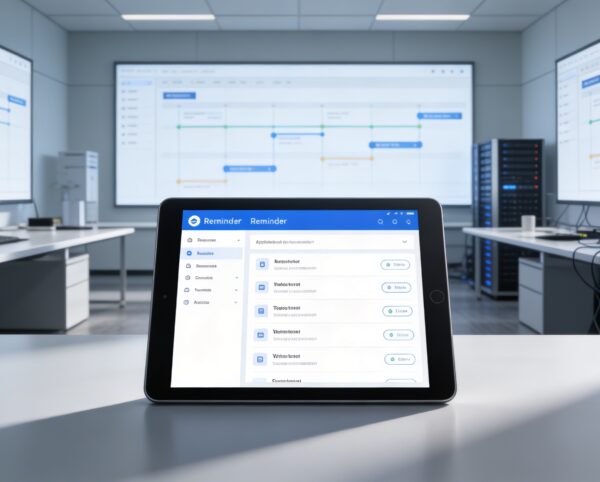
The Reminder Module is purpose-built to enhance personal and organizational efficiency through structured time and task management. It automates the process of remembering key events, deadlines, and follow-ups, ensuring users remain proactive rather than reactive.
Its main purpose is to:
- Enable users to set, manage, and track reminders across projects, invoices, deals, or custom entities
- Support recurring alerts for repetitive or long-term activities
- Provide flexible delivery methods (email, SMS, or integration-based) for maximum convenience
- Enhance accountability by assigning reminders to team members or departments
- Improve workflow continuity and reduce operational delays caused by missed deadlines
Proactive Time and Task Management for High-Performance Teams
Organizations frequently struggle with missed deadlines, delayed follow-ups, and fragmented task tracking across teams and systems. Manual reminders and disconnected tools lead to inefficiencies, accountability gaps, and operational delays. The Reminder Module solves these challenges by centralizing scheduling, automating notifications, and ensuring every critical task, event, and milestone is addressed on time.
Reminder
Each functional component of the system is modular and scalable for easy customization.
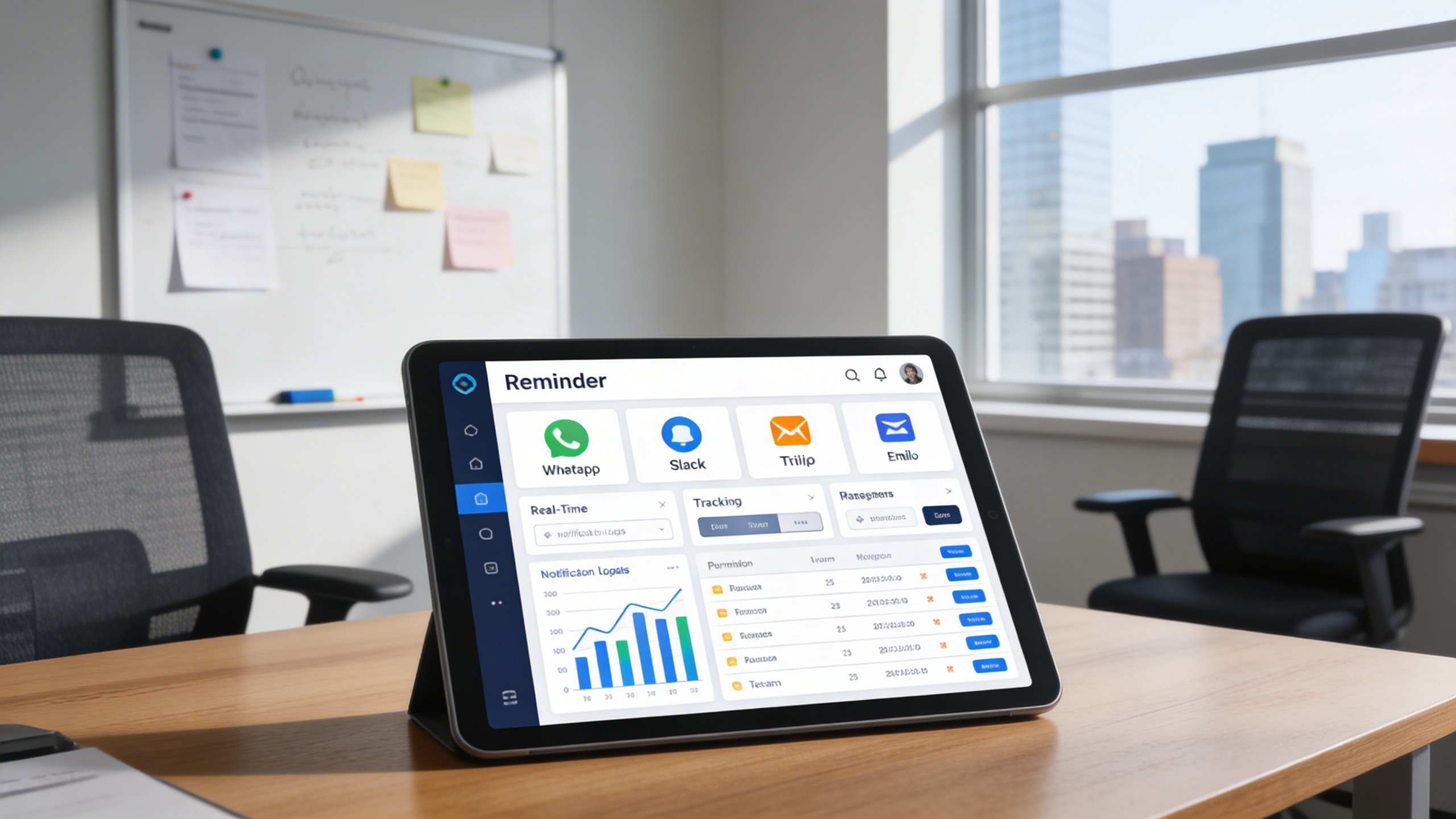
Notification Channels
Select and manage preferred delivery platforms like WhatsApp, Slack, Twilio, or email.
Notification Channels
Intelligent Reminder Automation Platform
Automate reminders, trigger notifications across channels, and keep teams aligned on every task, deadline, and follow-up.
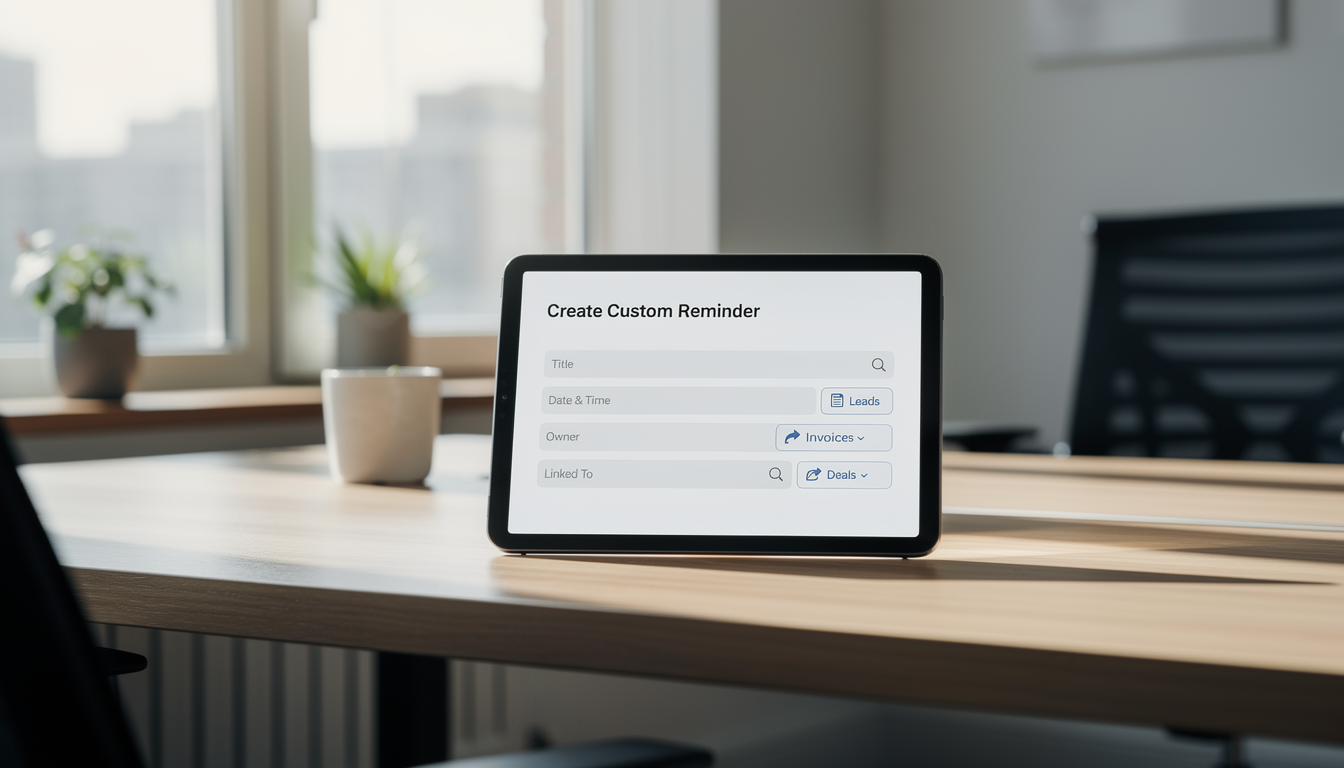
⏰ 1. Create Custom Reminders
Create detailed reminders tailored to specific tasks, events, or operational needs. Assign ownership, define schedules, and link reminders directly to workflows for full accountability.
Key Capabilities:
- 📝 Add detailed information including title, description, and associated actions
- 📅 Set reminder dates and times based on project or workflow needs
- 🎯 Link reminders to leads, invoices, bills, or deals for contextual tracking
- 🔔 Configure one-time or recurring notifications for routine events
- 👤 Assign reminders to individuals or teams for shared accountability
💬 2. Select Reminder Sources
Deliver reminders through WhatsApp, Slack, Twilio, or email based on user preference. This ensures critical notifications are received instantly without reliance on ERP logins.
Key Capabilities:
- ⚙️ Choose from WhatsApp, Slack, Twilio, or email for flexible notifications
- 📱 Integrate reminders with your preferred messaging platforms
- 🧭 Receive updates in real time—no need to log into the ERP dashboard
- 📊 Track sent notifications and ensure no alert is ever missed
- 🔐 Manage platform permissions and ensure secure notification handling
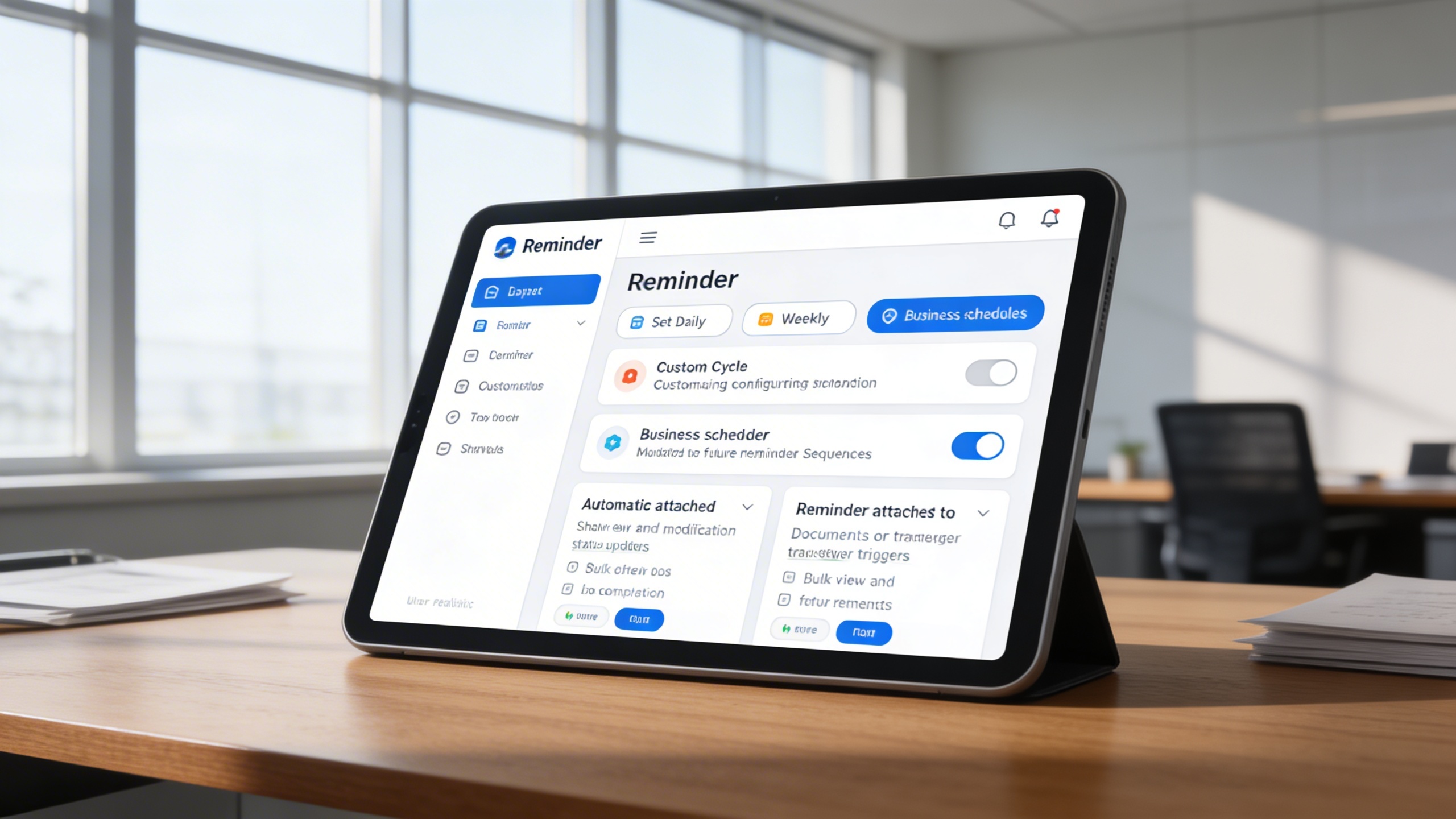
🔁 3. Recurring and Automated Alerts
Automate repetitive reminders to eliminate manual tracking of ongoing activities. Recurring alerts ensure long-term tasks and compliance deadlines are never forgotten.
Key Capabilities:
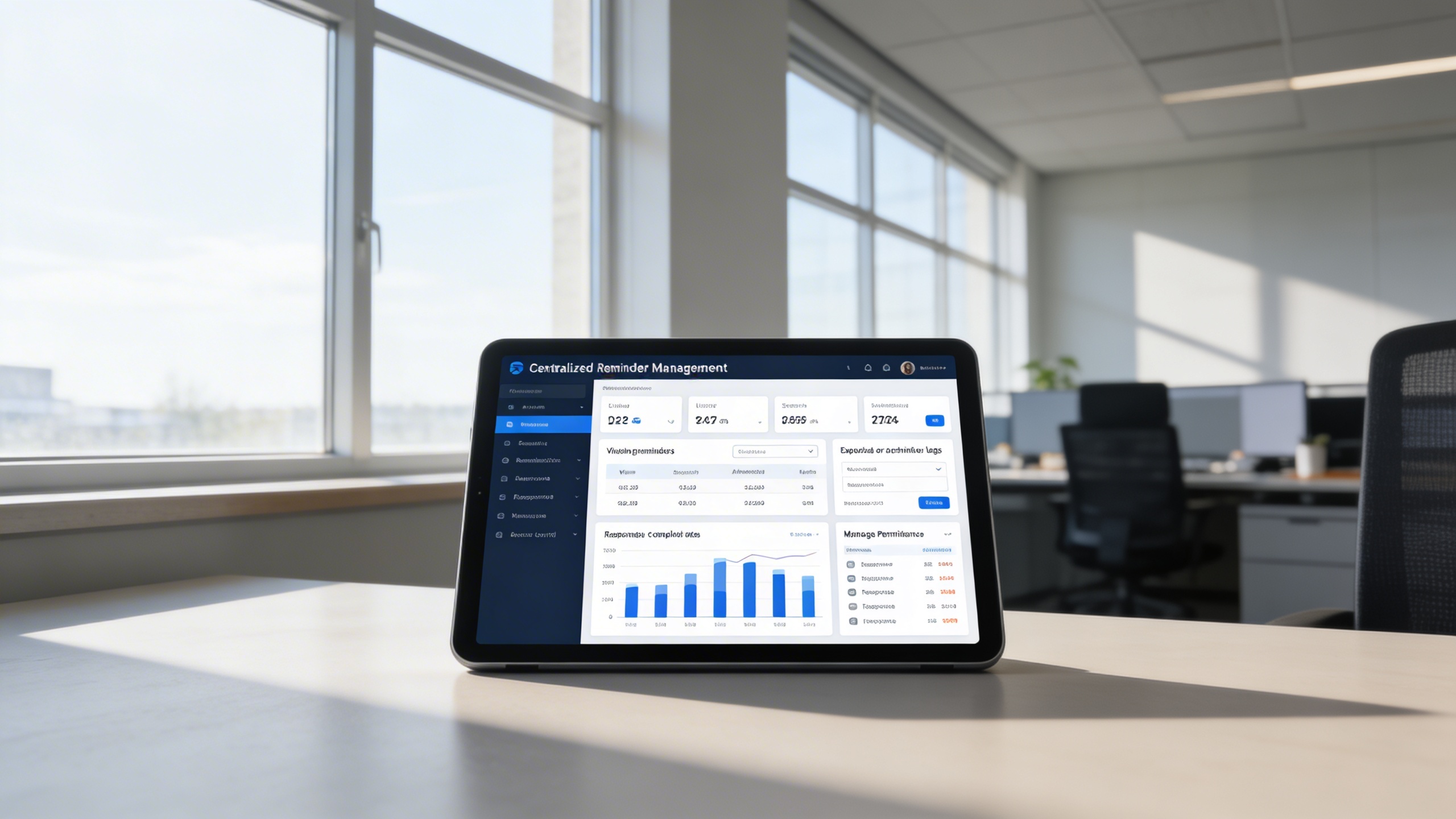
📊 4. Centralized Reminder Management Dashboard
Manage all reminders from a single, unified dashboard across teams and departments. Gain visibility into completion rates, response performance, and reminder history.
Key Capabilities:
Who Can Benefit from the System?
Teams and leaders who rely on timely follow-ups, recurring tasks, and deadline-driven execution across departments.
🏢 Project Management Teams
Overview:
Enhance coordination and ensure no task or deadline falls through the cracks.
Key Benefits:
🗂️ Milestone Tracking: Link reminders to project milestones and deliverables.
📅 Deadline Enforcement: Automate follow-ups for overdue tasks.
📊 Progress Visibility: Keep all project members aligned with timely notifications.
💼 Sales & CRM Teams
Overview:
Boost client engagement and response time by never missing a lead follow-up.
Key Benefits:
📞 Lead Reminder Scheduling: Automate lead contact follow-ups.
📧 Client Communication Alerts: Receive notifications for pending emails or calls.
💬 Multi-Channel Integration: Sync reminders with communication platforms like Slack or WhatsApp.
💰 Finance & Accounting Departments
Overview:
Stay ahead of invoice payments, billing cycles, and financial deadlines.
Key Benefits:
💵 Payment Tracking: Set reminders for invoice due dates or vendor payments.
📈 Audit Preparation: Schedule reminders for report submissions and reconciliations.
📅 Tax & Renewal Alerts: Automate reminders for compliance and renewals.
🧑💼 HR & Administrative Teams
Overview:
Simplify operational workflows and ensure timely internal processes.
Key Benefits:
📋 Employee Evaluation Alerts: Set reminders for performance reviews and onboarding tasks.
📆 Event & Meeting Scheduling: Manage internal meetings and HR events seamlessly.
🔔 Document Renewal Reminders: Track contract or certification expiry dates.
🌐 Executives & Leadership
Overview:
Gain a bird’s-eye view of all organizational reminders for strategic oversight.
Key Benefits:
📊 Centralized Oversight: Monitor all active reminders across departments.
🧠 Strategic Planning Support: Use reminder analytics for productivity insights.
🕒 Efficient Time Management: Focus on decision-making, not remembering details.
Latest insights and updates on technology trends and innovations
Cloud vs. On-Premise: Which Is Right for Your Business?
The Ultimate Guide to Cybersecurity for Small Businesses
How Automation is Revolutionizing Workplace Productivity
Optimizing Business Operations with Cloud Computing
Adopting Cloud Strategies for Scalable Growth
Harnessing Cloud Solutions to Drive Innovation
Ready To Transform Your Business? Book a Free Consultation
Let’s shape the future of your business together.