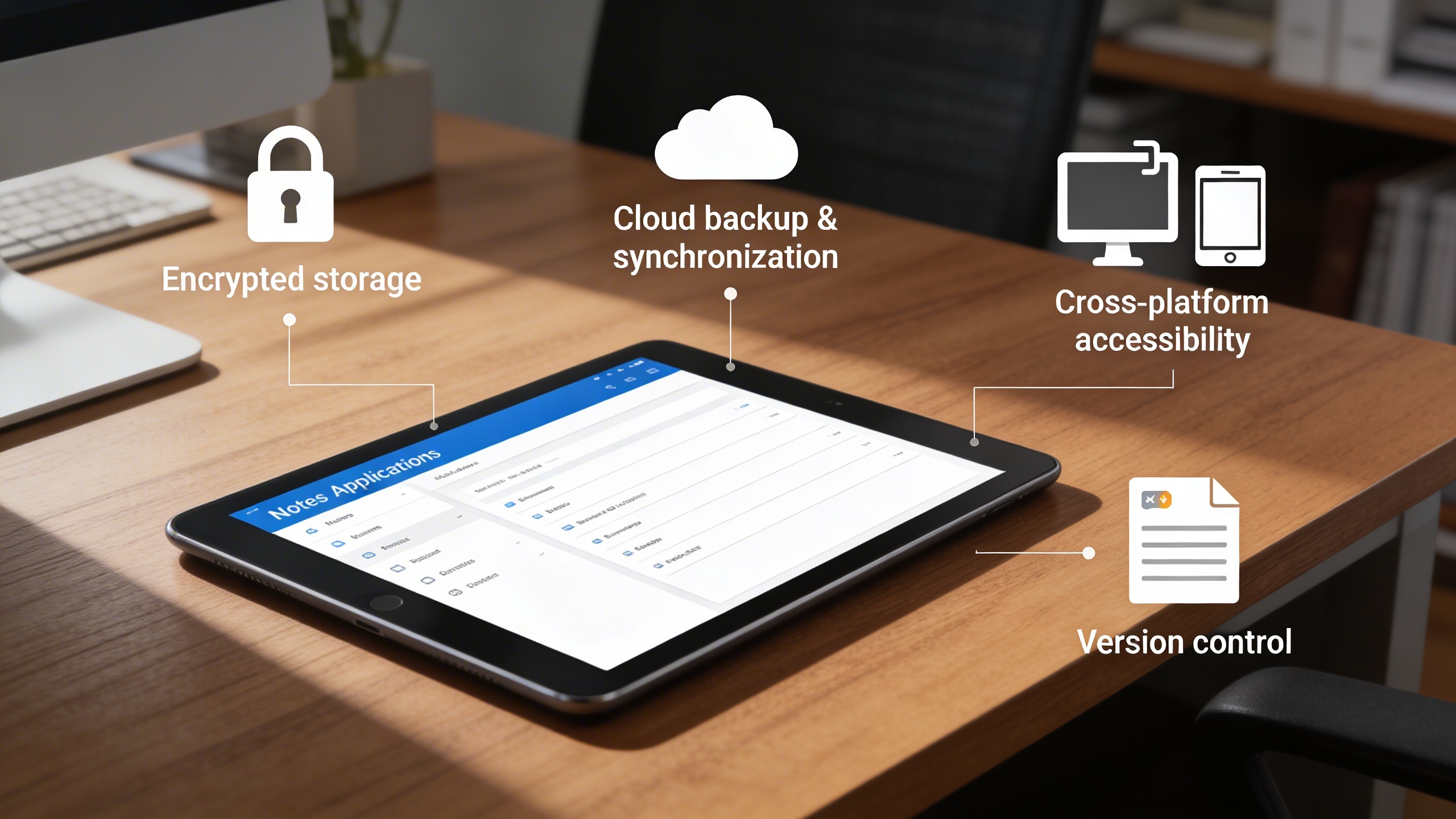
We eliminate scattered notes and lost ideas by centralizing personal and collaborative information into one secure, organized workspace.
Notes
The Notes Module serves as a digital workspace for managing written information efficiently and securely. It eliminates the need for physical notebooks or scattered documents by offering a clean, accessible, and collaborative platform.
Transforming Everyday Notes into Organized Knowledge
Individuals and teams often struggle with fragmented notes, lost information, and unstructured documentation spread across notebooks, files, and tools. This leads to missed tasks, reduced collaboration, and wasted time searching for critical information. The Notes Module solves these challenges by providing a centralized, secure, and collaborative note-taking system that keeps ideas organized, accessible, and actionable.
Key Features
🗒️ Quick Note Creation
🧭 Structured Organization & Search
👥 Shared & Personal Note Options
📝 Text Formatting Tools
🔔 Reminders & To-Do Integration
📂 Categorization & Tagging System
📤 Easy Export & Sharing
🔒 Secure Storage & Access Control
Module Breakdown
Notes
Each functional component of the system is modular and scalable for easy customization.
Download notes as PDF or share links for quick access
Features Highlights
Smart Digital Notes Workspace
Capture, organize, and collaborate on notes effortlessly with a secure, structured, and searchable digital workspace.
🧾 1. Simple & Intuitive Note Creation
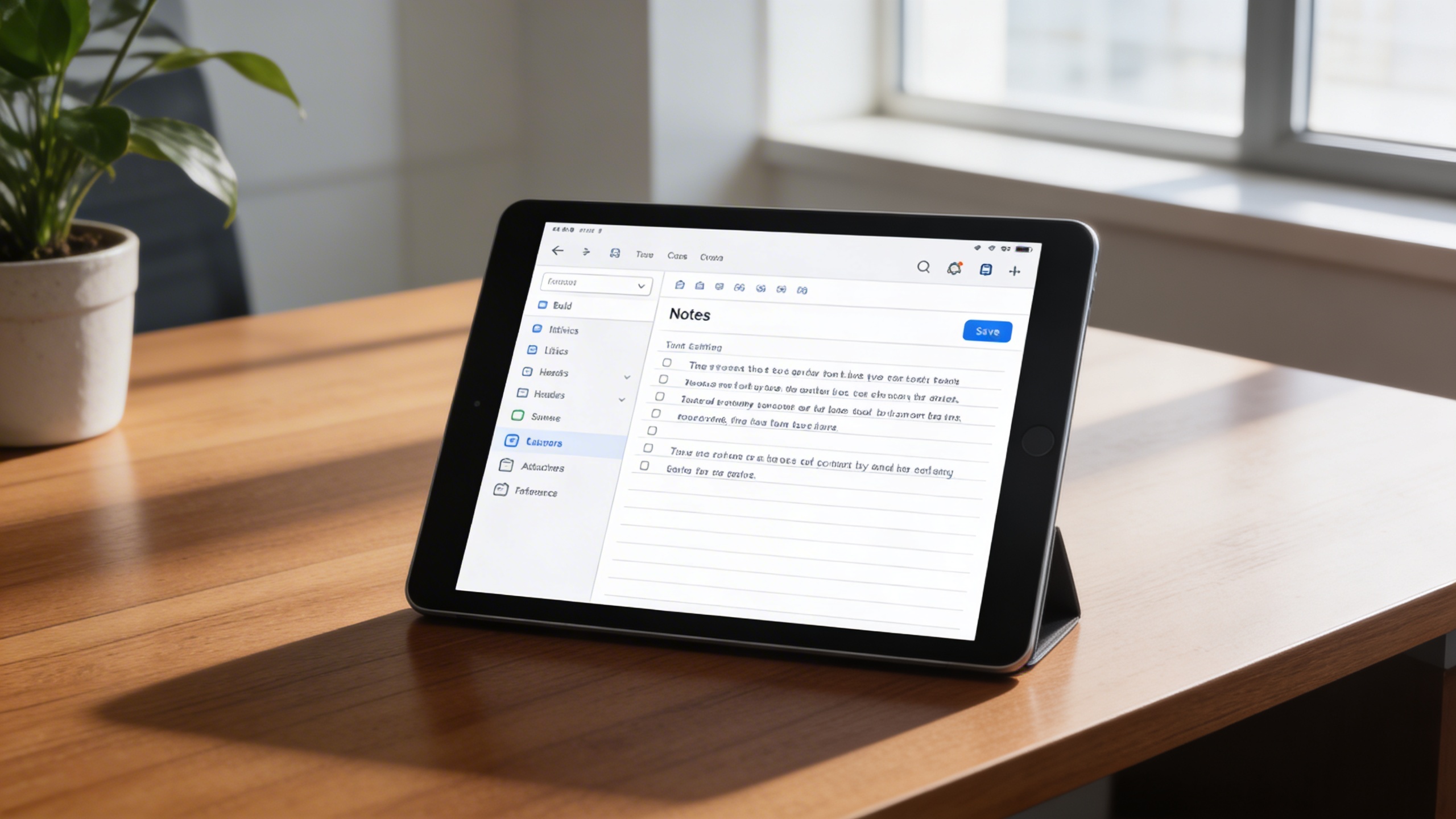
Create new notes effortlessly through a clean and responsive interface. The “New Note” button allows you to input, format, and save your ideas with ease, keeping your notes accessible at all times.
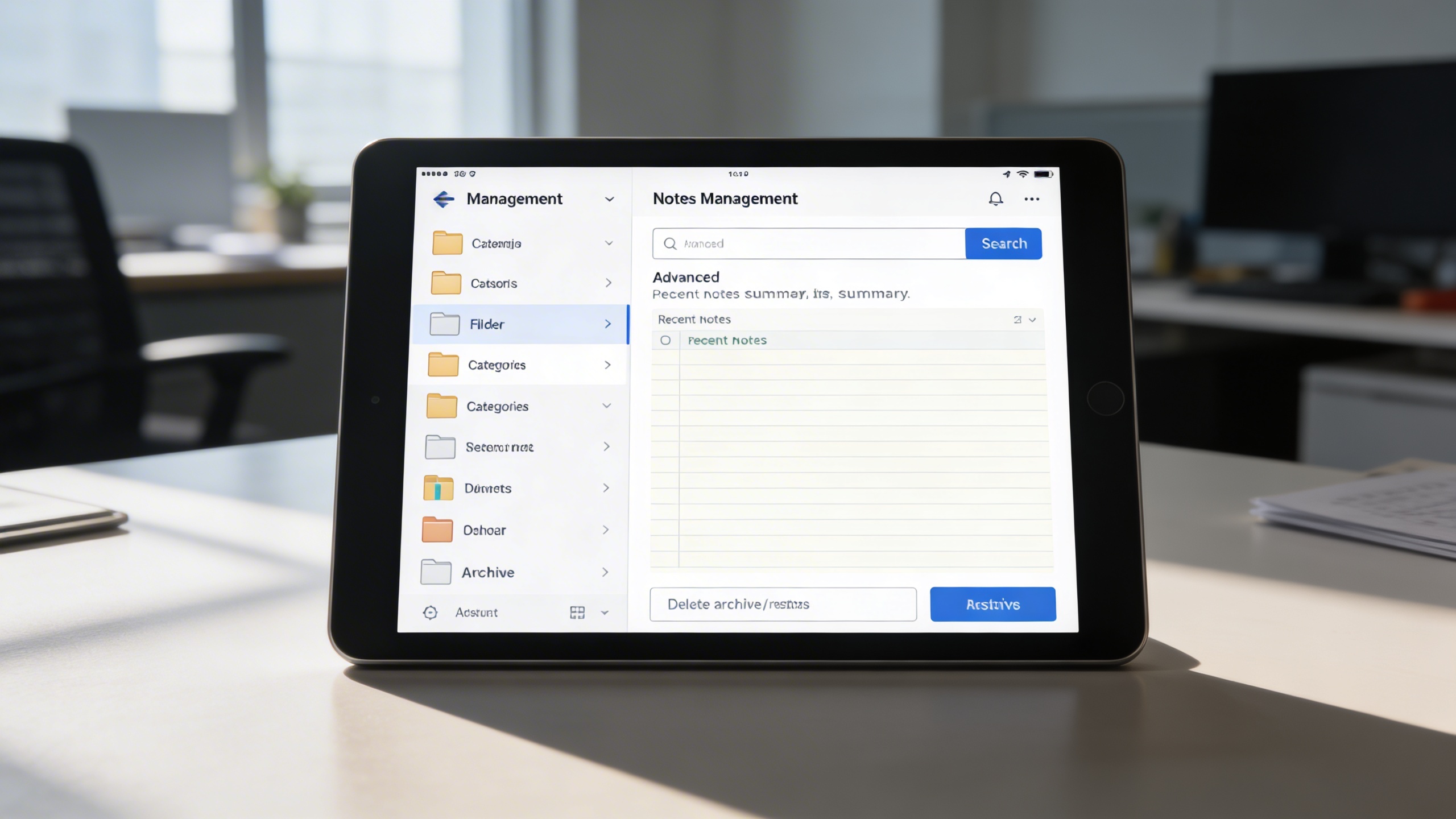
Keep your workspace clutter-free with smart organization tools that make it easy to store and retrieve information. Whether you’re tracking projects or personal goals, structured management ensures you never lose track.
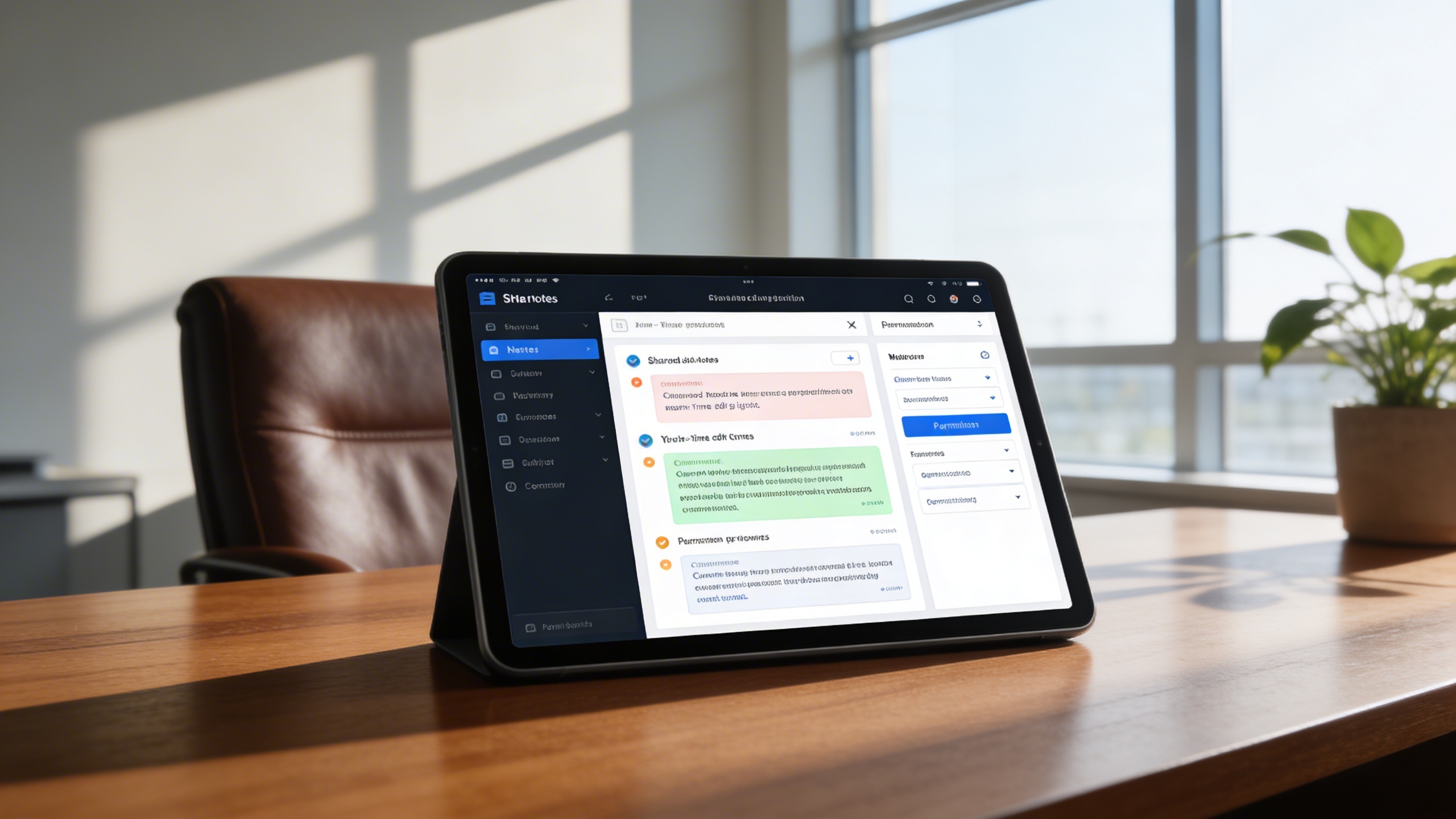
Empower teams and departments to collaborate effectively through shared notes and real-time updates. Perfect for meetings, project documentation, or collective brainstorming.
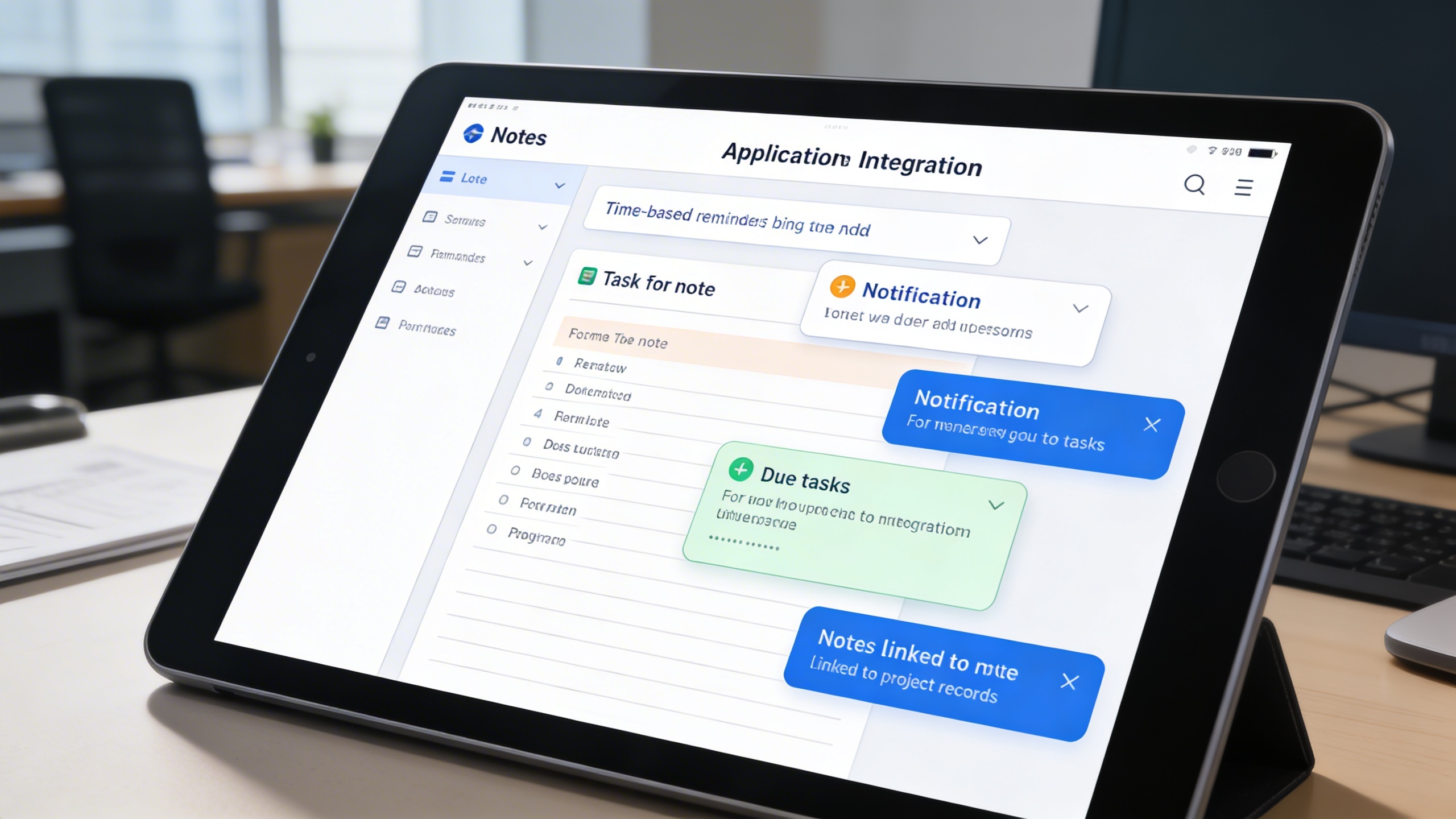
Turn your notes into actionable plans by integrating reminders and to-do tracking features. Stay organized and never miss important deadlines or tasks.
All notes are stored securely and can be accessed anytime, anywhere. With reliable data protection and backup features, your valuable content remains safe and retrievable.
 Insurance And Legal