We eliminate manual form handling by automating creation, collection, and response tracking through secure Google Form integration.
Google Form
The Google Form module is designed to simplify and automate every stage of form management through secure integration with Google Forms. It eliminates manual processes, reduces repetitive form building, and centralizes all responses for quicker decision-making.
Organizations often struggle with repetitive form creation, scattered responses, and delayed decision-making caused by disconnected tools. The Google Form module solves this by integrating Google Forms directly into the ERP, automating form creation, synchronization, and response tracking. This enables teams to collect accurate data faster, maintain consistency, and act on insights in real time.
Key Features
📨 Seamless Google Form Integration
🔐 Secure OAuth-Based Account Connection
📂 Centralized Form Management Dashboard
📝 Advanced Form Creation Tools
📊 Real-Time Response Analytics
📁 Template Library & Reusable Form Structures
Module Breakdown
Google Form
Each functional component of the system is modular and scalable for easy customization.
Create, manage, and analyze Google Forms automatically with secure integration, reusable templates, and real-time response visibility.
📨 1. Automated Google Form Integration for Streamlined Data Collection
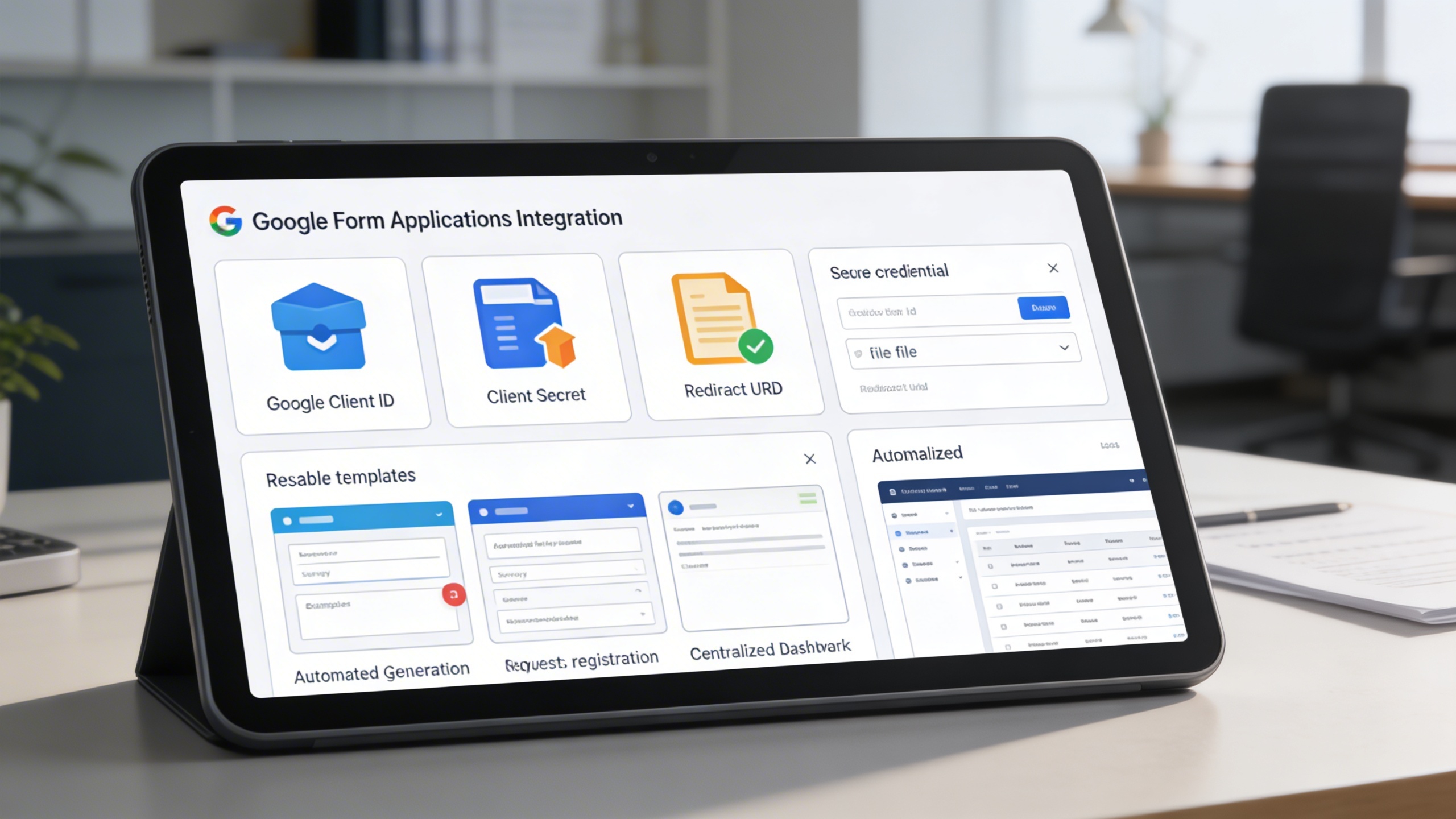
The integration connects directly to Google Forms using secure credentials, enabling automatic form creation and synchronized data collection. Reusable templates speed up repetitive form-building tasks, while all responses are captured and displayed in a structured format inside the system.
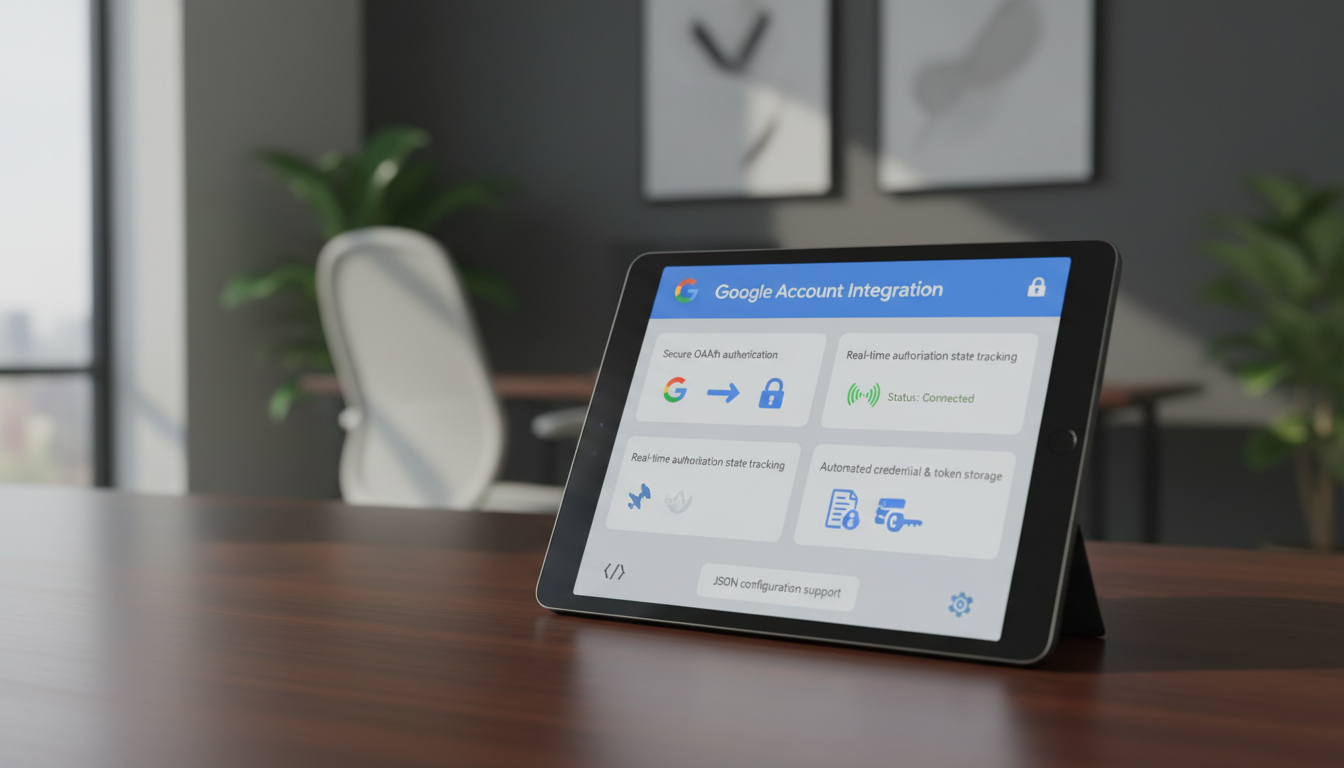
Users can securely link their Google accounts with a smooth OAuth workflow. Credentials, tokens, and authorization status are managed automatically, ensuring continuous and reliable connectivity without manual intervention.
All forms are organized in a single dashboard, giving users full lifecycle control. Forms can be copied, edited via Google integration, shared for use, or permanently deleted. Smart search options help users quickly locate forms based on status or timeframe.
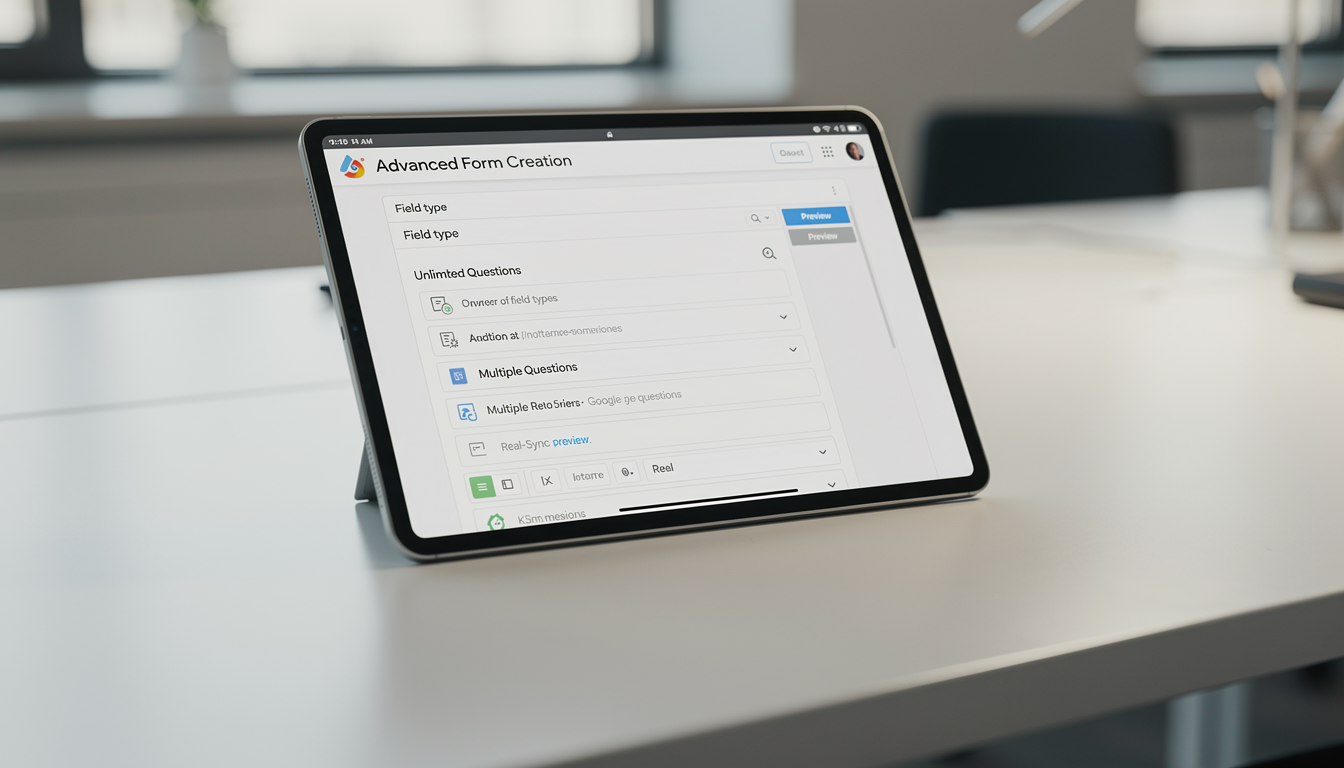
Users can design powerful custom forms using multiple question types and layout options. Every change syncs instantly with Google, and real-time previews ensure accuracy before publishing.
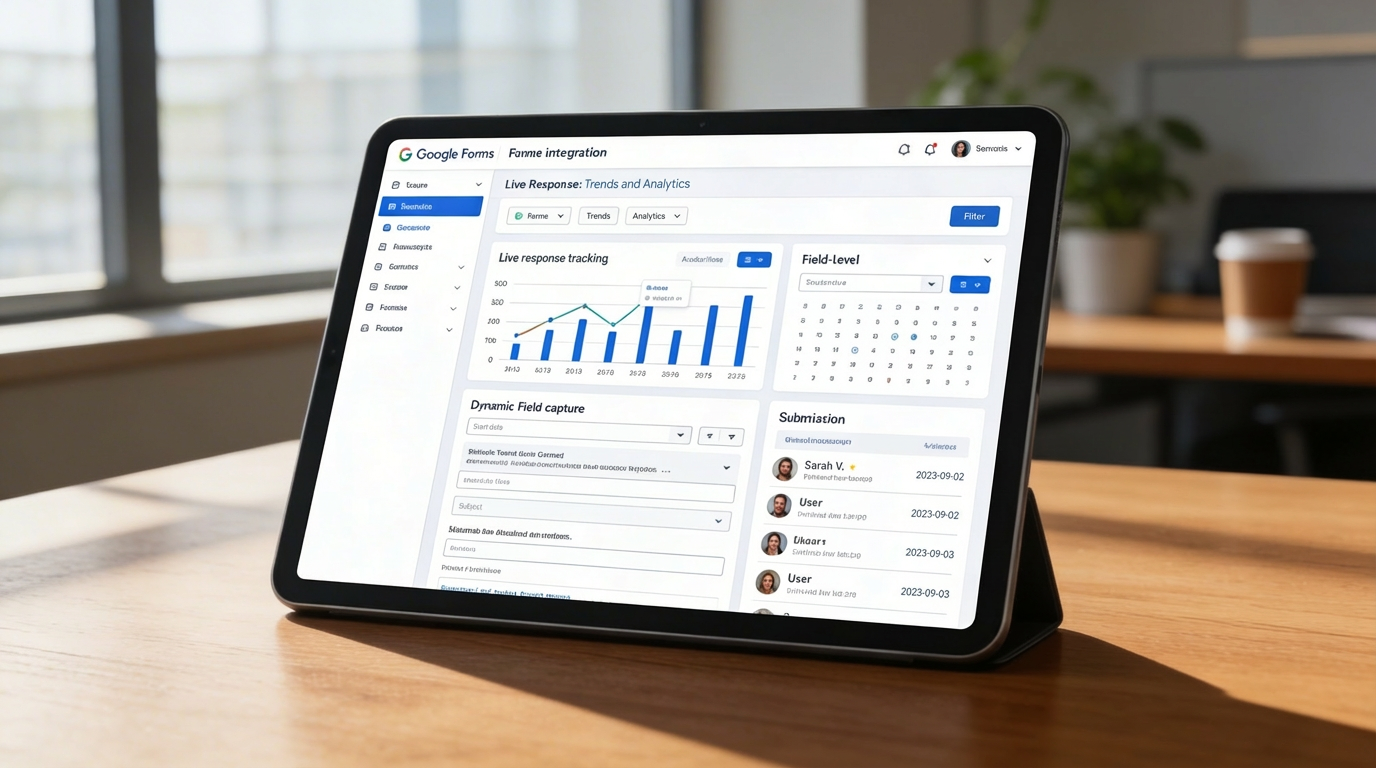
Form responses are captured instantly and displayed in a clean and structured dashboard. Each submission includes user details, timestamps, and all field data. Advanced filtering makes it easy to analyze large volumes of responses.
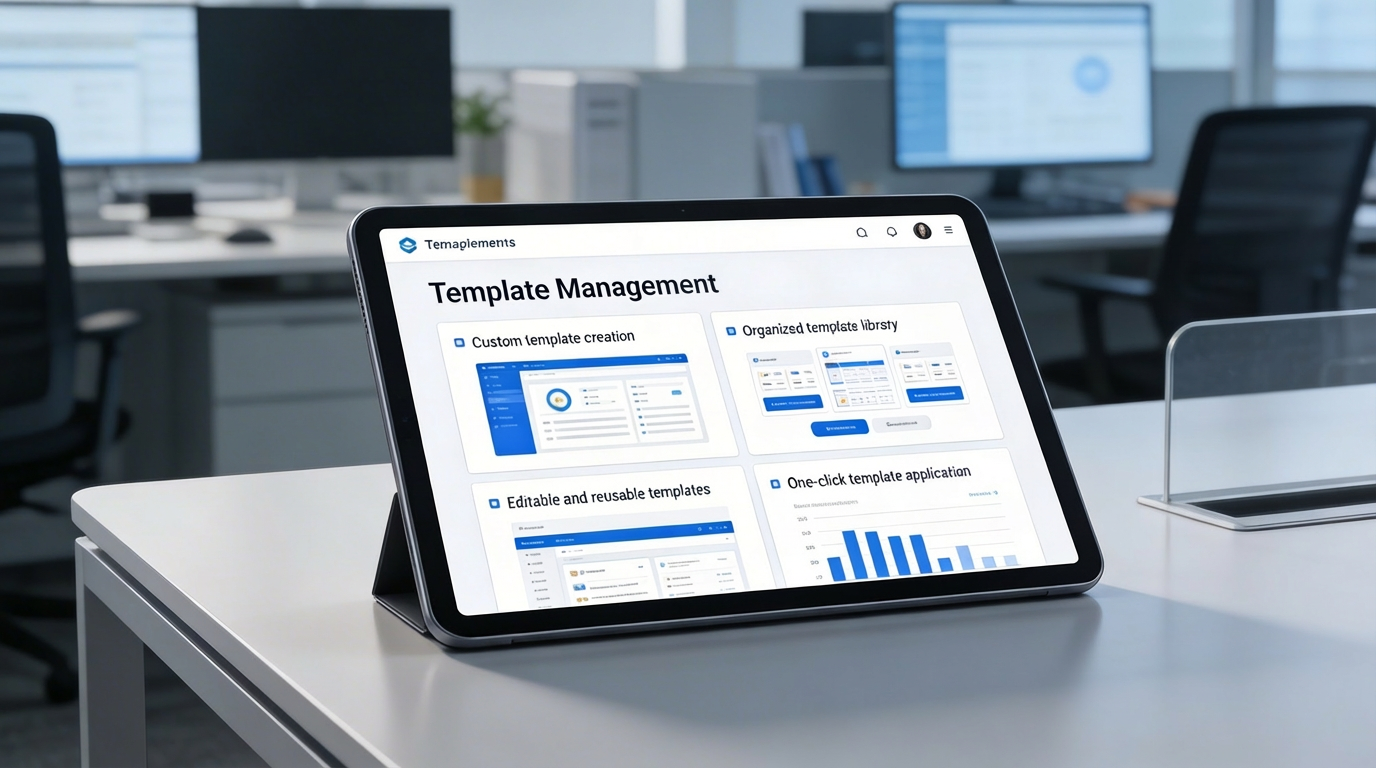
Create, edit, and organize reusable templates for your most frequently used forms. Templates ensure consistency across departments and help teams build forms faster without starting from scratch.
 Insurance And Legal