Google Drive
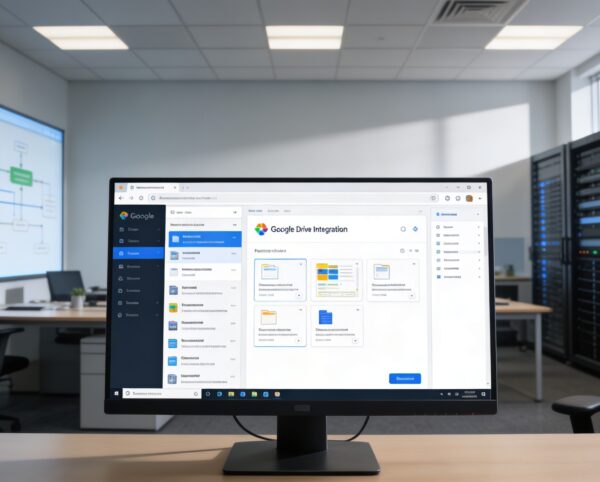
The Google Drive Integration is designed to unify your digital workspace by connecting your Google Drive storage directly to Sophistec Optima Solutions. It empowers users to manage, edit, and collaborate on files without leaving the platform, fostering a more streamlined, connected, and productive environment.
Its main purpose is to:
Centralizing Cloud File Collaboration for Operational Excellence
Organizations struggle with scattered files, inconsistent document versions, and constant switching between cloud storage and internal systems. This integration resolves those gaps by connecting Google Drive directly to your ERP so teams can browse folders, edit documents, attach files to operational modules, and manage access inside one unified workspace. The result is faster collaboration, controlled file governance, and synchronized information across every department.
Google Drive
Each functional component of the system is modular and scalable for easy customization.
Drive Connectivity
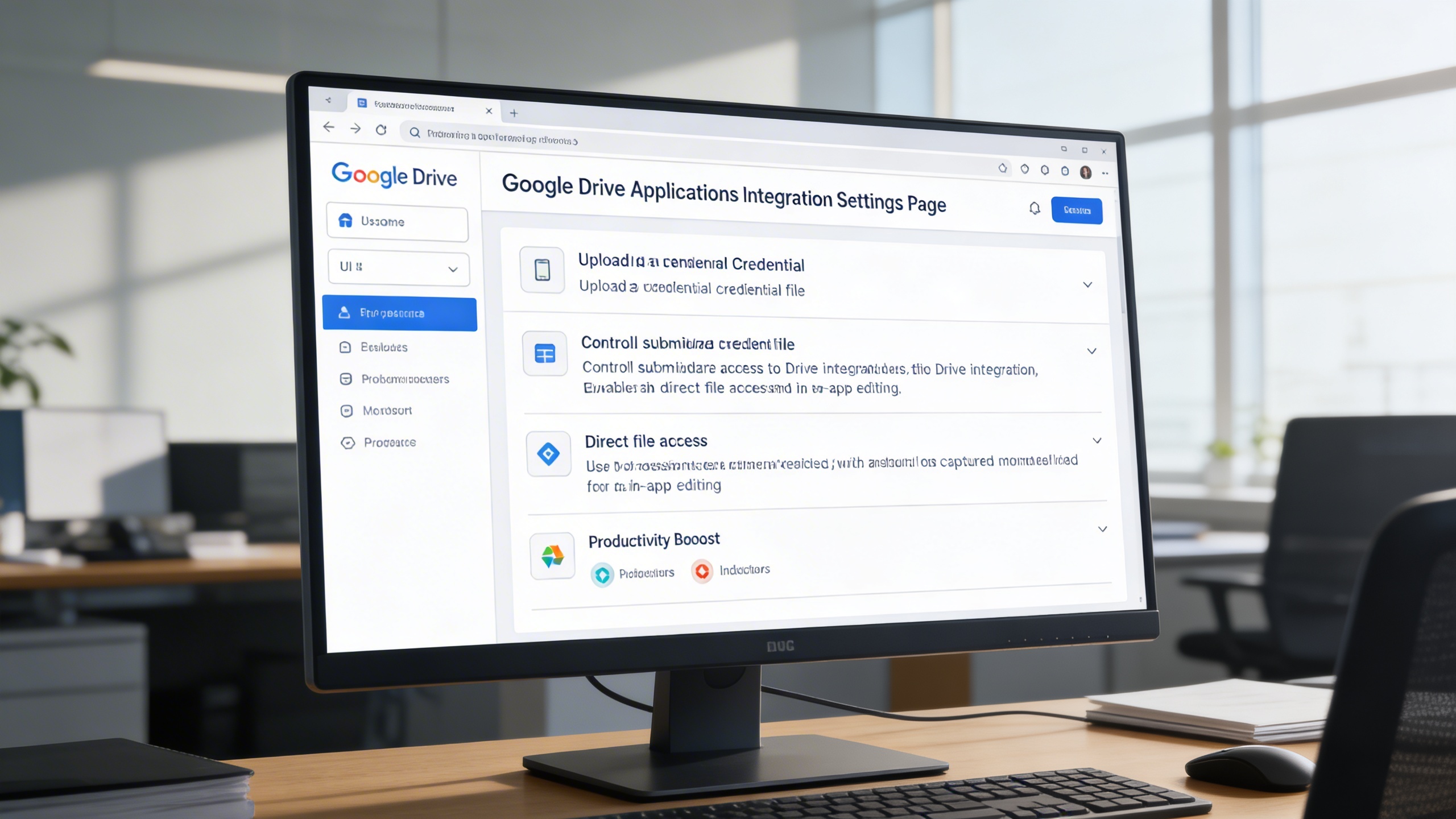
Connect Sophistec Optima Solutions directly to Google Drive using JSON credentials.
Drive Connectivity
File Explorer
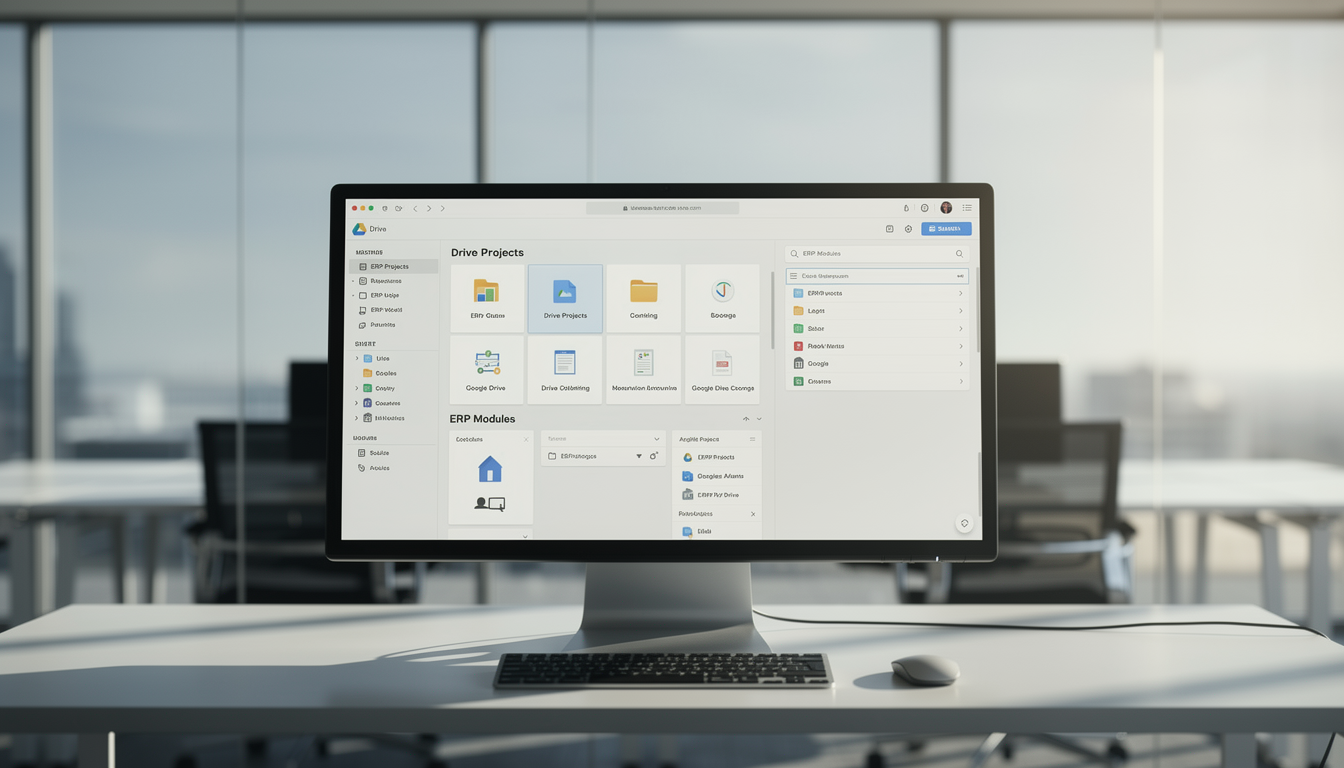
Browse and organize files and folders through an intuitive visual grid or list interface.
File Explorer
Submodule Linking
Attach Drive folders or documents to other modules such as Tasks, Assets, or Notes.
Submodule Linking
Settings & Permissions
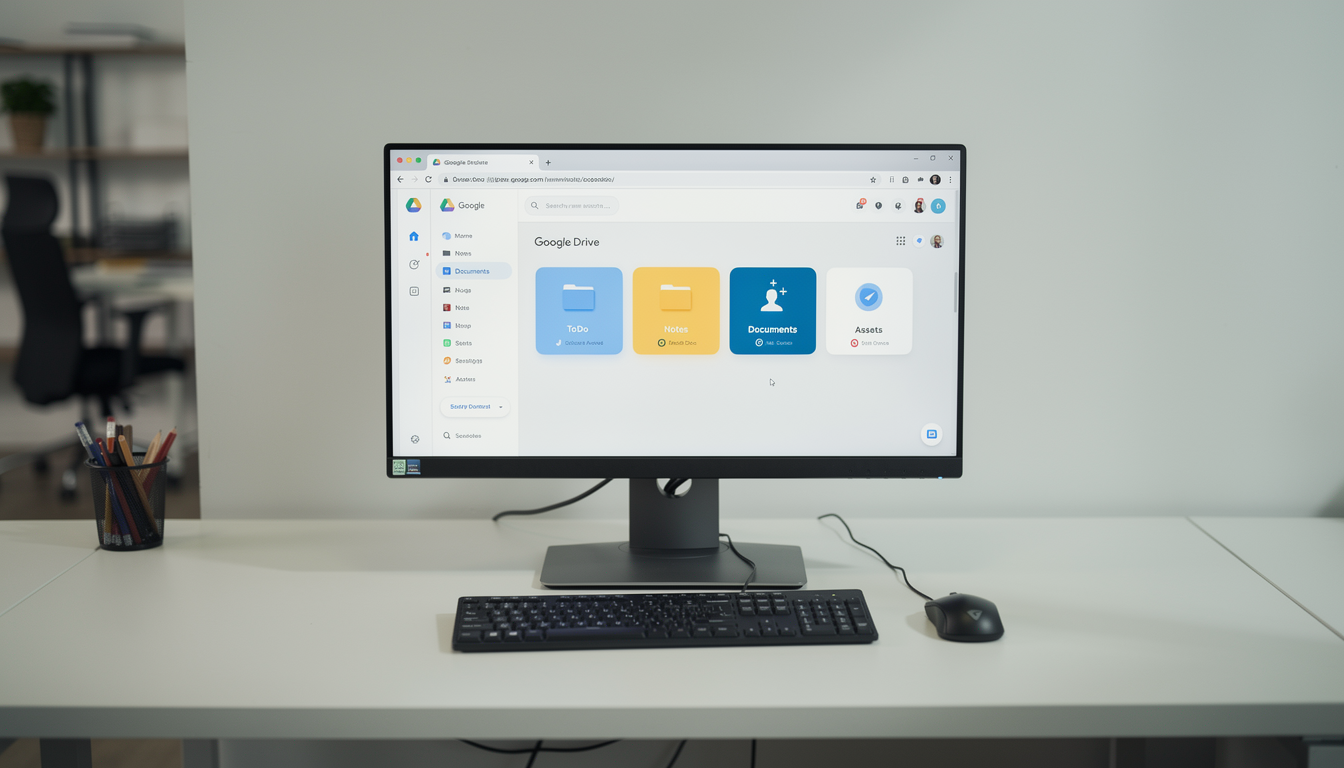
Manage which submodules have Google Drive access and configure sharing controls.
Settings & Permissions
Unified Cloud Repository
Access, sync, edit, and collaborate on Drive files directly inside ERP to eliminate switching and unify document control.
📂 1. Google Drive Integration for Better Collaboration
The Google Drive module transforms how teams share and collaborate on files within Sophistec Optima Solutions. It enables synchronization across multiple Add-Ons such as ToDo, Notes, Documents, and Assets, making it easy for users to manage files from one unified space.
Key Capabilities:
⚙️ 2. Settings Page for Google Drive Integration
Simplify setup and configuration through an intuitive Settings Page that allows users to integrate their Drive credentials quickly.
Key Capabilities:
🌟 3. Elevate Your Google Drive Experience
Enhance your document workflow with an intuitive and visually rich file management interface. Navigate Drive content through organized grids or lists, and link folders directly to specific modules for structured collaboration.
Key Capabilities:
Who Can Benefit from the System?
Ideal for organizations managing shared documents across teams who require centralized file access, version control, and real-time collaboration.
🏢 Corporate Enterprises
Overview:
Improve internal collaboration and document consistency across departments.
Key Benefits:
📁 Unified document repository with centralized access
🧩 Seamless integration with daily operational modules
⚙️ Enhanced file version control and security
🧑💼 Project Management Teams
Overview:
Simplify project documentation and ensure every stakeholder has access to the latest version of files.
Key Benefits:
🗂️ Attach and manage Drive documents within tasks or milestones
📎 Real-time updates for shared project files
📅 Reduced miscommunication through shared workspaces
🏫 Educational & Training Institutions
Overview:
Empower educators, students, and administrators with easy access to learning materials and shared resources.
Key Benefits:
📚 Centralized access to course materials, exams, and notes
👩🏫 Collaborative editing for faculty and staff
📊 Secure archiving of documents and reports
🧱 Construction & Engineering Firms
Overview:
Maintain real-time access to blueprints, plans, and reports without manual syncing.
Key Benefits:
🏗️ Instant document updates from Google Drive to field teams
📁 Easy version tracking for technical files and drawings
🔍 Organized folder linking for specific project modules
🧾 Finance & Legal Departments
Overview:
Ensure document accuracy and regulatory compliance with a secure, auditable document management process.
Key Benefits:
📜 Encrypted file access and sharing controls
📑 Central storage for contracts, reports, and audit documents
🧭 Track document modifications for accountability
🏪 Retail, Logistics & Operations Teams
Overview:
Optimize workflow efficiency by linking key documents like invoices, delivery notes, and product sheets directly from Google Drive.
Key Benefits:
🚚 Real-time access to updated operational documents
📦 Quick document sharing with suppliers or vendors
📈 Reduced duplication and faster decision-making
Latest insights and updates on technology trends and innovations
Cloud vs. On-Premise: Which Is Right for Your Business?
The Ultimate Guide to Cybersecurity for Small Businesses
How Automation is Revolutionizing Workplace Productivity
Optimizing Business Operations with Cloud Computing
Adopting Cloud Strategies for Scalable Growth
Harnessing Cloud Solutions to Drive Innovation
Ready To Transform Your Business? Book a Free Consultation
Let’s shape the future of your business together.