Email Box
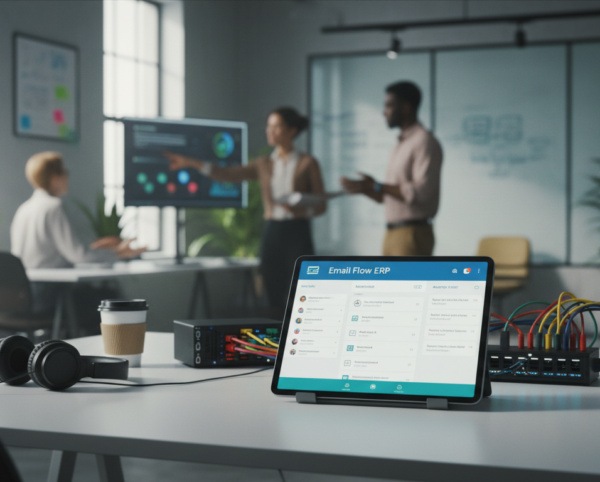
The Email Box module is purpose-built to centralize, streamline, and elevate your email communication within the ERP system. By syncing directly with your SMTP server, it transforms routine email access into an efficient and highly interactive experience.
Its main purpose is to:
- Enable full visibility into all mail folders in real time
- Support two-way interaction with your emails directly from ERP
- Enhance workflow through integrated email sending and drafting
- Improve data control and security via internal access and folder permissions
- Provide communication traceability across business modules
One Inbox.
Total Business Control.
Organizations struggle with disconnected inboxes, lost conversations, and limited visibility across departments when email lives outside core systems. The Email Box module resolves these issues by bringing full email folder access, real-time interaction, and ERP-linked communication directly into one unified workspace. This enables faster responses, stronger accountability, and complete traceability across sales, support, projects, and administration.
Email Box
Each functional component of the system is modular and scalable for easy customization.
Unified ERP Email Workspace
Centralize all email folders, conversations, and ERP-linked communication into one secure, real-time, role-based workspace.
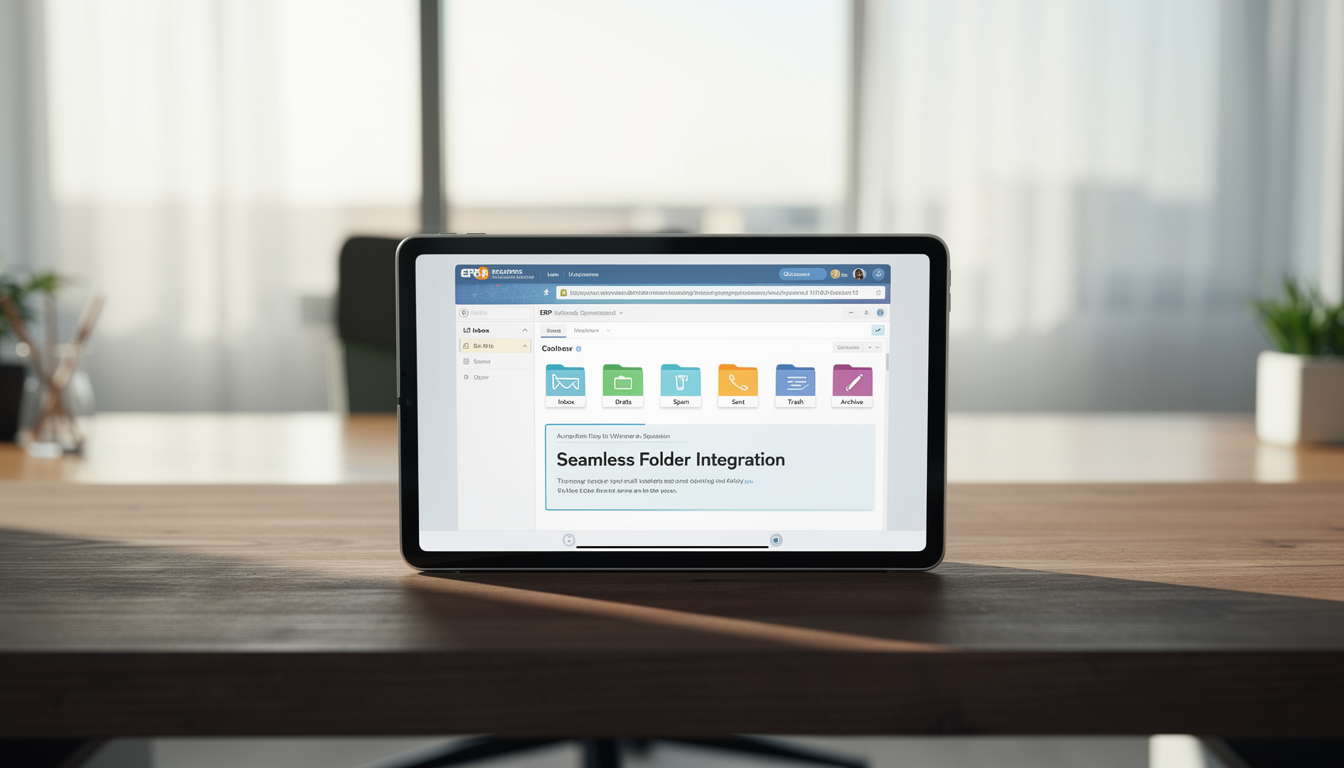
📥 1. Seamless Folder Integration
All standard email folders are synchronized directly inside the ERP interface. This eliminates inbox switching while ensuring real-time access and full message control.
Key Capabilities:
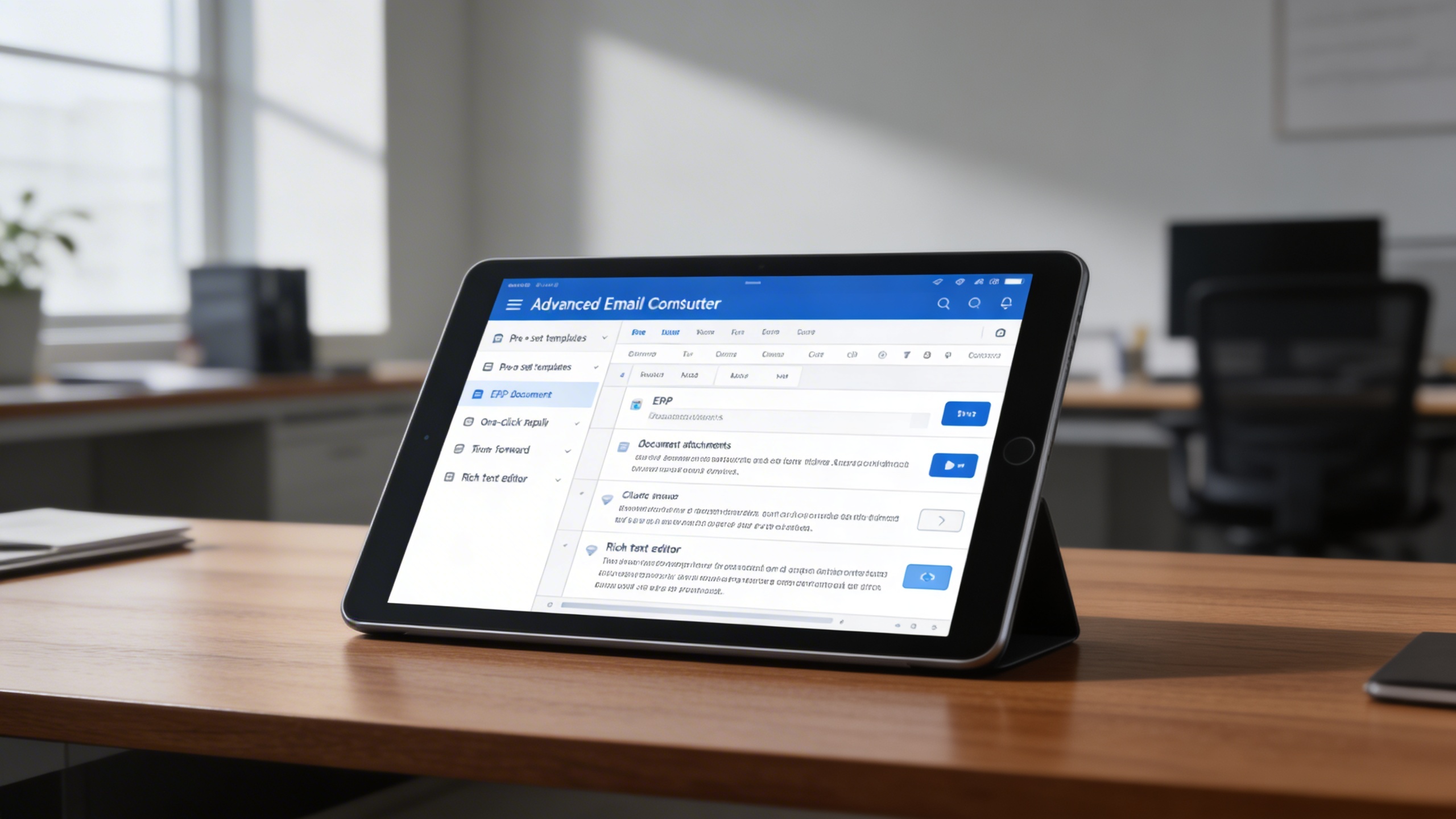
✉️ 2. Advanced Email Composer
Users can compose, reply, and forward emails without leaving the ERP. Messages can be enriched with ERP documents and formatted professionally for consistent communication.
Key Capabilities:
🔗 3. ERP-Linked Email Interaction
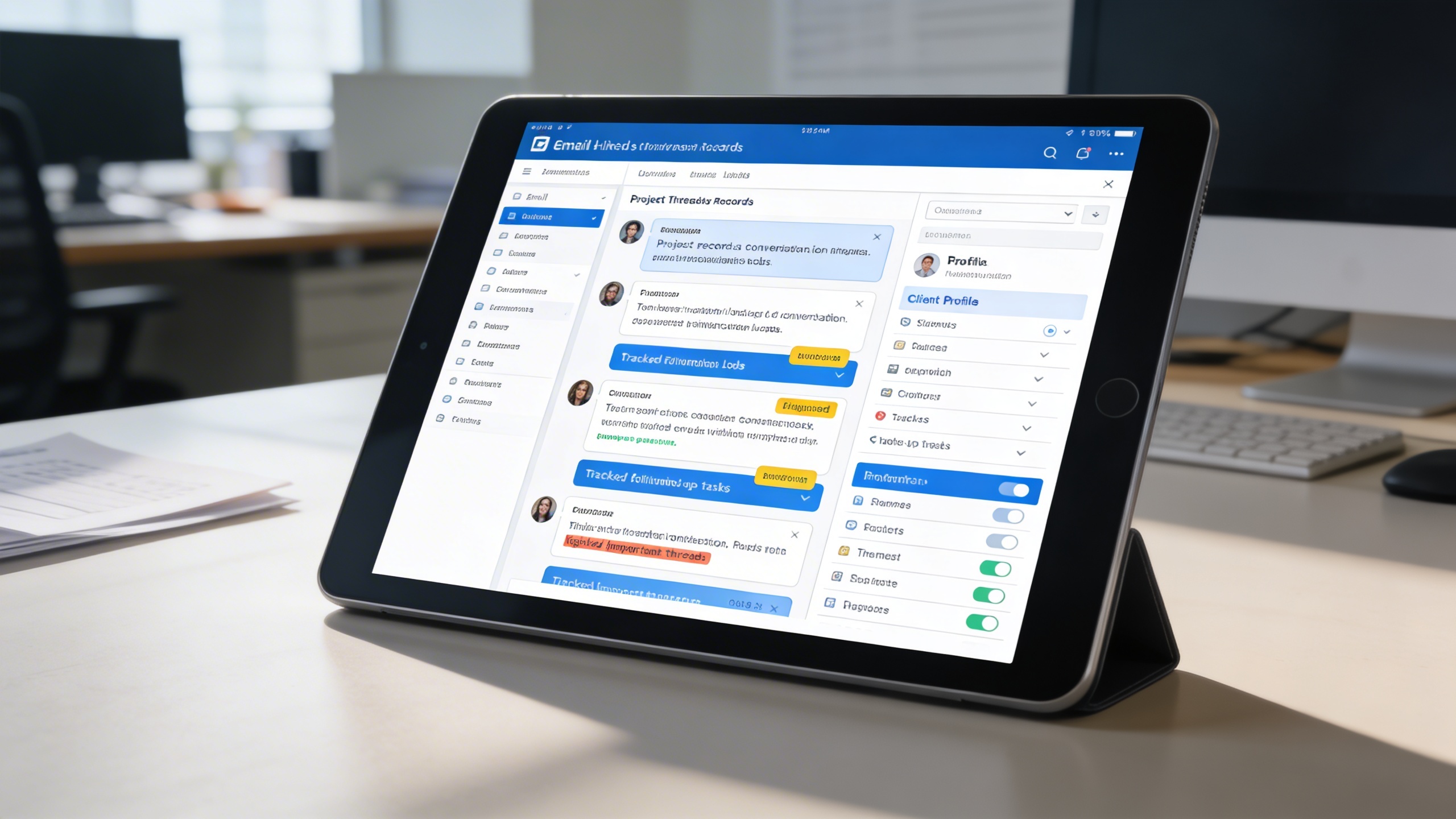
Emails become actionable business records when linked to projects, sales, or support cases. This creates full communication visibility within operational workflows.
Key Capabilities:
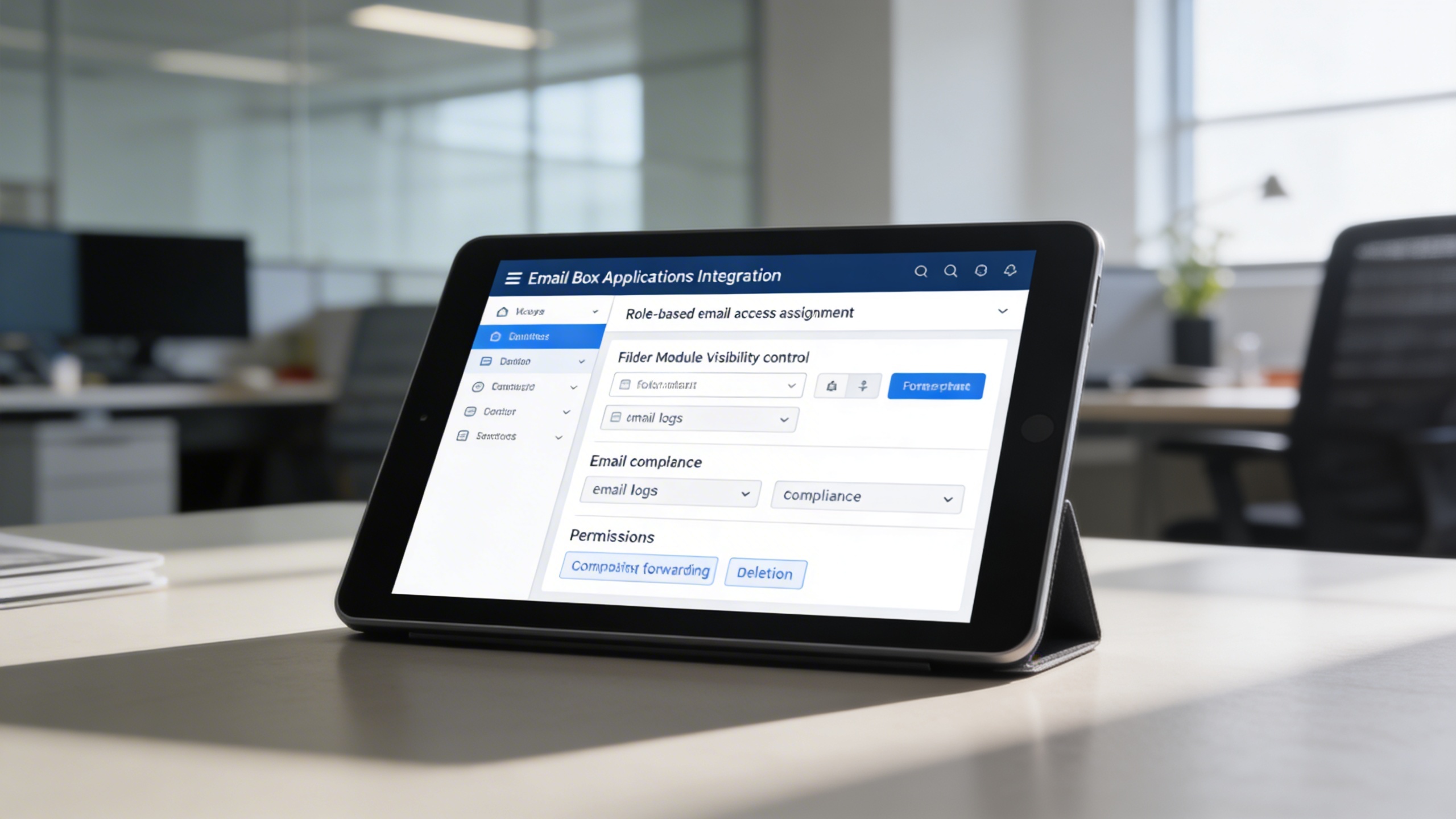
🔐 4. Secure & Role-Based Access
Email access is protected through granular role and folder permissions. This ensures compliance, confidentiality, and controlled communication handling.
Key Capabilities:
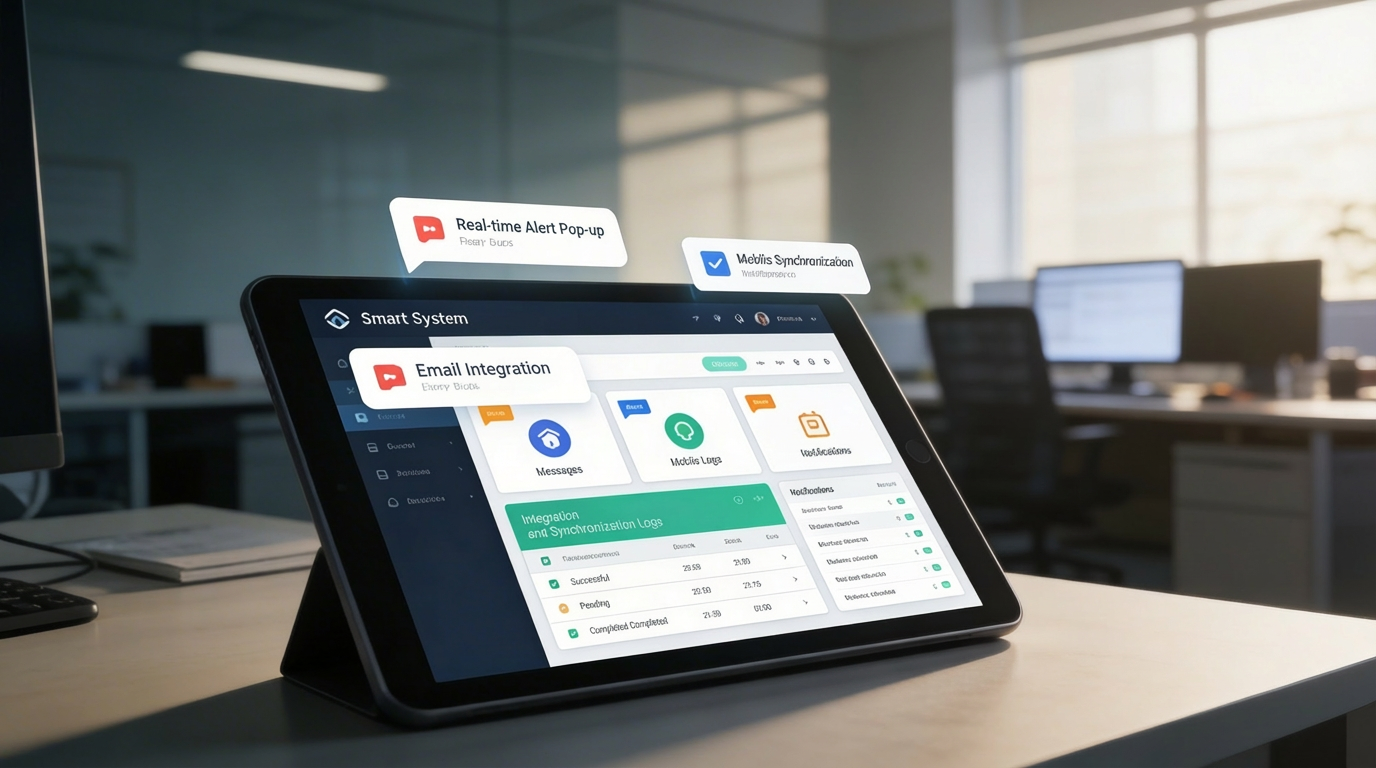
🔔 5. Smart Notification System
Real-time alerts ensure no critical message is missed. Notifications, reminders, and flags keep teams responsive and aligned with priorities.
Key Capabilities:
Who Can Benefit from the System?
Teams that rely on high-volume email communication and need centralized visibility, security, and ERP-linked correspondence management.
🏢 Sales & CRM Teams
Overview:
Strengthen client relationships by responding faster and linking messages directly to deals.
Key Benefits:
📬 Integrated Messaging: Send and track emails directly from leads or opportunity records
🧭 Centralized History: Keep full conversation logs in customer profiles
📌 Reminder Tools: Set follow-up alerts and next-step reminders
🧑💼 Customer Support Units
Overview:
Maintain top-tier service quality by routing, tagging, and resolving issues via email threads.
Key Benefits:
📧 Ticketed Email Responses: Link each message to a support case
🚦 Priority Tagging: Identify urgent emails with color codes or flags
📋 Audit Logs: Track who responded and when for SLA enforcement
🧠 Project Management Offices (PMOs)
Overview:
Keep projects on track by logging communication milestones and stakeholder interactions.
Key Benefits:
📎 Message Linking: Attach emails to specific projects or milestones
📤 Status Updates: Notify stakeholders about changes via synced emails
📚 Documentation Sync: Archive important messages with deliverables
🏛️ Administrative & HR Departments
Overview:
Simplify internal announcements, correspondence, and hiring coordination.
Key Benefits:
✉️ Unified Communication Hub: Use folders to manage memos, recruitment, and staff requests
🗂️ Secure Email History: Log hiring or disciplinary correspondence
🔐 Access Restrictions: Restrict visibility based on admin roles
🌐 Multi-Branch & Franchise Organizations
Overview:
Ensure centralized oversight while allowing localized communication at branch levels.
Key Benefits:
🏬 Multi-Account Support: Manage emails from different business units
📌 Branch Email Routing: Route messages to the correct department automatically
📊 Global Monitoring: Dashboard overview of all communication activity
Latest insights and updates on technology trends and innovations
Cloud vs. On-Premise: Which Is Right for Your Business?
The Ultimate Guide to Cybersecurity for Small Businesses
How Automation is Revolutionizing Workplace Productivity
Optimizing Business Operations with Cloud Computing
Adopting Cloud Strategies for Scalable Growth
Harnessing Cloud Solutions to Drive Innovation
Ready To Transform Your Business? Book a Free Consultation
Let’s shape the future of your business together.