Sophistec Dev House
Sophistec Dev House

Dropbox

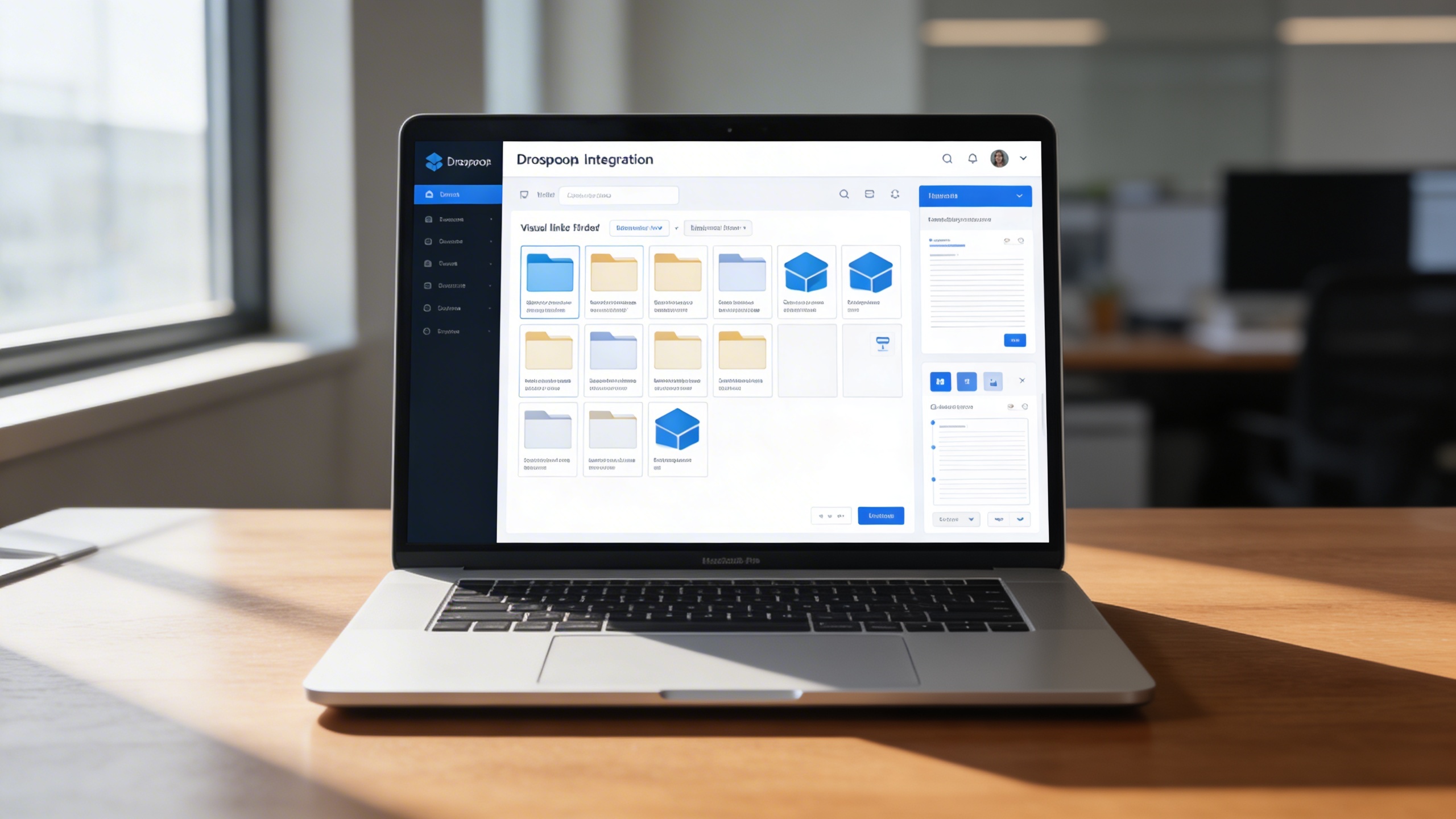
We eliminate fragmented cloud storage by embedding Dropbox access, collaboration, and synchronization directly inside the ERP environment.

Unifying Cloud File Collaboration for High-Velocity Operations

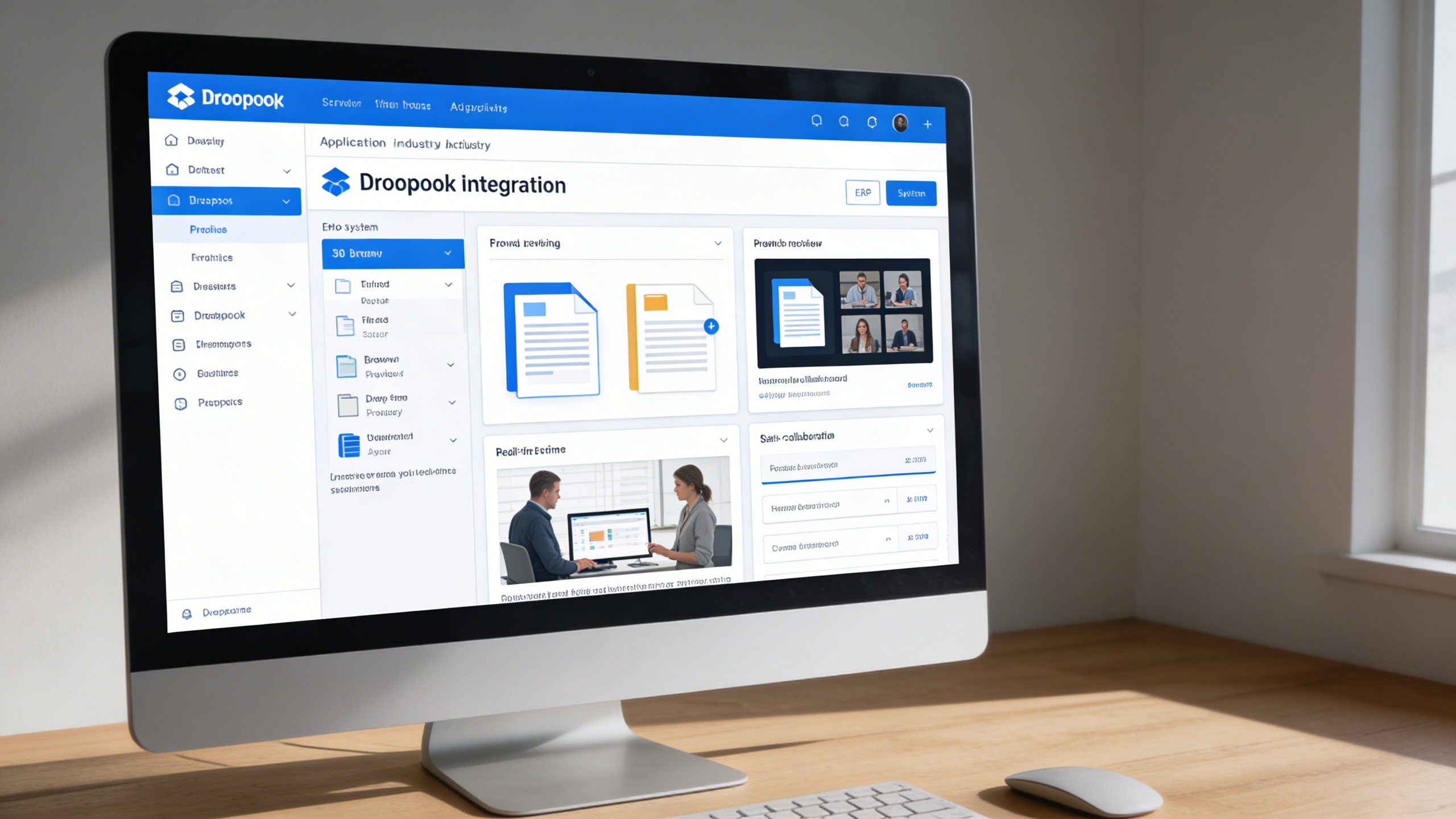
Organizations waste time switching between applications, downloading files, sending attachments, and reconciling version conflicts across teams. The Dropbox Integration Module solves these challenges by embedding Dropbox directly in the ERP, enabling instant file access, editing, submodule linking, shared credential control, and synchronized version management. This empowers teams to accelerate workflows, eliminate storage fragmentation, and operate from a single source of truth.

Key Features

📁 Direct Dropbox File Access
🧩 Integration with Multiple Submodules (Tasks, Meetings, Policies, etc.)
📝 Built-In File Viewer & Editor
📊 Real-Time Synchronization
🔐 Secure Credential Storage
⚙️ Configurable Dropbox Settings Page
💾 Version Control and Auto-Sync
👥 Collaborative File Sharing 
Module Breakdown

Dropbox

Each functional component of the system is modular and scalable for easy customization.

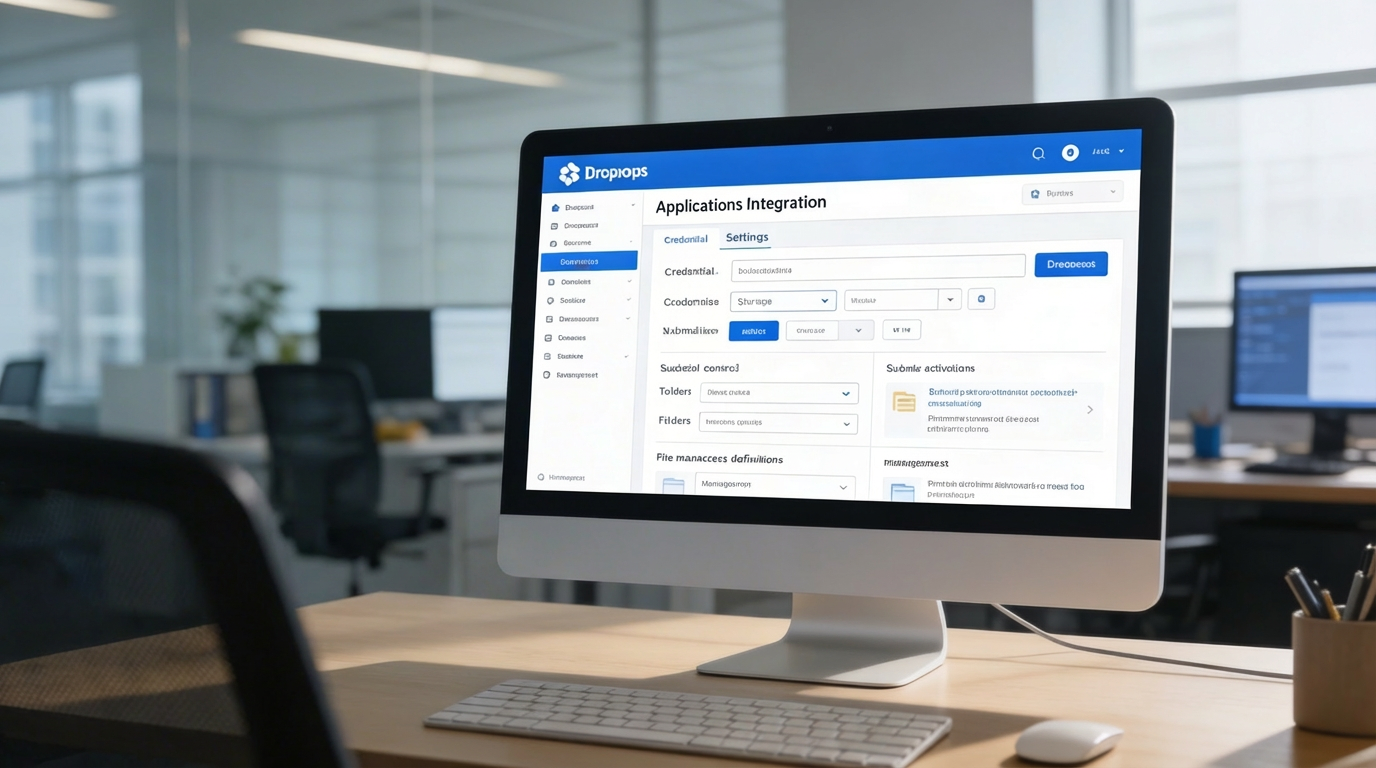
Dropbox Configuration

Save credentials, enable or disable integration per submodule

Dropbox Configuration

Save credentials, enable or disable integration per submodule

File Management

Access, preview, and organize Dropbox files and folders

File Management

Access, preview, and organize Dropbox files and folders

Document Viewer/Editor

Open, view, and edit supported file types directly within ERP

Document Viewer/Editor

Open, view, and edit supported file types directly within ERP

Submodule Linking

Connect Dropbox folders to related modules like Tasks, Meetings, or Projects

Submodule Linking

Connect Dropbox folders to related modules like Tasks, Meetings, or Projects

File Synchronization

Automatic syncing between Dropbox and ERP to ensure data consistency 

File Synchronization

Automatic syncing between Dropbox and ERP to ensure data consistency 
Features Highlights

Integrated Cloud Collaboration

Embed Dropbox into ERP workflows for centralized access, synchronized files, and collaborative editing across projects and departments.

📦 1. Effortless Dropbox Integration

This feature connects Dropbox as a native resource inside the ERP, eliminating external switching and manual uploads. Users can browse, preview, edit, and collaborate on files from a centralized interface.

Key Capabilities:

⚙️ 2. Settings Page for Dropbox Integration

A centralized configuration panel stores credentials, controls permissions, and enables submodule activation by department or workflow. Administrators can govern folder access and enforce storage policies across teams.

Key Capabilities:

🌟 3. Elevate Your Dropbox Experience

This optimization layer enhances Dropbox usability with structured navigation, linking, and editing capabilities tied to ERP records. Project stakeholders gain immediate access to synchronized files, keeping execution fast and coordinated.

Key Capabilities:

One Platform, Multiple Industry Roles

Who Can Benefit from the System?

Organizations needing centralized Dropbox access, synchronized project files, and multi-team collaboration inside a unified ERP workspace.

🏢 Corporate Offices
Overview:

Enhance productivity with centralized file access and version control.

Key Benefits:


📁 Document Centralization: Keep all team files in one accessible ERP environment


⚙️ Streamlined Workflows: Eliminate redundant downloads and email attachments


🧑‍💼 Team Collaboration: Share and co-edit documents in real time

🏫 Educational Institutions
Overview:

Simplify document management for academic materials, research files, and administrative records.

Key Benefits:


📘 Academic Material Access: Teachers and students can retrieve shared Dropbox resources directly


🧩 Research File Integration: Link Dropbox folders to research projects and publications


📊 Organized File Structure: Keep course materials categorized and version-controlled

🏗️ Project-Based Organizations
Overview:

Ensure every project has quick, reliable access to shared resources and deliverables.

Key Benefits:


📂 Linked Project Folders: Assign Dropbox folders to specific tasks or clients


🔄 Real-Time File Sync: Keep project files automatically updated across teams


📈 Enhanced Collaboration: Enable simultaneous edits and feedback collection

🌐 Service Providers & Agencies
Overview:

Optimize document flow for client proposals, contracts, and reports.

Key Benefits:


📑 Centralized Client Docs: Store all client files securely in connected Dropbox folders


📤 Quick File Sharing: Instantly share links or previews within the ERP


💼 Cross-Team Access: Allow multiple departments to work on shared deliverables

💼 Startups & SMEs
Overview:

Empower small teams with seamless cloud collaboration and document control.

Key Benefits:


🚀 Instant Integration: Connect Dropbox in minutes with simple setup


📎 Unified Platform: Manage operations, communication, and files from one place


📈 Cost-Efficient Workflow: Reduce time spent switching between tools

Our Customers

TRUSTED BY 100+ HAPPY CUSTOMERS

Ready To Transform Your Business?
Book a Free Consultation

Leave your email below to start a new project journey with us.
Let’s shape the future of your business together.
Cart (0 items)
Select the fields to be shown. Others will be hidden. Drag and drop to rearrange the order.
  • Image
  • SKU
  • Rating
  • Price
  • Stock
  • Availability
  • Add to cart
  • Description
  • Content
  • Weight
  • Dimensions
  • Additional information
Click outside to hide the comparison bar
Compare