Calendar
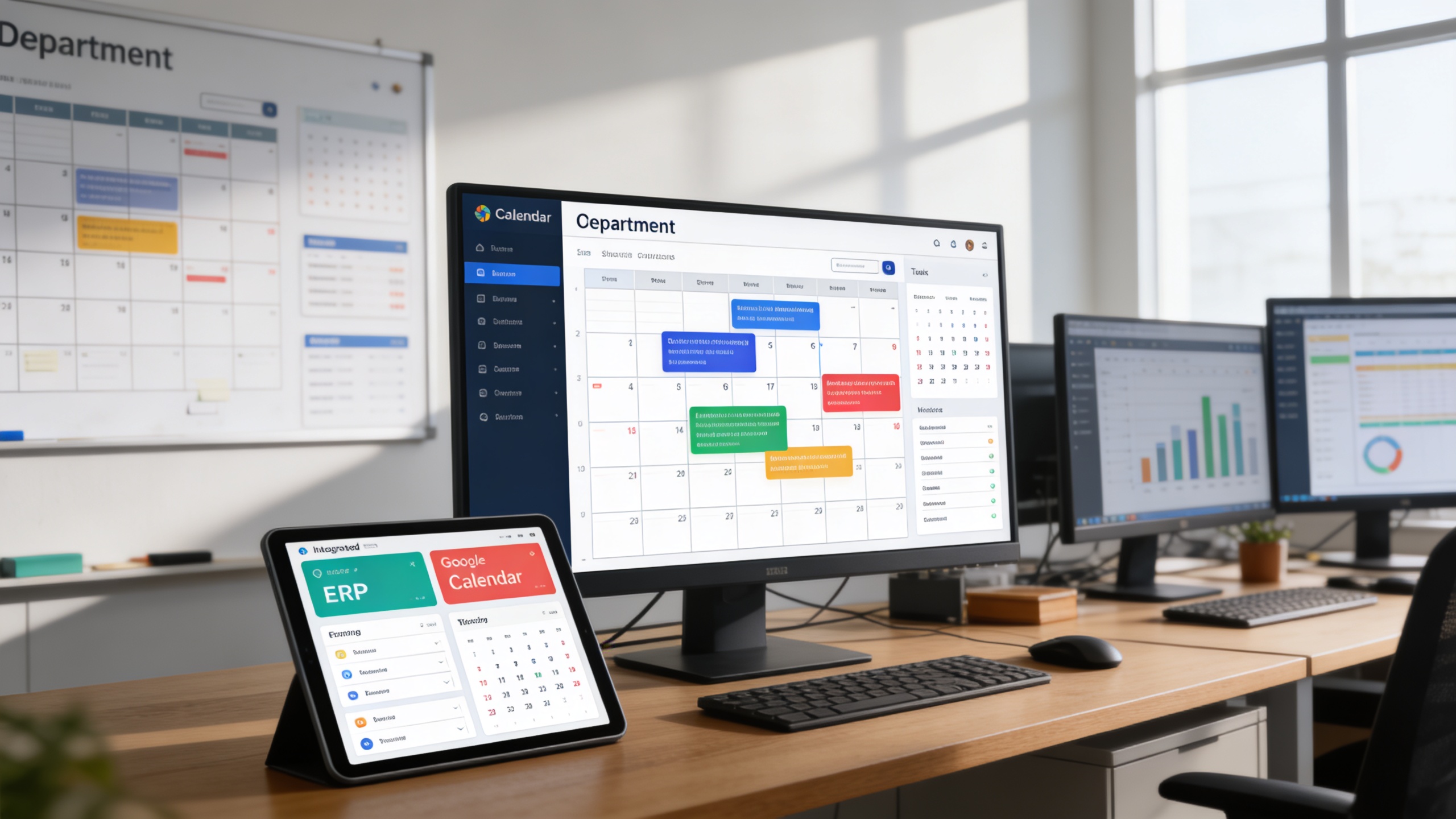
The Calendar Add-On is purpose-built to centralize scheduling and provide seamless integration between your ERP platform and Google Calendar.
Its main purpose is to:
- Bring together events from across modules into a single calendar view
- Synchronize platform events with Google Calendar in real-time
- Simplify how users set, view, and manage deadlines or appointments
- Help teams coordinate schedules with shared visibility
- Ensure updates are reflected instantly across systems
Unified Calendar Visibility for Smarter, Faster Operations
Modern organizations struggle with scattered schedules, missed deadlines, and disconnected tools across departments and systems. The Calendar Add-On resolves these challenges by consolidating ERP events into a single visual calendar while synchronizing everything instantly with Google Calendar. This ensures teams stay aligned, deadlines are never overlooked, and time is managed with clarity, accuracy, and confidence.
Calendar
Each functional component of the system is modular and scalable for easy customization.
Integration Settings
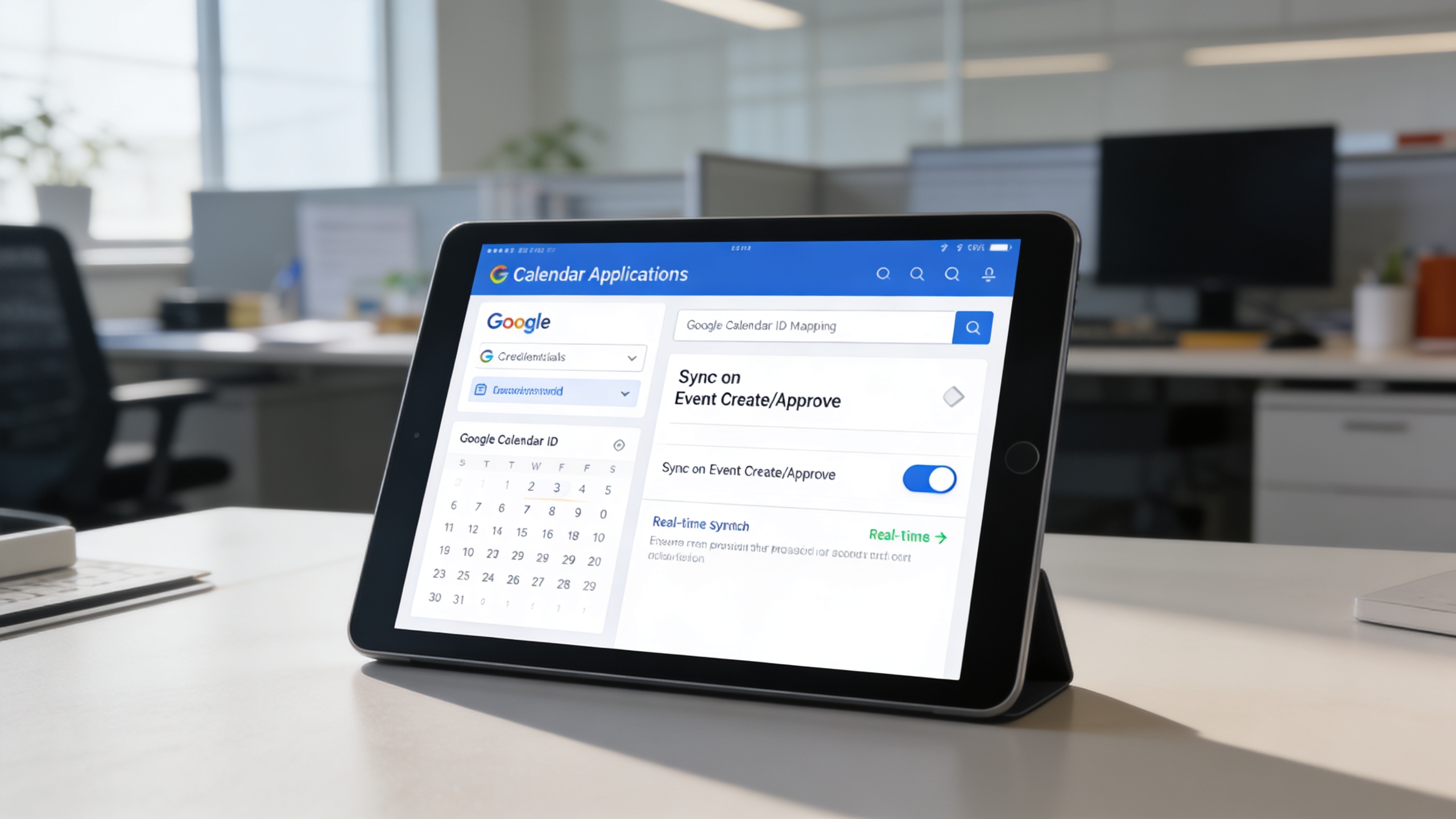
Manage the connection to Google Calendar by entering the calendar ID and uploading the required JSON credentials securely. Enable or disable syncing per user or department.
Integration Settings
Event Sync Controller
Automatically syncs ERP-generated events (e.g., appointments, tasks, invoices) to Google Calendar during creation or approval. Supports event updates and deletion for real-time accuracy.
Event Sync Controller
Unified Calendar Dashboard
A monthly or weekly visual interface displaying all synced and platform-generated events. Offers filters by department, module, or event type.
Unified Calendar Dashboard
Multi-Module Event Fetcher
Aggregates events from compatible modules such as CRM, Appointments, HRM, Projects, Accounting, and Sales, preparing them for calendar visualization and sync.
Multi-Module Event Fetcher
Role-Based Calendar Access
Defines calendar visibility and interaction rules based on user roles or departments. Ensuring the right people see the right events.
Role-Based Calendar Access
Unified ERP Calendar Control
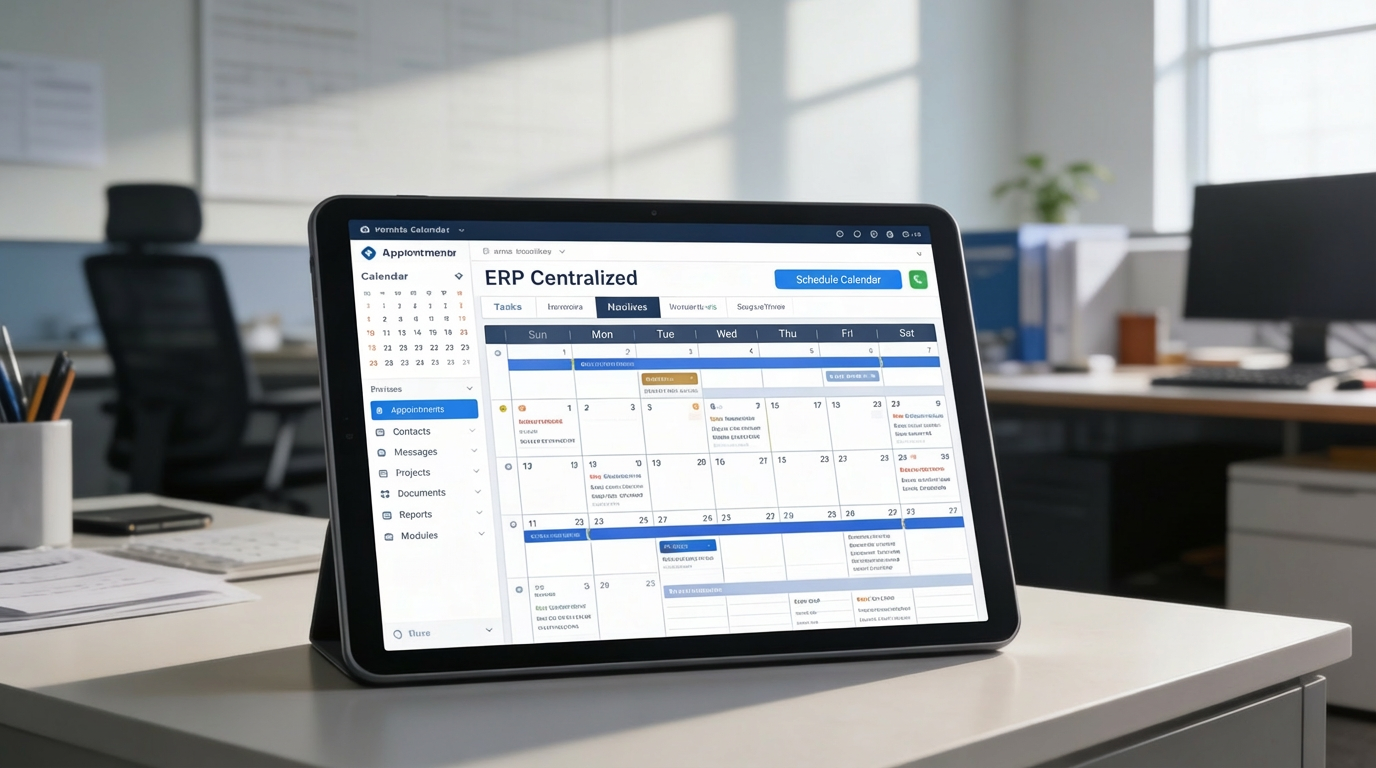
A centralized, real-time calendar that synchronizes ERP events with Google Calendar for complete visibility and seamless team coordination.
🗂️ 1. Centralized Calendar for All Platform Events
Bring together appointments, tasks, invoices, and deadlines from multiple ERP modules into a single shared timeline. This eliminates silos and provides instant clarity across operational activities.
Key Capabilities:
⚙️ 2. Simple Setup and Google Calendar Sync
Connect your ERP to Google Calendar in just a few configuration steps without technical complexity. Real-time synchronization ensures every update is reflected instantly across platforms.
Key Capabilities:
🤝 3. Keep Teams and Schedules on Track
Enable cross-department visibility to reduce overlaps and improve coordination. Teams gain a shared understanding of priorities, workloads, and upcoming commitments.
Key Capabilities:
Who Can Benefit from the System?
Organizations and professionals needing centralized schedule visibility, real-time synchronization, and effortless coordination across teams and ERP workflows.
🏢 Small to Medium Enterprises
Overview:
Consolidate operational timelines and internal schedules without switching tools.
Key Benefits:
📅 One-Stop Scheduling: View all activities, tasks, sales calls, and admin events
🔁 Google Sync: Sync business meetings and internal deadlines seamlessly
👥 Cross-Team Planning: Keep everyone on the same page
🏥 Clinics & Appointment-Based Businesses
Overview:
Ensure appointments, follow-ups, and working hours are fully visible and well-managed.
Key Benefits:
🗓️ Real-Time Visibility: Auto-sync patient appointments and staff calendars
📞 Minimize Overbooking: Avoid overlapping bookings or missed sessions
📤 Calendar Notifications: Remind staff and patients via Google alerts
🏫 Educational Institutions
Overview:
Track academic events, faculty schedules, and facility bookings in one timeline.
Key Benefits:
📘 Class & Exam Scheduling: Coordinate teaching and exam timetables
👨🏫 Faculty Management: Assign calendar access based on departments
📌 Transparent Visibility: Use shared calendars for planning academic weeks
🏢 HR & Admin Departments
Overview:
Manage leave approvals, interviews, and employee events effortlessly.
Key Benefits:
🧾 HR Event Sync: Keep track of leaves, birthdays, and interviews
📣 Broadcast Events: Announce internal training and holiday notices
📅 Admin Reminders: Automate scheduling for tasks like payroll or reviews
🛍️ Freelancers & Solo Entrepreneurs
Overview:
Stay organized without juggling multiple platforms.
Key Benefits:
📍 Unified Schedule: Combine ERP events and personal bookings
📤 Google Calendar View: Access everything from mobile or desktop
⏰ Daily Clarity: Plan workdays with confidence and simplicity
Latest insights and updates on technology trends and innovations
Cloud vs. On-Premise: Which Is Right for Your Business?
The Ultimate Guide to Cybersecurity for Small Businesses
How Automation is Revolutionizing Workplace Productivity
Optimizing Business Operations with Cloud Computing
Adopting Cloud Strategies for Scalable Growth
Harnessing Cloud Solutions to Drive Innovation
Ready To Transform Your Business? Book a Free Consultation
Let’s shape the future of your business together.