Portfolio
The Portfolio Add-On is purpose-built to give professionals and organizations the ability to create structured, media-rich portfolios that reflect their expertise and achievements.
Its main purpose is to:
- Provide a centralized platform to organize and present projects or accomplishments
- Enable easy management of portfolio visibility and accessibility
- Offer a user-friendly interface for adding, editing, and categorizing work samples
- Support media and document uploads for enhanced presentation
- Facilitate quick sharing of portfolio links across multiple platforms
Showcase Your Work with a Structured, Professional Digital Portfolio
Professionals struggle with scattered work samples, unmanaged documents, and inconsistent presentation across platforms. Our solution centralizes portfolio entries, category management, visibility controls, attachments, shareable links, and preview tools into one elegant interface that simplifies organization and amplifies credibility. The result is a curated professional presence that elevates expertise, accelerates client decisions, and strengthens personal or organizational reputation.
Portfolio
Each functional component of the system is modular and scalable for easy customization.
Portfolio Entries
Create, edit, and manage detailed records for each project, including title, description, and attachments.
Portfolio Entries
Category Management
Define and maintain categories with titles and descriptions to group related works.
Category Management
File Attachments
Upload documents, certificates, and project files that support each portfolio entry.
File Attachments
Professional Portfolio Engine
Empower professionals to organize work, manage visibility, upload media, and share curated portfolios for credibility and client engagement.
🧾 1. Control and Share with Ease
Easily manage the visibility and presentation of your portfolio items with intuitive sharing tools and status toggles.
Key Capabilities:
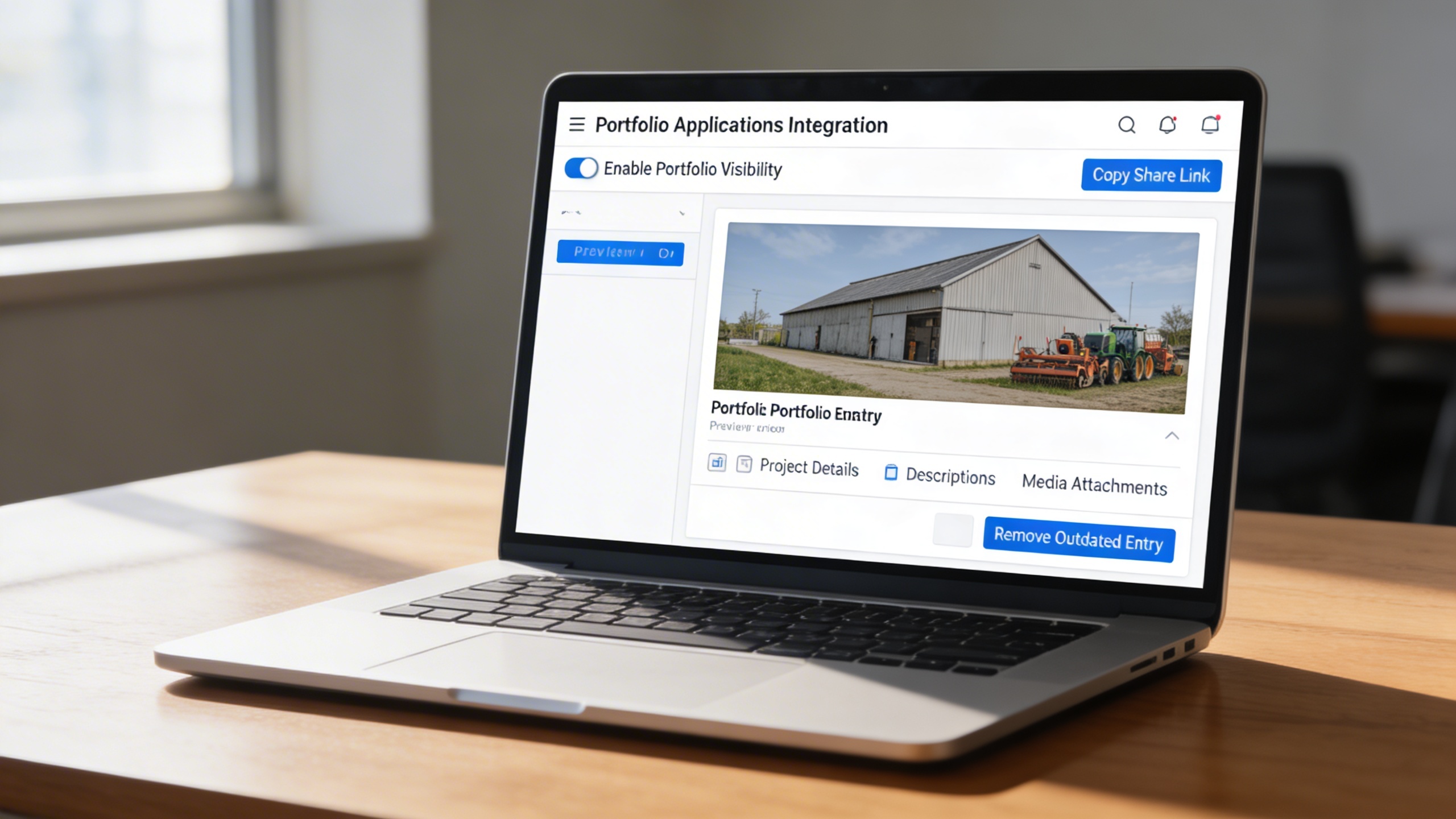
- 👁️ Enable or disable portfolio visibility with a single toggle
- 📤 Copy and share portfolio links instantly across various platforms
- 🧭 Preview each portfolio entry before publishing
- ✏️ Edit project details, descriptions, and media attachments
- 🗑️ Delete outdated or irrelevant entries for cleaner presentation
- 🧩 Maintain complete control over what the public sees on your portfolio front end
🏷️ 2. Categorize Your Work Clearly
Organize your professional projects using a flexible and clear categorization system that enhances navigation and understanding.
Key Capabilities:
- 📁 Create and manage multiple portfolio categories with titles and descriptions
- 🧾 Assign each project to a relevant category during portfolio creation
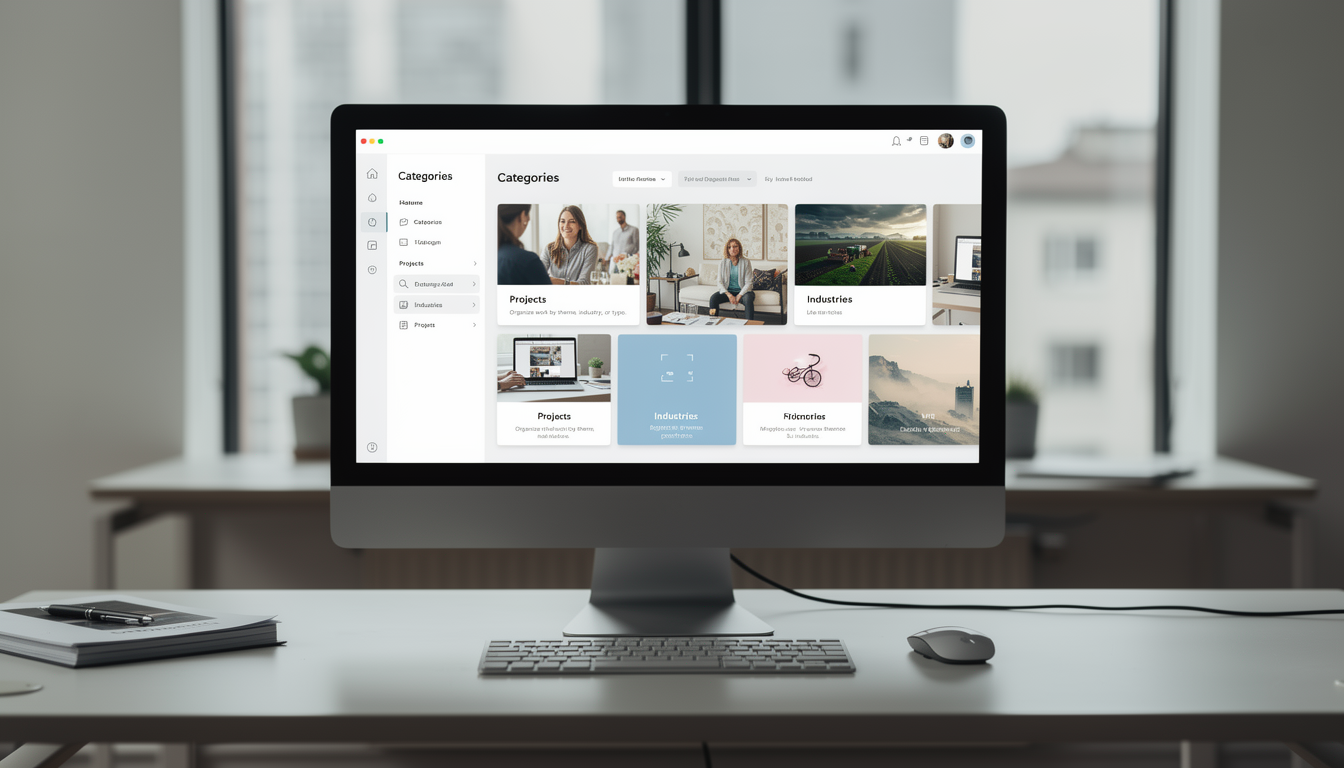
- 🧭 Help viewers explore your work by theme, industry, or project type
- ⚙️ Update or delete categories anytime as your portfolio evolves
- 📊 Keep your portfolio structured, easy to browse, and visually organized
Who Can Benefit from the System?
Support freelancers, agencies, educators, property professionals, healthcare experts, and IT specialists in presenting structured, credible work portfolios.
💼 Freelancers & Independent Professionals
Overview:
Present skills and completed projects in a professional, organized, and visually engaging way.
Key Benefits:
📘 Centralized Portfolio Management: Display multiple works with supporting files and images.
👁️ Flexible Visibility Control: Choose which portfolios are public or private.
📤 Easy Sharing: Generate shareable links for clients and collaborators.
🏢 Creative & Design Agencies
Overview:
Showcase agency projects, design works, and client collaborations effectively under unified categories.
Key Benefits:
🖼️ Project-Based Showcases: Create case studies with images and documentation.
🏷️ Categorized Listings: Sort by project type, client, or campaign theme.
🔗 Collaborative Presentation: Share previews internally or with clients for review.
🎓 Educational Institutions & Trainers
Overview:
Highlight research, student projects, training modules, or academic works.
Key Benefits:
📄 Academic Portfolios: Organize theses, reports, and learning materials.
📚 Research Categorization: Classify work by field or research focus.
📎 Supporting Documentation: Attach evidence such as certificates or evaluation sheets.
🏠 Property & Real Estate Professionals
Overview:
Promote listings, renovation projects, and property showcases through categorized visual portfolios.
Key Benefits:
🏗️ Project Display: Highlight property developments or interior design works.
📸 Visual Proofing: Upload before-and-after photos and supporting documentation.
📤 Shareable Portfolios: Send links directly to clients or investors.
🏥 Healthcare & Medical Practitioners
Overview:
Document professional experience, published works, or medical achievements for credibility and outreach.
Key Benefits:
🩺 Professional Profiles: Showcase research papers, certifications, or achievements.
📁 Organized Records: Keep categorized medical or academic works.
🔗 Easy Sharing: Provide clients or institutions with curated professional highlights.
💻 IT Professionals & Developers
Overview:
Display coding projects, system implementations, or app designs for potential clients or employers.
Key Benefits:
💾 Project Structuring: Organize technical work with documentation and source links.
🧠 Skill Categorization: Classify projects by technology or programming language.
🚀 Public Portfolio Access: Showcase skills and experience for career growth.
Latest insights and updates on technology trends and innovations
Cloud vs. On-Premise: Which Is Right for Your Business?
The Ultimate Guide to Cybersecurity for Small Businesses
How Automation is Revolutionizing Workplace Productivity
Optimizing Business Operations with Cloud Computing
Adopting Cloud Strategies for Scalable Growth
Harnessing Cloud Solutions to Drive Innovation
Ready To Transform Your Business? Book a Free Consultation
Let’s shape the future of your business together.