One Drive
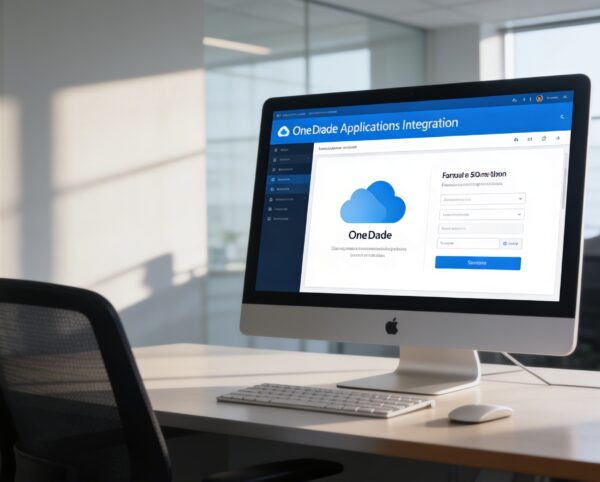
The OneDrive Integration Module is designed to provide organizations with direct, secure, and efficient access to their OneDrive resources from within Sophistec Optima Solutions.
Its main purpose is to:
- Streamline file access and eliminate the need for external downloads
- Enable real-time file editing and preview across multiple formats
- Facilitate collaboration between departments using shared OneDrive folders
- Strengthen data security through authenticated OneDrive connectivity
- Enhance productivity by integrating cloud storage into everyday workflows
Seamless OneDrive Connectivity for Cloud-Powered Collaboration
Organizations struggle with scattered cloud storage, constant application switching, unsecured file exchanges, and slow collaboration cycles. Our solution eliminates these barriers by embedding OneDrive directly into ERP workflows with secure authentication, real-time editing, visual navigation, folder linking, and cloud-based activity tracking. The result is faster productivity, centralized file governance, and a unified collaboration experience across teams, departments, and devices.
One Drive
Each functional component of the system is modular and scalable for easy customization.
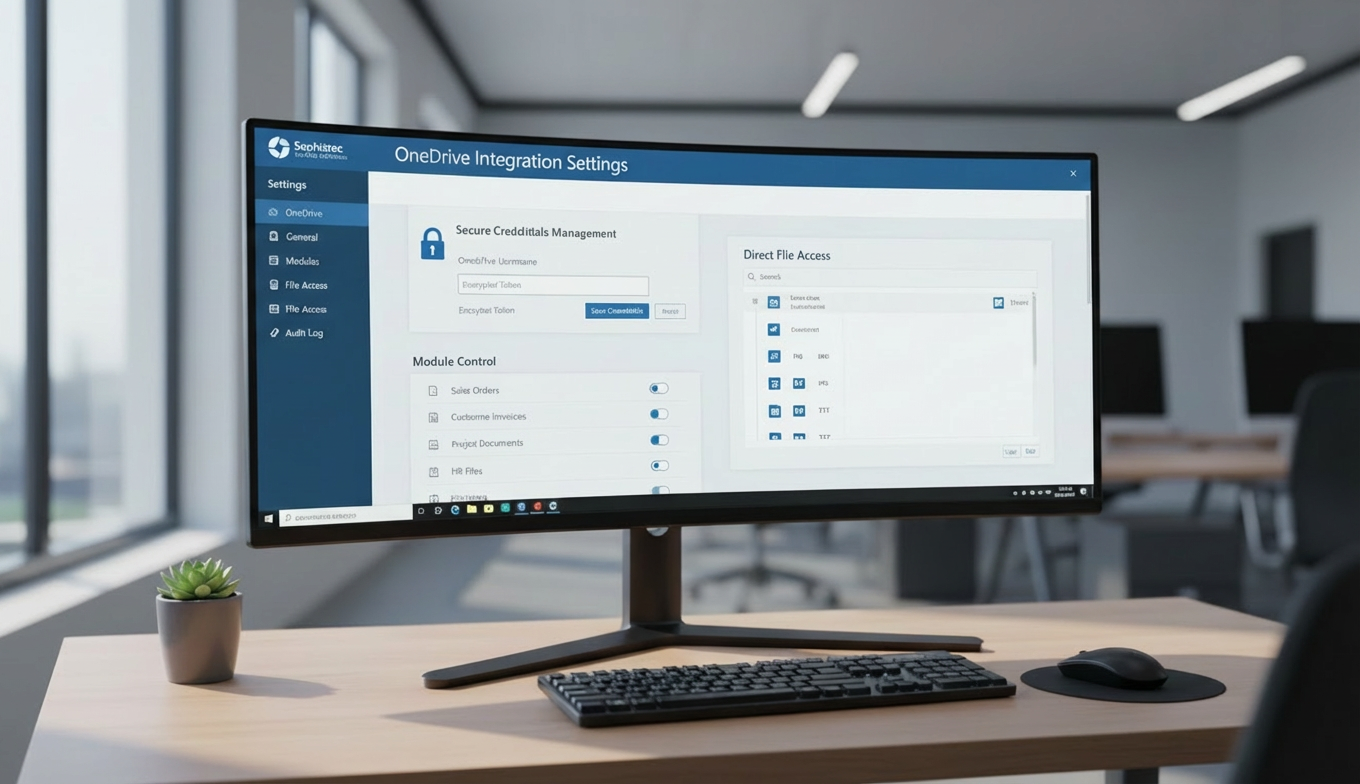
Integration Settings
Configure and authenticate OneDrive accounts within Sophistec Optima Solutions.
Integration Settings
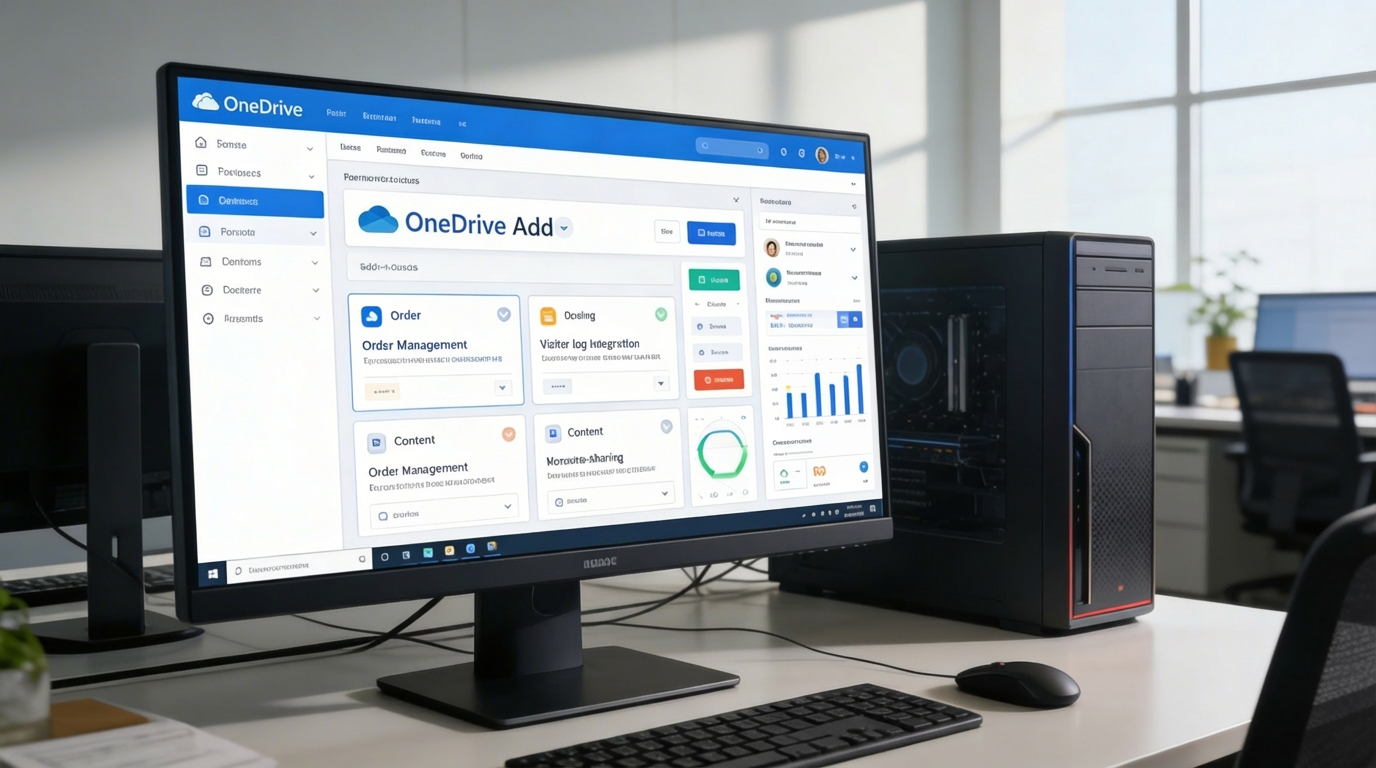
Add-On Extensions
Expand functionality for industry-specific needs (trainers, doctors, tenants, etc.).
Add-On Extensions
Unified Cloud Productivity
Empower teams with secure OneDrive access, real-time editing, visual navigation, folder linking, and advanced collaboration controls.
☁️ 1. Extend OneDrive with Powerful Add-Ons
Unlock the full potential of OneDrive with specialized add-ons tailored for various professional contexts, training management, medical record handling, tenant documentation, and more.
Key Capabilities:
⚙️ 2. Settings Page for OneDrive Integration
Simplify setup and maintain complete control over how OneDrive connects to your ERP platform.
Key Capabilities:
📂 3. Elevate Your OneDrive Experience
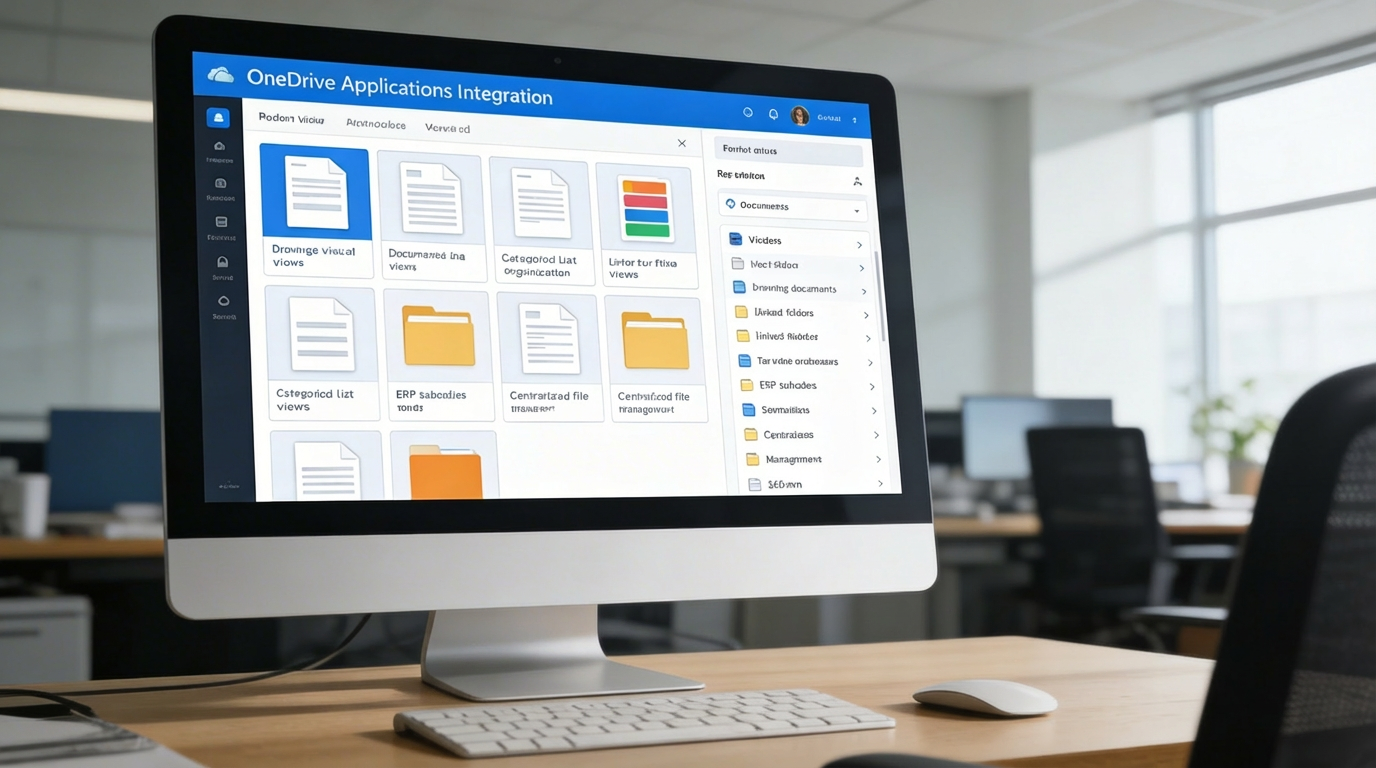
Transform how your organization collaborates and manages content through advanced file visualization and navigation tools.
Key Capabilities:
Who Can Benefit from the System?
Enable secure collaboration, faster workflows, and centralized cloud file governance across corporate departments, education, healthcare, property, and service delivery.
🏢 Corporate Teams & Enterprises
Overview:
Empower departments with seamless access to shared cloud content.
Key Benefits:
📘 Centralized File Management: Store and organize internal reports, policies, and presentations.
🔗 Real-Time Collaboration: Enable simultaneous file editing and sharing across departments.
🔒 Secure Access Control: Manage user permissions and authentication for OneDrive data.
🏫 Educational Institutions
Overview:
Enhance teaching and administrative workflows through integrated cloud storage.
Key Benefits:
📄 Lesson Material Storage: Upload, organize, and share teaching resources and assignments.
🧠 Collaborative Learning: Allow students and staff to co-edit documents and reports in real time.
📎 Integrated Workflows: Link OneDrive folders to academic or departmental modules.
🏥 Healthcare & Clinics
Overview:
Securely manage patient files, prescriptions, and reports through OneDrive integration.
Key Benefits:
📋 Centralized Data Handling: Store and retrieve medical documents in compliance with privacy rules.
🧾 Quick File Access: View prescriptions, imaging files, or reports instantly.
🩺 Streamlined Collaboration: Facilitate secure sharing between doctors, nurses, and departments.
🏘️ Property & Facility Management
Overview:
Simplify document workflows related to properties, tenants, and maintenance.
Key Benefits:
🏷️ Document Tracking: Manage lease agreements, invoices, and inspection records.
📁 Linked Storage: Associate OneDrive folders with specific property portfolios or tenants.
🧾 Audit Readiness: Maintain organized digital archives for regulatory compliance.
💼 Service-Based SMEs & Freelancers
Overview:
Gain flexibility and structure when handling project documents and client deliverables.
Key Benefits:
⚡ Quick File Access: Retrieve and edit project files directly within your ERP.
📦 Simplified Sharing: Share contracts, quotes, and deliverables securely.
📈 Scalable Storage: Use OneDrive’s cloud capacity for growing business needs.
Latest insights and updates on technology trends and innovations
Cloud vs. On-Premise: Which Is Right for Your Business?
The Ultimate Guide to Cybersecurity for Small Businesses
How Automation is Revolutionizing Workplace Productivity
Optimizing Business Operations with Cloud Computing
Adopting Cloud Strategies for Scalable Growth
Harnessing Cloud Solutions to Drive Innovation
Ready To Transform Your Business? Book a Free Consultation
Let’s shape the future of your business together.