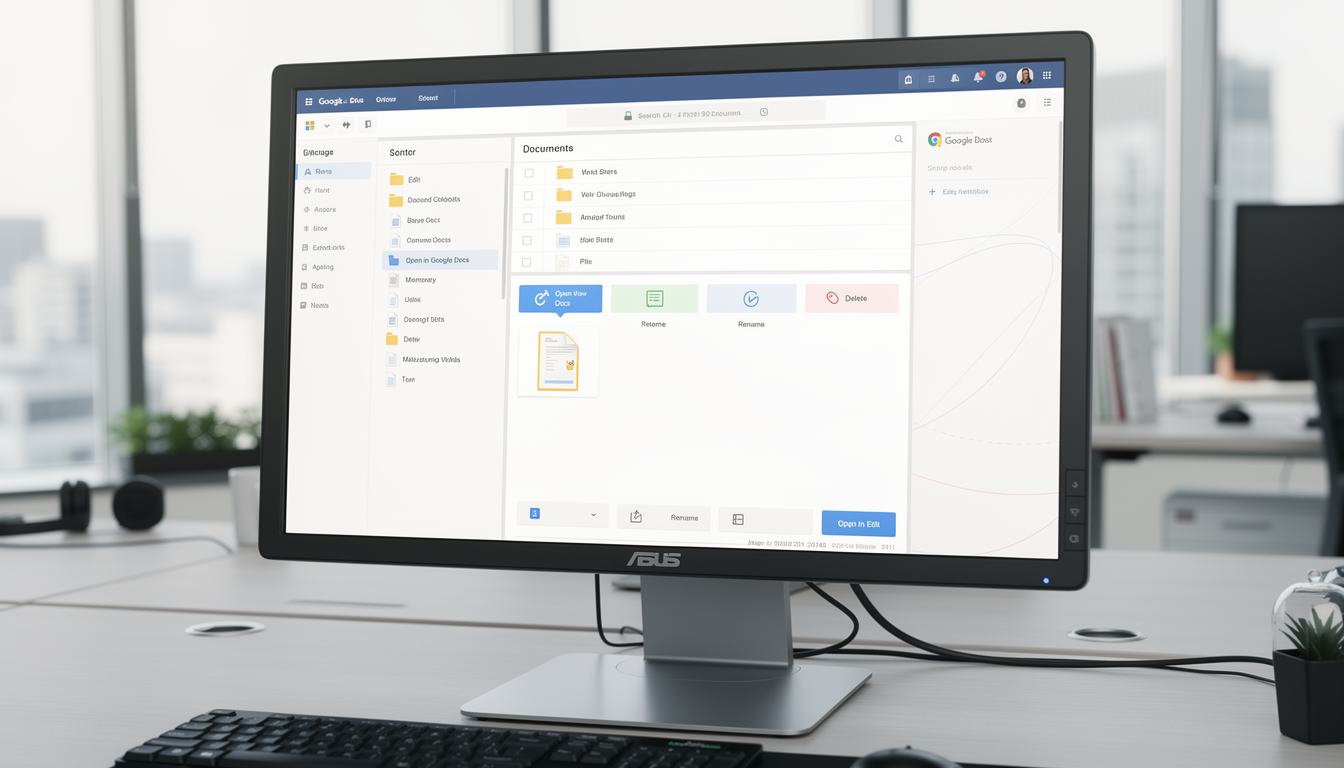
We eliminate scattered document workflows by centralizing Google Docs creation, collaboration, and control inside your ERP.
Google Docs
The Google Docs Integration Module is designed to streamline document collaboration and management within your ERP ecosystem. It eliminates the need to switch between platforms, empowering users to work on Google Docs directly from within the system while maintaining complete data integrity and security.
Unifying Document Productivity Inside Your ERP Workspace
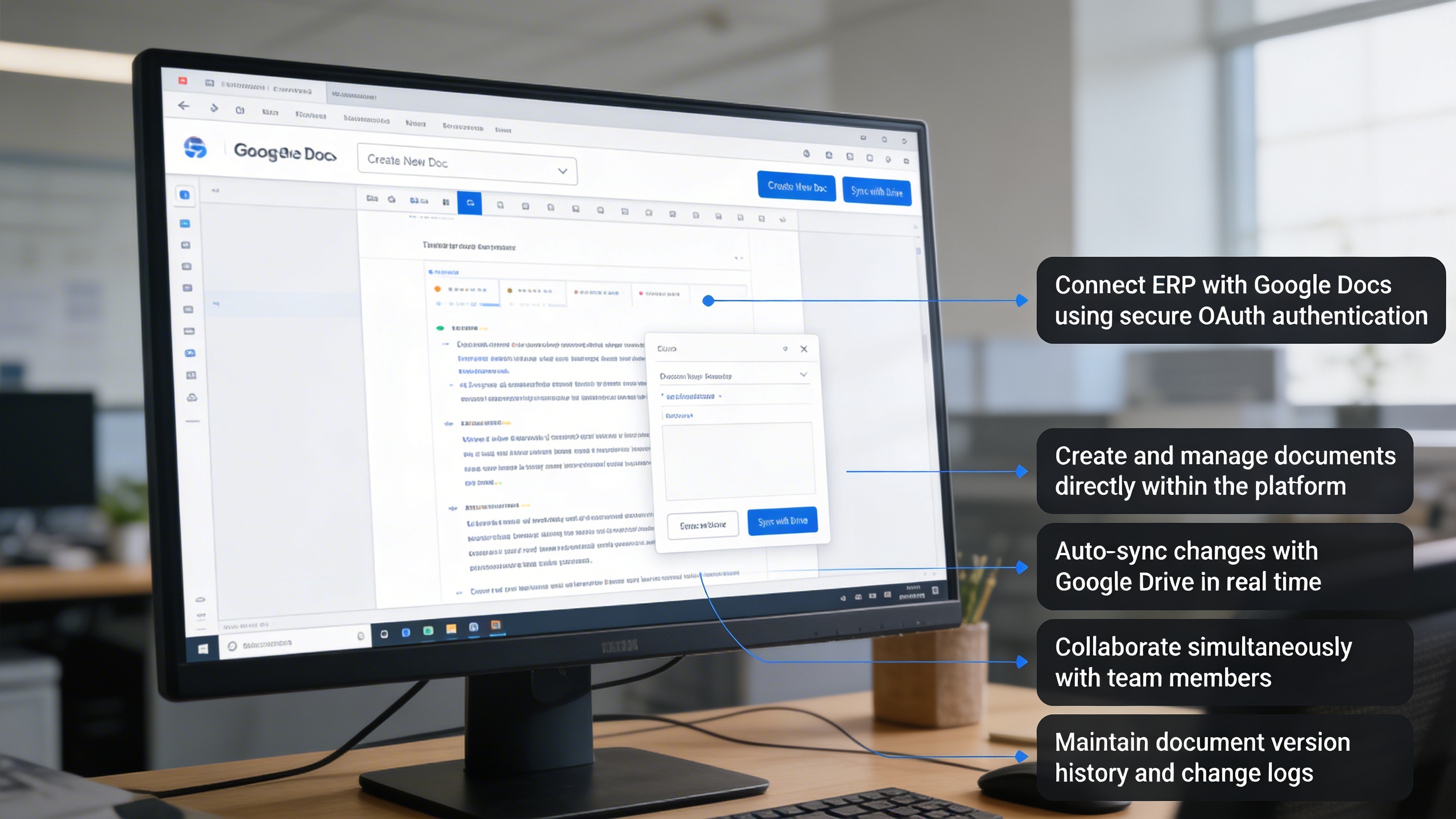
Organizations struggle with fragmented documentation, constant platform switching, and uncontrolled file storage scattered across personal drives. This integration solves those challenges by allowing teams to create, edit, organize, and collaborate on Google Docs directly inside the ERP while maintaining synchronized version history, controlled access, and secure OAuth authentication. The result is a centralized, compliant, and productivity-driven document ecosystem built for fast collaboration and operational governance.
Key Features
📄 Seamless Google Docs Integration
🔗 Real-Time Sync with Google Drive
🔐 Secure OAuth 2.0 Authentication
🧩 In-Platform Document Creation & Editing
📁 Centralized Document Organization
🕒 Version Control and Auto Save
👥 Multi-User Collaboration
⚙️ Configurable Integration Settings
Module Breakdown
Google Docs
Each functional component of the system is modular and scalable for easy customization.
Manage permissions for view, edit, or delete options per user role
Features Highlights
Integrated Cloud Documentation
Create, collaborate, and manage Google Docs inside ERP with centralized access, secure authentication, and real-time version syncing.
🧾 1. Seamless Google Docs Integration
Experience the power of real-time document collaboration without leaving your ERP. The integration allows you to create, manage, and edit Google Docs effortlessly, enhancing productivity and teamwork.
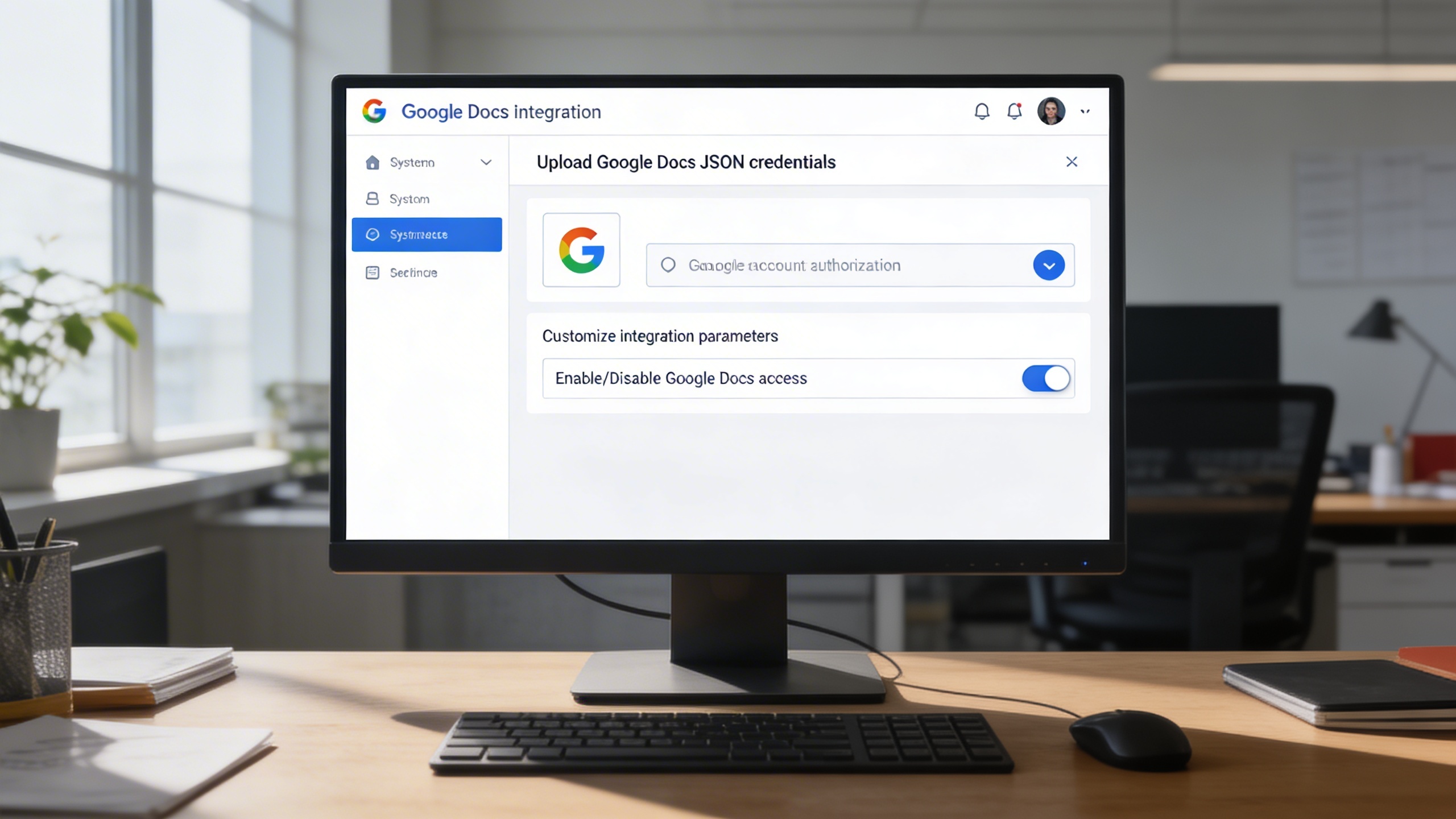
Easily configure the integration with just a few setup steps. Upload your Google Docs JSON file to establish a secure connection between your ERP system and Google Workspace.
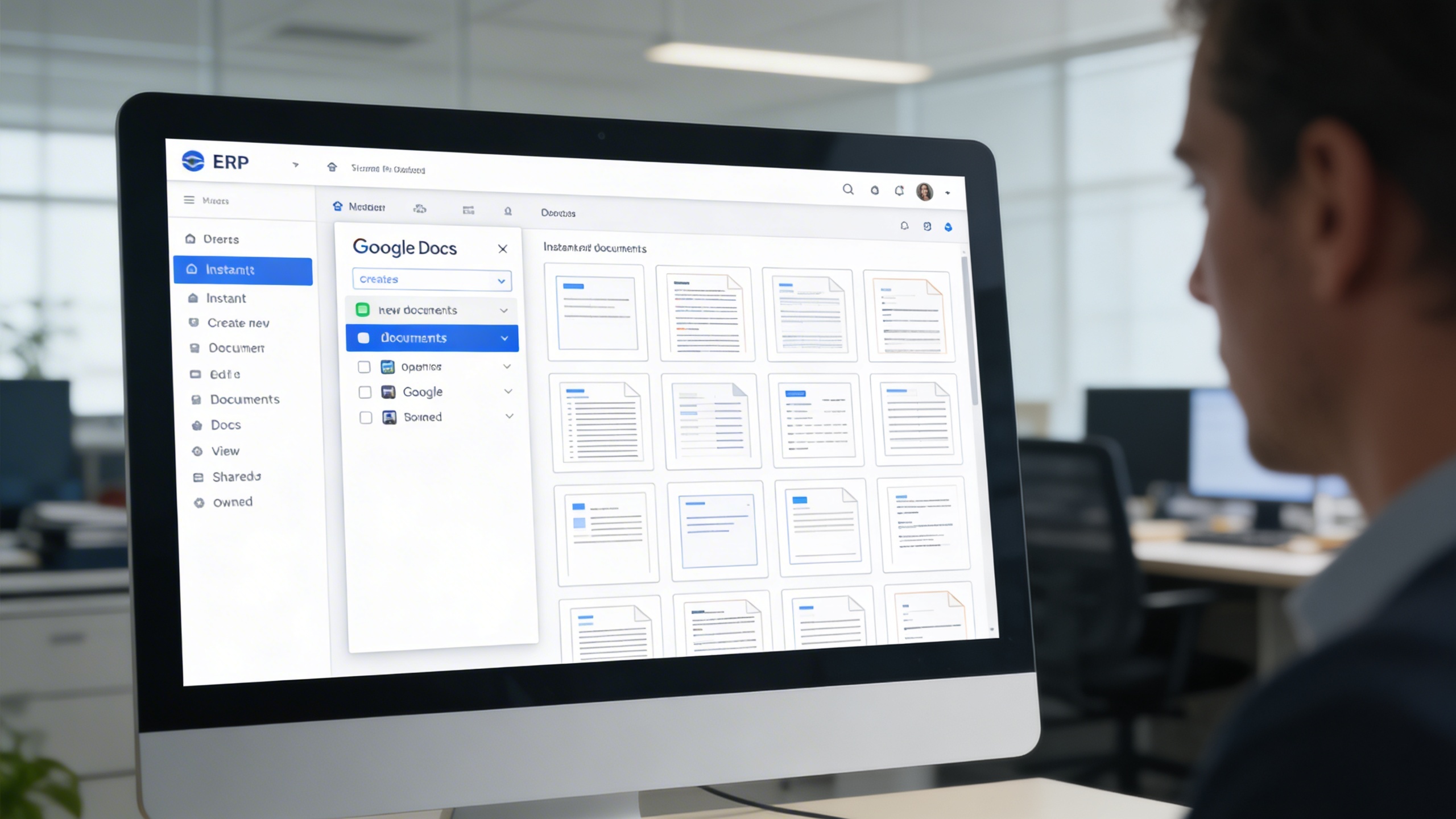
Once authorized, a Google Docs panel becomes available in your ERP sidebar for quick navigation. Users can instantly create, open, and manage documents without disrupting workflow.
Maintain complete control over your document workspace. The system provides direct access to Google Docs editing, as well as quick actions for modification and removal.
 Insurance And Legal