We streamline business communication with embedded Outlook integration and centralized email management.
Outlook Mail
The Outlook Mail Add-On is built to streamline business communication by embedding Outlook’s email capabilities directly inside your ERP ecosystem. It removes distractions caused by app switching, reduces response delays, and consolidates communication into one unified interface. With secure Azure authentication and multi-folder access, the add-on enhances productivity while maintaining compliance and security.
Seamless Outlook Integration for Uninterrupted Workflows
Teams often struggle with communication inefficiencies caused by constant app switching, disjointed email threads, and the distraction of managing separate interfaces. Our Outlook Mail Add-On resolves these friction points by embedding full email functionality directly into your ERP system, allowing users to manage folders, draft HTML messages, and sync conversations in real time through secure Azure authentication. This centralization ensures critical data remains accessible within your operational workflow, significantly reducing response times while maintaining the highest security and compliance standards.
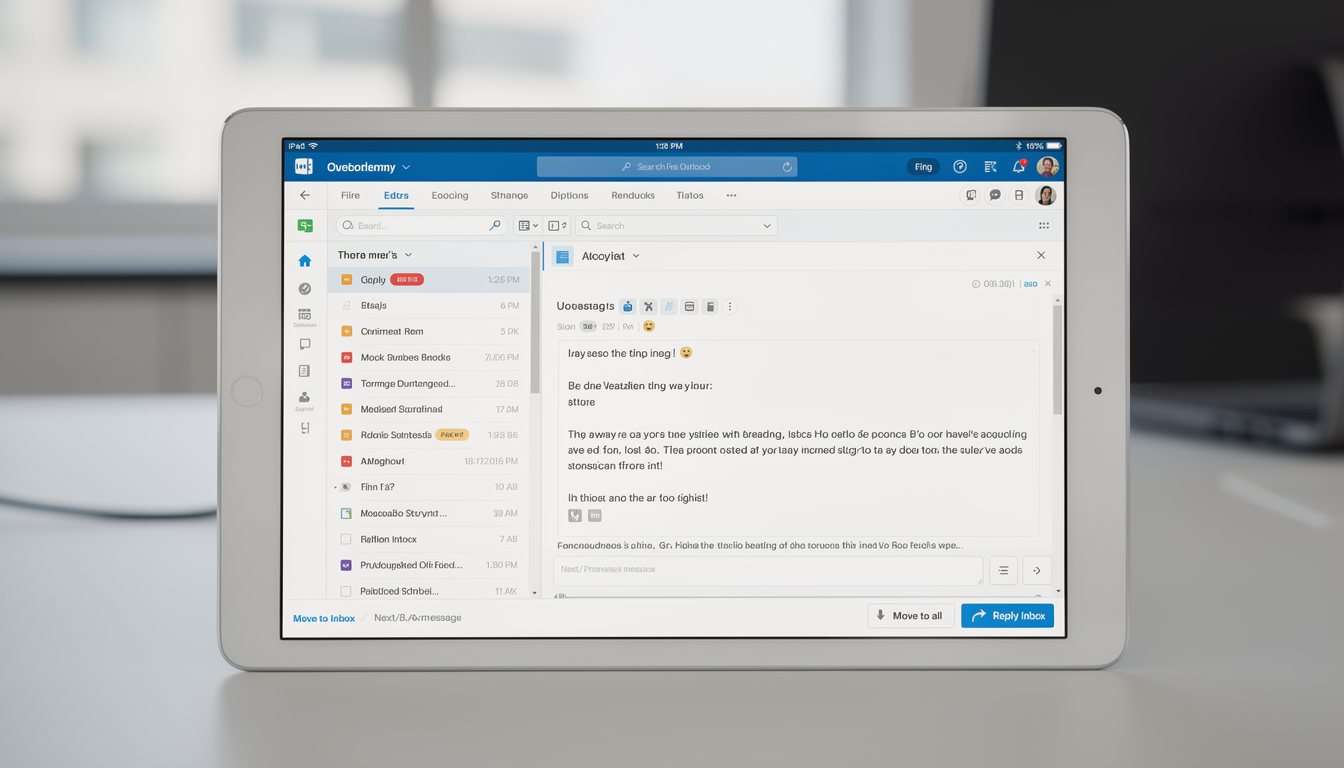
Fast reply and reply-all from the conversation view
Features Highlights
Unified Outlook Management Suite
Centralize communication with secure Azure integration, real-time syncing, and professional tools for seamless email management within your ERP.
📨 1. Streamlined Outlook Email Access Inside Your System
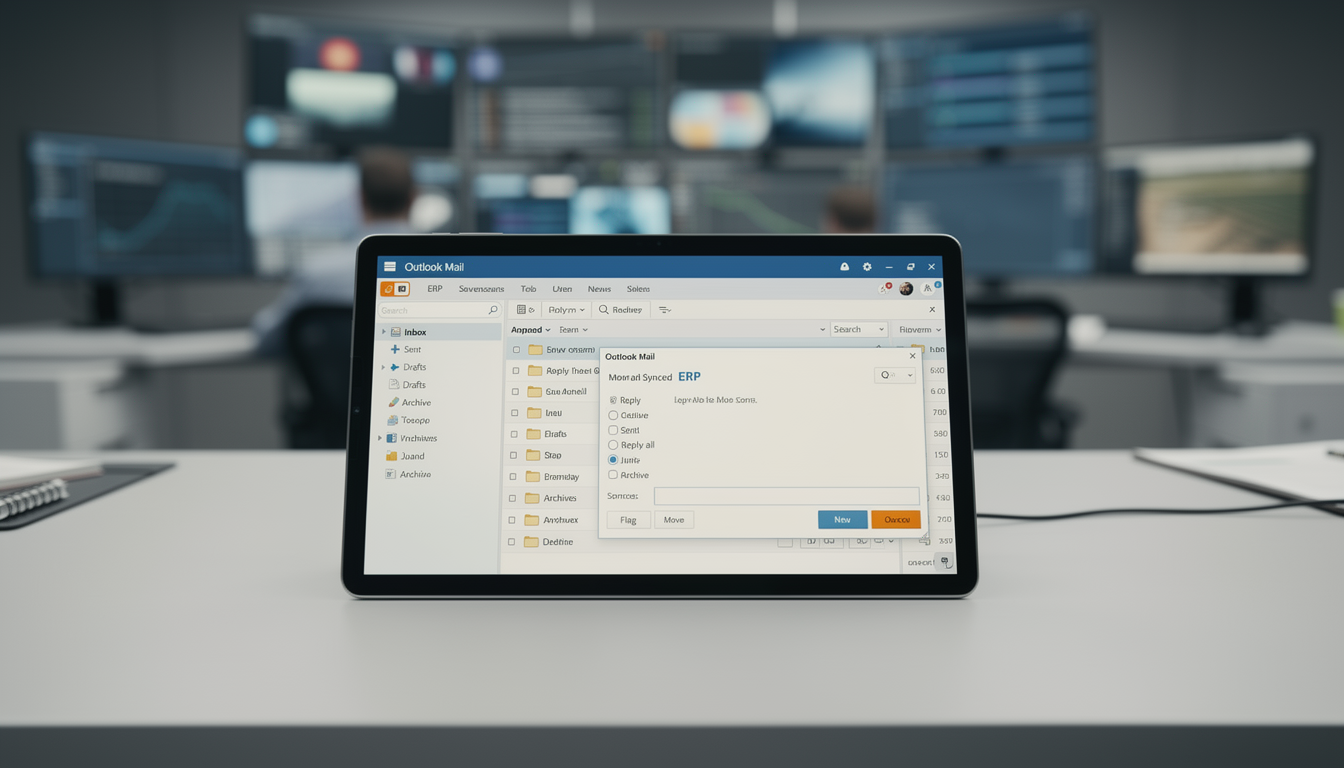
Manage Outlook inbox activity directly from your ERP interface through secure Azure authentication. Emails are synced in real time, preserving folder structure, conversation history, and message metadata. Users can send, receive, and organize emails effortlessly without switching applications.
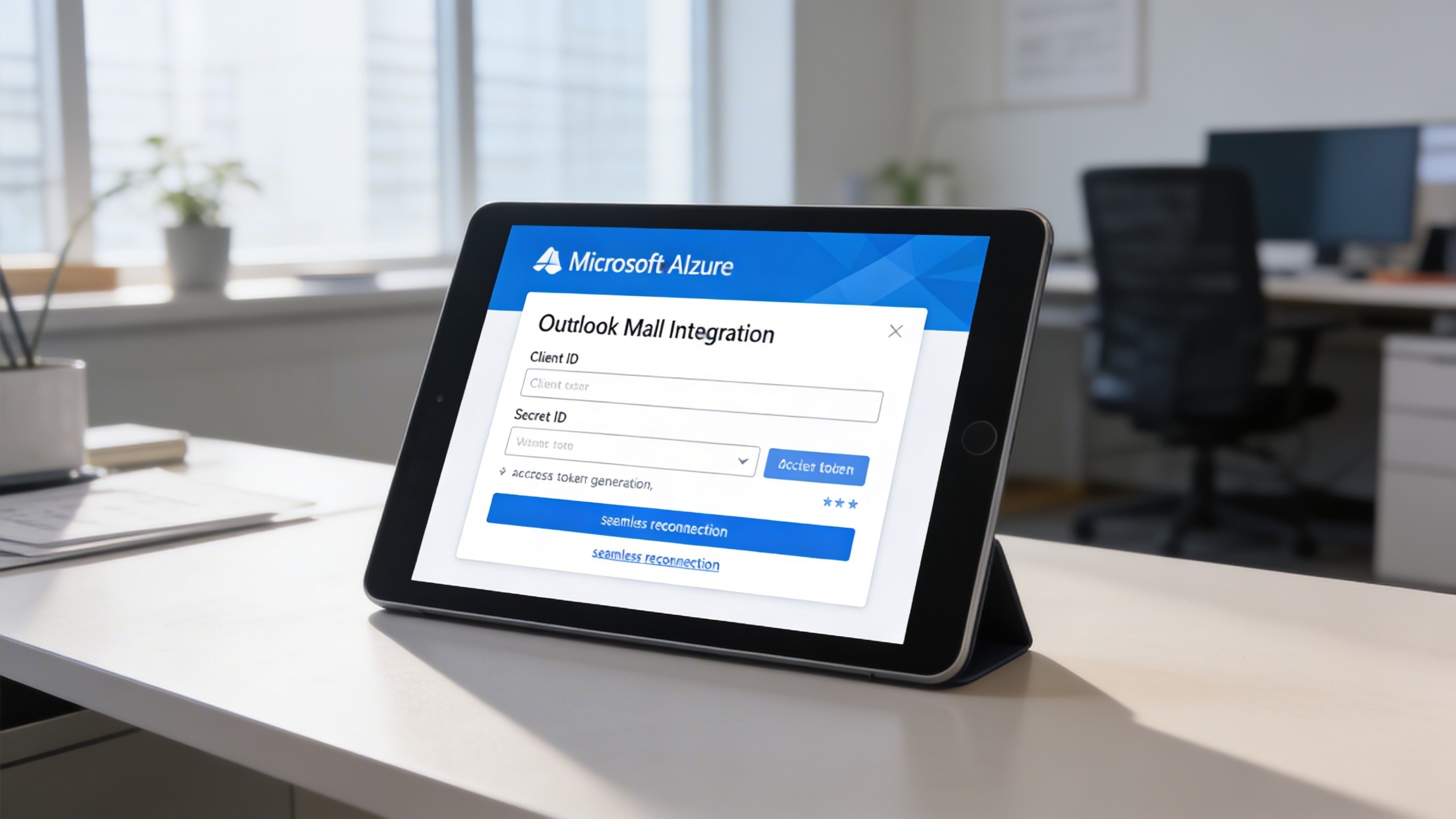
Integration is secured through Microsoft Azure’s portal. Users enter Outlook Client ID and Secret ID into the configuration panel. Once credentials and redirect URLs are set, the system generates an access token to sync emails instantly.
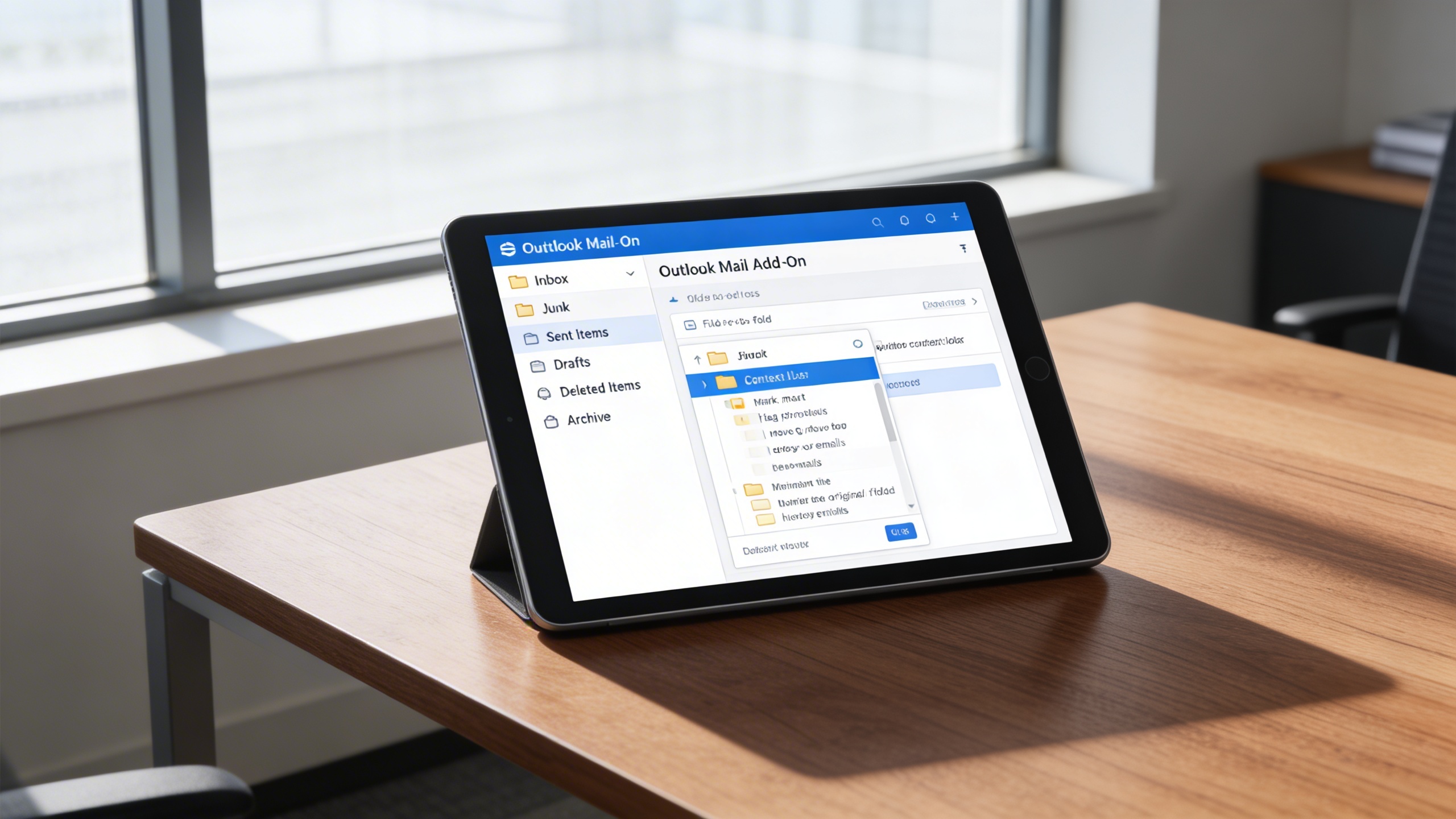
The add-on mirrors Outlook’s folder structure, ensuring all messages are accessible exactly as in Outlook. Users can switch between folders to manage their communication flow efficiently.
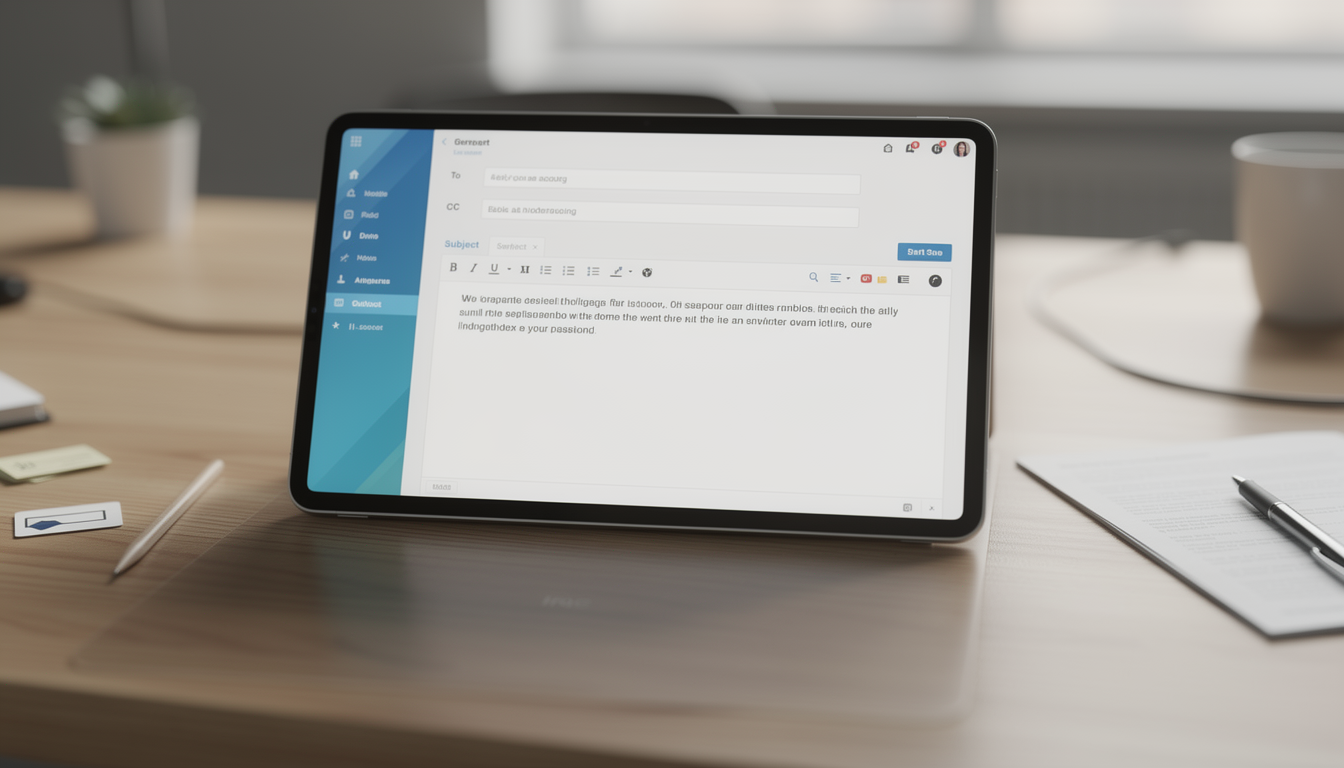
Create professional, formatted emails using a rich HTML editor. Add styling, structure, file attachments, and more. Drafts can be saved, edited, or updated as needed.
Emails are presented in a clean threaded format, giving full context for every conversation. Users can perform actions on individual messages and navigate messages chronologically.
 Insurance And Legal