Outlook Calendar
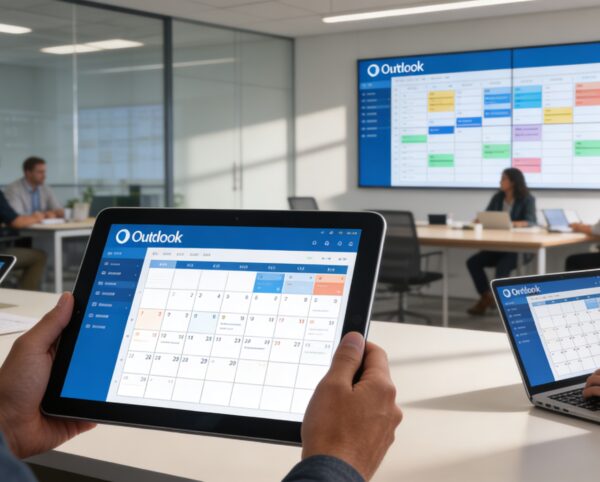
The Outlook Calendar Add-On is built to unify scheduling across your organization by integrating Outlook’s powerful calendar system with your ERP modules. It provides a central hub for managing all events, eliminating confusion caused by scattered schedules or overlapping meetings.
Its main purpose is to:
- Ensure real-time synchronization of all ERP and Outlook events
- Improve time management and reduce scheduling conflicts
- Enable organization-wide visibility of meetings, deadlines, and appointments
- Streamline coordination between departments and teams
- Provide quick setup and secure authentication for easy integration
Unifying Enterprise Scheduling with Outlook-Powered Intelligence
Organizations struggle with disconnected calendars, missed updates, and scheduling conflicts caused by siloed tools and manual coordination. The Outlook Calendar Add-On resolves these challenges by synchronizing ERP events with Outlook in real time, ensuring every meeting, deadline, and appointment stays aligned. This creates a single source of truth for scheduling that improves productivity, collaboration, and operational clarity.
Outlook Calendar
Each functional component of the system is modular and scalable for easy customization.
Integration Settings
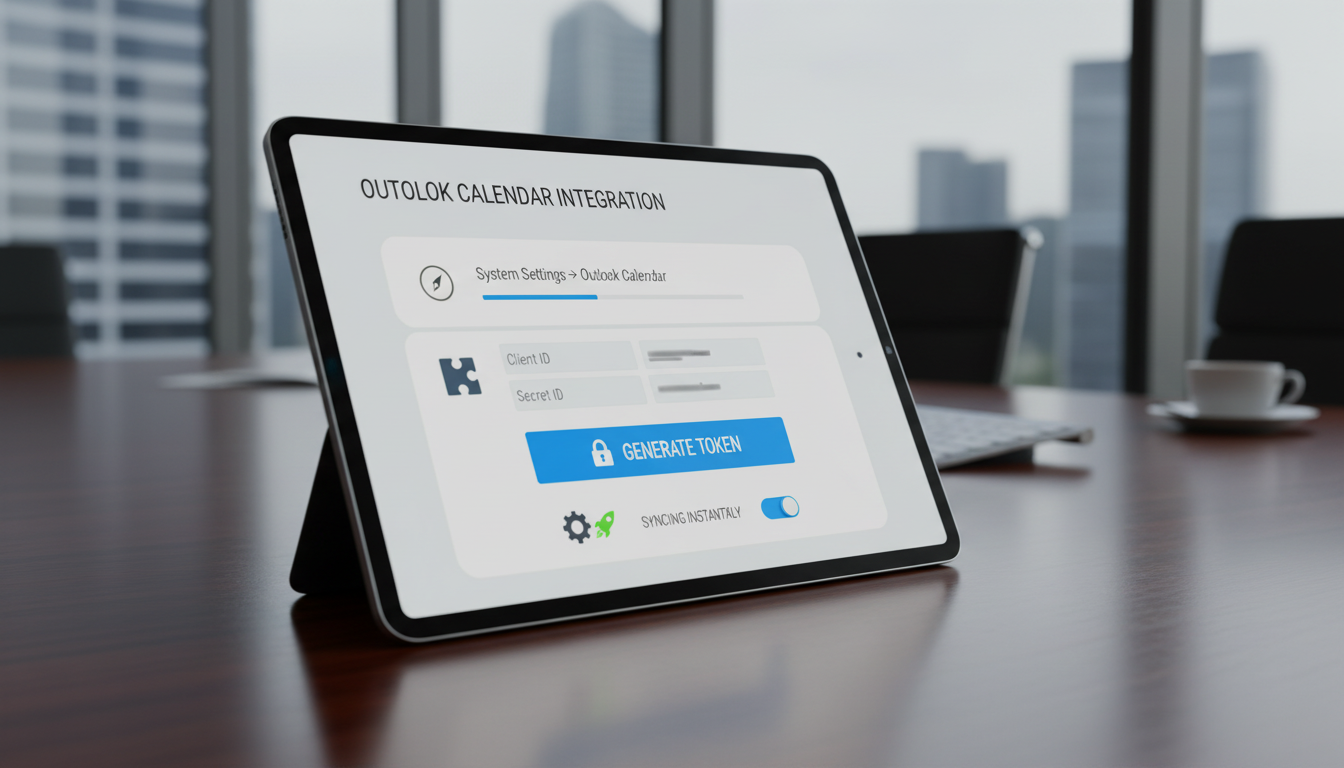
Enter and verify Outlook Client ID and Secret ID, and generate secure authentication tokens.
Integration Settings
Unified Outlook Calendar Integration
A centralized, bi-directional calendar system that synchronizes ERP events with Outlook for seamless scheduling and organization-wide visibility.
📅 1. Compatible with Many Add-Ons for Full Event Coverage
All critical ERP events flow directly into Outlook, creating a complete scheduling ecosystem across departments. This ensures no meetings, deadlines, or follow-ups are missed or duplicated.
Key Capabilities:
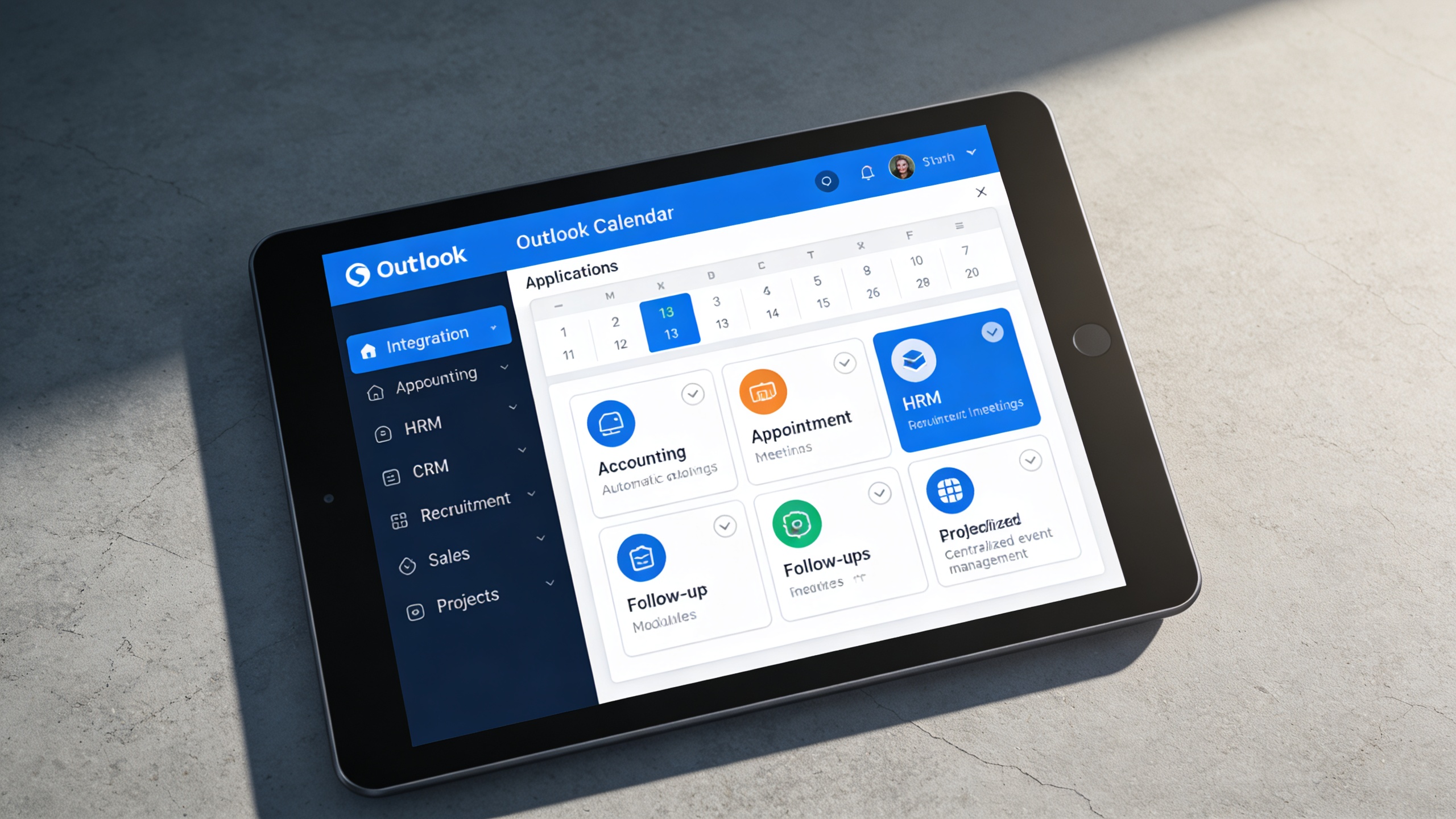
- 🔗 Integrate with modules like Accounting, Appointment, HRM, CRM, Recruitment, Sales, and Projects.
- 📆 Sync meetings, interviews, deadlines, and follow-ups automatically.
- 👥 Centralize event management across departments.
- ⚡ Eliminate duplicate scheduling and overlapping meetings.
- 📈 Improve organization-wide time coordination.
⚙️ 2. Easy Setup for Quick Connection
The integration is designed for fast deployment without technical complexity. Secure authentication and guided setup allow teams to start syncing instantly.
Key Capabilities:
- 🧭 Navigate to System Settings → Outlook Calendar to begin setup.
- 🧩 Enter Client ID and Secret ID from your Outlook account.
- 🔐 Click Generate Token for secure API authentication.
- ⚙️ Enable “Sync” while creating or approving events for automatic updates.
- 🚀 Start syncing Outlook events instantly, no coding required.
👥 3. Stay Coordinated Across Teams and Projects
Shared calendar visibility keeps departments aligned and prevents scheduling conflicts. Real-time updates ensure everyone works with the latest event information.
Key Capabilities:
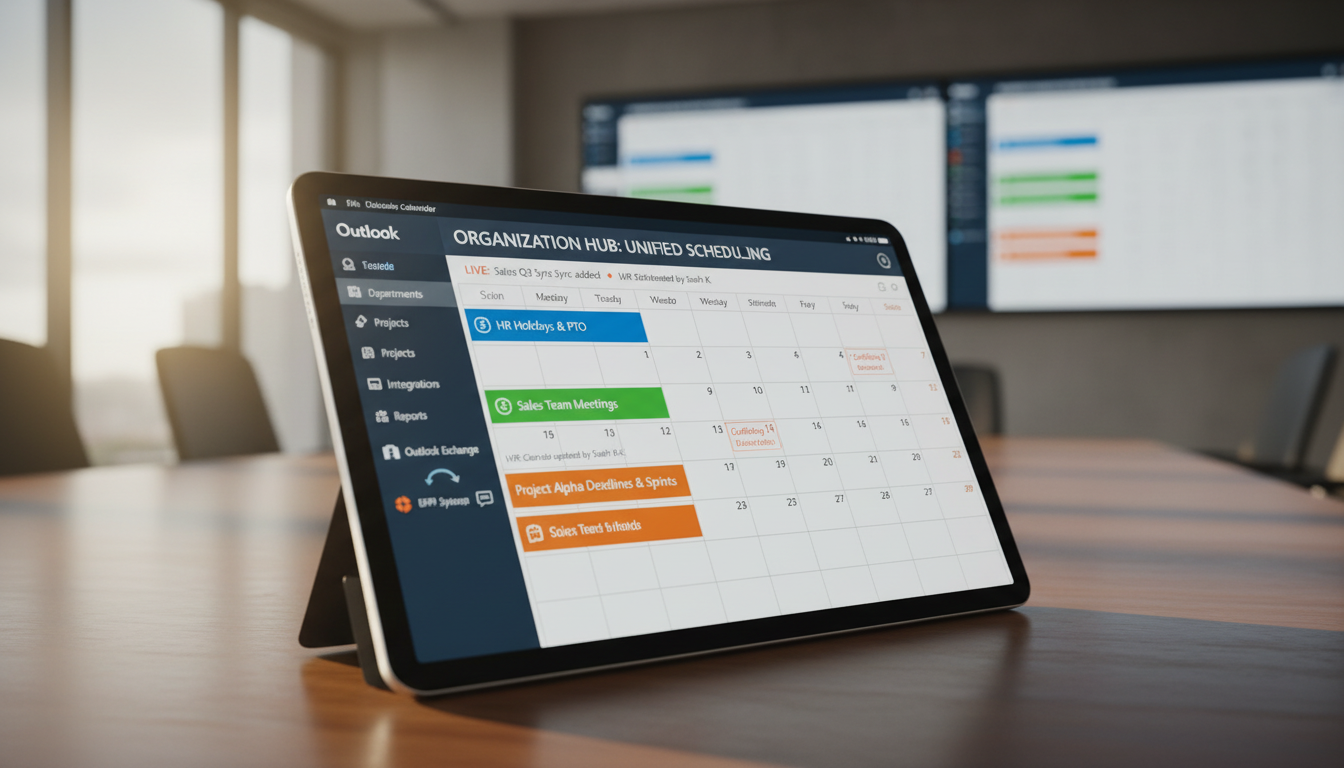
- 🧭 Sync department-wide calendars for unified visibility.
- 📅 Track HR holidays, sales meetings, and project deadlines in one view.
- 💬 Improve inter-team communication through shared calendar access.
- 🔄 Real-time updates ensure all users see the latest event data.
- 📊 Enhance collaboration by integrating Outlook with ERP workflows.
Who Can Benefit from the System?
Organizations that rely on Outlook and ERP workflows to manage meetings, deadlines, appointments, and cross-team scheduling with accuracy and visibility.
🏢 Corporate Offices & Enterprises
Overview:
Simplify scheduling and ensure that meetings, deadlines, and events stay synchronized across all departments.
Key Benefits:
📅 Unified Calendar View: Merge HR, Sales, and Project calendars into one platform.
⚙️ Automatic Sync: Keep all events updated across Outlook and ERP in real time.
🧭 Productivity Boost: Minimize time lost to miscommunication or scheduling errors.
🏥 Healthcare & Hospital Management
Overview:
Perfect for hospitals or clinics that schedule appointments, consultations, and shift rotations daily.
Key Benefits:
🏥 Appointment Coordination: Sync patient bookings with Outlook instantly.
🩺 Doctor & Staff Scheduling: Manage shifts, on-call rotations, and meetings efficiently.
📞 Reminder Alerts: Send Outlook-based reminders for upcoming appointments.
🏬 Retail & Sales Organizations
Overview:
Ideal for sales teams managing client visits, demos, and negotiations through multiple channels.
Key Benefits:
💼 Meeting Management: Schedule and sync customer meetings automatically.
📊 Pipeline Coordination: Link calendar events to sales or CRM modules.
🔄 Team Visibility: Ensure sales reps and managers share a unified event view.
🏫 Educational Institutions
Overview:
Enhance academic planning and administrative coordination with synchronized events and academic calendars.
Key Benefits:
🎓 Class & Exam Scheduling: Sync institutional events with Outlook for all staff.
🗓️ Academic Calendar Integration: Centralize faculty and administrative schedules.
👥 Collaboration: Coordinate meetings and workshops efficiently.
💼 Recruitment & HR Departments
Overview:
Streamline interview scheduling, onboarding, and team coordination through centralized calendar integration.
Key Benefits:
🧑💼 Interview Scheduling: Link Outlook events with recruitment and HRM modules.
📋 Onboarding Timelines: Track key HR deadlines and meetings in real time.
📅 Leave & Holiday Management: Maintain updated calendars across teams.
Latest insights and updates on technology trends and innovations
Cloud vs. On-Premise: Which Is Right for Your Business?
The Ultimate Guide to Cybersecurity for Small Businesses
How Automation is Revolutionizing Workplace Productivity
Optimizing Business Operations with Cloud Computing
Adopting Cloud Strategies for Scalable Growth
Harnessing Cloud Solutions to Drive Innovation
Ready To Transform Your Business? Book a Free Consultation
Let’s shape the future of your business together.